
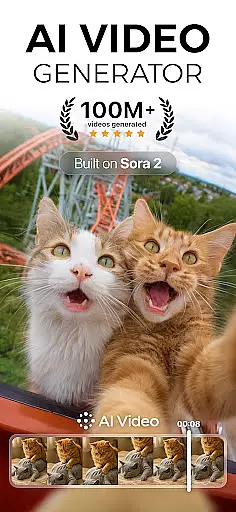
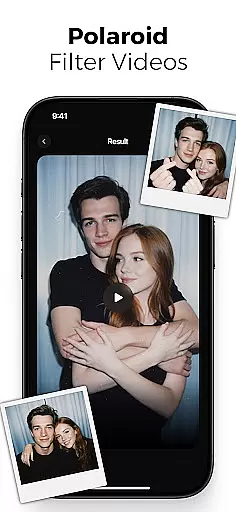
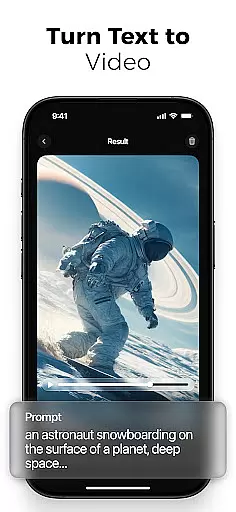
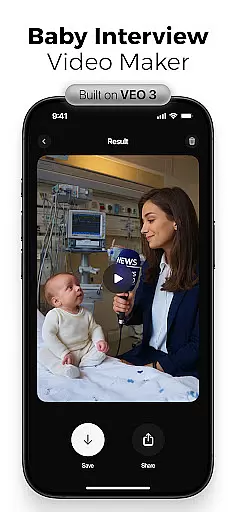
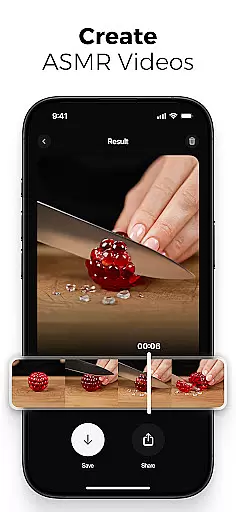
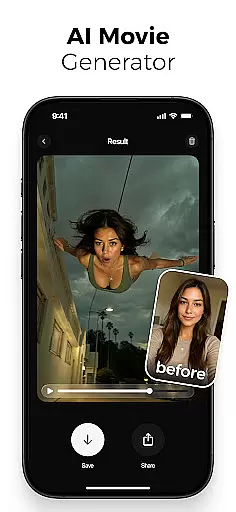
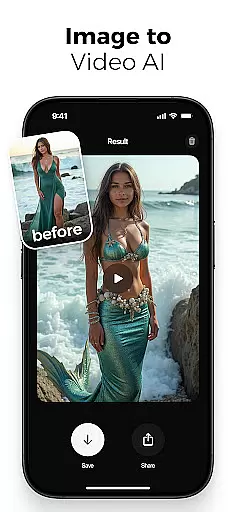
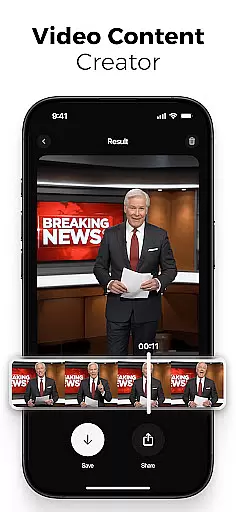
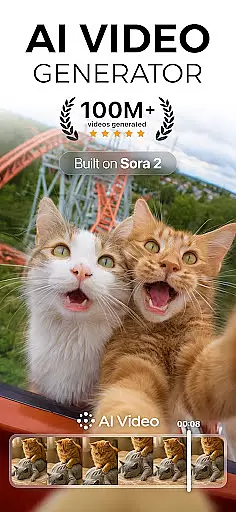
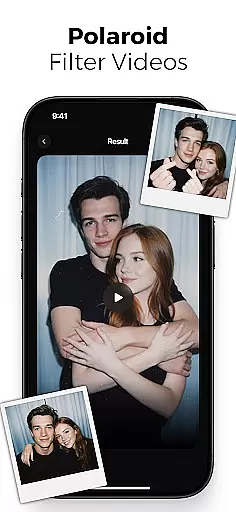
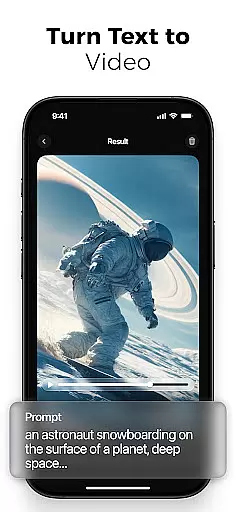
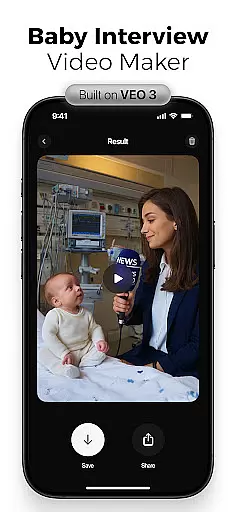
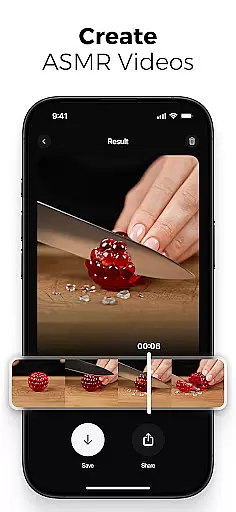
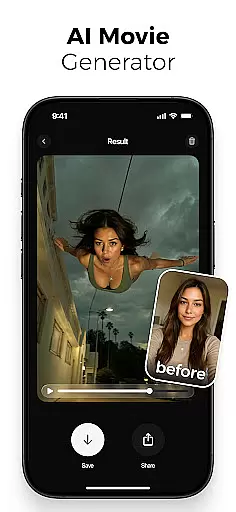
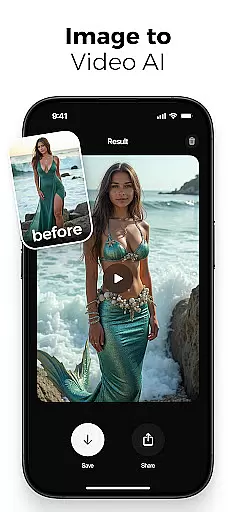
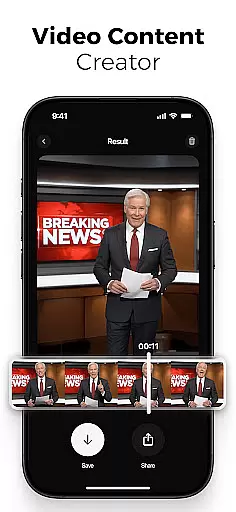
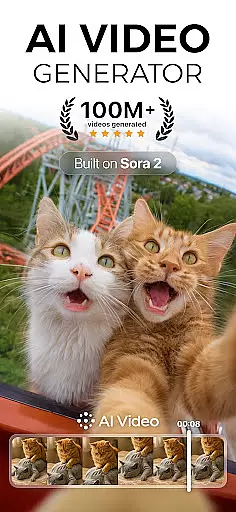
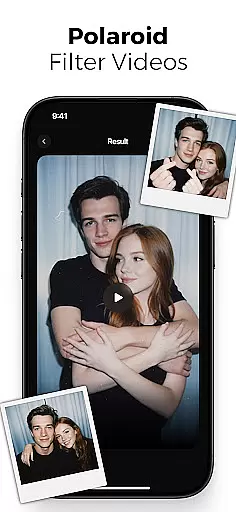
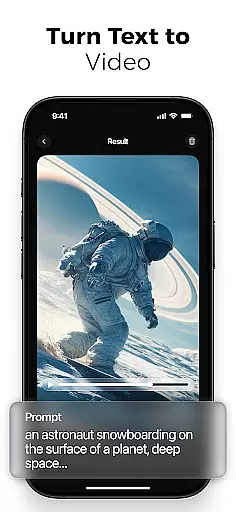
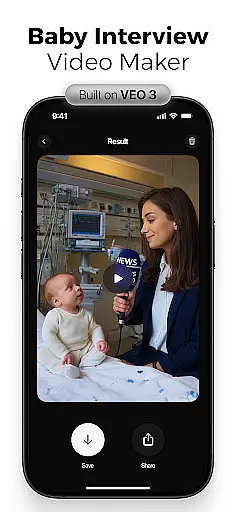
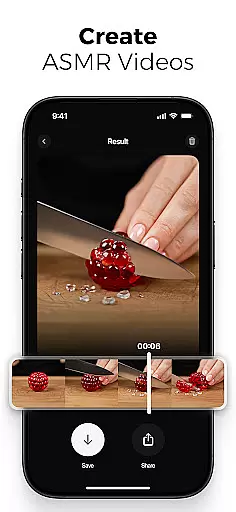
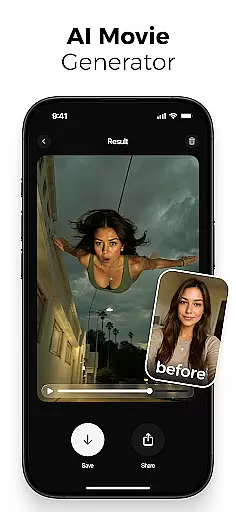
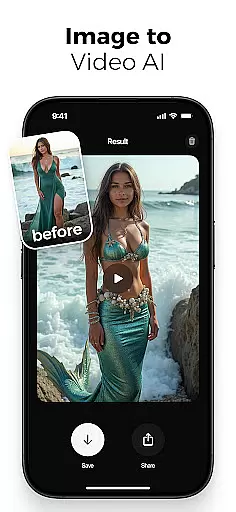
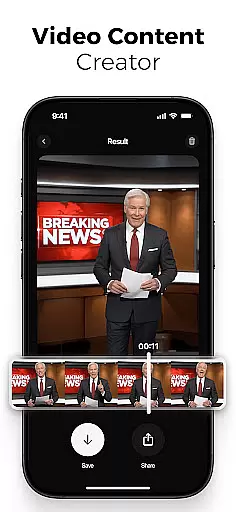
AI Video is a revolutionary photography app that transforms static images and text into dynamic, high-quality animated videos. This all-in-one AI video generator allows users to create stunning visuals with minimal effort, featuring advanced tools like polaroid filters, character animations, and automatic lip-sync capabilities.
The app's powerful AI engine, powered by Google DeepMind's Veo3 model, understands context and emotions to produce emotionally rich characters and scenes. Whether you're a marketer creating promotional content or an educator developing instructional materials, AI Video provides a complete toolkit for generating professional-grade videos.
This versatile application serves various user groups including creators, educators, and storytellers, enabling them to produce everything from social media reels to educational explainers without requiring any design or animation skills.
AI Video stands out with its comprehensive feature set designed for both beginners and professionals. The app's AI text-to-video generator converts written ideas into animated scenes while the image-to-video creator brings still photos to life through motion and expression.
Users can benefit from sophisticated animation tools including realistic facial emotions, customizable scene transitions, and built-in voiceover capabilities with automatic lip-sync. The app also includes an extensive media library featuring backgrounds, sound effects, and cinematic filters.
What makes AI Video particularly unique is its implementation of Google's Veo3 Fast Model, offering specialized effects such as mermaid transformations, skydiving actions, and ASMR immersive modes. These features enable creators to produce distinctive content that stands out across various platforms.
Real-time capture and preview functionality is essential for any photography app as it allows users to see exactly what the camera is capturing before taking a shot. This ensures that the framing, lighting, and composition are all correct, reducing the need for post-processing adjustments.
AI Video offers an advanced real-time capture system that leverages AI technology to enhance the preview experience. The app provides live filters and effects that can be applied and viewed instantly through the camera interface. Whether you're aiming for a polaroid filter or mermaid transformations, these effects are rendered in real time, giving creators immediate feedback on how their final video will look.
Users benefit from this feature by being able to make instant creative decisions. With AI Video's real-time capabilities, they can experiment with different styles and animations without delay, ensuring that their vision is accurately captured. This saves time during the editing process and allows users to focus more on content creation rather than corrections.
The value of real-time capture and preview extends beyond convenience; it empowers creators to produce high-quality videos efficiently. By integrating cutting-edge AI models like Google DeepMindu2019s Veo3, AI Video ensures that every frame reflects the intended emotion and context, making it an indispensable tool for modern storytellers.
AI beauty and enhancement features have become a staple in photography apps, allowing users to refine and perfect their images and videos. The naturalness of these enhancements is crucial, as overly processed results can appear artificial and detract from the authenticity of the content.
AI Video stands out by offering AI-powered beauty tools that maintain a balance between enhancement and realism. The app uses sophisticated algorithms to analyze facial features and apply subtle adjustments that enhance natural beauty without compromising the original look. From smoothing skin textures to brightening eyes, each modification is designed to preserve the subject's unique characteristics while elevating overall appearance.
This approach benefits users by providing them with professional-grade enhancements that feel genuine. Creators can confidently produce visually appealing content knowing that the AI enhancements will not overshadow the true essence of their subjects. This feature is particularly valuable for marketers and educators who rely on authentic visuals to engage their audience effectively.
By prioritizing naturalness in its AI beauty and enhancement tools, AI Video ensures that users can achieve polished yet believable results. This commitment to quality enhances user satisfaction and supports diverse creative needs, making AI Video a go-to solution for anyone looking to elevate their visual storytelling.
User-friendly interface
Advanced AI capabilities
Versatile content creation
Professional-grade output
Extensive effect library
Subscription-based pricing
Internet connection required
Learning curve for beginners
Limited free features
Resource-intensive operation

Photo Album Watch Face shows your favorite pictures as a Watchface.
 1.90
1.90
How would you look like with a differently shaped nose, chin or lips?
3.90
Search, tag and rate your way to an organized image gallery
4.40
How old age camera Gender Swap App Face Shape Hairstyle App Hair Styler App fun!
4.00
Photo prints, cards, & gifts at Walgreens. Easy ordering & fast local pickup !
4.80
AI photo editor with hair editor, retouch tools, hair color changer & filters!
4.50
AI photo enhancer with Sora 2! Enhance, descratch, and colorize your old photos.
4.50
Your personal guide to the sun and moon. Plan ahead, visualize and predict!
4.70
Try an anime version, cartoon yourself, and generate AI hug or aging videos!
3.70
Enhance, upscale, and transform your images — on your device, without limits
4.70
Discover & download millions of art for The Frame TV or Hisense CanvasTV
4.60
Create collages easily! Nice pic collage maker & background eraser for Instagram
4.50
HD Camera Pro with HD Video shooting, Panorama, Photo editor , Beauty Camera.
4.50
Photo editor & gallery. Crop pictures & edit photos offline, no wifi!
4.50
AI-powered video creator by MiniMax - Where ideas meet cinema
4.20
What celebrity do you look like? Celebs will find your celebrity match!
4.10
Photobooth mini FULL app will allow you to add more fun to your parties
4.00
Turn photos into cartoons & avatars! - Photo Editor, Cartoon Face!
3.90
Create amazing frames with up to five photos. Rounded corners, effects and more!
3.60


User Reviews