
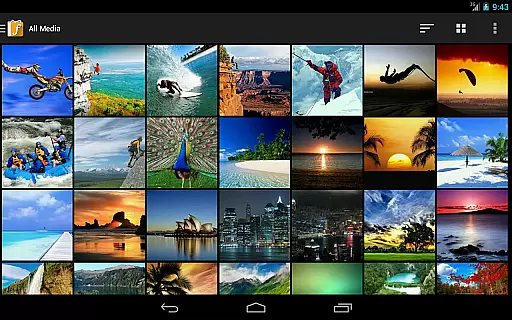
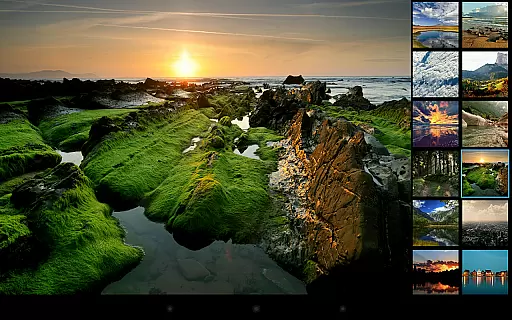
F-Stop Pro is a premium upgrade for the F-Stop Media Gallery app, designed to enhance photo management with advanced features. This Photography app unlocks functionalities like Places, Search, and Write Metadata, allowing users to organize and edit media efficiently.
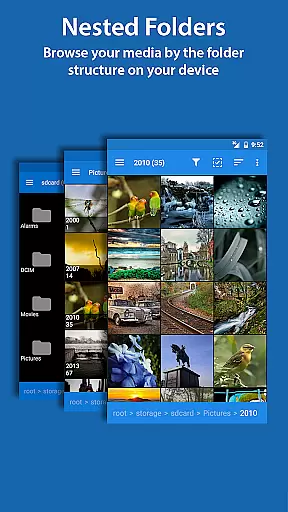
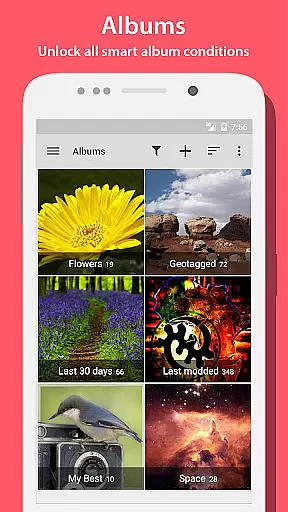
With PRO features, users can browse media on Google Maps, perform unlimited searches, and save metadata directly into JPG files. The app also offers Custom Sorting, Nested Albums, and Smart Albums, providing a tailored experience for organizing large photo collections.
Perfect for photographers and hobbyists who need robust tools to manage extensive media libraries. F-Stop Pro transforms basic gallery functions into a powerful asset management system, streamlining workflows and enhancing productivity.
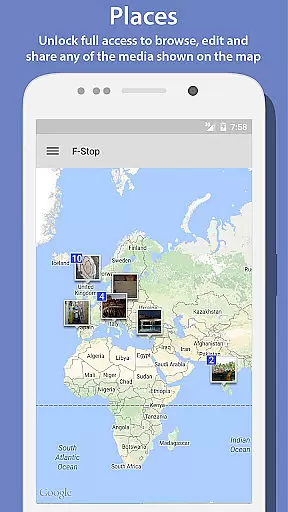
The application boasts an array of professional-grade features that cater to diverse photo management needs. Its integration with Google Maps enables geo-tagging and location-based browsing of media assets.
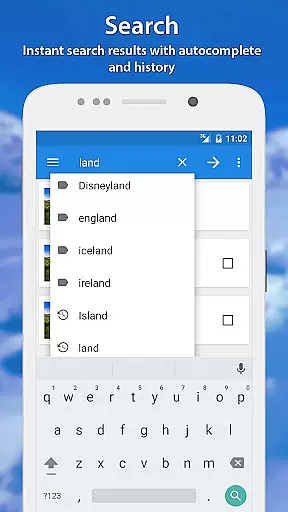
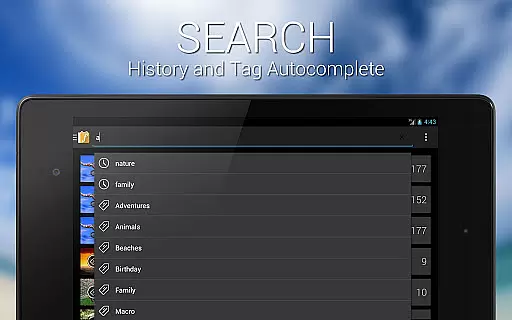
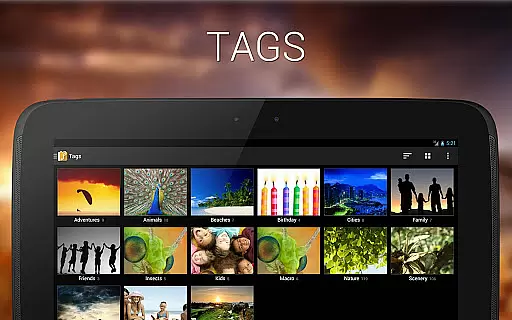
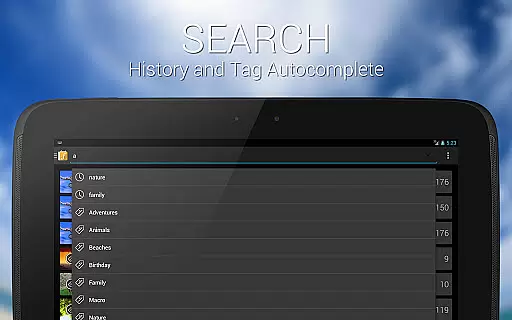
Users benefit from enhanced search capabilities returning complete results, XMP metadata writing for cross-platform compatibility, and intuitive drag-and-drop sorting. The app's sophisticated album system supports nested structures and smart conditions based on various parameters.
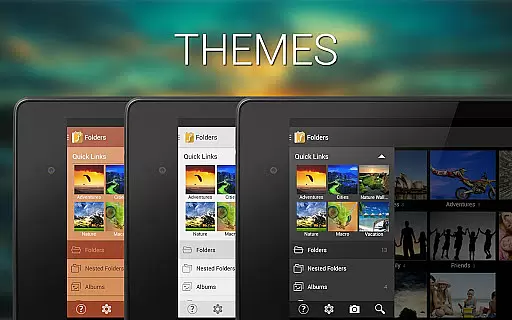
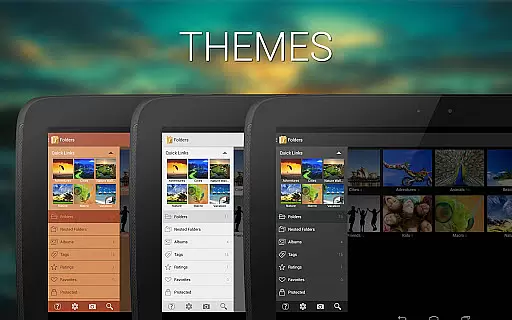
Additional features include customizable navigation, unlimited bookmarks, multiple themes, and flexible startup screen options. These tools collectively provide photographers with unprecedented control over their digital assets.
Real-time capture and preview functionality is essential for photography applications as it allows users to see exactly what the camera sees before taking a shot. This ensures that users can make necessary adjustments to achieve the desired outcome.
Photo Album F-Stop Pro enhances this feature by integrating with Google Maps, allowing users to view their media on a map in real time. This powerful combination not only provides an intuitive interface but also unlocks full access to browse, edit, and share any media shown on the map.
With the PRO version, users benefit from unlimited search results that return all media matching the search criteria, compared to just 10 in the free version. This expanded capability significantly improves the user experience by providing instant access to a broader range of content.
Overall, the real-time capture and preview features in Photo Album F-Stop Pro empower photographers to efficiently manage and interact with their media, ensuring they never miss an important moment or detail.
AI beauty and enhancement features are increasingly popular in photography apps, offering tools to improve image quality while maintaining natural aesthetics. These enhancements help users produce professional-looking photos without extensive editing knowledge.
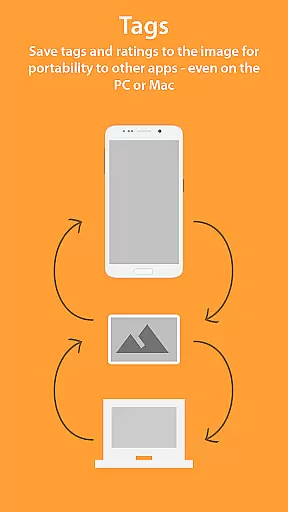
In Photo Album F-Stop Pro, AI-driven functionalities include writing metadata directly into JPG images and creating sidecar files for other supported formats using the XMP standard. This ensures compatibility with popular applications like Adobe Lightroom and Apple Aperture, preserving the integrity and natural look of the original images.
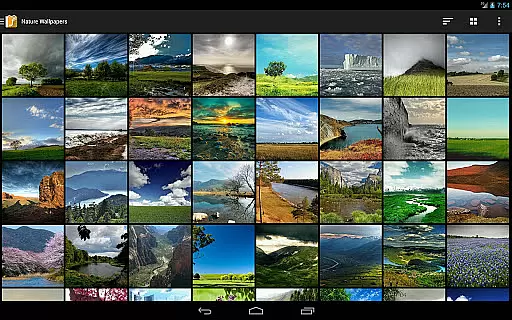
The app also offers custom sorting through drag-and-drop capabilities, enabling users to organize their media in any preferred order. Additionally, customizable themes allow users to tailor the appearance of F-Stop to their liking, enhancing both usability and visual appeal.
By focusing on natural enhancement techniques and user customization, Photo Album F-Stop Pro delivers a superior photography experience that respects the authenticity of each captured moment.
Comprehensive feature set
Intuitive user interface
Advanced organizational tools
Cross-platform metadata support
Flexible customization options
Requires free version
Separate installation needed
Device reboot may be necessary
KitKat write limitations
SD card permission issues

Photo editor: face & body editor, beauty cam, filters and quality enhancer.
 4.00
4.00
Photobooth mini FULL app will allow you to add more fun to your parties
4.00
How old age camera Gender Swap App Face Shape Hairstyle App Hair Styler App fun!
4.00
Edit like a pro with Hypic. Apply filters, AI effects, & magic touch.
4.40
Android Native system HD camera app. Never been so simple and faster.
4.70
AI photo editor with hair editor, retouch tools, hair color changer & filters!
4.50
Astrophotography with your smartphone, photo live stacking and much more!
3.90
Pro version: AR sun/moon tracker for any date. Tool for photographers & planners
4.90
A light meter for true photographers.
4.20
Perfect body tune & face app - photo retouch, makeup, slim body & beautify face.
4.80
Cartoon and artistic effects for your photos and videos
4.70
PhotoSync Bundle Add-On License. Enables all features and services in PhotoSync.
4.60
Trendy TikTok time warp scan funny filter app brings you unique photos & videos.
4.40
Professional camera app that brings DSLR manual photography controls to Android.
4.20
Create & Edit with AI: AI Remove, Enhance, Retouch, Filter
4.10
Transform Photos: Edit, Beautify and Craft Memories & Make Collages!
4.10
How would you look like with a differently shaped nose, chin or lips?
3.90
Superimpose one photo on top of another using the original Superimpose app!
3.20
Raw Image Viewer. Gallery with support of raw images (.cr3, .cr2, .nef, .raf).
2.00


User Reviews