
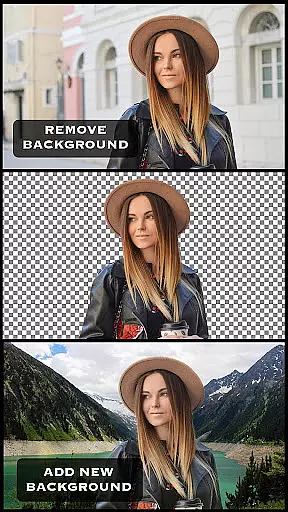
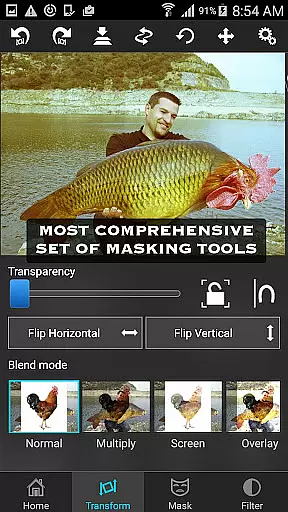
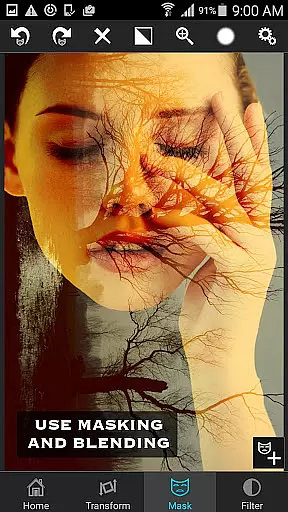
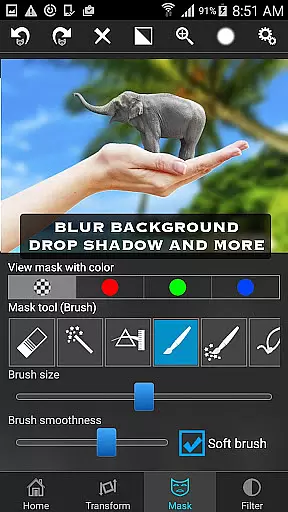
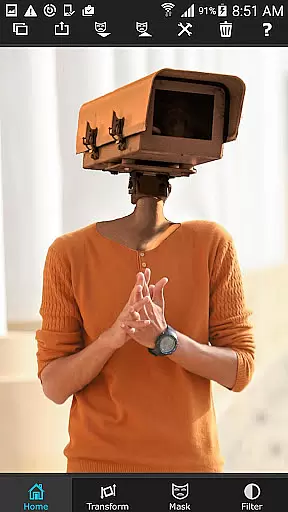
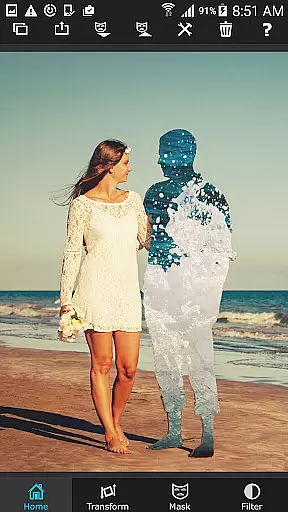

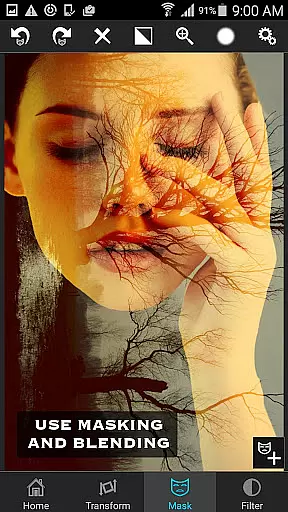
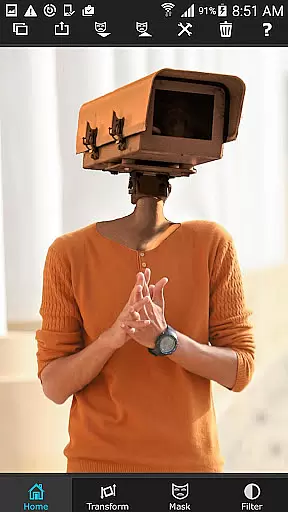
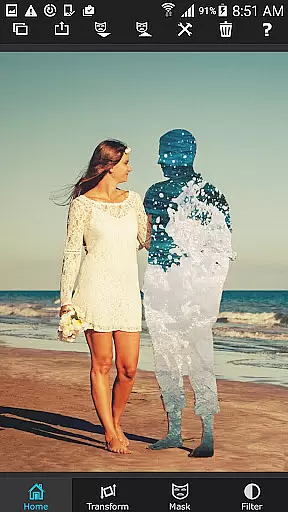

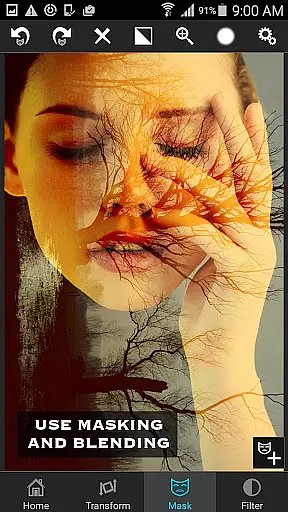
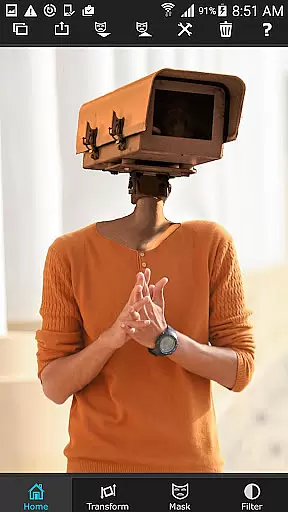
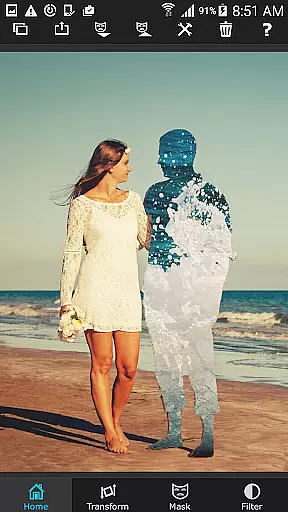

Superimpose is a powerful photo editing app that allows users to create professional-grade superimposed or juxtaposed images directly on their iPhone. With just a few taps, you can seamlessly blend textures, overlay borders, or perform double exposure with adjustable transparency and 18 blending modes.
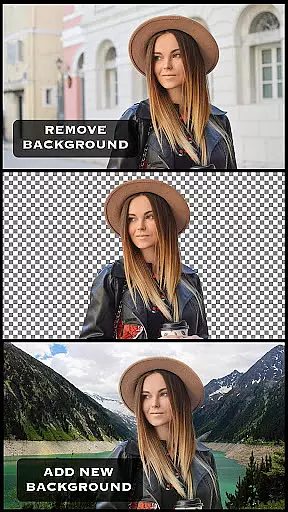
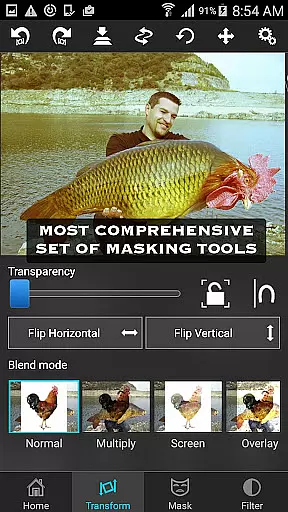
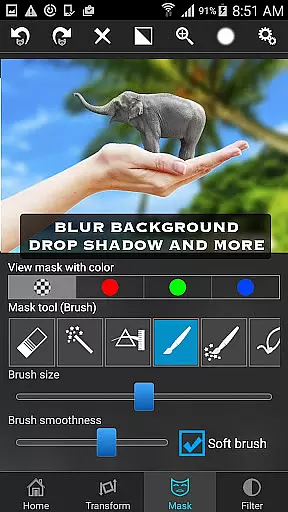
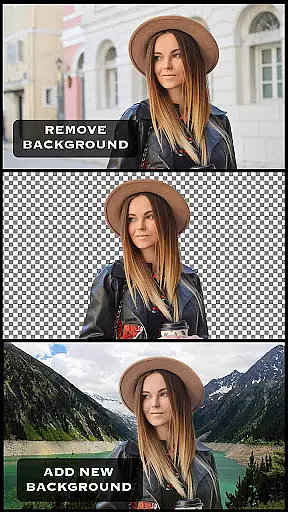
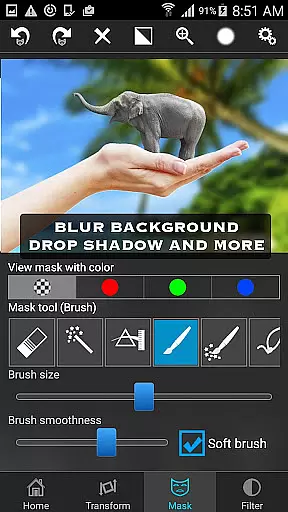
The app offers an extensive range of masking tools to cut/copy/paste one photo onto another without the need for a computer or expensive software. You can mask out unwanted portions, smoothen edges, move, scale, resize, rotate, flip, and adjust colors to match both images perfectly.
Whether you're looking to create stunning visual effects or perform serious photo editing tasks, Superimpose provides all the necessary tools to amaze your friends and elevate your creativity.
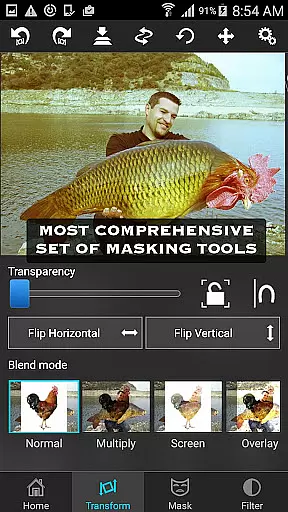
Superimpose stands out with its comprehensive suite of features designed for both casual users and professional photographers. The app includes a wide array of masking tools such as brush, lasso, global color similarity, rectangle, ellipse, linear, bi-linear, and radial gradient masking.
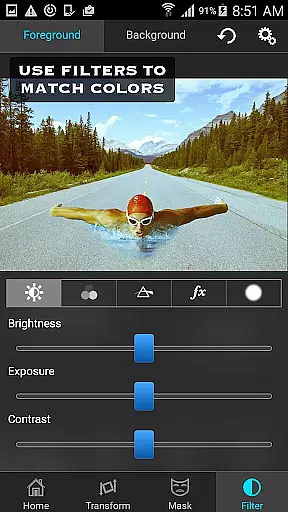
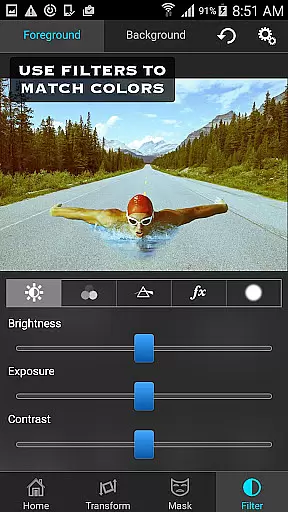
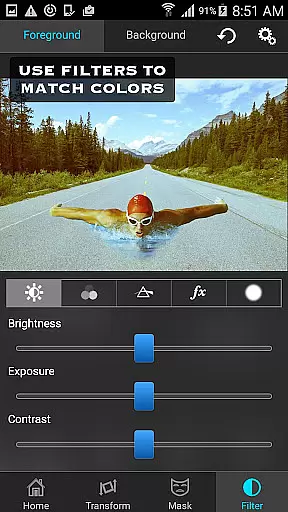
Users can adjust the exposure, contrast, hue, and saturation of both foreground and background images to achieve perfect color matching. Additionally, the app supports advanced editing tasks like blending textures, overlaying borders, and performing double exposure with adjustable transparency and 18 blending modes.
With intuitive controls for moving, scaling, resizing, rotating, and flipping images, Superimpose ensures precise placement and seamless integration of elements. Its user-friendly interface and powerful functionality make it an indispensable tool for anyone interested in photo editing.
Real-time capture and preview functionality is essential for photography apps like Superimpose. This feature allows users to see the results of their edits instantly as they apply different effects or adjustments.
Superimpose offers a dynamic editing environment where users can load foreground and background images, then immediately see the impact of their masking, color adjustments, and transformations. The app provides a variety of tools such as masking, smoothening, and color correction, all of which are applied in real time.
The advantage of real-time capture and preview is that it significantly enhances the creative process. Users can experiment with different settings and instantly see how these changes affect the final composition, allowing for quick iterations and fine-tuning without any delays.
This instant feedback loop not only saves time but also makes the photo editing experience more engaging and intuitive. Photographers can achieve professional-grade superimpositions effortlessly, ensuring that their final images meet their creative vision before sharing them with others.
AI beauty and enhancement features have become increasingly popular in photo editing applications. These tools leverage advanced algorithms to improve image quality while maintaining a natural look, avoiding the over-processed appearance that can detract from an image's authenticity.
Superimpose incorporates AI-driven enhancements that assist users in perfecting their photos. From adjusting exposure and contrast to fine-tuning hues and saturation, the app ensures that every modification enhances the original image without making it appear artificial.
One significant benefit of using AI for beautification is its ability to intelligently recognize and adjust specific elements within a photo. Whether smoothing rough edges after masking or blending textures seamlessly, the appu2019s AI capabilities ensure that each edit looks organic and true to life.
By prioritizing naturalness in AI enhancements, Superimpose empowers users to create stunning compositions that retain their genuine essence. This approach not only elevates the aesthetic appeal of edited photos but also preserves the integrity of the photographer's artistic intent.
User-friendly interface
Wide range of masking tools
Adjustable transparency and blending modes
Powerful color adjustment options
Comprehensive photo editing capabilities
May have a steep learning curve
Some features require precision
Limited to iOS platform
Advanced tools might overwhelm beginners
In-app purchases for additional features

Gallery show photo, video, slideshow, is perfect 3D effect private photo albums.
 4.80
4.80
Create & Edit with AI: AI Remove, Enhance, Retouch, Filter
4.10
Natural Beauty, Selfie Retouch
4.30
Light-weight Media Gallery app for Android made with Jetpack Compose
4.60
Easily create custom gifts, cards, photo books & more on the Shutterfly app!
4.60
Astrophotography with your smartphone, photo live stacking and much more!
3.90
The original Rarevision VHS look seen everywhere!
4.70
Remote control the phone camera shutter from your smartwatch and take a picture
1.60
Welcome to ProShot, the most powerful camera app on Android.
4.20
Your personal guide to the sun and moon. Plan ahead, visualize and predict!
4.70
Safe & smart flight with Go Fly drone controller for 40+ drone camera, zone map
4.50
Cut and paste photo editor & eraser to customize photos easy and swap faces fun
4.50
Photo editor & gallery. Crop pictures & edit photos offline, no wifi!
4.50
Create AI photos & videos with Enhancer; restore, fix, beautify, enhance photos
4.50
Trendy TikTok time warp scan funny filter app brings you unique photos & videos.
4.40
A reflected light meter with spot metering and incident light metering.
4.40
Future baby face generator: AI kids generator, kid face! What my baby look like?
4.40
Virtual makeup, hair filters & body tuner—edit from face to full body!
4.20
A light meter for true photographers.
4.20


User Reviews