
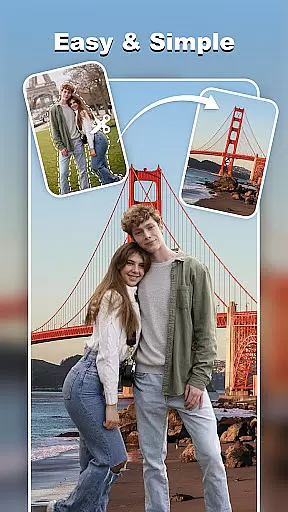
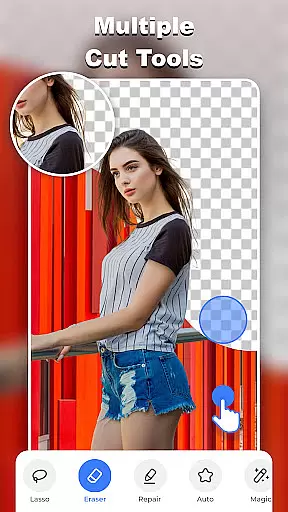
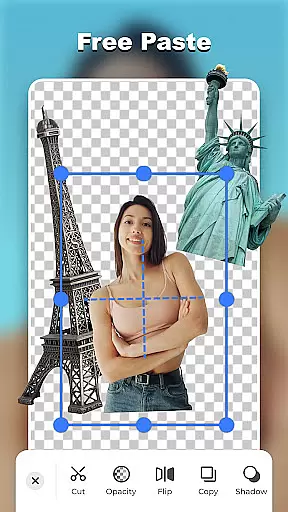
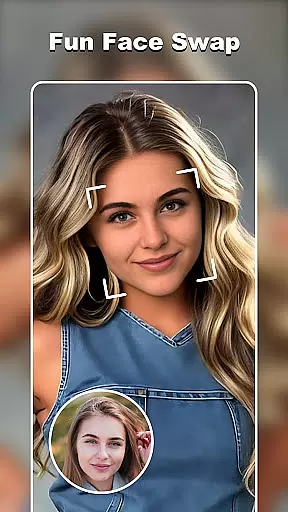

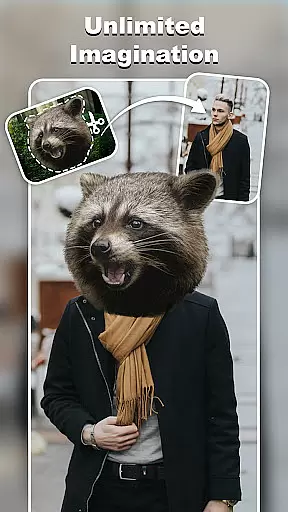
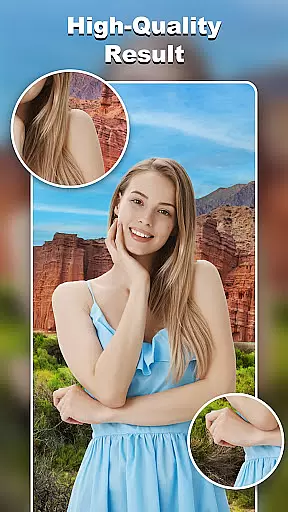
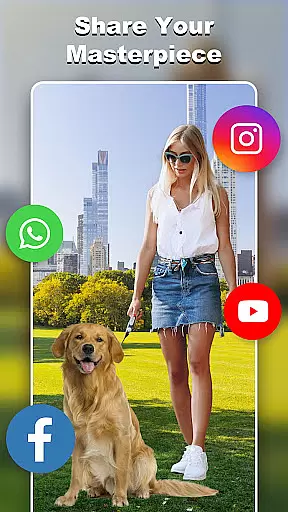
Cut and Paste Photo Editor is a powerful AI-driven photo editing tool designed to simplify the process of cutting and pasting objects in images. With just a few taps, users can effortlessly create high-quality cutouts, swap faces, remove backgrounds, and more.
The app offers an intuitive two-step process: cut what you need and paste it wherever you want. This allows for creative freedom in crafting stunning photo collages or professional-looking product photos for e-commerce platforms like Amazon and Etsy.
Whether you're looking to enhance your personal photos or improve your online business presence, this app provides limitless possibilities for creativity and customization.
This app stands out with its comprehensive suite of editing tools. The Magic Cutting feature includes options like background eraser, lasso, smooth, repair, auto-cut, and magic cut, ensuring precise edits down to the pixel level.
Users can take advantage of the Online Background Library, which offers unlimited ready-to-use backgrounds. From scenic views to artistic backdrops, transforming your photos is seamless and hassle-free.
In addition to its core features, Cut and Paste Photo Editor also includes fun extras such as face swapping, color adjustments, neon backgrounds, and text captions with 20+ unique fonts. These features make it easy to create truly personalized and eye-catching images.
Real-time capture and preview functionality is essential for any photography app as it allows users to see exactly what the camera sees before taking a shot. This ensures that the framing, lighting, and composition are all perfect before capturing the moment.
Cut and Paste Photo Editor offers an intuitive real-time capture feature that leverages advanced AI algorithms to provide users with instantaneous previews of their edits. Whether you're adjusting backgrounds or swapping faces, the changes appear seamlessly in real time.
This immediate feedback empowers users to make precise adjustments on the fly, enhancing both efficiency and creativity. With this tool, photographers can experiment with different styles and instantly see the results, ensuring their final images meet professional standards.
Ultimately, the real-time capture and preview capability not only saves time but also elevates the overall user experience by making photo editing more interactive and engaging.
AI beauty and enhancement features have become a staple in modern photo editing applications, allowing users to refine and beautify images while maintaining natural aesthetics. The key lies in balancing enhancement with authenticity so that edited photos do not appear overly processed.
In Cut and Paste Photo Editor, AI-powered tools offer sophisticated enhancements such as skin smoothing, blemish removal, and facial feature refinement. These features utilize machine learning models trained on vast datasets to ensure edits look genuine and retain the subject's original character.
Users benefit from customizable settings that let them control the intensity of enhancements, thus preserving the natural look of their photos. This flexibility caters to diverse preferences, whether someone seeks subtle touch-ups or more pronounced alterations.
By prioritizing naturalness in AI beauty enhancements, Cut and Paste Photo Editor delivers polished yet authentic results, empowering users to create stunning visuals that still feel true to life.
User-friendly interface
AI-powered editing tools
Versatile background options
High-quality results
Fun creative features
Limited advanced tools
Occasional processing delays
Some features require payment
Ads may disrupt workflow
Learning curve for beginners

Perfect body tune & face app - photo retouch, makeup, slim body & beautify face.
 4.80
4.80
Photo editor: AI filters, photo enhancer, pic collage maker, AI art generator.
4.80
Take videos and pictures with the popular TikTok TIME WARP SCAN filter.
4.60
Create Business Headshots, Polaroid Filter, Retake Photos,Profile Pics,AI Photos
4.50
Over 800 film simulation recipes for Fujifilm. Black Friday Offer!
4.5
Movie camera, supports pro recording settings for filming. Try it and be amazed!
4.50
Create amazing frames with up to five photos. Rounded corners, effects and more!
3.60
Hair color changer, AI haircut app, fun hair editor and buzz cut filter for all!
3.80
Photo & Video Gallery app to manage albums and save WA Status easily.
4.70
Find time and duration of different sunlight phases at any location
4.90
A collection of tools and reference tables for DPs, ACs, DITs and Operators.
4.70
Your personal guide to the sun and moon. Plan ahead, visualize and predict!
4.70
A must-have app for landscape photographers
4.60
Photo editor & gallery. Crop pictures & edit photos offline, no wifi!
4.50
Shooting photos and records video easily and efficient with professional Camera
4.30
All-in-One Editor & AI Photo Enhancer, Beautify & Retouch, Collage, Cartoonify
4.20
Superimpose one photo on top of another using the original Superimpose app!
3.20
Professional video recording application with manual controls for filmmakers!
2.80
Add a dreamy vibe to your selfies and videos with soft style filters
4.0


User Reviews