
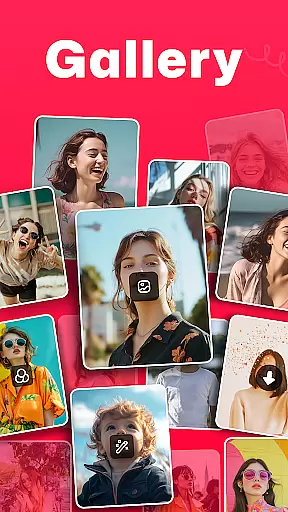
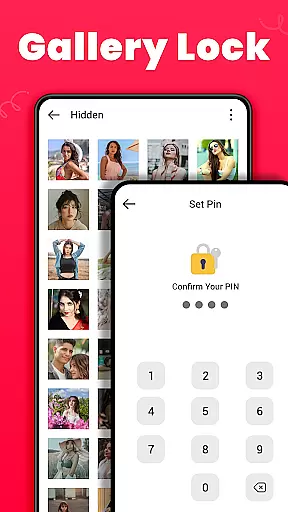
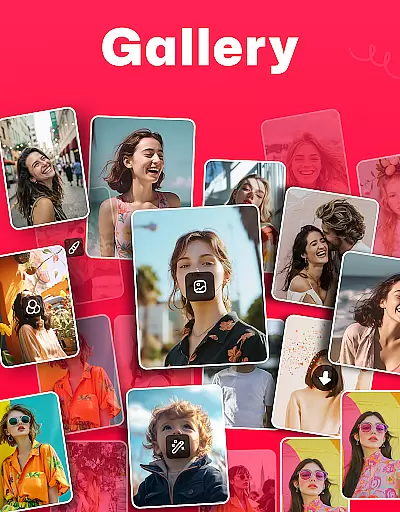
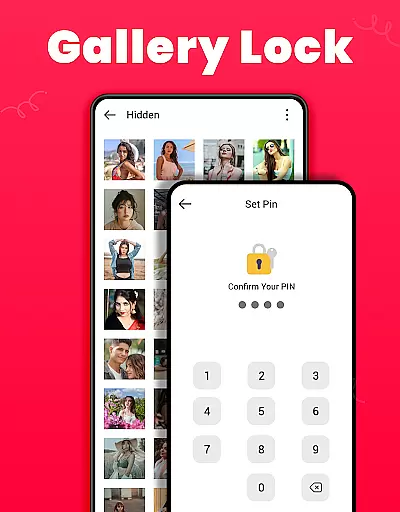
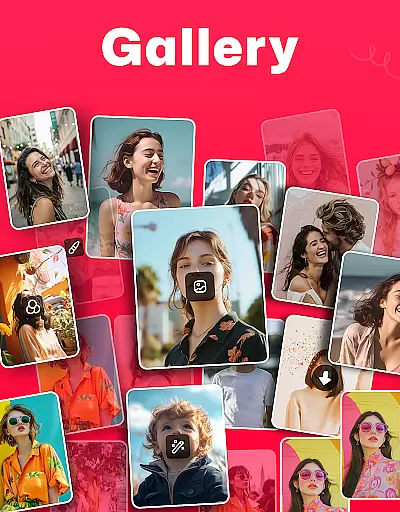
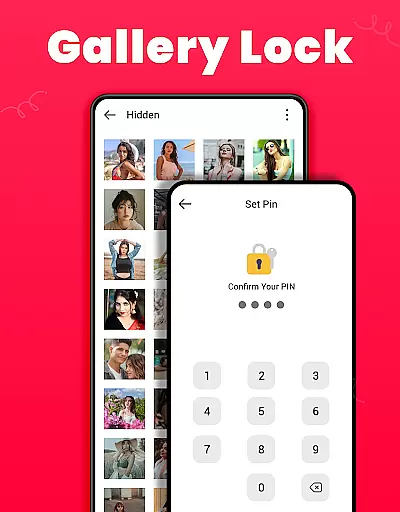
Gallery is an offline photo and video management app designed for Android users. It offers a comprehensive suite of features including photo editing, sharing capabilities, and the ability to restore deleted media. The app also provides a secure Gallery Lock feature that safeguards private photos and videos in a protected vault using a PIN or password.
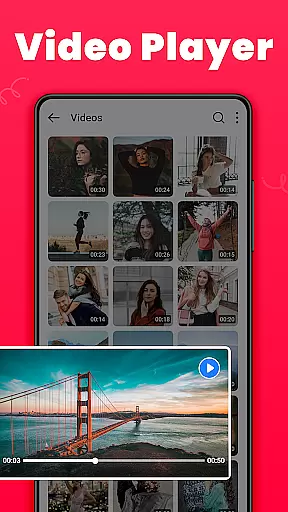
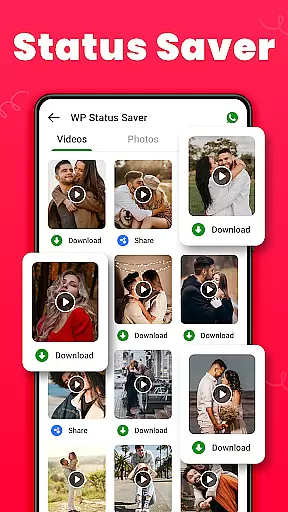
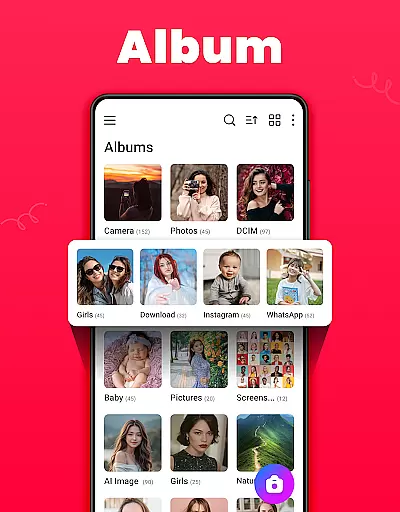
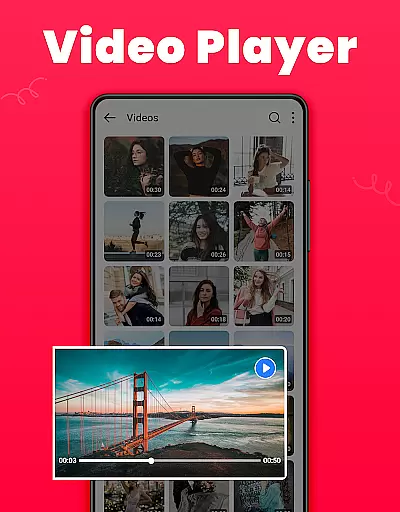
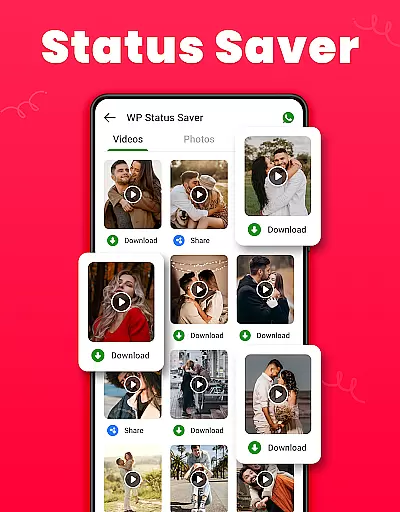
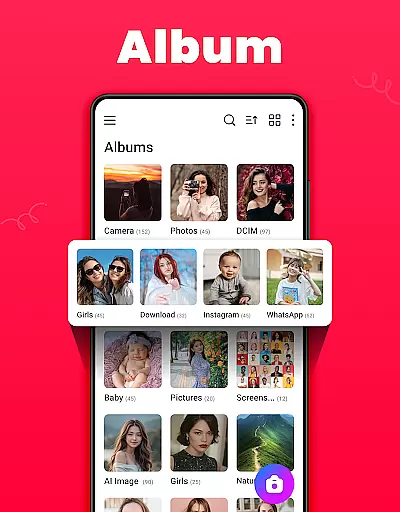
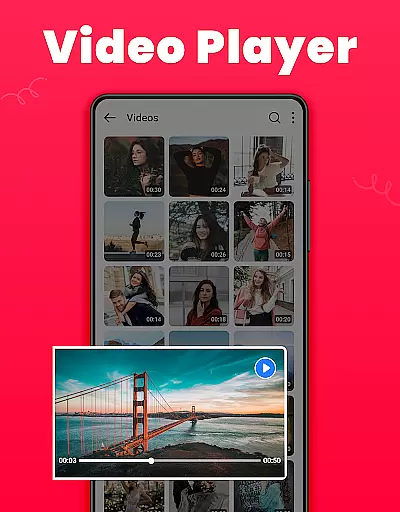
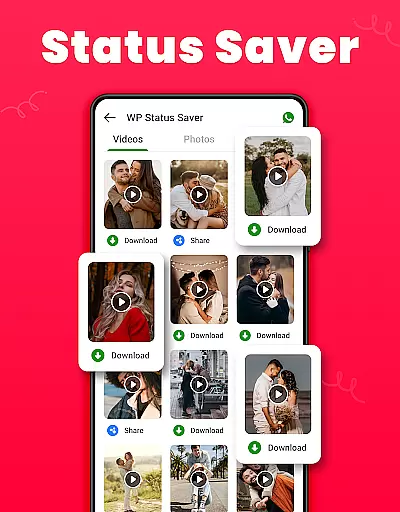
With its user-friendly interface, Gallery automatically organizes media files by their path and allows easy viewing and editing of photos and videos. It supports HD video playback and includes a Recycle Bin feature for recovering mistakenly deleted media. Additionally, users can download and save WhatsApp statuses directly within the app.
This app is ideal for individuals seeking a reliable and feature-rich solution for managing their digital memories while maintaining privacy and security.
Gallery stands out with its diverse range of features tailored for efficient media management. The app's Gallery Lock functionality ensures maximum privacy by securing sensitive content behind a PIN or password, making it inaccessible to unauthorized users.
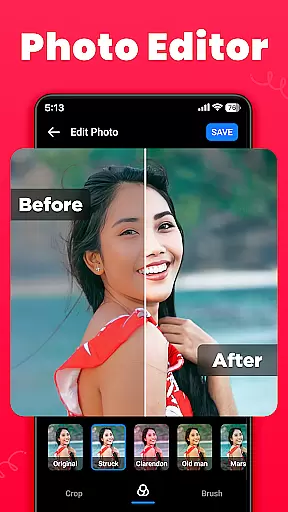
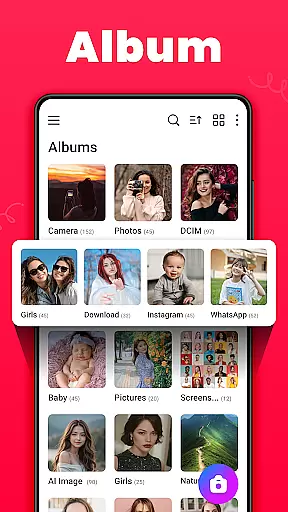
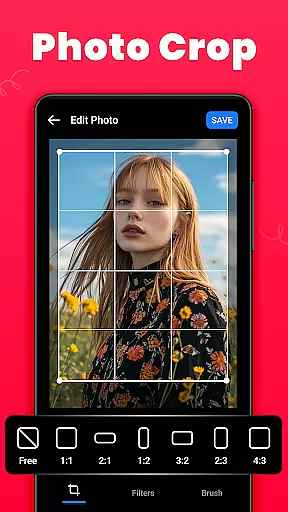
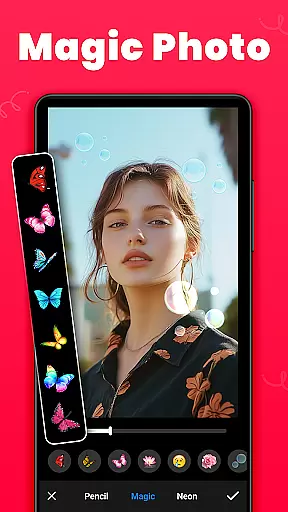
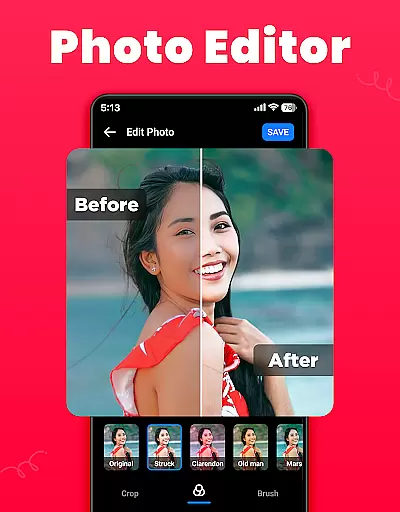
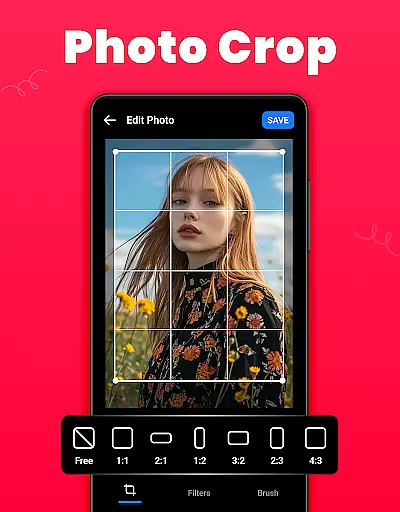
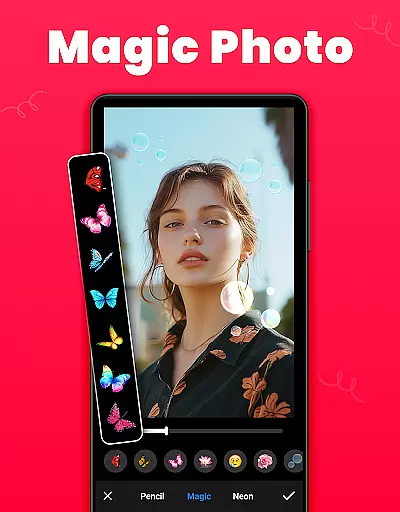
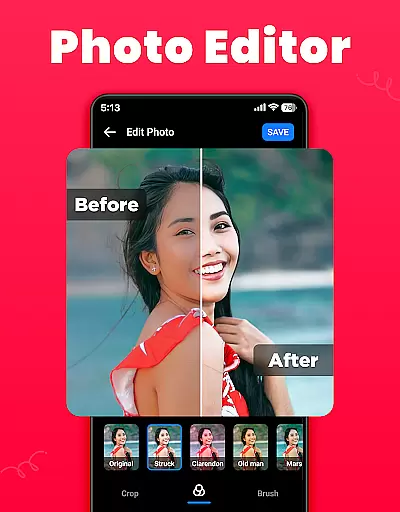
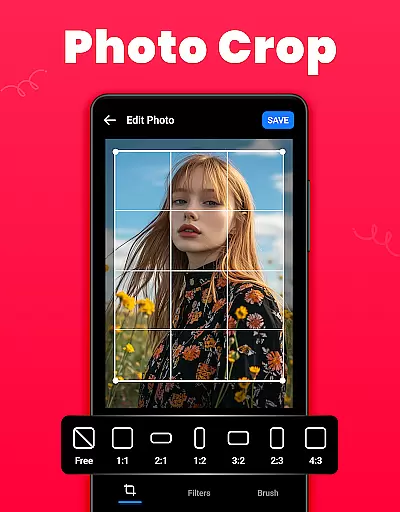
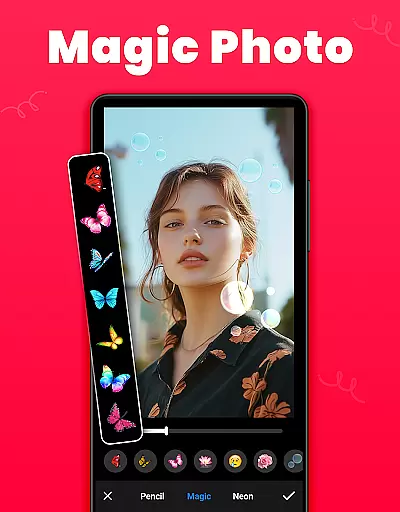
One of the key highlights is the built-in photo editor, which includes tools like crop, filter, and brush for enhancing images. Users can create and manage albums, sort them by various criteria, and even set pictures as wallpapers. The Recycle Bin feature adds an extra layer of safety by storing deleted media, allowing users to recover important files if needed.
Furthermore, Gallery supports both light and dark modes, file encryption, and management features. Its small size and offline capabilities make it a convenient choice for users who want a powerful yet lightweight app to organize and enjoy their media collection.
Real-time capture and preview functionality is essential for any photography app, allowing users to see exactly what the camera sensor captures before taking a shot. This feature ensures that users can make necessary adjustments on-the-fly, resulting in better-quality photos.
The Gallery app offers an intuitive real-time capture experience with immediate previews, enabling users to assess their images instantly after capturing them. The app provides various modes and settings that can be adjusted in real time, such as exposure, focus, and white balance, which are crucial for achieving the desired photographic outcome.
Users benefit from this feature by gaining more control over their photography process. They can experiment with different settings and instantly see the results, which is particularly useful for those learning photographic techniques or looking to refine their skills. This instant feedback loop enhances the overall user experience and satisfaction.
Moreover, the ability to review photos immediately after capture allows users to decide whether to keep or retake a photo, saving time and storage space. This seamless integration of real-time capture and preview makes the Gallery app a reliable tool for both casual and professional photographers who demand precision and quality in their work.
AI beauty and enhancement features have become increasingly popular in photography apps, offering users the ability to improve their photos with natural-looking effects. These tools leverage advanced algorithms to enhance facial features while maintaining authenticity, ensuring that edited photos do not appear overly processed or artificial.
In the Gallery app, AI-powered enhancements provide users with a range of options to beautify their images subtly. From skin smoothing to teeth whitening, these features intelligently apply adjustments that complement the original photo without compromising its genuineness. Users can customize the intensity of these enhancements, giving them full control over the final appearance of their photos.
This functionality adds significant value for users who wish to elevate their photography without sacrificing the natural essence of their subjects. Whether it's for social media posts or personal keepsakes, the AI enhancements ensure that every photo looks polished yet authentic, enhancing the viewer's perception while preserving the subject's true character.
Furthermore, the Gallery app's commitment to natural enhancement fosters trust among its users, knowing that their edited photos will retain their unique qualities. This approach not only improves photo quality but also empowers users to express themselves confidently through their imagery, making the app a preferred choice for those seeking sophisticated yet subtle photo editing capabilities.
User-friendly interface
Secure Gallery Lock
HD video playback
Recovers deleted media
Free to use
Requires permissions
Limited to Android
Ads may appear
No cloud backup
Basic editing tools

Application for remote controlling DSLR
 3.00
3.00
An interval timer to automate photo taking process for timelapse
2.90
Create collages easily! Nice pic collage maker & background eraser for Instagram
4.50
Take videos and pictures with the popular TikTok TIME WARP SCAN filter.
4.60
Transform photos into videos! Create realistic or anime-style images easily!
4.50
The #1 app for B&W film developing featuring an advanced darkroom timer.
4.10
Photo Exif Editor allows to view, add and modify EXIF data of multiple photos
4.50
Effortlessly make high-quality GIFs from images & videos without any watermarks.
4.70
Unlock the full potential of your DJI drone with Litchi
4.50
Gallery show photo, video, slideshow, is perfect 3D effect private photo albums.
4.80
Amazing Photo Effects - The most fun you can have with your photos!
4.70
Your personal guide to the sun and moon. Plan ahead, visualize and predict!
4.70
All-in-One Editor & AI Photo Enhancer, Beautify & Retouch, Collage, Cartoonify
4.20
Create AI Photos, Improve and restore quality of blurry, old or damaged pics.
4.20
Luminar: Photo Editor - easy picture editing with AI
4.20
A light meter for true photographers.
4.20
How old age camera Gender Swap App Face Shape Hairstyle App Hair Styler App fun!
4.00
Raw Image Viewer. Gallery with support of raw images (.cr3, .cr2, .nef, .raf).
2.00
Remote control the phone camera shutter from your smartwatch and take a picture
1.60


User Reviews