
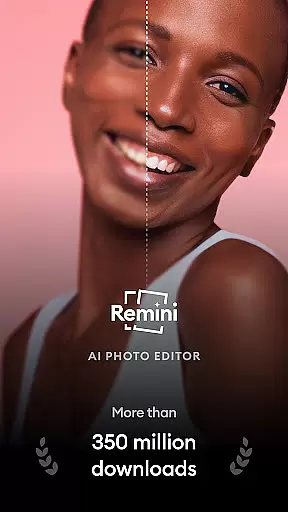
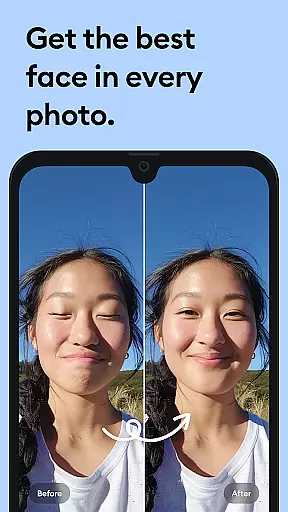
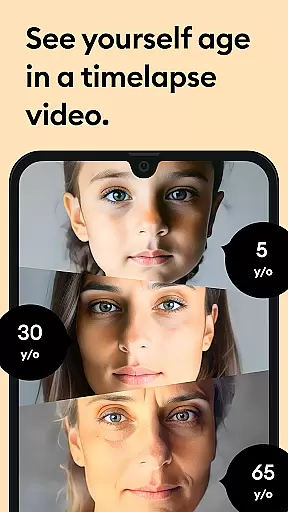



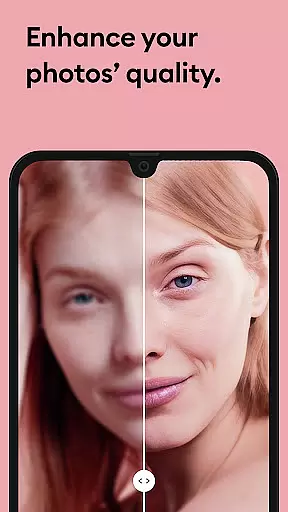

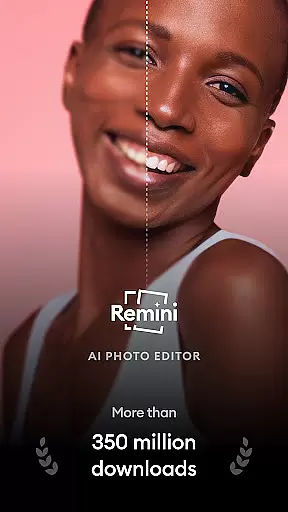
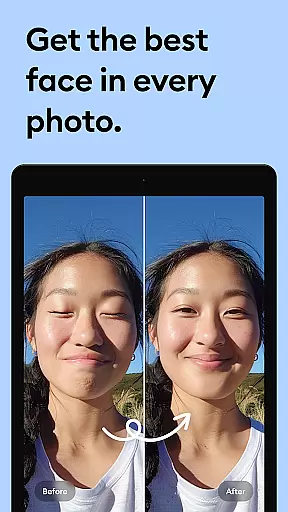
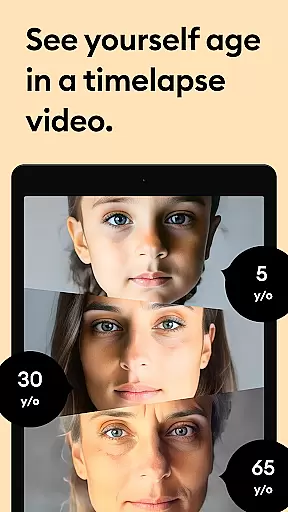



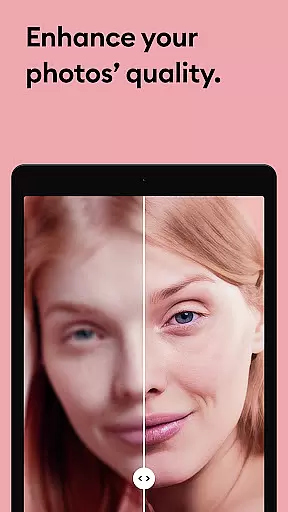

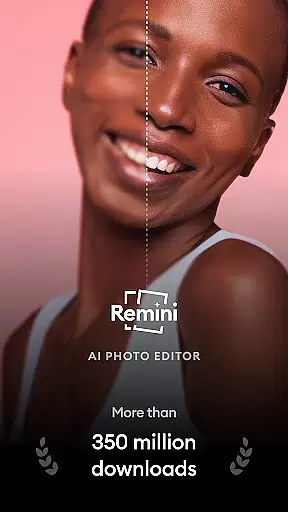
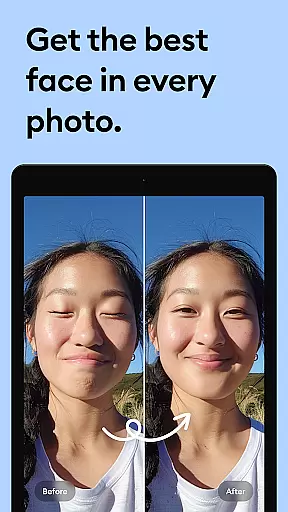
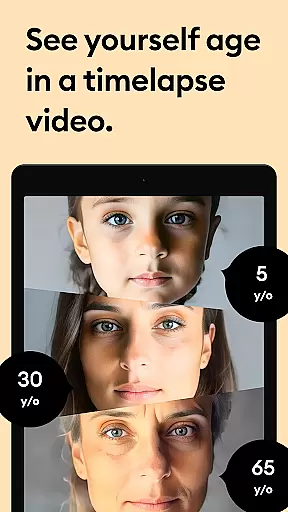



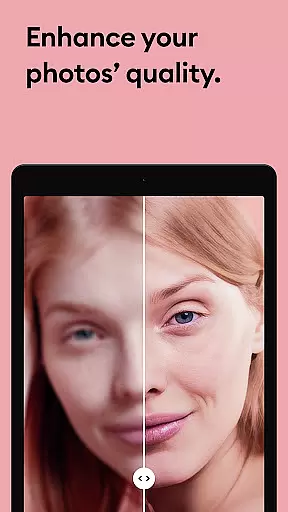

Remini is a powerful photography app that uses advanced Artificial Intelligence to enhance and restore photos. The core functionality revolves around transforming low-quality, blurry, or damaged images into high-definition, crystal-clear pictures with just one tap. This AI-powered photo editor specializes in portrait enhancement, old photo restoration, and image sharpening.
Beyond basic editing, Remini offers specialized features such as repairing scratched photos, enhancing vintage images, and increasing pixel quality of low-resolution pictures. It also supports multiple languages including English, Spanish, Japanese, and more, making it accessible to a global audience. Whether you're looking to revitalize cherished memories or create professional-grade AI-enhanced photos, Remini delivers impressive results.
This app is particularly useful for users who want to restore old family photos or enhance portraits and selfies with remarkable detail. By leveraging cutting-edge AI technology, Remini gives your images a new lease on life, turning ordinary photos into stunning HD masterpieces.
Remini stands out through its innovative use of state-of-the-art Artificial Intelligence to unblur, restore, and enhance images. One of the key features is its ability to process portrait photos, selfies, and group pictures with incredible facial detail enhancement. The app's AI model continuously improves, ensuring users receive the latest advancements in photo restoration technology.
In addition to portrait enhancement, Remini excels at restoring old, blurry, or damaged photos. It can clear vintage images, sharpen out-of-focus pictures, and increase pixel density in low-quality photos. The app also provides tools for retouching and revitalizing images while maintaining their original essence. With over 100 million photos already enhanced, Remini has proven its effectiveness as a leading photo editor.
The application supports multiple languages and offers subscription options for unlimited access to premium features. Users can choose weekly or yearly plans, with auto-renewal management available through Google Account settings. Regular updates bring new improvements and features, ensuring an optimal user experience. Whether you need to enhance personal photos or restore historical images, Remini's comprehensive feature set makes it an indispensable tool for photography enthusiasts.
Real-time capture and preview functionality is essential for photography apps like Remini. This feature allows users to see the potential outcome of their photo enhancements before finalizing them.
Remini employs advanced AI algorithms that provide instant previews of image enhancements. Users can witness the transformation from blurry to crystal-clear images in real time, ensuring satisfaction with the results before saving.
This immediate feedback loop empowers users to make informed decisions about their photo edits, leading to higher-quality outcomes and a more intuitive user experience.
With real-time previews, Remini reduces the guesswork involved in photo editing, making professional-grade enhancements accessible to everyone without the need for extensive technical knowledge.
The naturalness of AI beauty and enhancement features is crucial for maintaining authenticity in edited photos. Users seek enhancements that elevate their images without making them look artificial or overly processed.
Remini's AI technology focuses on preserving the genuine essence of photos while improving clarity and detail. It intelligently enhances facial features and textures, ensuring that enhanced portraits retain their original character.
By prioritizing natural-looking results, Remini delivers professional-quality enhancements that respect the integrity of the original image, offering users reliable and pleasing outcomes every time they use the app.
This approach not only satisfies user expectations but also sets a high standard for AI-driven photo editing tools, establishing trust and encouraging regular use among photography enthusiasts.
User-friendly interface
Advanced AI technology
Multi-language support
One-tap enhancement
Regular feature updates
Premium subscription required
Limited free trial
Auto-renewal by default
Old Android versions unsupported
Internet connection needed

Effortlessly organize, view and share your photos & videos with Gallery app!
 4.40
4.40
Shooting photos and records video easily and efficient with professional Camera
4.30
What celebrity do you look like? Celebs will find your celebrity match!
4.10
Amazing Photo Effects - The most fun you can have with your photos!
4.70
Create amazing frames with up to five photos. Rounded corners, effects and more!
3.60
AI photo enhancer with Sora 2! Enhance, descratch, and colorize your old photos.
4.50
Astrophotography with your smartphone, photo live stacking and much more!
3.90
Discover & download millions of art for The Frame TV or Hisense CanvasTV
4.60
Your Family Calendar + Photos. Manage your Skylight Calendar and Skylight Frame.
4.40
Find time and duration of different sunlight phases at any location
4.90
A collection of tools and reference tables for DPs, ACs, DITs and Operators.
4.70
Easily view, share, delete photos with Gallery.
4.70
Photobooth mini FULL app will allow you to add more fun to your parties
4.00
live datamoshing
4.00
How would you look like with a differently shaped nose, chin or lips?
3.90
Hair color changer, AI haircut app, fun hair editor and buzz cut filter for all!
3.80
Perfect photos with body shaping, BG changer and object remover.
3.70
GCamera allows all GCam features on all phone models! Better photos with GCamera
3.30
Snap photos remotely using your Garmin watch as the camera trigger
4.3


User Reviews