
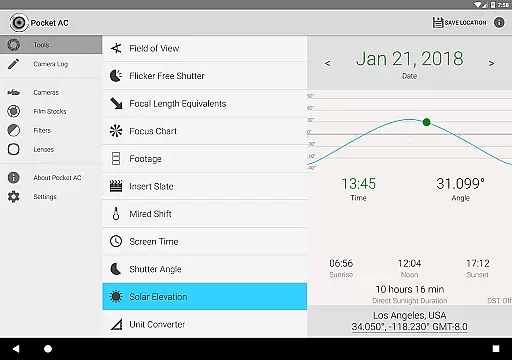
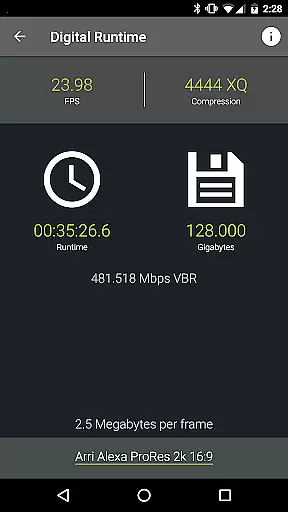
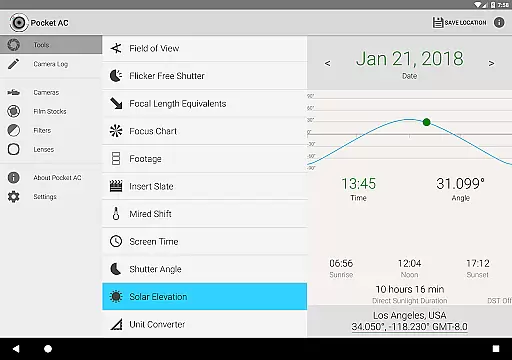
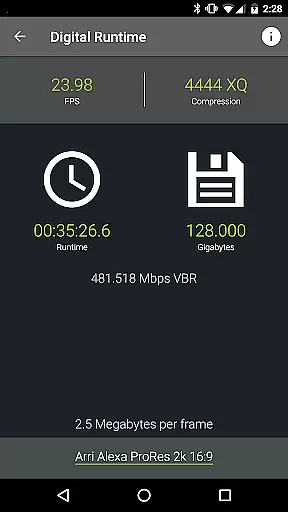
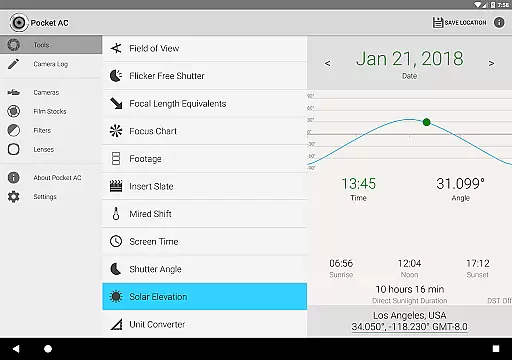
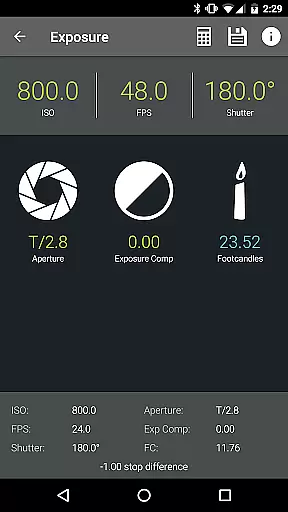
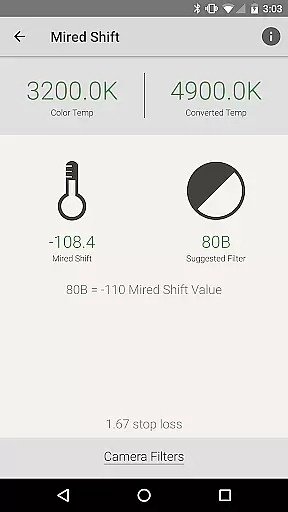
Pocket AC is an essential toolset for cinematographers and videographers, offering a comprehensive suite of calculators and reference materials. The app includes specialized tools such as Depth of Field, Exposure, and Flicker Free Shutter calculators, alongside detailed camera specifications and lens catalogs.
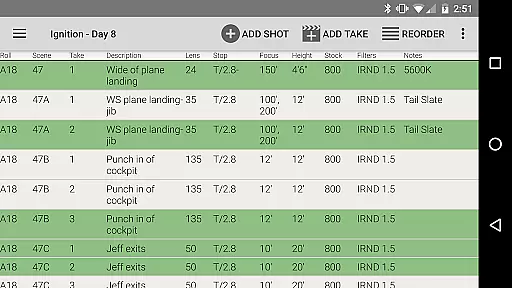
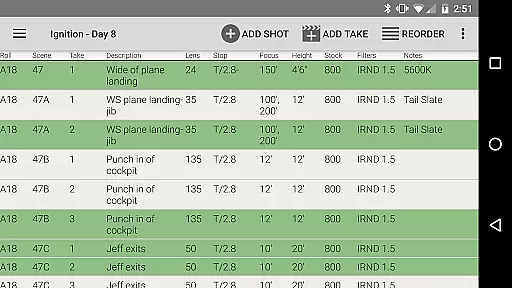
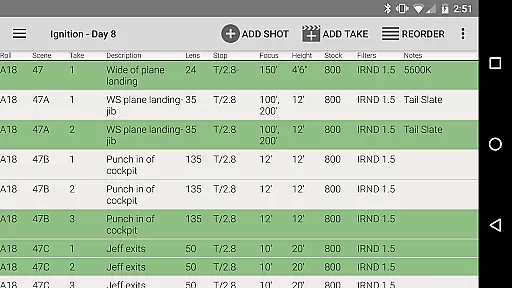
Designed by a camera assistant, this app streamlines production workflows with features like the Camera Log for shot logging and emailing daily setups. It supports real-time collaboration and provides multiple export formats including PDF and CSV, making it indispensable for film and video professionals.
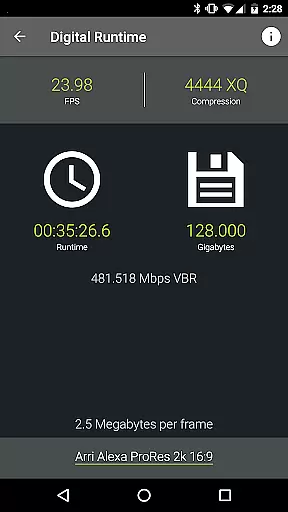
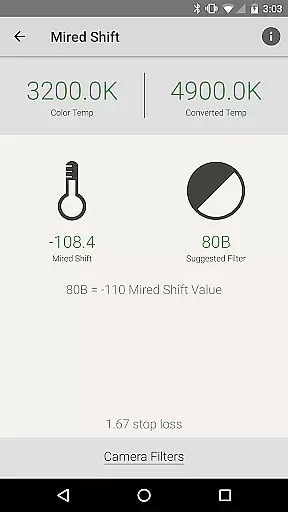
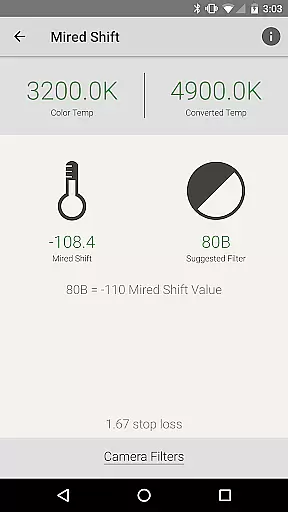
The app boasts an extensive array of professional-grade tools including over 140 camera specifications, more than 2000 lenses in its catalog, and various calculators for exposure, field of view, and more. These features are designed to assist in both pre-production planning and on-set execution.
Unique functionalities like the Insert Slate with sync beep and real-time collaboration on camera logs enhance productivity. Users can customize their experience with built-in presets and enjoy compatibility with a wide range of cameras from Arri to Sony, ensuring adaptability across different equipment setups.
Real-time capture and preview functionality is essential for photographers and videographers who need to ensure their shots are perfectly framed and exposed before committing to a take. Pocket AC offers an extensive suite of tools that support real-time operations, allowing users to make critical adjustments on the fly.
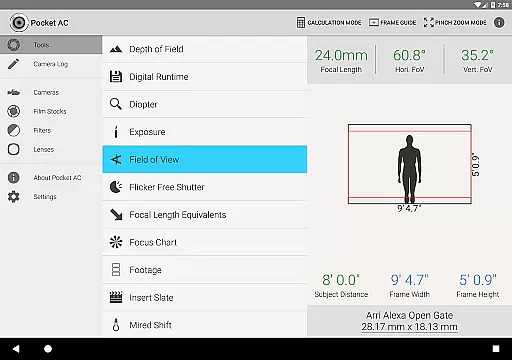
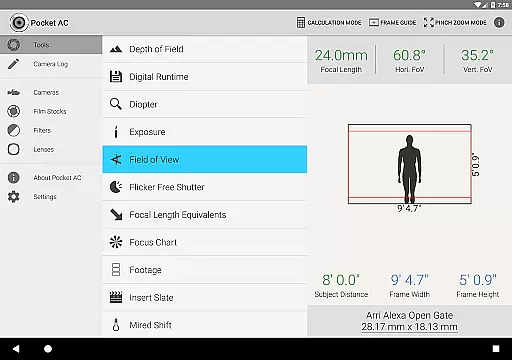
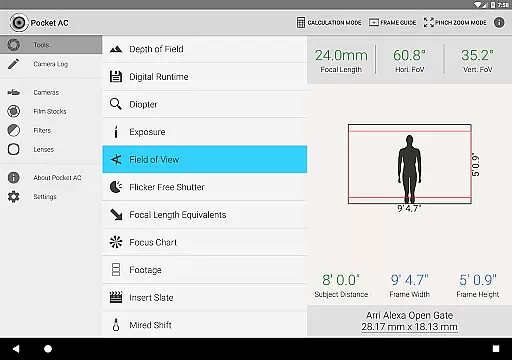
The app's Field of View calculator with preview capabilities enables cinematographers to visualize shots instantly, even accounting for focal reducers. This feature ensures that camera operators can anticipate how different lenses will affect the composition, providing a seamless experience from planning to execution.
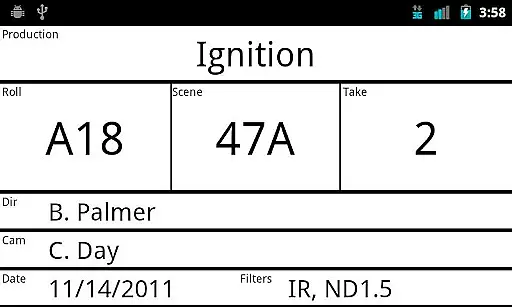
Additionally, the Insert Slate feature includes a sync beep in beta, which aids in synchronizing audio and video elements during post-production. This real-time aid significantly enhances workflow efficiency, ensuring that every recorded clip is ready for editing without additional hassle.
By integrating these real-time functionalities, Pocket AC empowers users to optimize their shooting parameters quickly and accurately, resulting in higher-quality productions and more efficient workflows.
While Pocket AC does not focus on AI beauty enhancements typical in photography apps, it excels in providing professional-grade tools that enhance image quality through precise technical calculations. These tools indirectly contribute to producing naturally beautiful images by ensuring optimal camera settings and shot preparations.
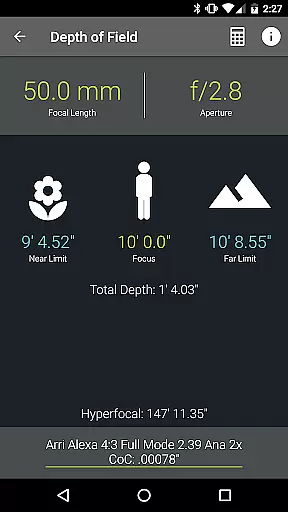
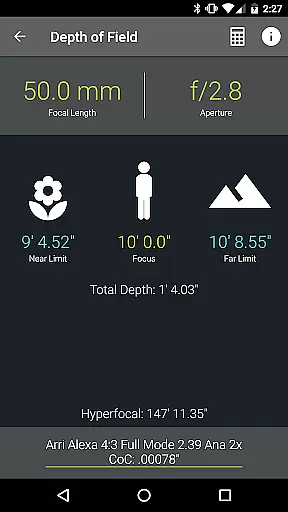
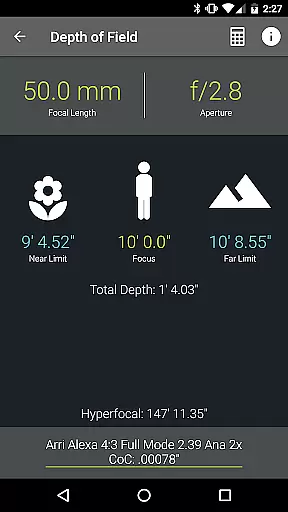
The Depth of Field and Split Focus calculators allow videographers to achieve artistic effects while maintaining technical accuracy. By determining the exact focus points, users can create aesthetically pleasing compositions that draw viewers' attention to the intended subjects without artificial enhancements.
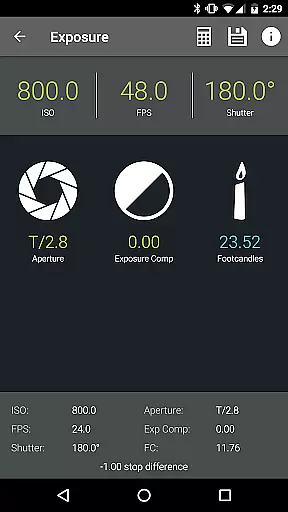
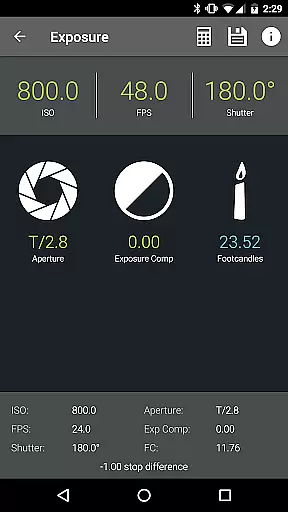
Moreover, the Exposure calculator helps achieve perfect lighting conditions, eliminating the need for excessive post-processing. This approach preserves the natural essence of the captured scenes, promoting authenticity over artificial embellishments.
Pocket AC's comprehensive toolkit thus supports professionals in creating visually stunning content that remains true to the original scene, emphasizing natural beauty through technical precision rather than AI-driven alterations.
User-friendly interface
Comprehensive toolset
Real-time collaboration
Wide camera support
Export flexibility
Complex for beginners
Requires email for support
Limited free features
Beta features unstable
Heavy on storage

Photo prints, cards, & gifts at Walgreens. Easy ordering & fast local pickup !
 4.80
4.80
Superimpose one photo on top of another using the original Superimpose app!
3.20
AI Photo Editor with 100+ Filters, Effects! Remove BG, Retouch & Photo Enhancer.
4.80
Easily create custom gifts, cards, photo books & more on the Shutterfly app!
4.60
Catch sunlight, sunrise sunset times and sun phases with the AR sun tracker.
4.10
The original Rarevision VHS look seen everywhere!
4.70
A unique animation app. Powerful, easy to use, and lots of fun.
4.30
Solocator stamps photos you take with GPS location, Compass Direction, Date/Time
3.80
Discover How to Plan any Sun, Moon and Milky Way Photo You Imagine in Seconds
4.70
Photo editor: AI filters, photo enhancer, pic collage maker, AI art generator.
4.80
PhotoSync Bundle Add-On License. Enables all features and services in PhotoSync.
4.60
Edit like a pro with Hypic. Apply filters, AI effects, & magic touch.
4.40
A reflected light meter with spot metering and incident light metering.
4.40
Natural Beauty, Selfie Retouch
4.30
Turn your phone into a professional camera - full DSLR manual photography
4.30
All-in-One Editor & AI Photo Enhancer, Beautify & Retouch, Collage, Cartoonify
4.20
Professional quality photo edits with the new Snapseed.
4.00
Raw Image Viewer. Gallery with support of raw images (.cr3, .cr2, .nef, .raf).
2.00
Photo Album Watch Face shows your favorite pictures as a Watchface.
1.90


User Reviews