
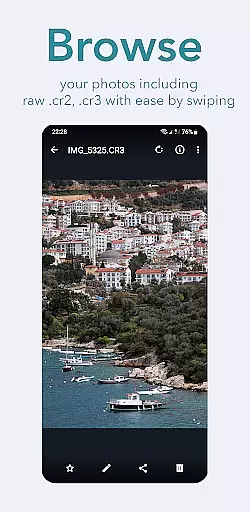
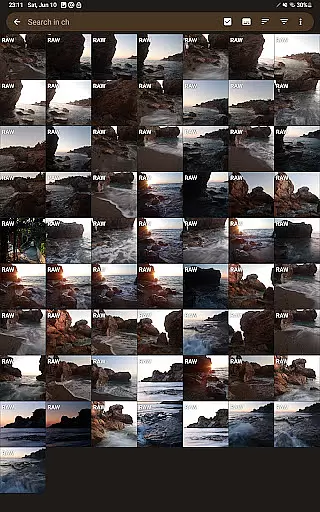
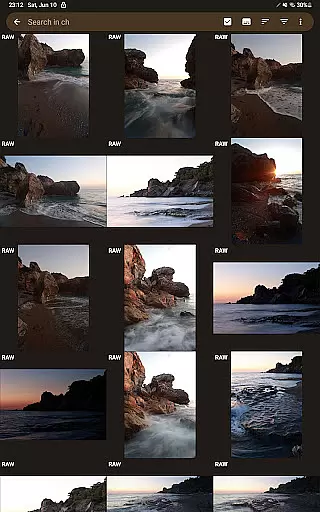
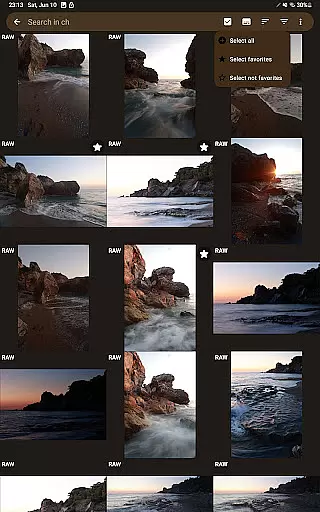
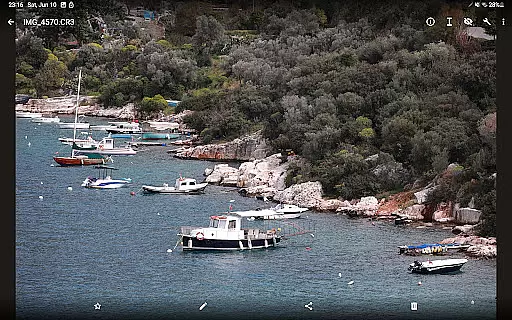
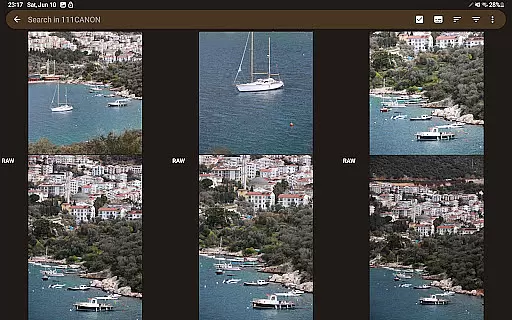
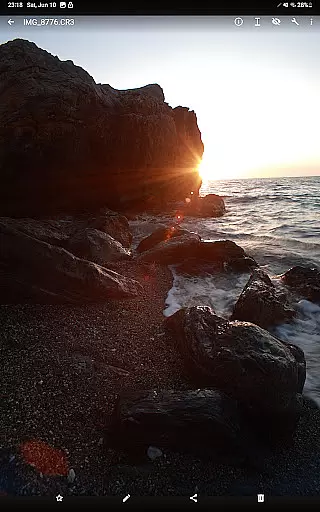
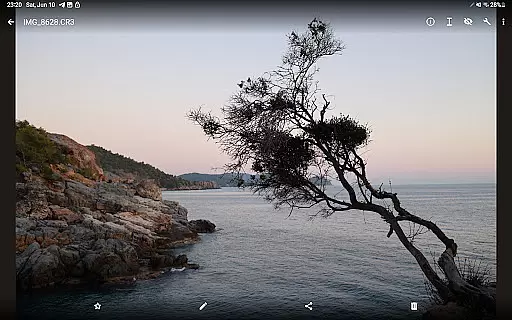

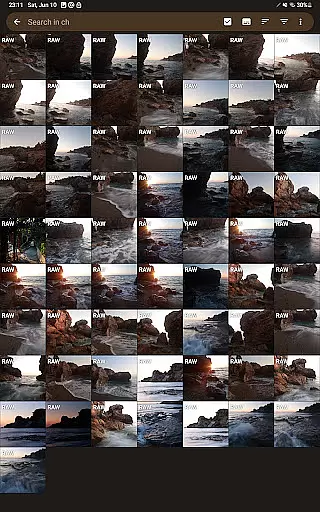
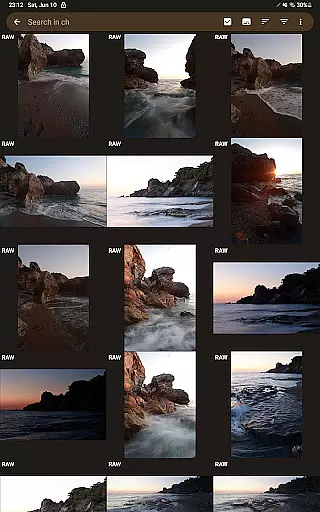
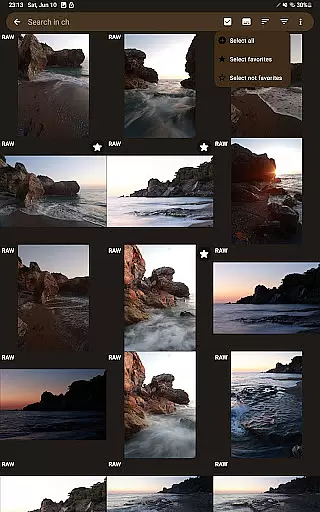
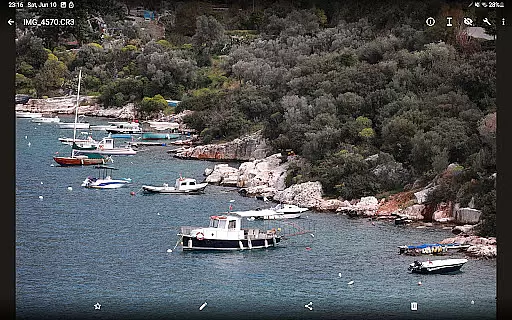
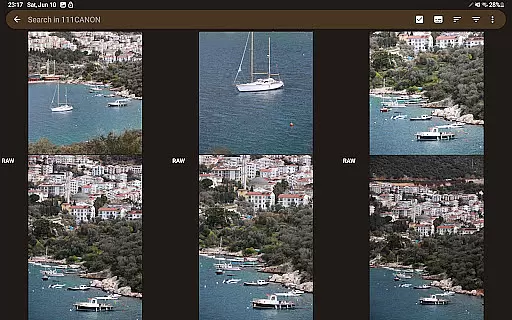
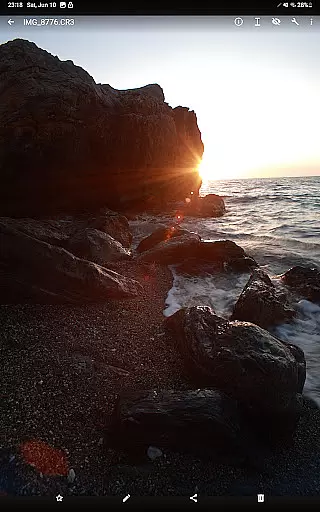
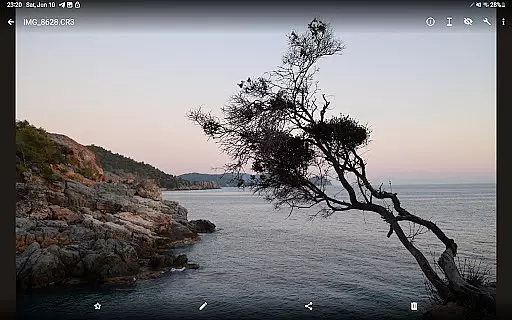

GalleryRAW is a specialized photography app designed for professional photographers and enthusiasts who need to manage and view raw image files on their Android devices. The app supports major raw formats including .cr2, .cr3, .nef, and .raf from Canon, Nikon, Sony, and Fujifilm cameras.
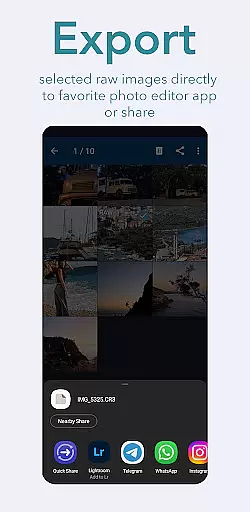
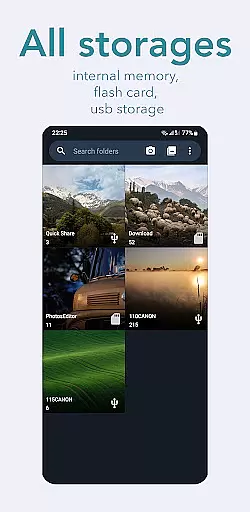
One of the standout features of GalleryRAW is its ability to function as a file manager for raw images. Users can easily import, view, and transfer raw files between USB storage devices like HDD/SSD disks or camera flash drives connected via USB adapters. This makes it an essential tool for photographers needing to quickly review and select photos directly on their mobile devices.
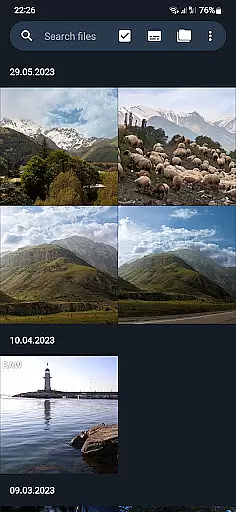
The app's full-screen swipe browsing allows users to efficiently sort through hundreds or thousands of raw images stored on external USB-connected camera flash cards. Photographers can copy only their selected photos to the device's internal memory or SD card, then delete unwanted files to free up space for new shots.
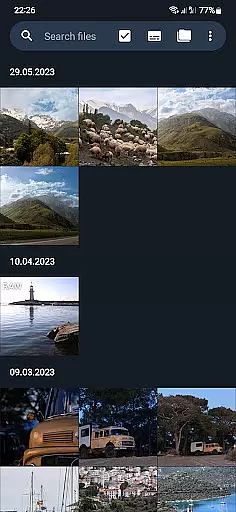
GalleryRAW offers several advanced features that set it apart from other gallery apps. Its core functionality lies in its comprehensive support for professional-grade raw image formats. The app provides smooth full-screen viewing with intuitive swipe navigation, making it easy to browse through large collections of high-resolution images.
A key innovation is its integrated file management system. Users can seamlessly transfer raw files between various storage devices, including USB-connected HDD/SSD drives and camera flash drives. The app maintains the integrity of raw files during transfers while providing options to organize and manage photo collections efficiently.
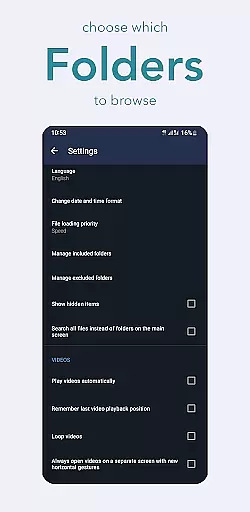
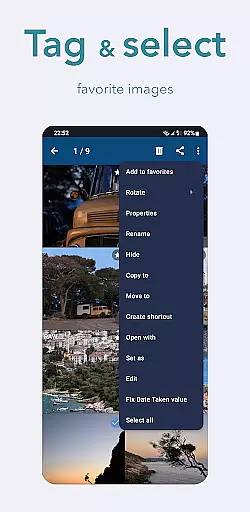
Additional features include batch selection tools for managing large photo sets, automatic folder organization based on metadata, and optimized performance for handling large file sizes. These capabilities make GalleryRAW particularly valuable for professional workflows where speed and reliability are crucial when working with high-volume photo sessions.
GalleryRAW offers a unique real-time capture and preview experience for professional photographers. The app supports raw image files from Canon, Nikon, Sony, and Fujifilm cameras, allowing users to view their photos in full-screen mode with simple swipe gestures.
This functionality is crucial for photographers who need to quickly review hundreds or thousands of images on the go. By providing instant access to raw files stored on USB-connected camera flash drives, GalleryRAW streamlines the photo selection process significantly.
Users can efficiently browse through folders containing numerous photos, select only the best shots, and copy them to their device's internal memory. This feature saves valuable time during photo shoots and enables photographers to maximize their storage space by deleting unwanted images directly from external USB devices.
While GalleryRAW focuses primarily on raw image viewing, it also incorporates basic AI-powered enhancement features. These tools help photographers preview how raw images could look after post-processing without actually modifying the original files.
The application maintains the natural quality of raw images while offering enhancement options that are subtle and true to the original photograph. This approach ensures that professional photographers can make informed decisions about which photos to edit further and which to keep in their raw state.
By preserving the authenticity of raw images while providing enhancement previews, GalleryRAW strikes a balance between maintaining professional standards and offering useful preview capabilities. This feature set makes it an invaluable tool for photographers who value both the purity of their raw captures and the ability to quickly assess potential final results.
User-friendly interface
Wide format compatibility
Efficient file management
Batch processing capabilities
Professional workflow support
Limited editing features
No cloud integration
Premium feature costs
High storage requirements
Occasional performance lag

Photo Album Watch Face shows your favorite pictures as a Watchface.
 1.90
1.90
[3DSteroid Pro] is a stereoscopic application for Android.
4.30
Virtual makeup, hair filters & body tuner—edit from face to full body!
4.20
Turn your phone into a professional camera - full DSLR manual photography
4.30
Collage your moments in one tap: 1000+ layouts, filters, stickers, and texts.
4.90
Easily view, share, delete photos with Gallery.
4.70
Catch sunlight, sunrise sunset times and sun phases with the AR sun tracker.
4.10
Discover & download millions of art for The Frame TV or Hisense CanvasTV
4.60
Unlock the full potential of your DJI drone with Litchi
4.50
AI Photo Editor with 100+ Filters, Effects! Remove BG, Retouch & Photo Enhancer.
4.80
Viewfinder, Light meter, Reciprocity failure time, DOF & Bellows Extension
4.60
Unblur, enhance & restore photos with powerful AI photo enhancer tools.
4.60
Trendy TikTok time warp scan funny filter app brings you unique photos & videos.
4.40
A reflected light meter with spot metering and incident light metering.
4.40
Shooting photos and records video easily and efficient with professional Camera
4.30
All-in-One Editor & AI Photo Enhancer, Collage, Cartoonify, Funny Stickers & BGS
4.10
Hair color changer, AI haircut app, fun hair editor and buzz cut filter for all!
3.80
Remote control of the phone camera from your Wear OS smartwatch
3.70
GCamera allows all GCam features on all phone models! Better photos with GCamera
3.30


User Reviews