
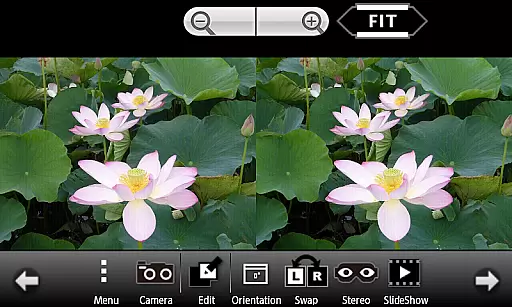
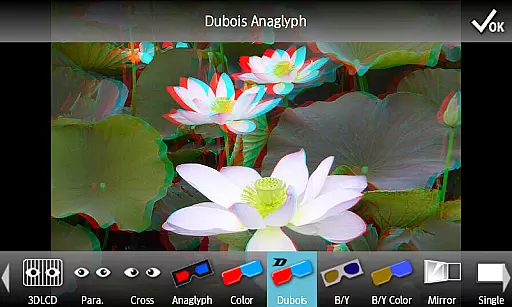
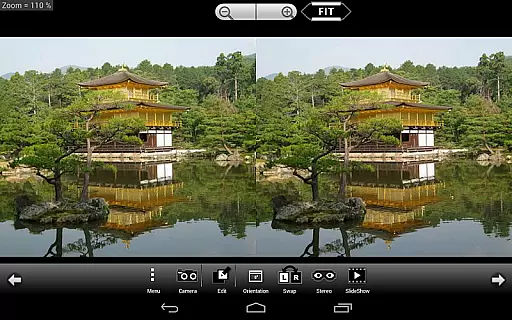
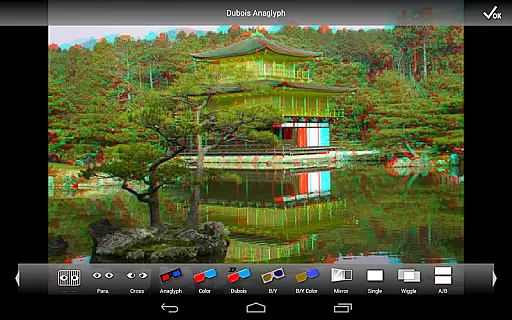
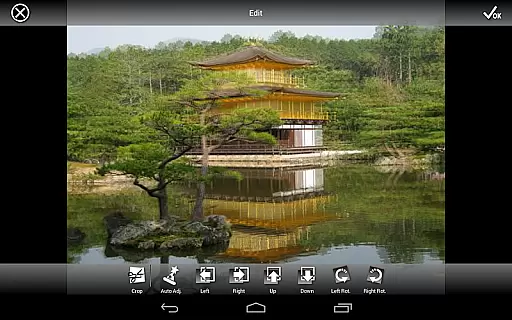
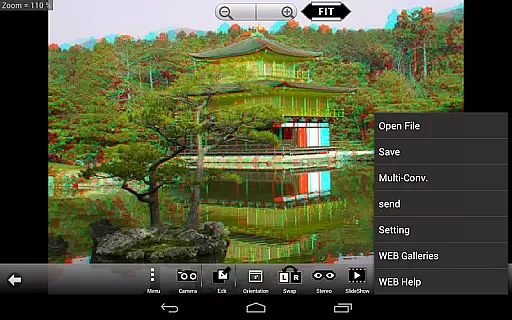
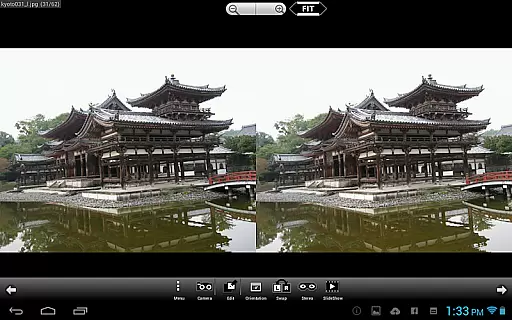
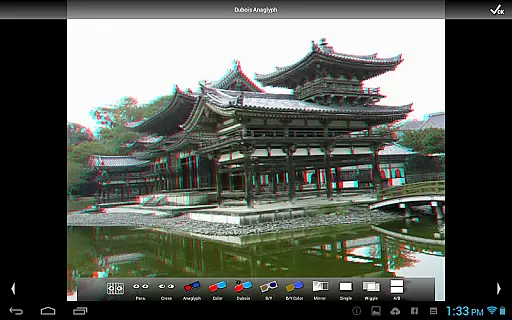
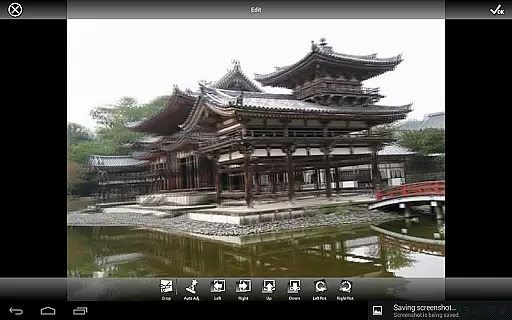
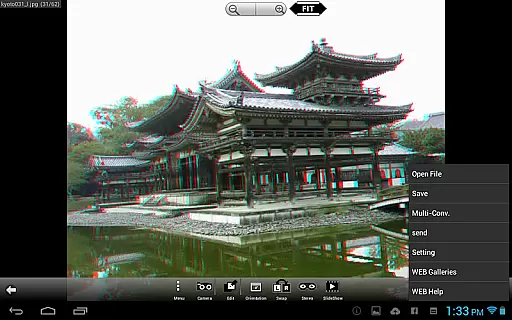
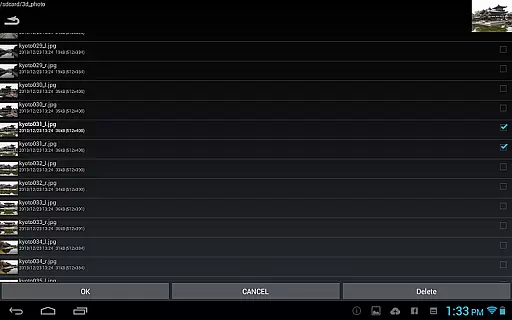
3DSteroid Pro is a comprehensive stereoscopic application designed for Android devices, specifically tailored for photography enthusiasts who want to explore 3D imaging. The app allows users to create, edit, and view 3D images with various display methods including 3D LCD, Side-by-Side (SBS), Mirror, Wiggle, 2D, and Anaglyph. With the ability to automatically align left/right (L/R) images and adjust positions, rotation, and size errors, it offers precise control over 3D image creation.
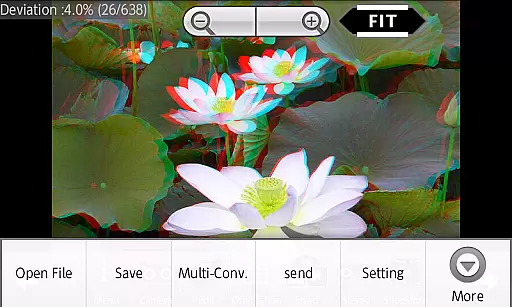
This Pro version stands out by offering advanced features such as saving edited images, batch conversion, and access to an extensive web gallery containing over 1000 3D images. Users can also take L/R pictures using the internal camera and enjoy slideshows of their 3D creations. It supports multiple input formats like L/R independent, SBS, and MPO files, making it versatile for different types of 3D content creators.
Despite its powerful capabilities, note that starting from version 4.20, there are some limitations on Android 11 and later models. Files with 3D extensions such as MPO cannot be loaded directly, and file management has shifted to the Picture folder. Additionally, support for older Sharp/HTC/LG/GADMEI 3D LCDs has been discontinued in versions after 4.00. These changes ensure compatibility but may require users to adapt their workflows accordingly.
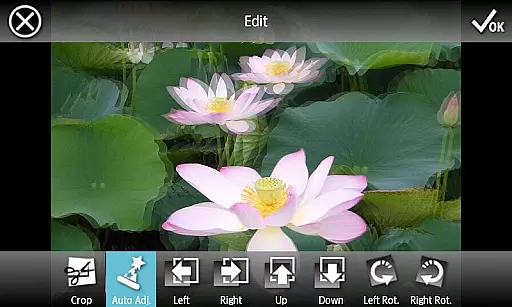
3DSteroid Pro boasts a rich set of features that cater to both amateur and professional 3D photographers. One of its standout functionalities is the auto-alignment of L/R images, which simplifies the process of creating perfectly aligned stereoscopic images. This feature alone saves significant time and effort, allowing users to focus more on creativity rather than technical adjustments.
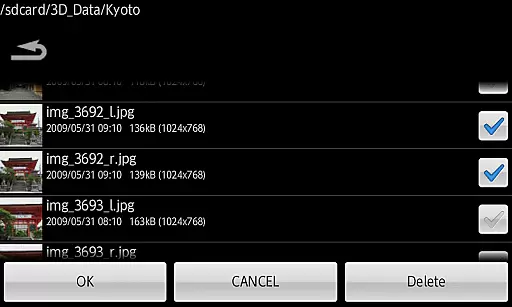
In addition to alignment tools, the app provides robust editing options. Users can adjust L/R image positions, correct rotation and size errors, and save the final edited images—a feature exclusive to the Pro version. The batch conversion tool further enhances productivity by enabling users to convert multiple files at once, streamlining the workflow for large projects or collections.
The app also includes a built-in camera for capturing L/R pictures and supports various display methods, ensuring that users can view their creations in the format that best suits their needs. Access to an extensive web gallery adds another layer of inspiration and learning, while the slideshow feature offers a dynamic way to showcase 3D images. Together, these features make 3DSteroid Pro a versatile and powerful tool for anyone interested in 3D photography.
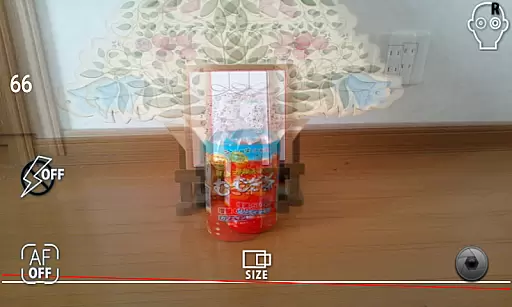
3DSteroid Pro offers a unique real-time capture and preview feature tailored for 3D photography enthusiasts. This functionality allows users to take left/right pictures using the internal camera of their Android device, providing an immediate preview of the stereoscopic effect.
The app supports various input formats including L/R independent, SBS, and MPO files, making it versatile for different types of 3D images. Users can adjust the positions, rotation error, and size error of L/R images, ensuring that the final output meets their expectations.
With this application, photographers can experiment with 3D image creation without needing specialized equipment. The ability to instantly view and adjust the 3D effect on-the-go enhances creativity and precision in capturing stereoscopic photographs.
While 3DSteroid Pro does not focus on AI beauty enhancements like some photography apps, it provides essential editing tools that ensure natural and high-quality 3D image enhancement. The auto-alignment feature of L/R images helps maintain the authenticity of the captured scenes.
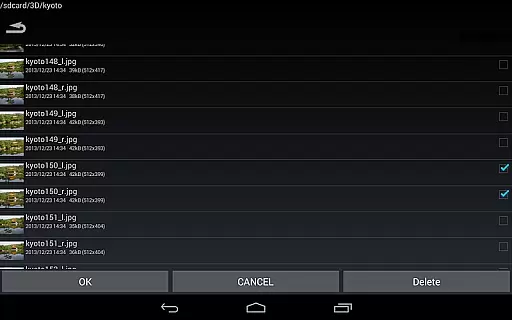
Users can save edited images and perform batch conversions, which is crucial for managing large volumes of 3D photos efficiently. These features allow photographers to enhance their work while retaining the original essence and natural look of the images.
Additionally, the app offers multiple display methods such as 3D LCD, SBS, Mirror, Wiggle, 2D, and Anaglyph. This variety ensures that users can choose the best presentation format for their photos, enhancing viewer engagement without artificial alterations.
Advanced 3D editing tools
Batch conversion capability
Extensive web gallery access
Versatile display methods
Precise image alignment
Limited MPO file support
No old 3D LCD compatibility
Restricted file deletion
Complex for beginners
Higher cost for Pro version

Application for remote controlling DSLR
 3.00
3.00
Natural Beauty, Selfie Retouch
4.30
Over 800 film simulation recipes for Fujifilm. Black Friday Offer!
4.0
Create amazing frames with up to five photos. Rounded corners, effects and more!
3.60
Easily create custom gifts, cards, photo books & more on the Shutterfly app!
4.60
Hair color changer, AI haircut app, fun hair editor and buzz cut filter for all!
3.80
Remote control the phone camera shutter from your smartwatch and take a picture
1.60
Unlock the full potential of your DJI drone with Litchi
4.50
Welcome to ProShot, the most powerful camera app on Android.
4.20
Collage your moments in one tap: 1000+ layouts, filters, stickers, and texts.
4.90
Easily view, share, delete photos with Gallery.
4.70
Enhance, retouch & create your story - Share the moment with Photoshop Express.
4.60
AI photo editor with hair editor, retouch tools, hair color changer & filters!
4.50
Create Business Headshots, Polaroid Filter, Retake Photos,Profile Pics,AI Photos
4.50
Fit multiple photos on one post. Create carousels & scroll layouts for Instagram
4.50
Use AI Video Generator to turn your words to ai generated videos.
4.50
Photo editor: face & body editor, beauty cam, filters and quality enhancer.
4.00
Gallery Slideshow is slideshow maker app for slideshow from your gallery photos.
3.90
USB Storage Access for Photos, Videos, Music and Documents
3.80


User Reviews