
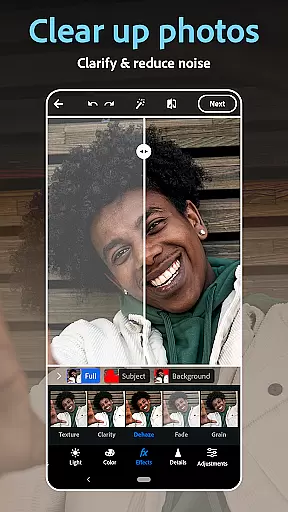
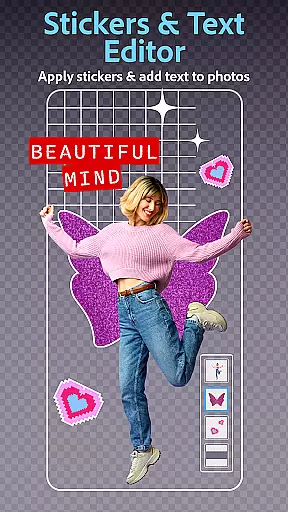
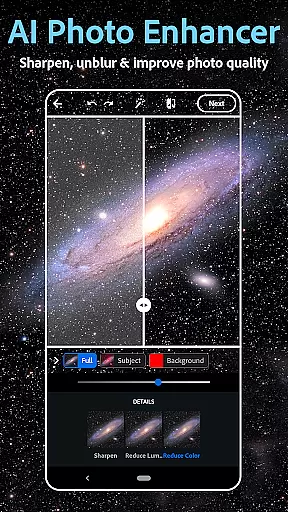
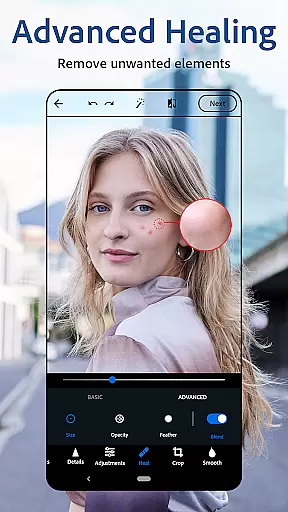
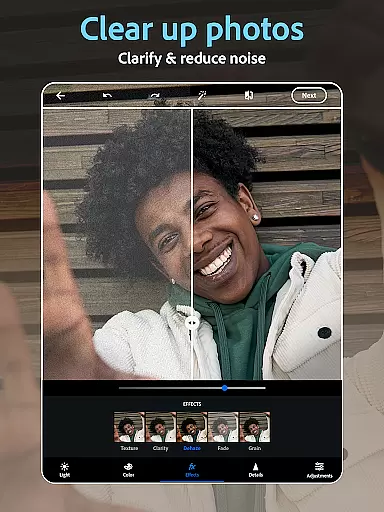
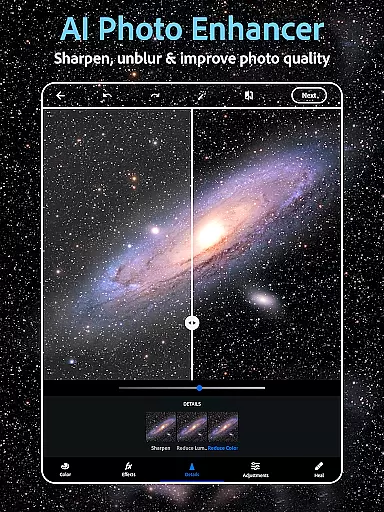
Photoshop Express is a versatile photo editing app that brings professional-grade tools to your fingertips. Designed for both amateur and experienced photographers, this application offers an extensive suite of features including AI-powered image retouching, one-tap filters, and advanced airbrush tools. The app allows users to effortlessly enhance selfies, apply vintage camera effects, and add creative text overlays to photos.
Beyond basic editing, Photoshop Express serves as a complete creativity suite. It includes a state-of-the-art collage maker, custom watermark creation, and even an AI photo generator for unique image creation. Whether you're looking to touch up portraits with the face editor or design eye-catching social media content, this app provides all the necessary tools in one place. Its intuitive interface ensures that users of any skill level can achieve professional-quality results.
The app's value extends to its seamless integration with social platforms, making it easy to share edited images directly to Instagram, TikTok, and other networks. With additional premium features available, Photoshop Express caters to various user needs while maintaining its position as a comprehensive solution for mobile photo editing.
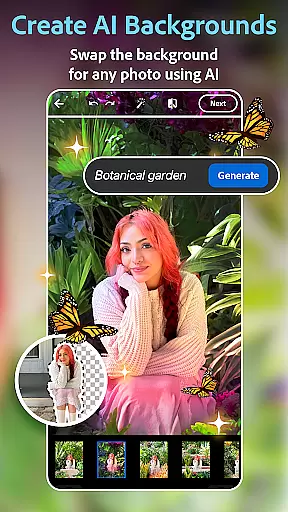
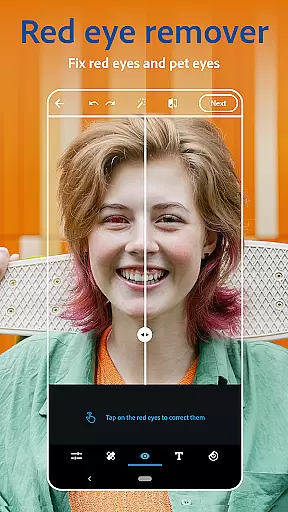
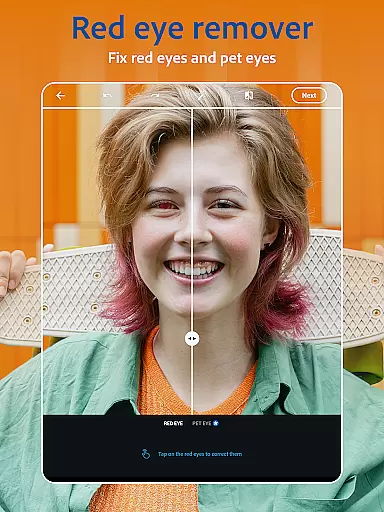
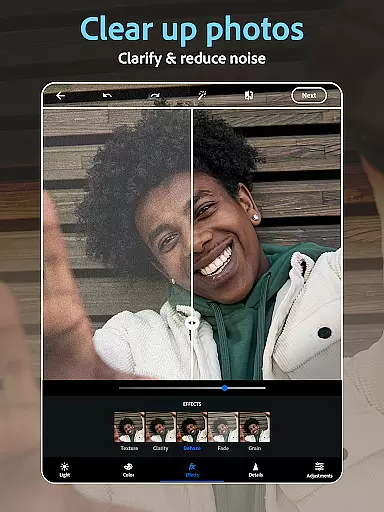
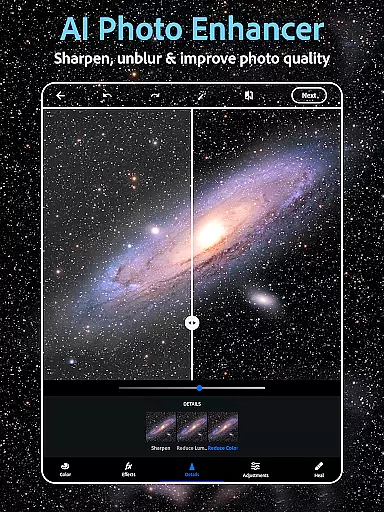
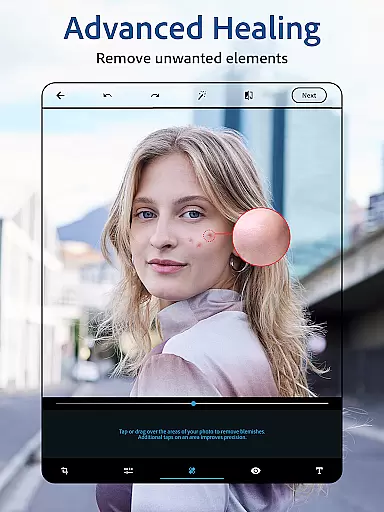
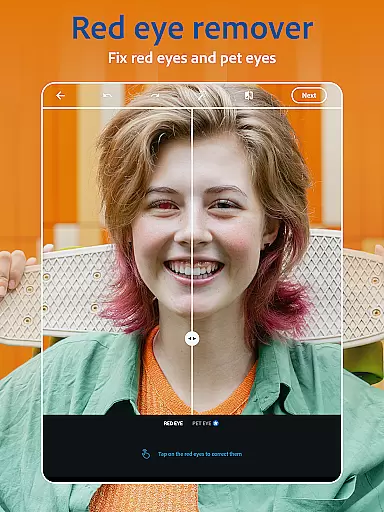
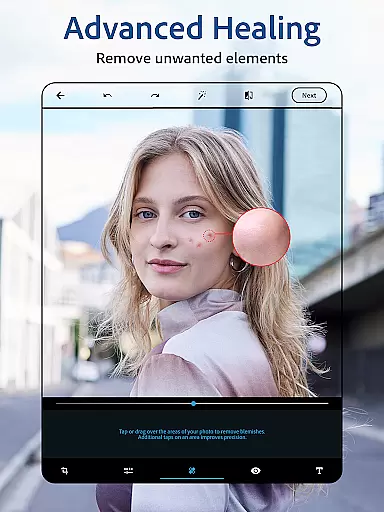
Photoshop Express distinguishes itself through its comprehensive feature set tailored for diverse editing needs. At its core, the app provides powerful AI-driven photo enhancement tools. Users can leverage the face editor to remove blemishes, correct red-eye, and apply spot healing with precision. The AI capabilities extend to background replacement, object removal, and automatic dehazing, ensuring every image achieves professional-grade quality.
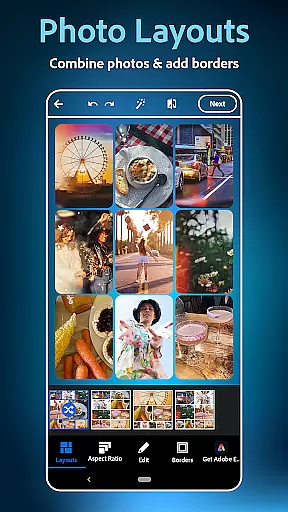
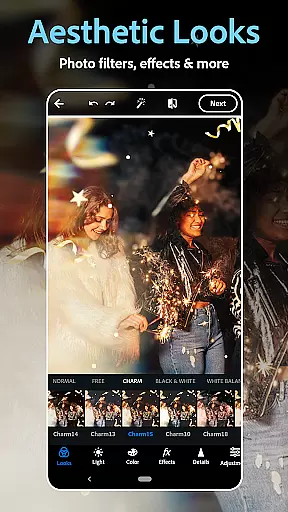
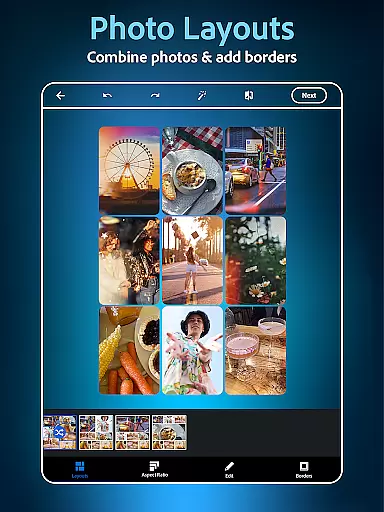
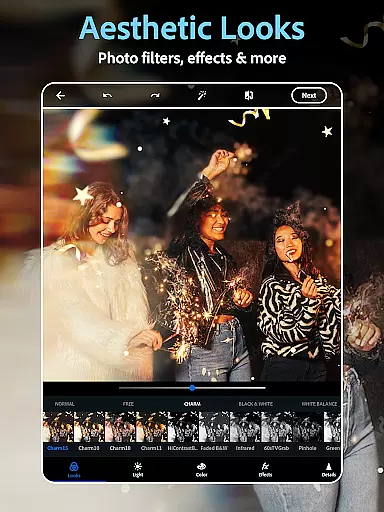
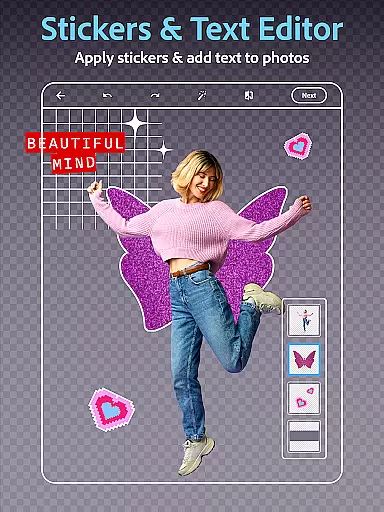
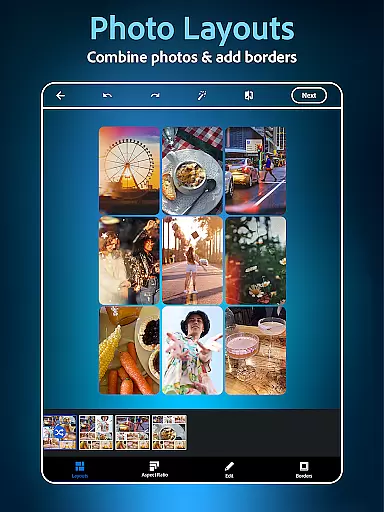
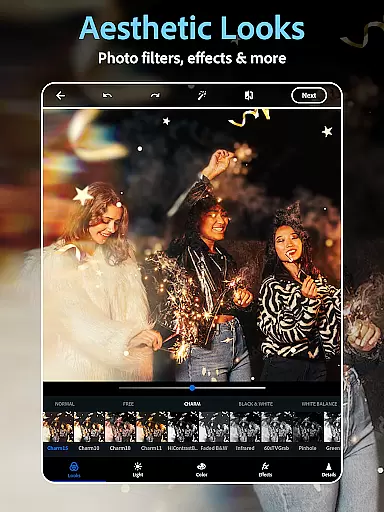
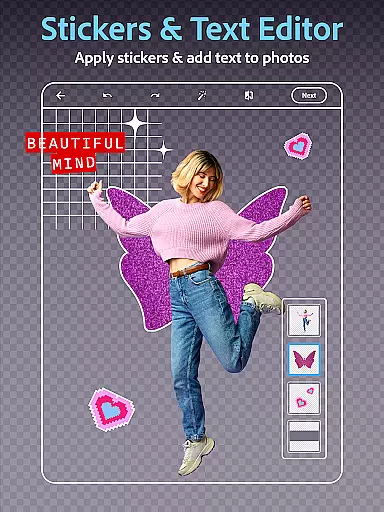
The application's creative potential shines through its extensive customization options. With hundreds of vintage camera filters and film effects, users can transform ordinary photos into artistic masterpieces. The text overlay feature enables meme creation and graphic design work, while the collage maker offers pre-made grids for combining multiple images. These features are complemented by advanced tools for adding watermarks and creating custom stamps.
What sets Photoshop Express apart is its innovative approach to digital creativity. The AI photo generator allows users to create unique images from text prompts, while the ability to add makeup virtually and restyle images opens new possibilities for experimentation. These features, combined with support for various file formats including RAW and TIFF, make the app suitable for both casual editing and more demanding professional projects.
Real-time capture and preview functionality is essential for ensuring that every photo taken meets the desired quality standards. With Photoshop Express, users can instantly see their captured images in high resolution, allowing them to make immediate adjustments if needed.
The app provides a dynamic preview feature that simulates various camera filters and effects before the picture is even taken. This empowers users to experiment with moody film effects or vintage aesthetics, aligning their photos with specific creative visions without any guesswork.
Additionally, the real-time editing capabilities enable users to apply and visualize advanced edits such as red-eye correction, blemish removal, and spot healing directly through the camera interface. This ensures that selfies and portraits are perfected on the spot, saving time during post-processing.
By offering these powerful real-time features, Photoshop Express enhances the photography experience by combining professional-grade tools with user-friendly accessibility, making it an ideal choice for both amateur and experienced photographers.
AI-powered beauty and enhancement features have revolutionized mobile photo editing by providing natural-looking results without manual intervention. Photoshop Express leverages state-of-the-art AI technology to deliver enhancements that preserve the authenticity of human features while elevating overall image quality.
One standout feature is its ability to airbrush selfies seamlessly using intelligent algorithms. The face editor app detects facial structures accurately, allowing users to remove blemishes, smooth skin tones, and enhance eyesu2014all while maintaining a realistic appearance. Unlike traditional editors that often produce overly processed images, this tool strikes a balance between refinement and genuineness.
Beyond basic retouching, the app includes options for adding makeup virtually, reshaping elements subtly, and restyling images based on individual preferences. These enhancements adapt dynamically to different skin tones and lighting conditions, ensuring consistent outcomes across diverse scenarios.
With its focus on delivering natural yet polished results, Photoshop Express stands out as a top choice for users seeking intuitive yet sophisticated photo editing solutions tailored to modern aesthetic standards.
User-friendly interface
Extensive filter collection
Powerful AI tools
Versatile editing options
Seamless social sharing
Premium features costly
Advanced tools complex
Occasional performance lag
Limited free features
Subscription required

Find time and duration of different sunlight phases at any location
 4.90
4.90
Create funny photos and videos with the popular Time Warp Scan filter.
4.90
An interval timer to automate photo taking process for timelapse
2.90
USB Storage Access for Photos, Videos, Music and Documents
3.80
AI photo enhancer with Sora 2! Enhance, descratch, and colorize your old photos.
4.50
Collage your moments in one tap: 1000+ layouts, filters, stickers, and texts.
4.90
Unblur, enhance & restore photos with powerful AI photo enhancer tools.
4.60
Solocator stamps photos you take with GPS location, Compass Direction, Date/Time
3.80
Discover How to Plan any Sun, Moon and Milky Way Photo You Imagine in Seconds
4.70
Perfect body tune & face app - photo retouch, makeup, slim body & beautify face.
4.80
Gallery show photo, video, slideshow, is perfect 3D effect private photo albums.
4.80
Create collages easily! Nice pic collage maker & background eraser for Instagram
4.50
Fit multiple photos on one post. Create carousels & scroll layouts for Instagram
4.50
Easily stitch panoramas from multiple photos or video.
4.40
A reflected light meter with spot metering and incident light metering.
4.40
All-in-One Editor & AI Photo Enhancer, Beautify & Retouch, Collage, Cartoonify
4.20
How old age camera Gender Swap App Face Shape Hairstyle App Hair Styler App fun!
4.00
How would you look like with a differently shaped nose, chin or lips?
3.90
Perfect photos with body shaping, BG changer and object remover.
3.70


User Reviews