
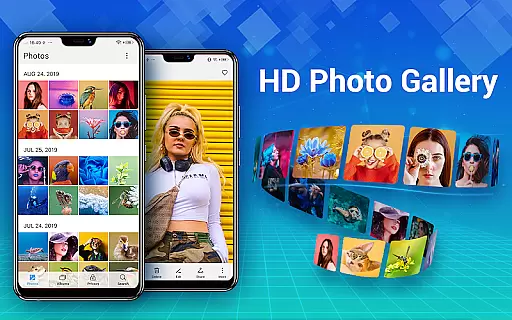
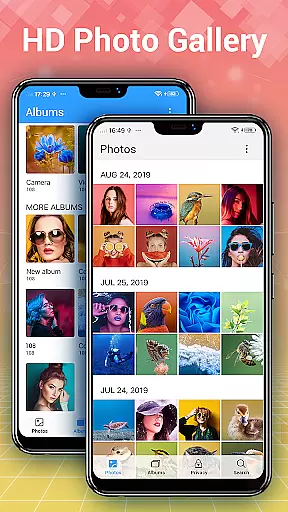
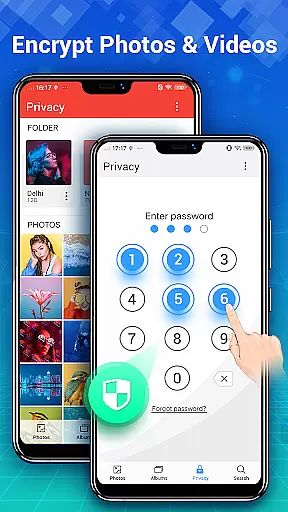
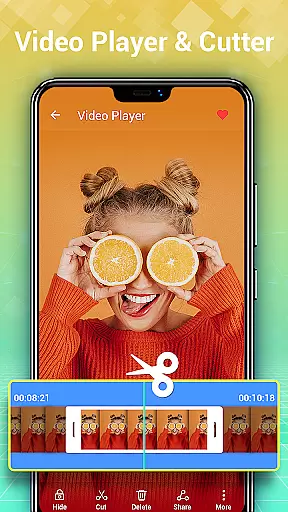
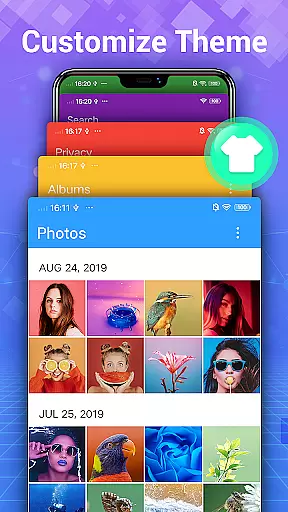

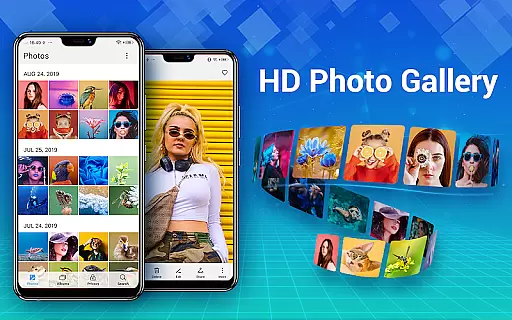
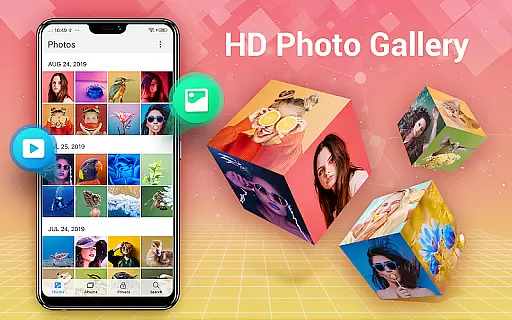
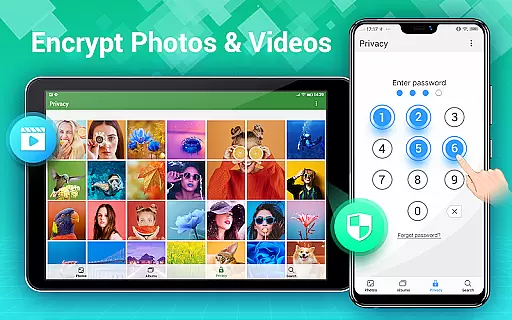
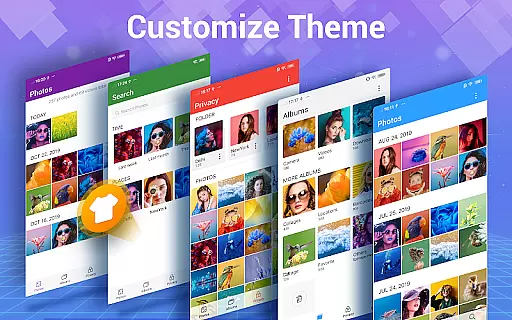
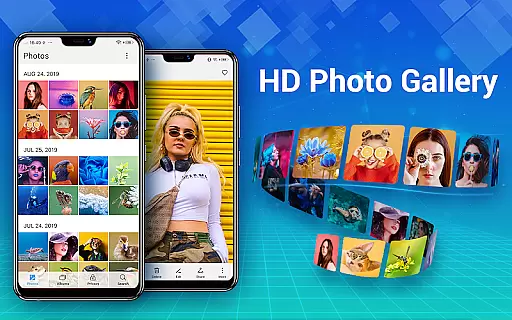
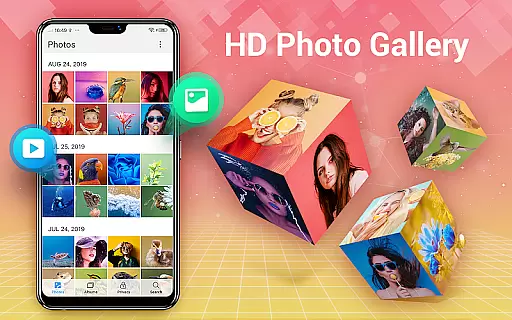
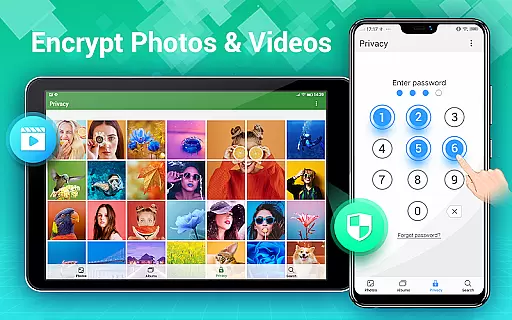
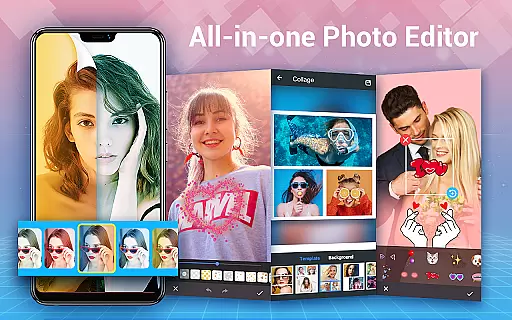
Photo Gallery is a comprehensive photography app designed for Android users, offering an all-in-one solution for managing photos and videos. This app automatically organizes your media files into albums, supports HD browsing, and provides easy sharing options. It also features a secure vault to protect your private content with password encryption.
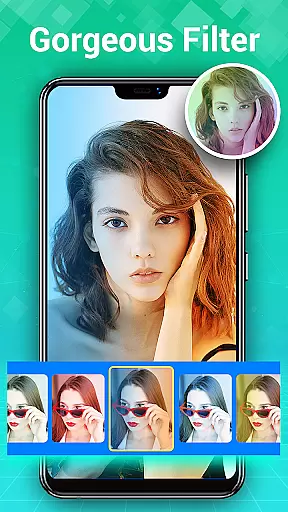
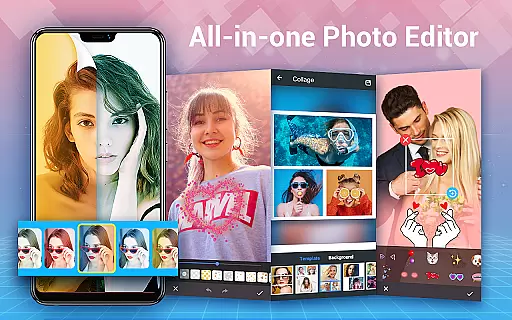
In addition to its organizational capabilities, Photo Gallery includes powerful editing tools. Users can enhance their images with filters, stickers, text, and more. The app's collage maker allows for creative combinations of pictures in various styles. With slideshow playback, favorite tagging, and wallpaper setting, it ensures both functionality and enjoyment in photo management.
Photo Gallery stands out with its rich feature set tailored for photographers and everyday users alike. The automatic organization system sorts media by date, albums, and favorites, while supporting folder and SD card management. Its gallery lock function encrypts private photos and videos, ensuring complete privacy protection.
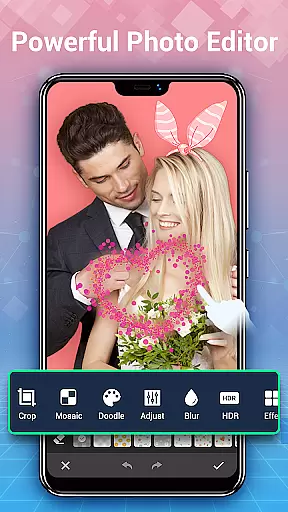
The built-in photo editor offers professional-grade tools like lighting adjustment, mosaic effects, and cropping. Users can create stunning collages using free or grid styles with diverse templates. Additional features include slideshow playback, trash management, and similar photo detection. These robust capabilities make Photo Gallery not just a storage solution but a creative studio on your mobile device.
Real-time capture and preview functionality is essential for any photography app as it allows users to see exactly what the camera is capturing before taking a shot. This ensures that photos are framed correctly, focused accurately, and exposed properly.
Photo Gallery - Album, Vault offers an intuitive real-time capture experience with features like automatic organization of photos and videos, HD browsing, and support for folders and SD cards. Users can create albums, set favorite photos, and manage their media effortlessly.
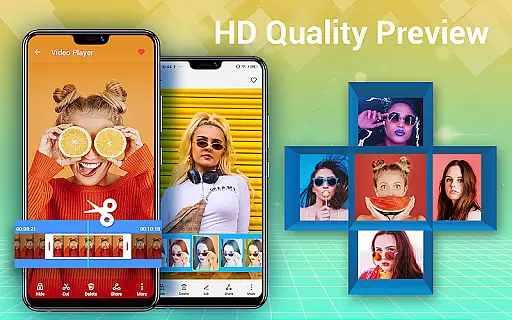
The app's real-time preview capabilities enable users to browse thousands of gallery photos and videos quickly. With options to delete, copy, and move files, organizing media becomes seamless. The ability to use external storage further enhances flexibility in managing large collections.
By providing a fast and lightweight interface, Photo Gallery ensures that users spend less time managing their media and more time enjoying their pictures. This feature is particularly beneficial for those who need quick access to their photo library without compromising on quality or performance.
AI beauty and enhancement features have become increasingly popular in photography apps, allowing users to improve the appearance of their photos naturally. These tools help in adjusting skin tones, smoothing imperfections, and enhancing facial features while maintaining a realistic look.
Photo Gallery - Album, Vault includes advanced photo editing capabilities such as auto-enhance, which makes photos look their best with just one tap. Users can apply various filters, adjust lighting, add stylish stickers, text, doodles, mosaics, and perform cropping, lightening, blurring, among other edits.
The app also supports creating photo collages with free-style or grid-style templates. By selecting multiple images, users can generate cool photo collages within seconds. These collages can then be shared on social media platforms like Instagram, Facebook, Twitter, or WhatsApp.
With its comprehensive suite of editing tools, Photo Gallery not only serves as a quick gallery but also as a powerful photo editor and collage maker. This ensures that users can enhance their photos naturally and creatively, making their memories stand out.
User-friendly interface
Powerful editing suite
Secure vault protection
Automatic organization
Versatile sharing options
Requires storage permission
Premium features may cost
May use significant space
Some features are complex
Limited offline functions

1M influencer's special filter
 4.60
4.60
Create funny photos and videos with the popular Time Warp Scan filter.
4.90
Transform photos into videos! Create realistic or anime-style images easily!
4.50
Over 800 film simulation recipes for Fujifilm. Black Friday Offer!
4.3
Superimpose one photo on top of another using the original Superimpose app!
3.20
Photo Exif Editor allows to view, add and modify EXIF data of multiple photos
4.50
Movie camera, supports pro recording settings for filming. Try it and be amazed!
4.50
Astrophotography with your smartphone, photo live stacking and much more!
3.90
Try an anime version, cartoon yourself, and generate AI hug or aging videos!
3.70
Find time and duration of different sunlight phases at any location
4.90
Pro version: AR sun/moon tracker for any date. Tool for photographers & planners
4.90
AI Photo Editor with 100+ Filters, Effects! Remove BG, Retouch & Photo Enhancer.
4.80
See your baby AI baby face generator AI baby maker Face generator babymaker fun!
4.70
Add Watermark - Sign your pictures with a text or logo. Effective, quick, easy!
4.50
Search, tag and rate your way to an organized image gallery
4.40
The #1 app for B&W film developing featuring an advanced darkroom timer.
4.10
Be your best in every shot! Fix, edit and retouch your face in selfies & photos.
3.70
GCamera allows all GCam features on all phone models! Better photos with GCamera
3.30
Long exposure camera with computational photography
2.60


User Reviews