
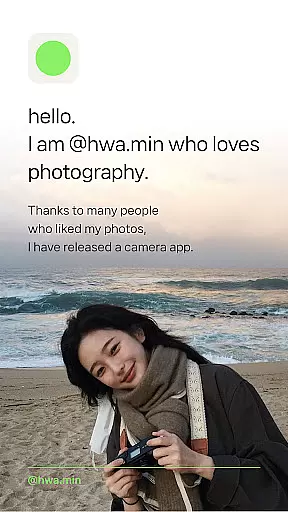
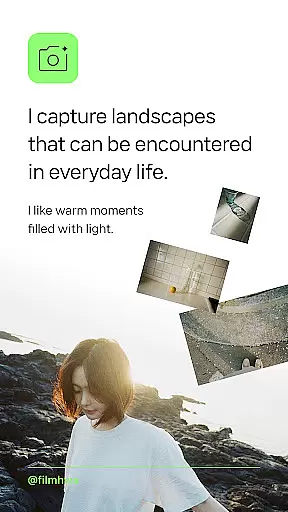
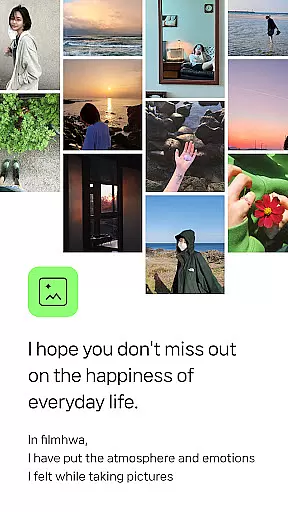

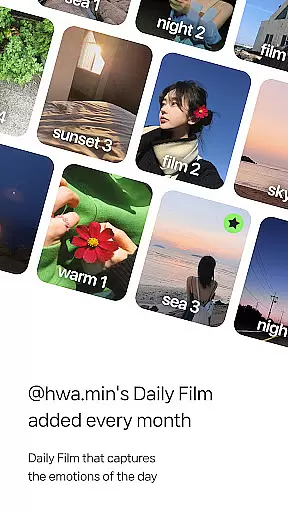
Filmhwa is a photography app designed for those who appreciate the analog sensibility of film cameras. Developed by @hwa.min, an influencer with 1 million followers, this app offers unique photo filters that capture warm moments filled with light. The app allows users to create natural, basic camera feels while offering advanced editing tools for both photos and videos.
With Filmhwa, users can explore a variety of features including brightness, exposure, contrast adjustments, and special effects like grain, light, and dust. It also supports wide-angle shooting, silent mode, and skin texture correction, making it a versatile tool for capturing everyday brilliance.
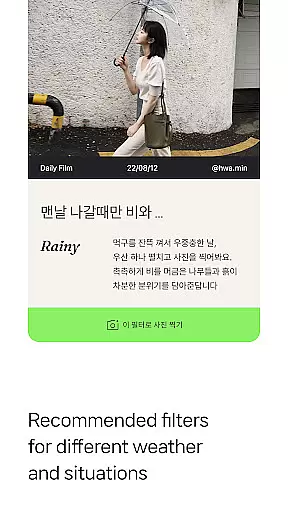
The app stands out with its unique atmosphere photo filters crafted by @hwa.min. These filters reproduce emotional colors and are recommended based on weather and situations, such as holidays or lazy mornings. Each filter comes with detailed info, including the date, time, location, and camera model used.
Filmhwa provides comprehensive photo and video editing tools. From basic adjustments to Instagram-specific proportions, the app covers all essential editing needs. Additionally, it includes video shooting capabilities with full aspect ratio support, perfect for capturing moving moments with the distinct @hwa.min filter.
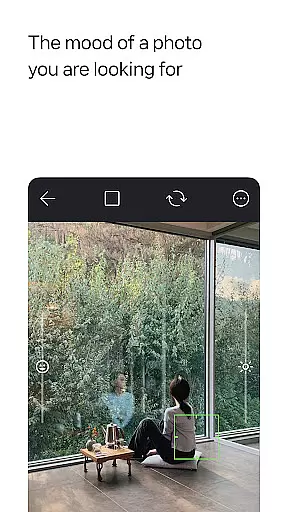
Real-time capture and preview functionality is essential for photography apps like filmhwa. This feature allows users to see exactly what the camera sees, ensuring that every shot meets their expectations before it's taken.
The app provides a seamless real-time preview experience by integrating advanced image processing algorithms. These algorithms adjust settings such as brightness, exposure, and contrast instantly, giving users a clear idea of how their final photo will look.
Users benefit from this feature by being able to fine-tune their shots on the fly. Whether capturing landscapes or portraits, they can make immediate adjustments to achieve the desired effect without waiting for post-processing.
This capability enhances user satisfaction by reducing the likelihood of missed opportunities due to incorrect settings. It empowers photographers to focus more on creativity rather than technical adjustments, making the entire photography process more enjoyable and efficient.
AI beauty and enhancement features are crucial for modern photography applications. In filmhwa, these tools help users enhance their photos naturally, preserving the authenticity of the original image while improving its overall quality.
The app employs sophisticated AI algorithms to analyze and enhance images. These algorithms detect facial features, lighting conditions, and other elements to apply enhancements that look genuine and not overly processed. This ensures that skin tones remain natural and details are preserved.
By using AI-driven enhancements, users can achieve professional-looking results without extensive editing skills. The app offers various effects such as grain, light, and dust, which add a vintage film sensibility to photos, enhancing their aesthetic appeal.
This feature adds significant value by allowing users to produce high-quality images effortlessly. It caters to both amateur and experienced photographers who seek to create visually appealing content with minimal effort, thus broadening the app's appeal across different user segments.
User-friendly interface
Unique photo filters
Advanced editing tools
Wide-angle shooting
Silent mode option
Limited filter variety
No automatic backup
High storage usage
Occasional bugs
Premium feature costs

Remote control of the phone camera from your Wear OS smartwatch
 3.70
3.70
Search, tag and rate your way to an organized image gallery
4.40
Create funny photos and videos with the popular Time Warp Scan filter.
4.90
Photobooth mini FULL app will allow you to add more fun to your parties
4.00
Viewfinder, Light meter, Reciprocity failure time, DOF & Bellows Extension
4.60
Cartoon and artistic effects for your photos and videos
4.70
Professional photography on your mobile phone
4.20
Future baby face generator: AI kids generator, kid face! What my baby look like?
4.40
Remote control the phone camera shutter from your smartwatch and take a picture
1.60
Perfect body tune & face app - photo retouch, makeup, slim body & beautify face.
4.80
The original Rarevision VHS look seen everywhere!
4.70
Easily create custom gifts, cards, photo books & more on the Shutterfly app!
4.60
Create collages easily! Nice pic collage maker & background eraser for Instagram
4.50
Effortlessly organize, view and share your photos & videos with Gallery app!
4.40
RAW video capture with advanced controls
4.40
[3DSteroid Pro] is a stereoscopic application for Android.
4.30
Professional quality photo edits with the new Snapseed.
4.00
live datamoshing
4.00
Turn photos into cartoons & avatars! - Photo Editor, Cartoon Face!
3.90


User Reviews