
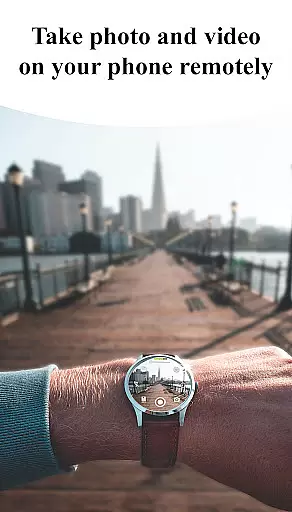
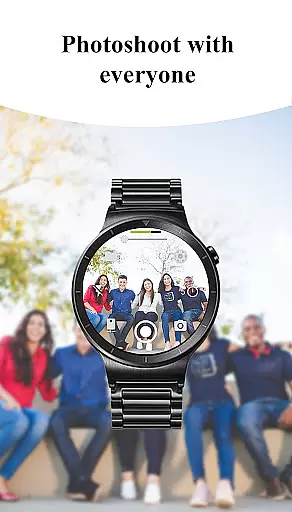
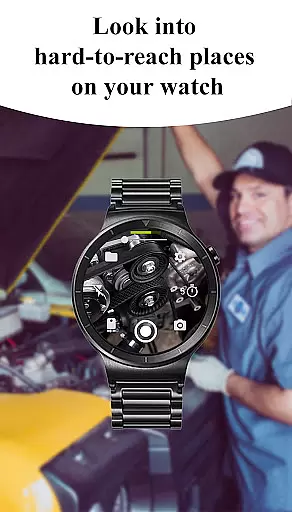
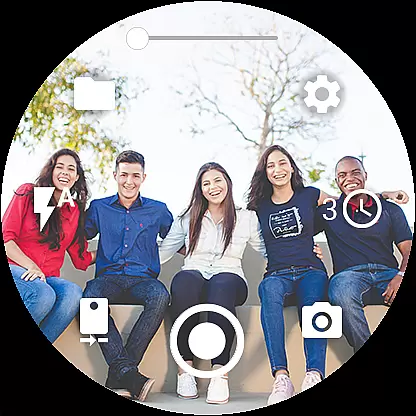
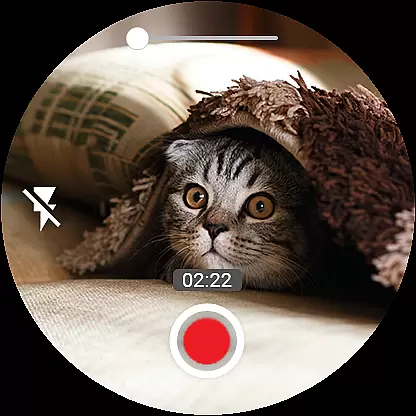

Camera Control for Wear OS is a powerful photography app that allows users to control their phone's camera directly from a Wear OS smartwatch. With this app, you can capture photos and videos effortlessly while enjoying advanced features like Bokeh, HDR, Night Mode, and more. The app supports multiple shooting modes including timelapse, video recording, and photo capture, making it versatile for various photography needs.
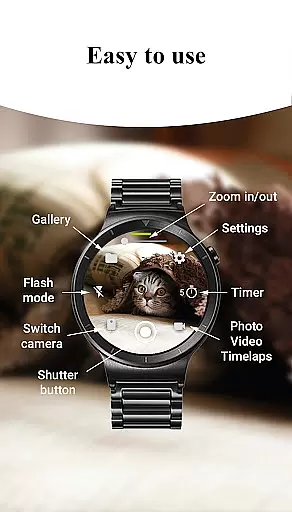
The app also offers convenient controls such as flash settings, camera switching, zoom adjustment, and quality settings, all accessible right from your wrist. Whether you're an amateur photographer or a professional videographer, Camera Control for Wear OS provides the tools you need to explore creative possibilities and enhance your mobile photography experience.
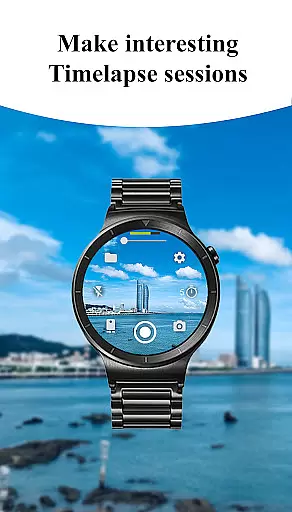
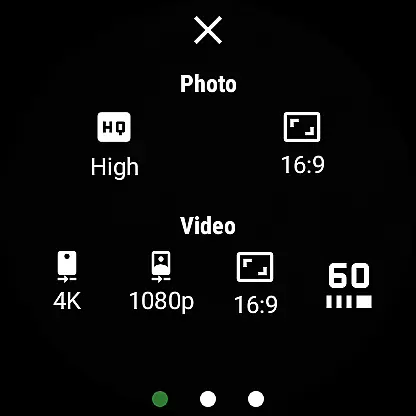
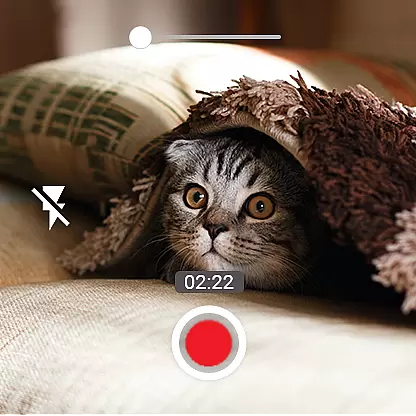
One of the standout features of Camera Control for Wear OS is its diverse shooting modes. Users can choose between three main modes: photo capture, video recording, and timelapse creation. Each mode comes with customizable settings, allowing you to adjust photo and video quality, aspect ratios, and even enable advanced options like Bokeh and HDR based on device compatibility.
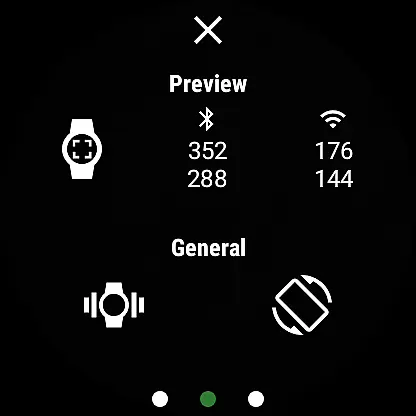
In addition to basic controls, the app includes professional-grade features such as geotagging, wide-angle camera support, and 4K video recording. You can also lock the camera orientation, switch between front and rear cameras seamlessly, and use intuitive gesture controls. These capabilities ensure that whether you're capturing casual moments or working on a detailed project, the app provides the flexibility and precision needed for excellent results.
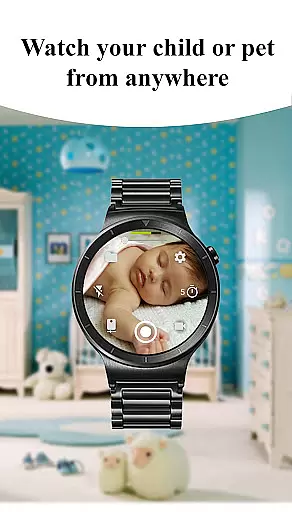
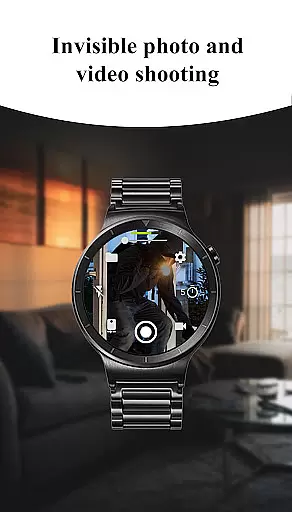
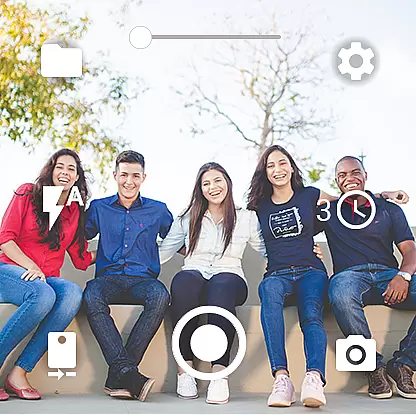
Real-time capture and preview functionality is essential for ensuring that users can frame and take photos or videos with precision directly from their Wear OS smartwatch. The Camera Control for Wear OS app excels in this area by providing an intuitive interface that mirrors the phone's camera capabilities on the watch.
This app allows you to switch between front and rear cameras, adjust photo and video quality settings, and control zoom levels, all from your wrist. Such features ensure that you have complete control over how you capture moments without needing to interact directly with your phone.
The ability to set timers, manage flash settings, and even view a gallery of captured images right on your smartwatch enhances the user experience significantly. This seamless integration empowers users to capture memories effortlessly while enjoying outdoor activities or when their hands are occupied.
By offering advanced camera modes like Bokeh, HDR, Night mode, and more, Camera Control for Wear OS ensures that image quality remains high regardless of shooting conditions. These capabilities make it an indispensable tool for photography enthusiasts who demand flexibility and performance from their wearable devices.
AI beauty and enhancement features are becoming increasingly popular among smartphone users looking to improve their photos instantly. While Camera Control for Wear OS focuses primarily on real-time capture and remote control functionalities, it also supports various enhancements that leverage AI technology to deliver natural-looking results.
Through its compatibility with different camera modes such as Bokeh and HDR, the app helps in enhancing portrait shots by intelligently blurring backgrounds or adjusting lighting conditions. This ensures that subjects stand out naturally without appearing overly processed or artificial.
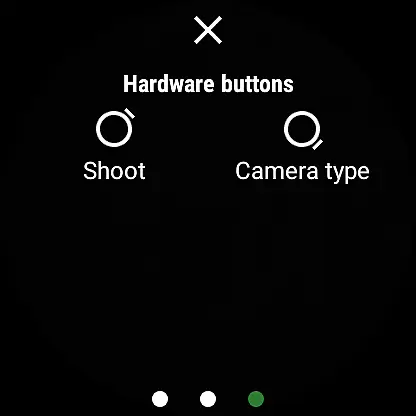
Additionally, gesture controls and hardware button support allow users to apply these enhancements with ease during photo sessions. By integrating closely with the phoneu2019s native capabilities, Camera Control for Wear OS maintains a balance between automated improvements and manual adjustments, catering to both amateur photographers and seasoned professionals alike.
While not solely focused on AI-driven beautification tools, Camera Control for Wear OS provides enough customization options within its framework to produce aesthetically pleasing images while preserving authenticityu2014a crucial aspect valued by todayu2019s social media-savvy audience.
Intuitive interface
Advanced camera modes
Convenient wearable control
Versatile shooting options
Professional-grade settings
Limited device compatibility
Requires Wear OS
Some features may vary
Premium feature cost
Dependent on phone hardware

Effortlessly organize, view and share your photos & videos with Gallery app!
 4.40
4.40
Long exposure camera with computational photography
2.60
[3DSteroid Pro] is a stereoscopic application for Android.
4.30
Shooting photos and records video easily and efficient with professional Camera
4.30
Easily stitch panoramas from multiple photos or video.
4.40
Turn your phone into a professional camera - full DSLR manual photography
4.30
Smart, light, and fast photo and video gallery
4.30
Unblur, enhance & restore photos with powerful AI photo enhancer tools.
4.60
Discover How to Plan any Sun, Moon and Milky Way Photo You Imagine in Seconds
4.70
AI Photo Editor with 100+ Filters, Effects! Remove BG, Retouch & Photo Enhancer.
4.80
Viewfinder, Light meter, Reciprocity failure time, DOF & Bellows Extension
4.60
Enhance, retouch & create your story - Share the moment with Photoshop Express.
4.60
PhotoSync Bundle Add-On License. Enables all features and services in PhotoSync.
4.60
Create Business Headshots, Polaroid Filter, Retake Photos,Profile Pics,AI Photos
4.50
Transform photos into videos! Create realistic or anime-style images easily!
4.50
Create AI photos & videos with Enhancer; restore, fix, beautify, enhance photos
4.50
AI-powered video creator by MiniMax - Where ideas meet cinema
4.20
Astrophotography with your smartphone, photo live stacking and much more!
3.90
Superimpose one photo on top of another using the original Superimpose app!
3.20


User Reviews