
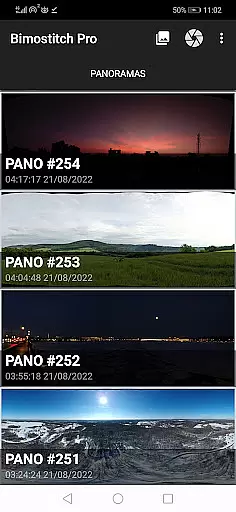
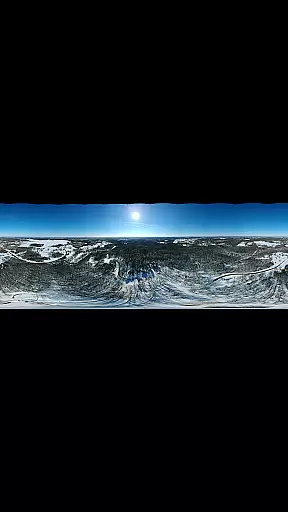
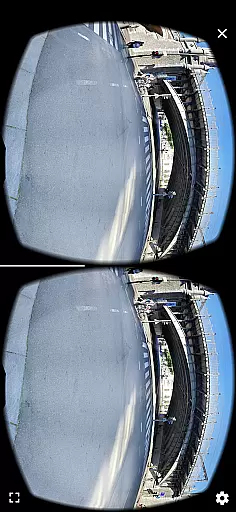
Bimostitch Panorama Pro is a powerful photography app designed for creating high-resolution panoramic images directly on your mobile device. This app allows users to stitch together 2 to 200+ overlapping photos into impressive wide-view panoramas, including single-row, multi-row, vertical, horizontal, 360° panoramas, or photospheres. With advanced on-device image stitching algorithms, it ensures fast and high-quality output while maintaining the quality of source photos.
The app offers both automatic and manual controls for exposure balancing, straightening, and color adjustments, making it suitable for both amateur and professional photographers. Its intuitive interface and seamless integration with social media platforms enable users to share their panoramic masterpieces effortlessly. Whether you're capturing landscapes, cityscapes, or aerial shots via drones, Bimostitch Panorama Pro provides all the tools necessary to create stunning panoramas right in the palm of your hand.
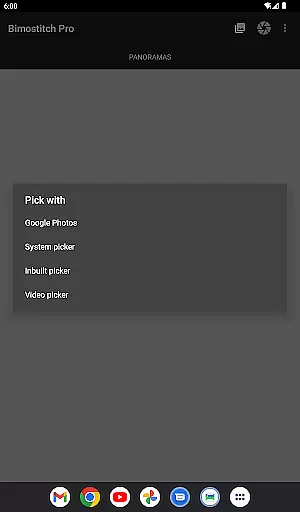
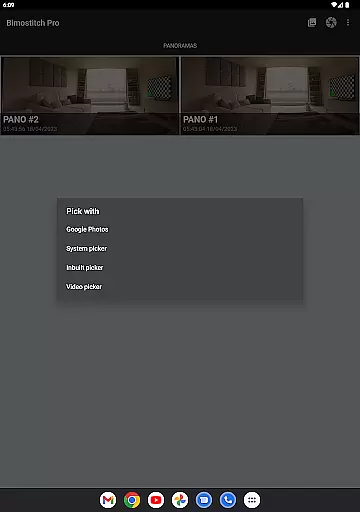
Bimostitch Panorama Pro stands out with its comprehensive set of features tailored for panoramic photography enthusiasts. One of its key capabilities is the ability to stitch ultra-high-resolution panoramas of up to 1 Gigapixel, ensuring that even the finest details are preserved. The app supports multiple input methods, including built-in photo pickers, external camera apps, and even video-to-panorama conversion, allowing users to transform videos of panning motions into breathtaking panoramic images.
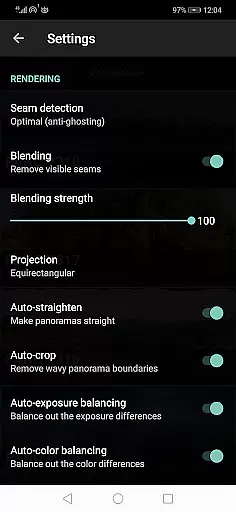
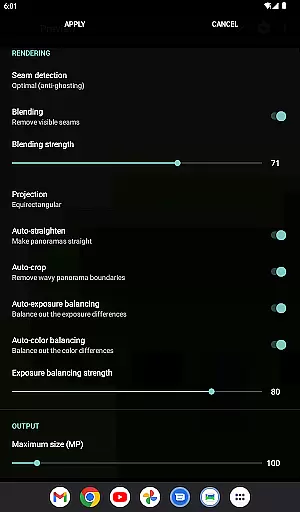
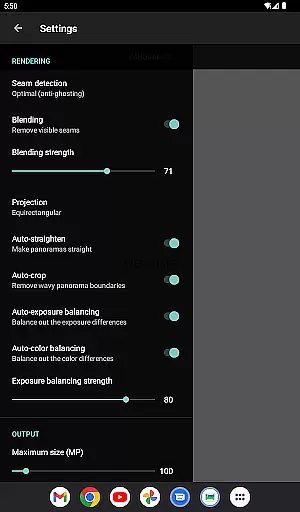
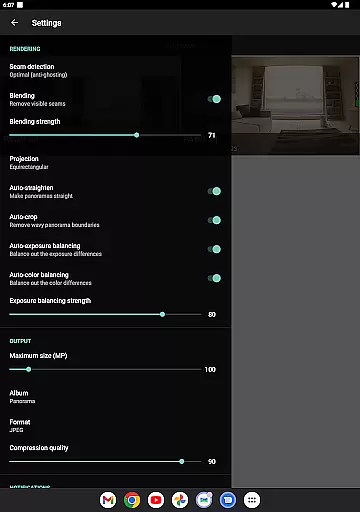
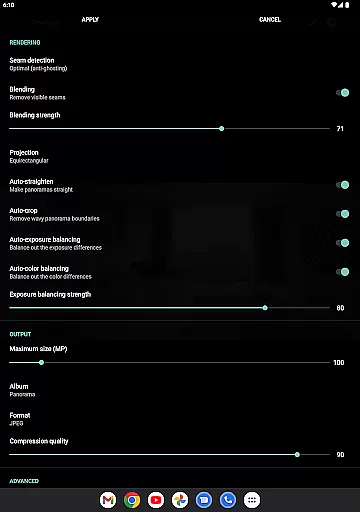
In addition to its core stitching functionality, the app includes advanced editing options such as auto-lens calibration for distortion correction, seam detection modes, and blending intensity controls. These features ensure professional-grade results without requiring specialized equipment. Furthermore, the app operates fully offline, making it ideal for travelers and photographers who need reliable performance regardless of Internet connectivity. With support for JPEG and PNG formats, customizable settings, and compatibility with photos from DSLR cameras or drones, Bimostitch Panorama Pro delivers unmatched versatility and convenience.
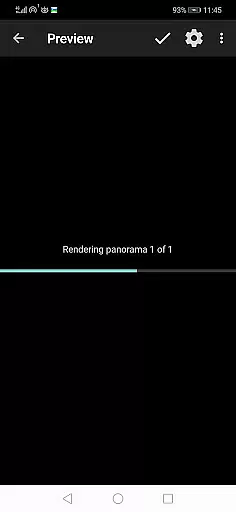
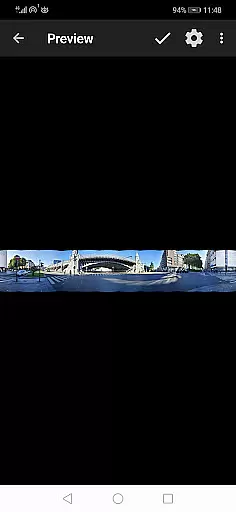
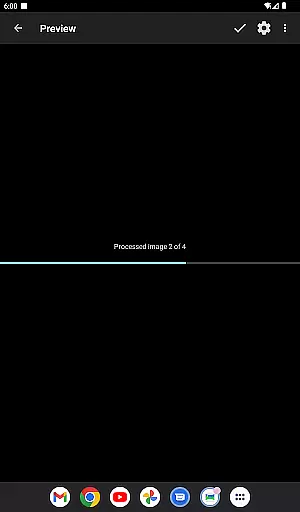
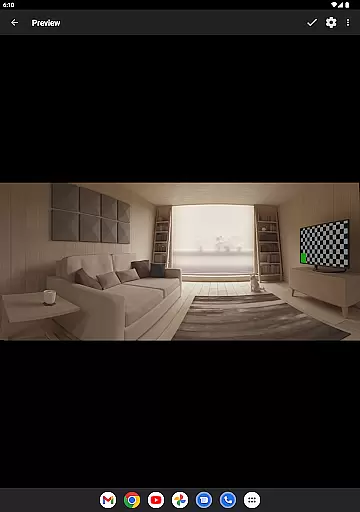
Real-time capture and preview functionality is essential for ensuring that every moment is captured perfectly. Bimostitch Panorama Pro offers an intuitive interface where users can see their images come together in real time, providing immediate feedback on the quality and alignment of photos.
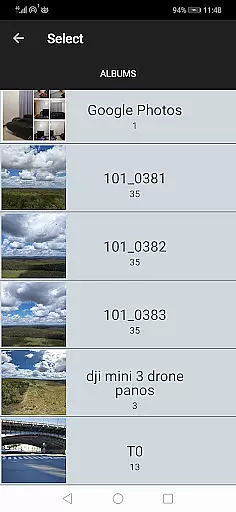
The app allows users to select photos from various sources including its built-in camera feature, gallery, or even videos. This flexibility ensures that whether you're using a drone, DSLR, or smartphone camera, you can stitch high-resolution panoramas effortlessly. The real-time preview helps in adjusting the shots instantly, ensuring minimal errors during the photo stitching process.
With this feature, photographers can create panoramic images conveniently while on the go. Whether you're on a tour or capturing unique landscapes, the ability to preview your panorama before finalizing it saves time and enhances the overall photography experience.
Ultimately, real-time capture and preview empower both professional and amateur photographers by offering them control over their creative process, resulting in high-quality panoramic images without the need for extensive equipment or post-processing.
AI beauty and enhancement features are crucial for refining images while maintaining their natural look. Bimostitch Panorama Pro leverages advanced AI algorithms to enhance panoramas automatically, ensuring that the final output looks polished yet authentic.
The app includes automatic exposure balancing, color correction, and lens distortion compensation. These features work seamlessly to produce high-quality panoramas that retain the original essence of the captured scenes. Users benefit from auto-color balancing and seam detection modes, which ensure smooth transitions between stitched images without compromising on detail or realism.
Additionally, the app provides options to adjust the intensity of auto-exposure and color balancing, allowing users to fine-tune the enhancements according to their preferences. This level of customization ensures that the enhancements remain subtle and natural, preserving the integrity of the original photographs.
By integrating these sophisticated AI-driven tools, Bimostitch Panorama Pro delivers professional-grade results, making it an invaluable tool for anyone looking to create stunning, lifelike panoramas with ease.
User-friendly interface
High-quality stitching
Offline functionality
Wide format support
Advanced editing tools
Requires high RAM
Paid pro features
Complex for beginners
Large file sizes
Limited free version

A collection of tools and reference tables for DPs, ACs, DITs and Operators.
 4.70
4.70
An interval timer to automate photo taking process for timelapse
2.90
Cut and paste photo editor & eraser to customize photos easy and swap faces fun
4.50
Edit like a pro with Hypic. Apply filters, AI effects, & magic touch.
4.40
Take videos and pictures with the popular TikTok TIME WARP SCAN filter.
4.60
Enhance, retouch & create your story - Share the moment with Photoshop Express.
4.60
AI-powered video creator by MiniMax - Where ideas meet cinema
4.20
live datamoshing
4.00
PhotoSync Bundle Add-On License. Enables all features and services in PhotoSync.
4.60
AI Photo Editor with 100+ Filters, Effects! Remove BG, Retouch & Photo Enhancer.
4.80
Cartoon and artistic effects for your photos and videos
4.70
Easily view, share, delete photos with Gallery.
4.70
The original Rarevision VHS look seen everywhere!
4.70
1M influencer's special filter
4.60
Viewfinder, Light meter, Reciprocity failure time, DOF & Bellows Extension
4.60
Light-weight Media Gallery app for Android made with Jetpack Compose
4.60
Effortlessly organize, view and share your photos & videos with Gallery app!
4.40
Turn your phone into a professional camera - full DSLR manual photography
4.30
Be your best in every shot! Fix, edit and retouch your face in selfies & photos.
3.70


User Reviews