
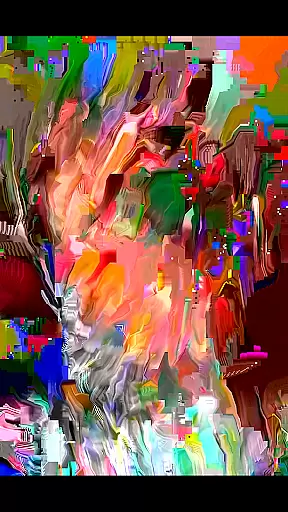
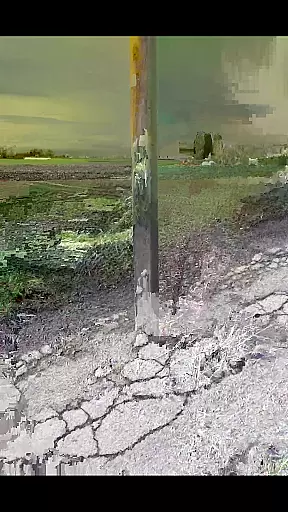
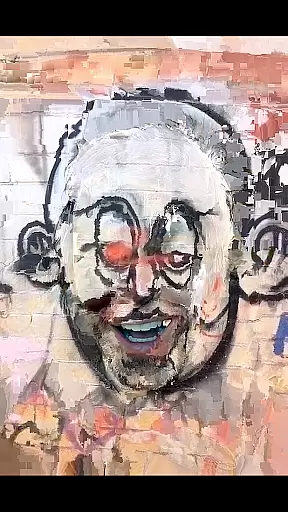
MoshUp is a creative photography app that allows users to perform live datamoshing on their mobile devices. With this app, you can film two different scenes and combine them through motion transformation, creating unique mapping effects. The latest version supports video import from your gallery, expanding creative possibilities.
Designed for photography enthusiasts who want to experiment with visual effects, MoshUp offers an innovative way to manipulate videos directly on your phone. While the app is still under development, it provides a fun and experimental platform for creating artistic visuals despite potential compatibility issues on some devices.
MoshUp stands out with its live datamoshing capability, allowing real-time video transformation based on motion captured in subsequent recordings. This feature creates fascinating visual effects by blending two separate video clips into one dynamic output. Users can also hold the screen to repeat the last frame, giving more control over the final result.
The latest update introduces video import functionality, enabling users to apply datamoshing effects to existing footage from their gallery. This expands creative freedom and makes the app suitable for both spontaneous and planned video projects. Although performance may vary across devices, the app's innovative approach to video manipulation sets it apart in the photography category.
Real-time capture and preview functionality is essential for photography apps like MoshUp. This feature allows users to see the effects of their actions immediately as they film or edit.
MoshUp enables live datamoshing, transforming the first recording through the motion detected in the second recording. The app provides instant feedback on how the datamoshing effect looks, which helps users adjust their filming technique accordingly.
With real-time previews, users can experiment with different motions and angles while filming the second video, ensuring that the desired effect is achieved without delay. This immediate visual feedback enhances creativity and saves time during the editing process.
The ability to repeat the last frame by holding the screen adds another layer of control over the final output. Overall, this real-time interaction empowers users to create unique mapping effects efficiently.
While MoshUp does not focus on traditional AI beauty enhancements, it offers creative tools that allow for unique visual transformations. These artistic effects contribute to the naturalness and authenticity of the final product.
The app's innovative approach to datamoshing creates interesting mapping effects that are distinct from conventional beautification filters. By using motion data from one video to transform another, MoshUp generates organic-looking distortions that maintain the integrity of the original footage.
Although there aren't specific AI-driven beauty features, the appu2019s transformation capabilities enable users to produce visually striking results that feel genuine rather than overly processed. This method preserves the raw essence of the captured moments while adding an artistic touch.
Furthermore, the option to import videos from the gallery expands creative possibilities, allowing users to apply these natural-looking effects to pre-existing content. This flexibility ensures that each creation remains true to the user's vision while offering room for experimentation.
User-friendly interface
Unique datamoshing effect
Real-time transformation
Video import feature
Creative experimentation tool
Limited device compatibility
Still in development phase
Performance inconsistencies
Requires technical understanding
May drain battery quickly

Photo editor: face & body editor, beauty cam, filters and quality enhancer.
 4.00
4.00
Find time and duration of different sunlight phases at any location
4.90
1M influencer's special filter
4.60
An interval timer to automate photo taking process for timelapse
2.90
AI photo editor with hair editor, retouch tools, hair color changer & filters!
4.50
Over 800 film simulation recipes for Fujifilm. Black Friday Offer!
4.4
RAW video capture with advanced controls
4.40
Welcome to ProShot, the most powerful camera app on Android.
4.20
Photo & Video Gallery app to manage albums and save WA Status easily.
4.70
Create funny photos and videos with the popular Time Warp Scan filter.
4.90
Easily view, share, delete photos with Gallery.
4.70
Safe & smart flight with Go Fly drone controller for 40+ drone camera, zone map
4.50
Professional photography on your mobile phone
4.20
A light meter for true photographers.
4.20
How old age camera Gender Swap App Face Shape Hairstyle App Hair Styler App fun!
4.00
Gallery Slideshow is slideshow maker app for slideshow from your gallery photos.
3.90
Astrophotography with your smartphone, photo live stacking and much more!
3.90
Hair color changer, AI haircut app, fun hair editor and buzz cut filter for all!
3.80
Add a dreamy vibe to your selfies and videos with soft style filters
4.5


User Reviews