
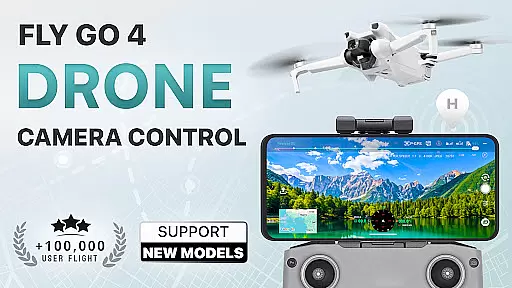
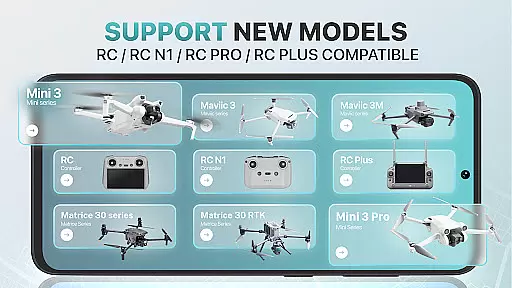
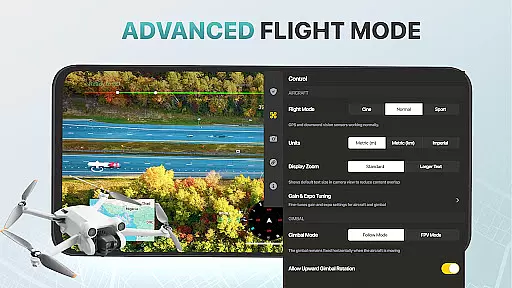
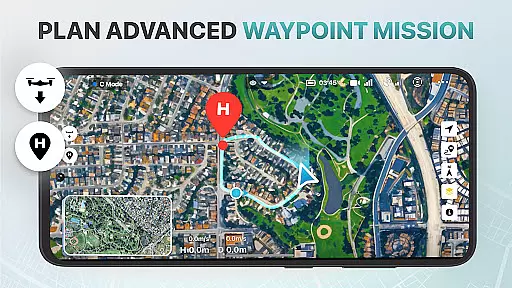
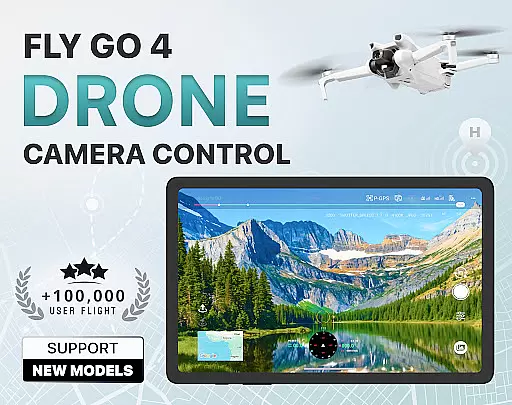
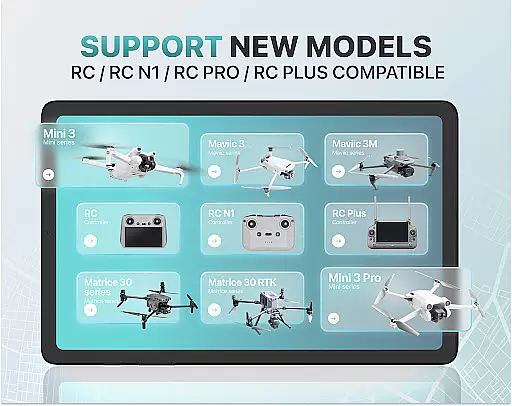
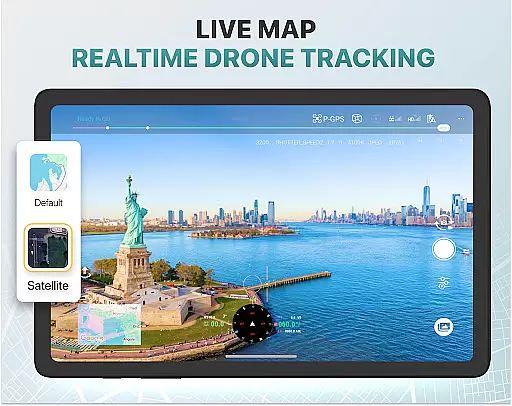
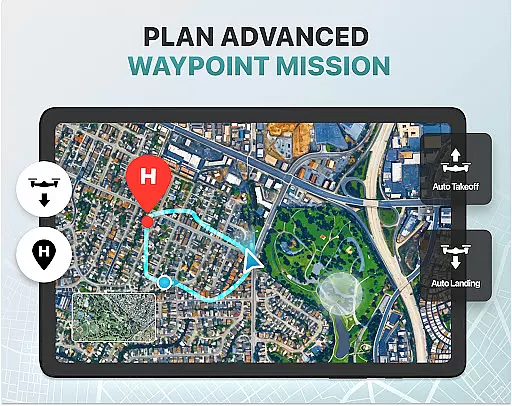
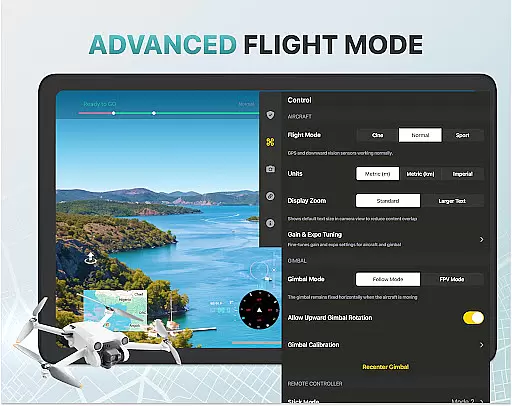
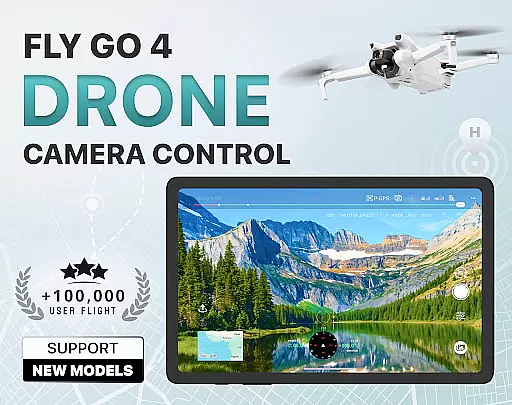
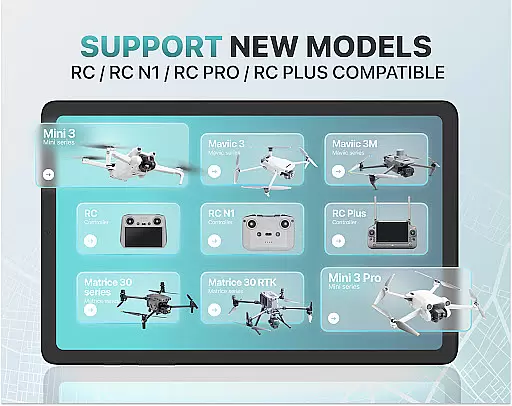
Fly Go 4 Drone Camera Control is a comprehensive drone management app designed for both amateur and professional drone pilots. The app offers seamless compatibility with a wide range of drones, flycams, and UAVs, including popular models like Matrice 350 RTK, DJI Mini 3, and DJI Mavic 3 Enterprise Series. With its intuitive interface, users can easily control their drones directly from their mobile devices.
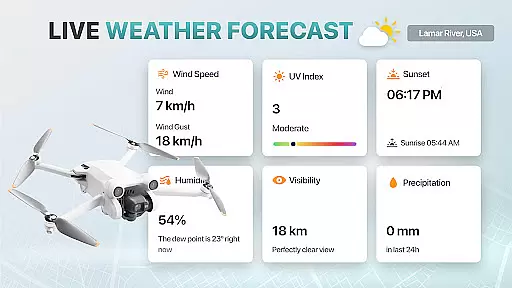
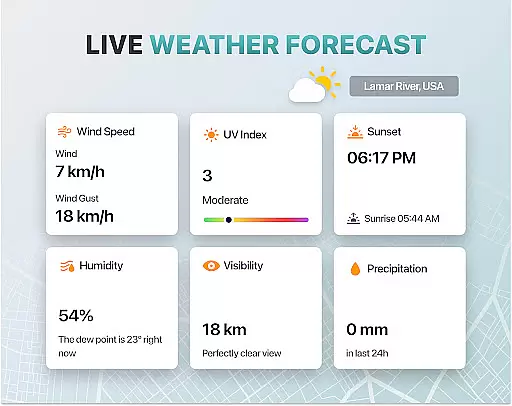
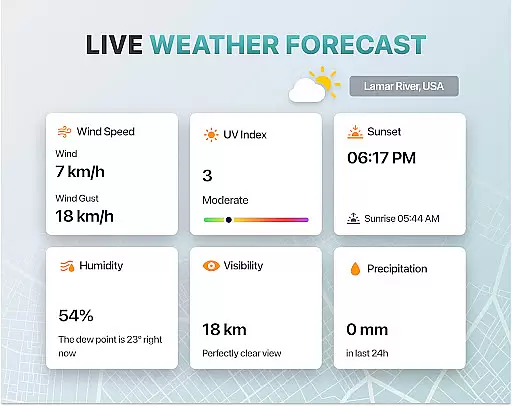
One of the standout features of this app is its ability to provide real-time weather updates, ensuring optimal flying conditions. Additionally, it includes no-fly zone alerts, smart media export options, and advanced camera controls such as panorama photography and gimbal direction adjustments. These features make it an essential tool for capturing stunning aerial footage while maintaining safety and precision.
Whether you're a beginner looking to learn the basics or an experienced pilot seeking advanced functionalities, Fly Go 4 Drone Camera Control has something to offer. From beginner tutorials to intelligent flight modes, this app ensures that users can maximize their drone's potential while enjoying a user-friendly experience.
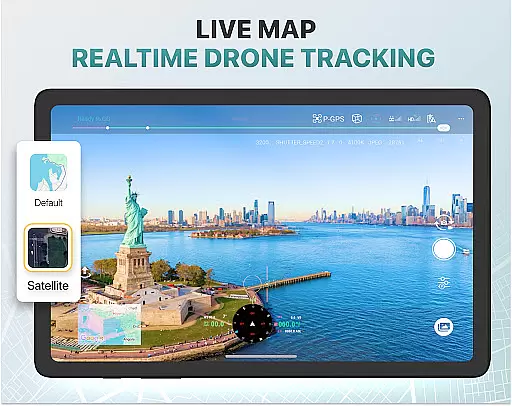
The Fly Go 4 Drone Camera Control app boasts a variety of innovative features tailored to enhance your drone flying experience. One of its key capabilities is the real-time camera feed, which allows users to view lag-free video streams directly on their phone screens. This feature enables precise control over the drone’s movements and helps capture breathtaking aerial shots with ease.
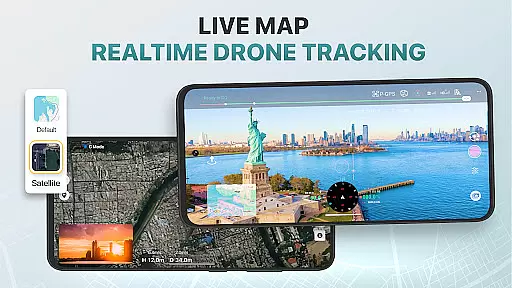
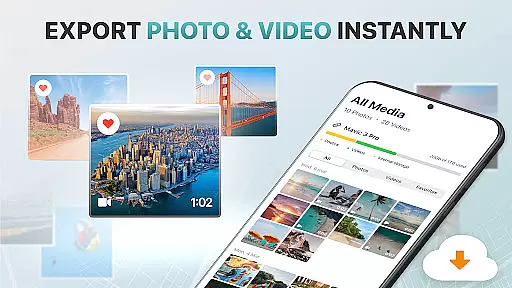
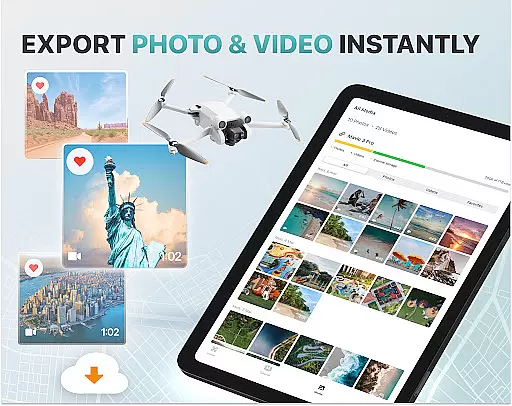
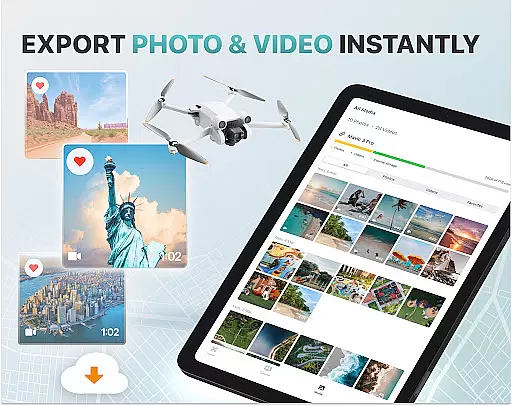
In addition to the live camera feed, the app provides several advanced tools such as UAV weather forecasting and no-fly zone alerts. These ensure that pilots are always aware of environmental conditions and regulatory restrictions, promoting safe and responsible drone operation. The app also supports smart media export, allowing users to transfer high-quality footage to their devices in various formats for easy sharing and editing.
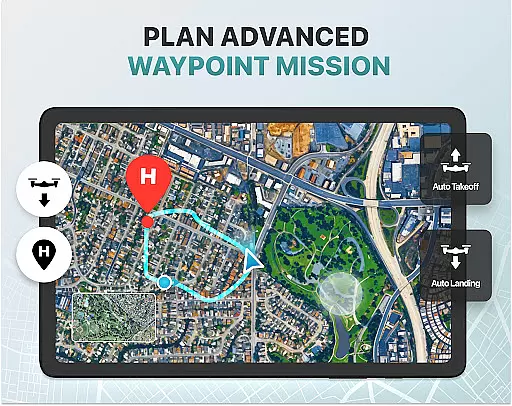
Other notable features include the find my drone GPS tracker, home point functionality for automatic return flights, and detailed exposure graphs for meticulous camera settings. With extensive compatibility across numerous drone models and intuitive flight modes, Fly Go 4 Drone Camera Control stands out as a versatile and indispensable tool for any drone enthusiast.
Real-time capture and preview functionality is essential for drone photography, allowing users to see exactly what their drone's camera is capturing as it happens. The Go Fly Drone Controller Pro app excels in this area by providing a seamless live video feed directly to the user's phone screen.
This feature ensures that users can make real-time adjustments to their drone's position and camera settings, resulting in perfectly framed shots every time. With minimal lag, pilots can execute precise maneuvers and capture high-quality images and videos with confidence.
The app supports a wide range of drones, including popular models like DJI Mini 3, DJI Mavic 3 Enterprise Series, and Matrice 350 RTK, ensuring broad compatibility. This extensive support means that whether you're an amateur or professional photographer, you'll be able to utilize real-time capture and preview to enhance your aerial photography experience.
By delivering a responsive and reliable live stream, the Go Fly Drone Controller Pro app empowers users to take full creative control over their drone photography projects, making it an invaluable tool for capturing stunning panoramic views and detailed aerial footage.
While primarily focused on drone control, the Go Fly Drone Controller Pro app also incorporates AI beauty and enhancement features that ensure captured images and videos look their best without appearing unnatural. These intelligent enhancements automatically adjust lighting, color balance, and sharpness to produce visually appealing results.
The AI algorithms are designed to maintain the authenticity of the original footage while subtly improving its overall quality. This approach helps retain the natural beauty of landscapes and subjects, avoiding the over-processed look that can detract from a photograph's impact.
Users benefit from these enhancements when exporting media files, as the app supports various high-quality formats suitable for sharing and editing. Whether capturing panoramic vistas or detailed close-ups, the AI beauty features ensure that every shot looks polished yet genuine.
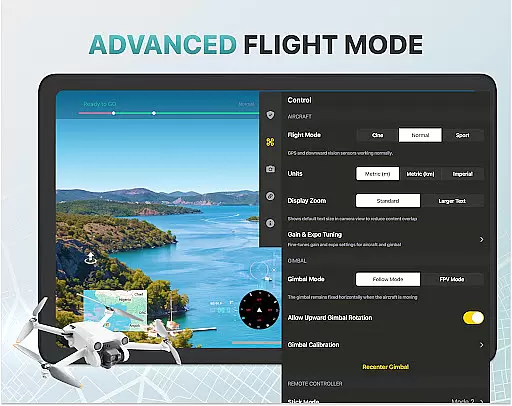
With the ability to fine-tune exposure settings and gimbal direction through the app, photographers have even greater control over how AI enhancements are applied. This combination of advanced technology and user customization makes the Go Fly Drone Controller Pro app a powerful tool for achieving professional-grade results in drone photography.
User-friendly interface
Real-time weather updates
Wide device compatibility
Advanced camera controls
Comprehensive support resources
Premium subscription required
Limited free trial period
No iOS compatibility
Occasional connectivity issues
Not officially endorsed by manufacturers

All-in-One Editor & AI Photo Enhancer, Collage, Cartoonify, Funny Stickers & BGS
 4.10
4.10
Create Business Headshots, Polaroid Filter, Retake Photos,Profile Pics,AI Photos
4.50
The #1 app for B&W film developing featuring an advanced darkroom timer.
4.10
Fit multiple photos on one post. Create carousels & scroll layouts for Instagram
4.50
Hair color changer, AI haircut app, fun hair editor and buzz cut filter for all!
3.80
The original Rarevision VHS look seen everywhere!
4.70
Discover & download millions of art for The Frame TV or Hisense CanvasTV
4.60
Unlock the full potential of your DJI drone with Litchi
4.50
Try an anime version, cartoon yourself, and generate AI hug or aging videos!
3.70
Perfect body tune & face app - photo retouch, makeup, slim body & beautify face.
4.80
Enhance, retouch & create your story - Share the moment with Photoshop Express.
4.60
AI photo editor with hair editor, retouch tools, hair color changer & filters!
4.50
Movie camera, supports pro recording settings for filming. Try it and be amazed!
4.50
A reflected light meter with spot metering and incident light metering.
4.40
[3DSteroid Pro] is a stereoscopic application for Android.
4.30
A light meter for true photographers.
4.20
Catch sunlight, sunrise sunset times and sun phases with the AR sun tracker.
4.10
GCamera allows all GCam features on all phone models! Better photos with GCamera
3.30
Raw Image Viewer. Gallery with support of raw images (.cr3, .cr2, .nef, .raf).
2.00


User Reviews