
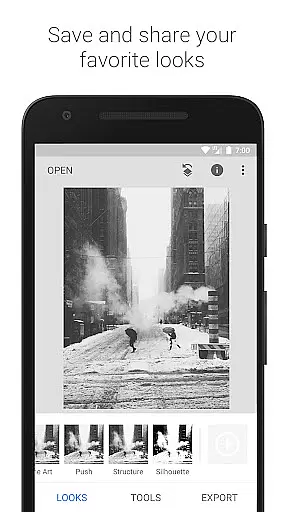
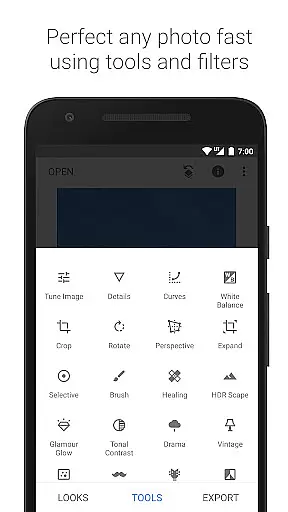
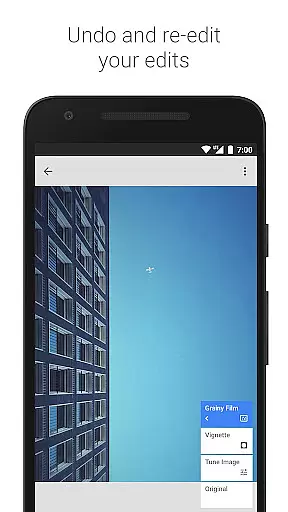
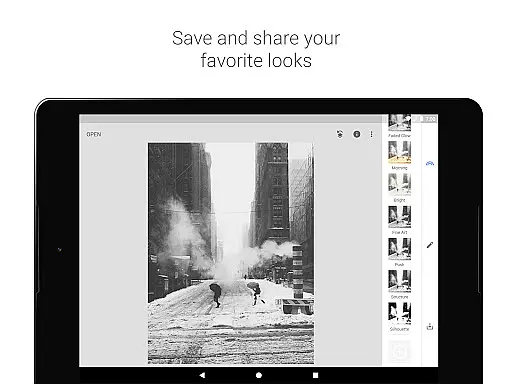
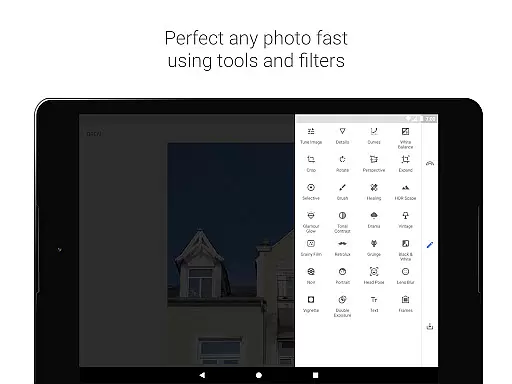
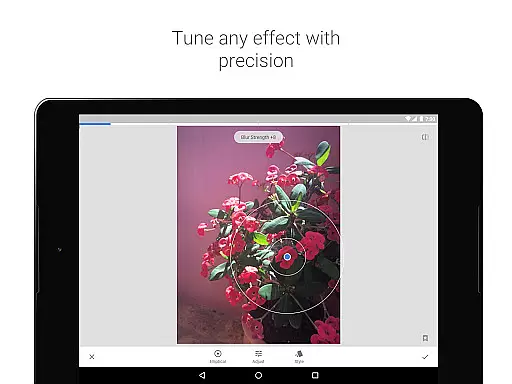
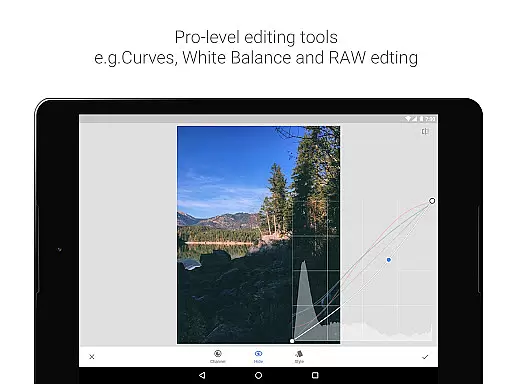
Snapseed is a comprehensive photo editing application developed by Google, offering professional-grade tools for both amateur and expert photographers. The app provides an extensive suite of 29 tools and filters, including options like Healing, Brush, Structure, HDR, and Perspective correction, making it a versatile choice for photo enhancement.
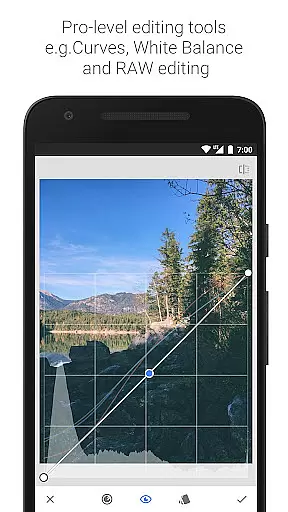
One of Snapseed's standout features is its support for both JPG and RAW file formats, allowing users to work with high-quality images directly on their mobile devices. Users can save personalized editing styles and apply them to future projects, ensuring consistent aesthetics across their work. With selective filter brushes and precise control over all editing parameters, the app delivers exceptional flexibility in photo manipulation.
The app is particularly useful for photographers who need to correct image distortions or enhance specific elements within a photo. Whether you're adjusting white balance, cropping images, or adding creative effects like lens blur and vignettes, Snapseed offers the tools needed to create stunning visuals. Its intuitive interface and robust feature set make it an invaluable tool for anyone looking to elevate their photography.
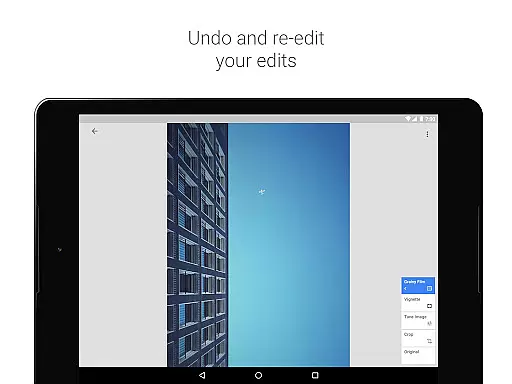
Snapseed stands out in the photography category due to its rich feature set tailored for detailed photo editing. One of its key features is the ability to open and edit RAW DNG files, providing non-destructive editing capabilities that are crucial for professional workflows. This ensures that users can make extensive edits without losing the original quality of their images.
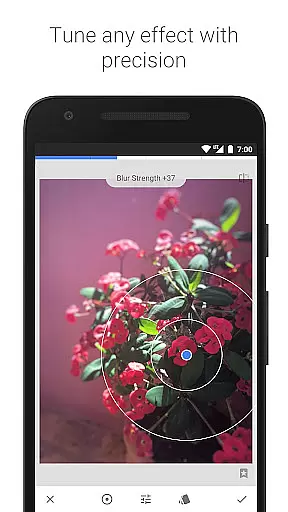
The app includes advanced tools such as 'Selective', which uses Control Point technology to allow precise adjustments to specific areas of an image. Users can place up to eight points on an image and assign enhancements, letting the algorithm handle the rest. Additionally, features like 'Healing' enable users to remove unwanted elements from photos seamlessly, while 'Brush' tools offer selective retouching of exposure, saturation, brightness, and warmth.
Beyond basic editing, Snapseed offers creative filters such as 'Glamour Glow', 'HDR Scape', and 'Drama', each designed to add unique stylistic effects to photos. These filters, combined with precise control over curves, tonal contrast, and grain, empower users to produce highly customized images. The inclusion of face enhancement tools further expands its utility, making it suitable for portrait photography as well.
Real-time capture and preview functionality is essential for photography apps as it allows users to see exactly what the camera is capturing before taking a shot. Snapseed, developed by Google, offers this feature with precision.
The app supports opening both JPG and RAW files, providing photographers with flexibility in file formats. This ensures that users can work with high-quality images directly from their cameras without any loss of detail during the editing process.
Snapseed's real-time adjustments enable users to tweak exposure, color balance, and other settings while seeing the changes reflected instantly on the screen. This immediate feedback loop empowers photographers to make informed decisions about their edits, resulting in more accurate and visually appealing final images.
With its selective filter brush and control point technology, Snapseed allows for precise retouching of specific areas within an image. Users can selectively enhance or modify parts of their photos, ensuring that each element stands out as desired, all while observing these changes in real time.
AI beauty and enhancement features are becoming increasingly popular in photo editing applications. Snapseed incorporates advanced AI algorithms to provide natural-looking enhancements without compromising the authenticity of the original image.
The app includes tools like Healing, which removes unwanted elements from photos seamlessly. This feature uses AI to intelligently fill in gaps left by removed objects, maintaining the integrity of the background and ensuring a smooth finish.
Snapseed's Glamour Glow tool adds a fine glow to images, perfect for fashion or portrait photography. The AI-driven enhancements ensure that the glow appears natural, enhancing the subject's features without making them look overly processed or artificial.
Additionally, Snapseedu2019s Face Enhance tool focuses on improving facial features such as eyes and skin tone. By leveraging AI, the app provides subtle yet effective enhancements that highlight the subject's best attributes while preserving a realistic appearance, thus offering users professional-grade results with minimal effort.
User-friendly interface
Extensive editing tools
Supports RAW files
Customizable filters
Free to use
Steep learning curve
Overwhelming for beginners
Limited video editing
No real-time collaboration
Occasional bugs

Photo prints, cards, & gifts at Walgreens. Easy ordering & fast local pickup !
 4.80
4.80
Create collages easily! Nice pic collage maker & background eraser for Instagram
4.50
Superimpose one photo on top of another using the original Superimpose app!
3.20
Photo editor & gallery. Crop pictures & edit photos offline, no wifi!
4.50
AI Photo Editor with 100+ Filters, Effects! Remove BG, Retouch & Photo Enhancer.
4.80
Snap photos remotely using your Garmin watch as the camera trigger
4.2
PhotoSync Bundle Add-On License. Enables all features and services in PhotoSync.
4.60
Effortlessly make high-quality GIFs from images & videos without any watermarks.
4.70
Discover How to Plan any Sun, Moon and Milky Way Photo You Imagine in Seconds
4.70
Pro version: AR sun/moon tracker for any date. Tool for photographers & planners
4.90
Android Native system HD camera app. Never been so simple and faster.
4.70
Enhance, upscale, and transform your images — on your device, without limits
4.70
HD Camera Pro with HD Video shooting, Panorama, Photo editor , Beauty Camera.
4.50
Create AI photos & videos with Enhancer; restore, fix, beautify, enhance photos
4.50
Easily stitch panoramas from multiple photos or video.
4.40
Professional photography on your mobile phone
4.20
The #1 app for B&W film developing featuring an advanced darkroom timer.
4.10
An interval timer to automate photo taking process for timelapse
2.90
Photo Album Watch Face shows your favorite pictures as a Watchface.
1.90


User Reviews