

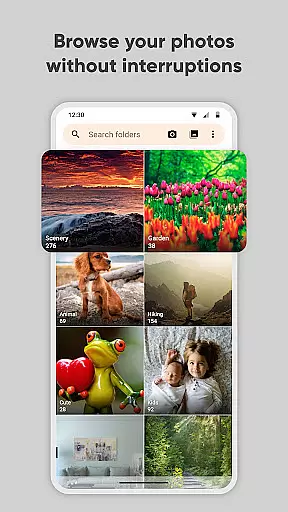
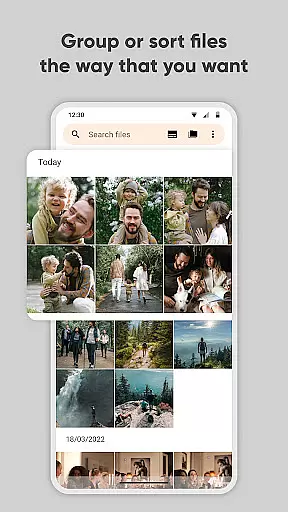
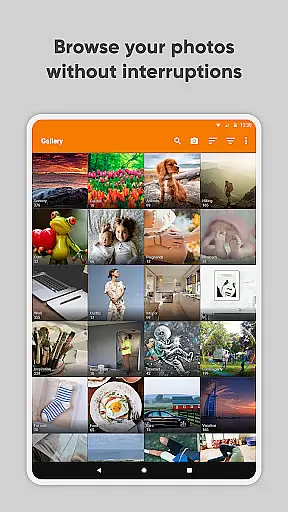
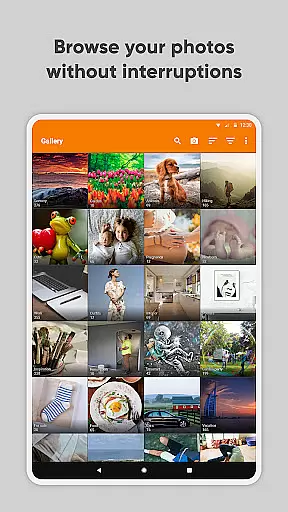
Simple Gallery Pro is a comprehensive photography app designed to enhance the way you manage and edit your photos and videos on Android. This app combines an intuitive interface with powerful features, allowing users to browse, organize, and edit their media files efficiently. With support for a wide range of file types including JPEG, PNG, MP4, and RAW, it ensures compatibility and flexibility for various user needs.
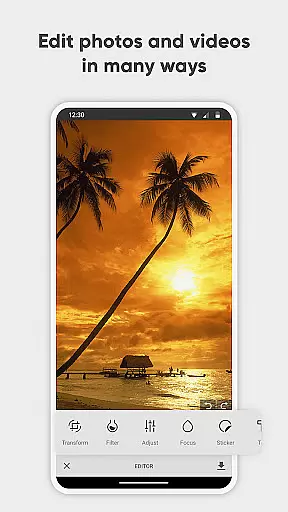
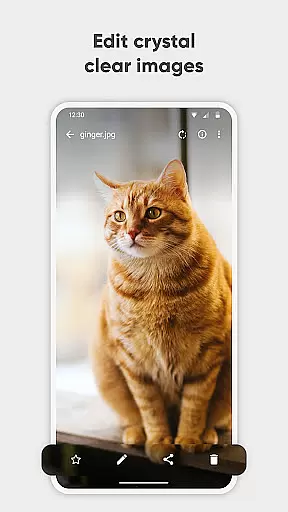
One of the standout features of Simple Gallery Pro is its advanced photo editing capabilities. Users can easily crop, rotate, flip, and resize images, as well as apply filters to enhance their photos. Additionally, the app offers options for creating hidden galleries and recovering accidentally deleted files, providing both privacy and peace of mind. Its customization options allow users to tailor the app's appearance and functionality to suit their preferences, making it a versatile tool for both casual and professional use.
Simple Gallery Pro stands out with its extensive feature set tailored for photography enthusiasts. The app includes an advanced photo editor that simplifies the editing process through intuitive gestures, enabling users to make quick adjustments to their images. It supports a multitude of file formats, ensuring that users can work with their preferred types without limitations.
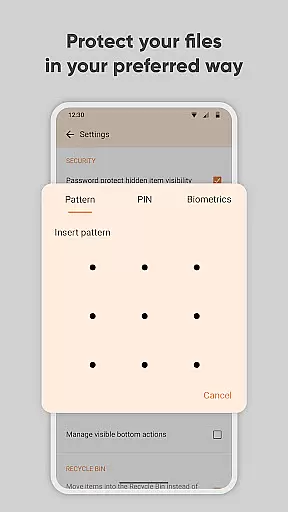
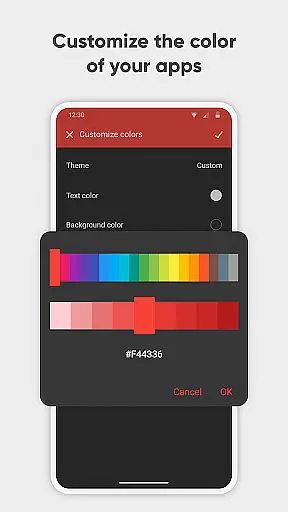
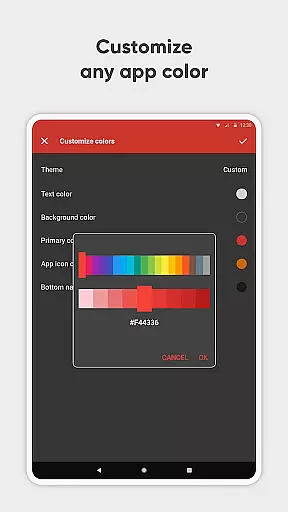
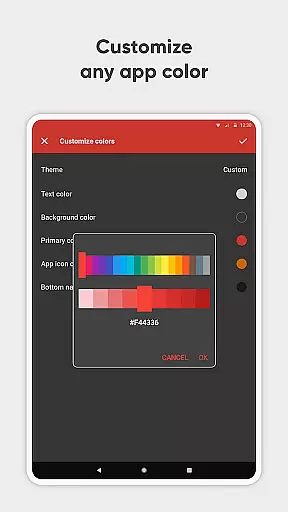
Security is another critical aspect of Simple Gallery Pro. The app provides robust protection for private photos and videos, allowing users to secure their media with a PIN, pattern, or fingerprint. Furthermore, the ability to recover deleted files adds an extra layer of safety, preventing accidental loss of important memories. Customization options are abundant, from UI adjustments to functional toolbar modifications, empowering users to design their ideal gallery experience.
In addition to these features, Simple Gallery Pro emphasizes user privacy and security by operating without internet access, thus reducing exposure to potential threats. The app is fully open-source, contains no ads, and requires minimal permissions, enhancing its reliability and user trust. These attributes make it an excellent choice for those seeking a secure, flexible, and powerful photography app.
Real-time capture and preview functionality is essential for ensuring that users can accurately frame and capture their desired images without delay. Simple Gallery Pro excels in this area by offering a seamless experience where what you see is what you get.
The app supports a wide array of file types including JPEG, PNG, MP4, and RAW, which means that whether you're shooting photos or recording videos, you'll have a real-time preview that reflects the true quality and composition of your content. This versatility ensures that creators can work with confidence, knowing their captures will meet their expectations.
Additionally, Simple Gallery Pro enhances the capture process with advanced photo editing tools that are integrated into the viewing window. Users can instantly crop, flip, rotate, and resize pictures, as well as apply filters, directly within the preview pane, streamlining the editing workflow.
By providing an intuitive interface with customizable design options, Simple Gallery Pro empowers users to tailor their capturing experience to their specific needs, ensuring both amateur photographers and professionals can achieve their desired outcomes efficiently.
AI beauty and enhancement features have become increasingly popular in photography apps, allowing users to refine and perfect their images with minimal effort. Simple Gallery Pro takes this a step further by focusing on the naturalness of these enhancements, preserving the authenticity of the original image while still delivering polished results.
The app's AI-driven tools intelligently identify facial features and other key elements within photos, enabling precise adjustments that enhance beauty without appearing artificial. Whether smoothing skin textures or brightening eyes, the modifications maintain the unique characteristics of the subject, resulting in more genuine-looking edits.
Moreover, Simple Gallery Pro offers a range of stylish filters that can be applied to both photos and videos. These filters are designed to enhance visual appeal while keeping the overall look and feel of the content consistent with the original scene, thus avoiding the over-processed appearance common in less sophisticated applications.
With its commitment to privacy and security, Simple Gallery Pro ensures that all enhancements are performed locally on the device, safeguarding user data against unauthorized access. This approach not only protects sensitive information but also provides a faster and more reliable enhancement process.
User-friendly interface
Extensive file support
Advanced editing tools
Robust security features
Highly customizable
Limited cloud integration
No built-in social sharing
Basic video editing only
Occasional bugs reported
Paid version required

Photo Album Watch Face shows your favorite pictures as a Watchface.
 1.90
1.90
Search, tag and rate your way to an organized image gallery
4.40
An interval timer to automate photo taking process for timelapse
2.90
Cut and paste photo editor & eraser to customize photos easy and swap faces fun
4.50
Superimpose one photo on top of another using the original Superimpose app!
3.20
Light-weight Media Gallery app for Android made with Jetpack Compose
4.60
Luminar: Photo Editor - easy picture editing with AI
4.20
Smart, light, and fast photo and video gallery
4.30
Use AI Video Generator to turn your words to ai generated videos.
4.50
Viewfinder, Light meter, Reciprocity failure time, DOF & Bellows Extension
4.60
AI photo editor with hair editor, retouch tools, hair color changer & filters!
4.50
All-in-One Editor & AI Photo Enhancer, Beautify & Retouch, Collage, Cartoonify
4.20
Professional photography on your mobile phone
4.20
Professional camera app that brings DSLR manual photography controls to Android.
4.20
What celebrity do you look like? Celebs will find your celebrity match!
4.10
Transform Photos: Edit, Beautify and Craft Memories & Make Collages!
4.10
Professional quality photo edits with the new Snapseed.
4.00
live datamoshing
4.00
Astrophotography with your smartphone, photo live stacking and much more!
3.90


User Reviews