
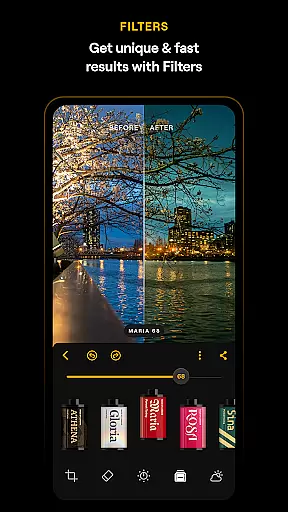

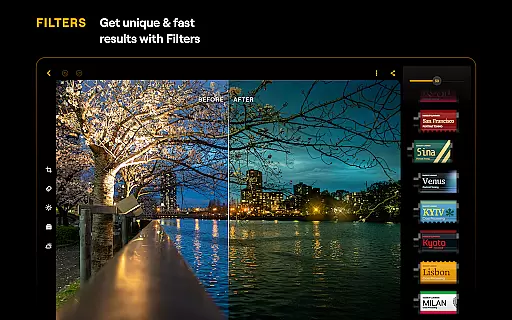


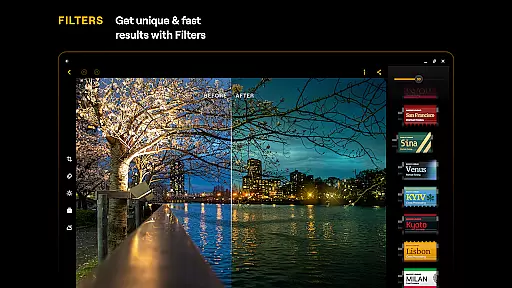

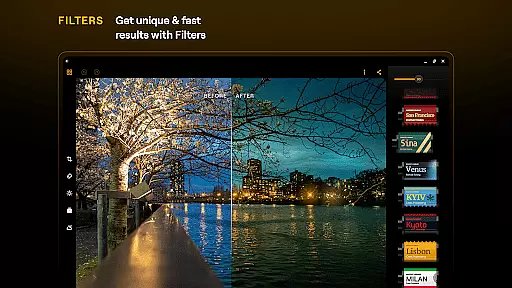
Luminar: Photo Editor is a comprehensive mobile photo editing application designed for both Android and ChromeOS users. This app combines powerful AI-driven tools with an intuitive, interactive interface that responds to touch, sound, and motion, making photo editing more engaging and efficient. Whether you're a beginner or a professional photographer, Luminar offers a wide array of features including AI enhancements, precise color adjustments, and creative filters.
The app stands out with its streamlined design that eliminates complicated processes, allowing users to focus on their creativity. With compatibility across devices running Android 11 or later and ChromeOS with Android Runtime support, Luminar ensures a smooth editing experience. Its unique combination of advanced editing capabilities and user-friendly functionality makes it an essential tool for anyone looking to enhance their photos on the go.
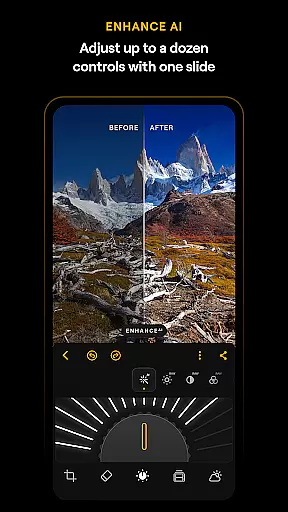
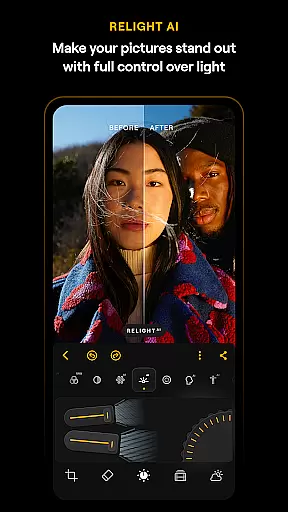
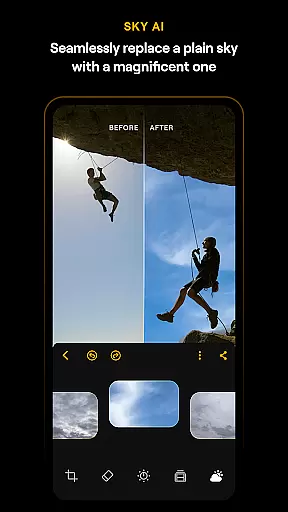
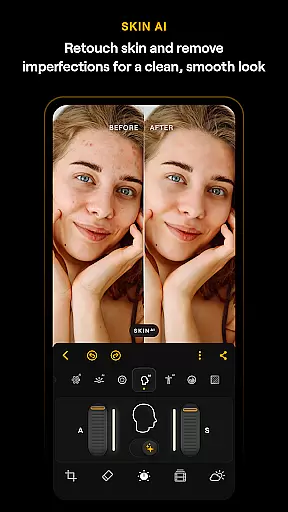
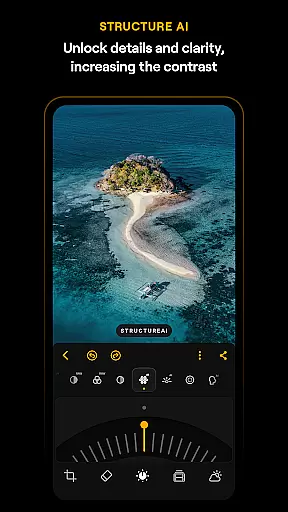
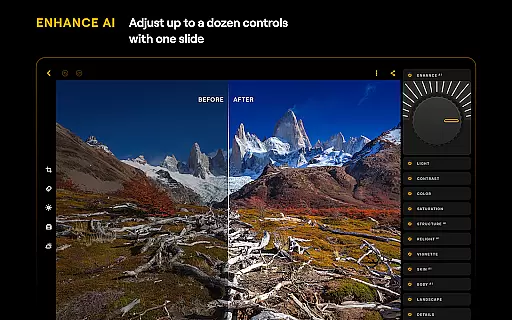
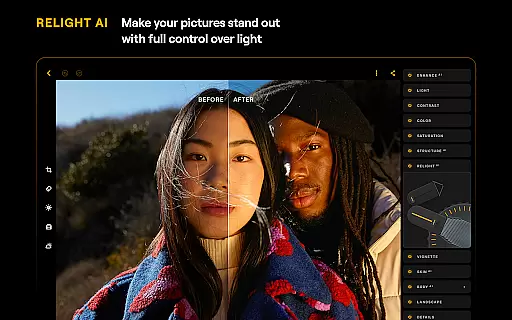
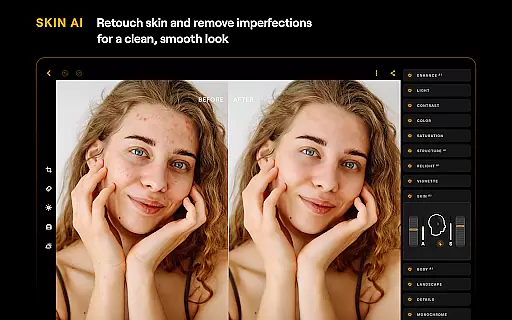
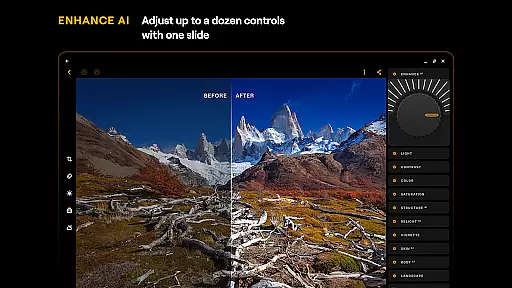
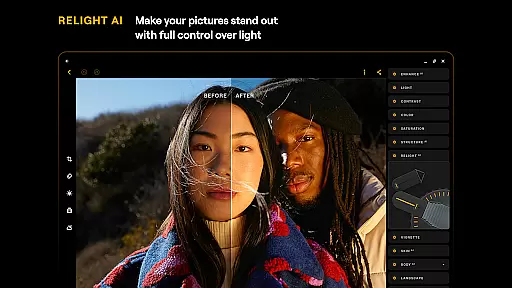
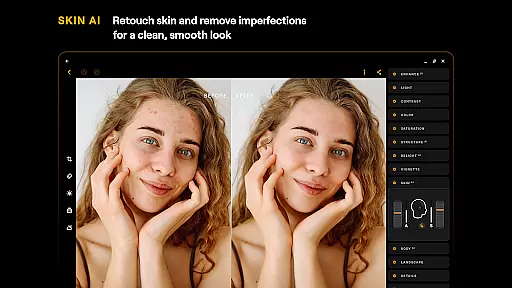
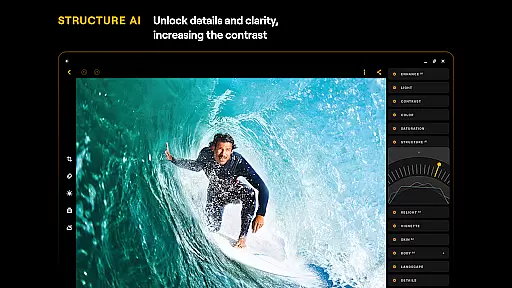
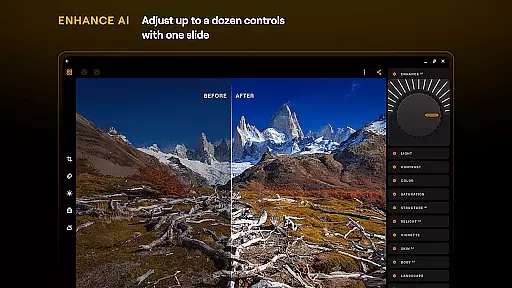
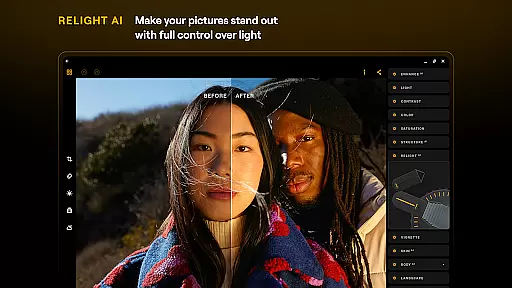
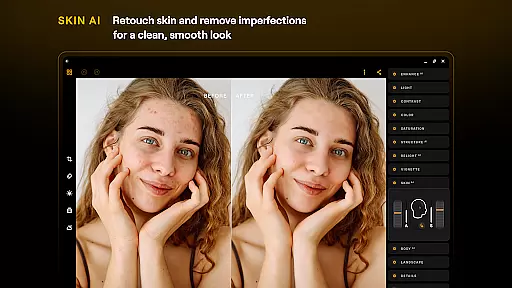
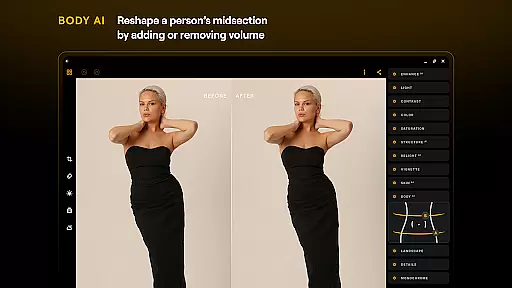
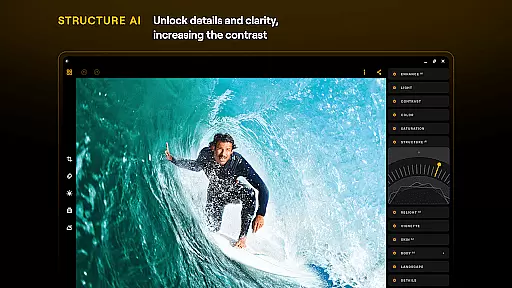
Luminar: Photo Editor boasts an impressive range of features that cater to various photo editing needs. One of its standout aspects is the suite of Smart AI enhancements. Tools like SkyAI, EnhanceAI, StructureAI, RelightAI, and SkinAI allow users to make significant improvements to their images with minimal effort. These AI-powered features can replace skies, adjust lighting, enhance details, and even retouch skin, delivering professional-quality results in seconds.
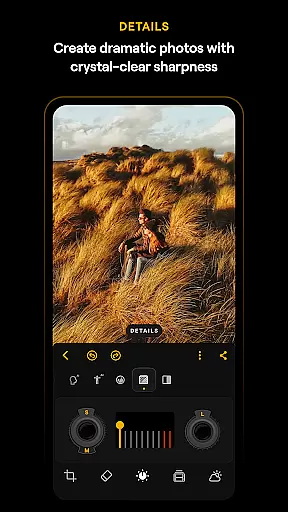
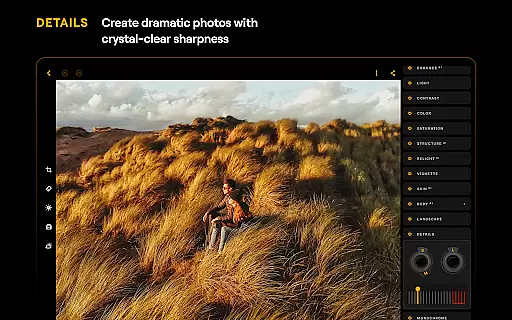
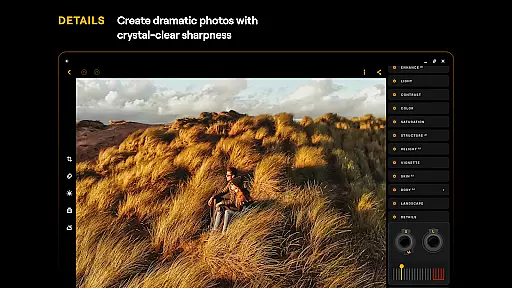
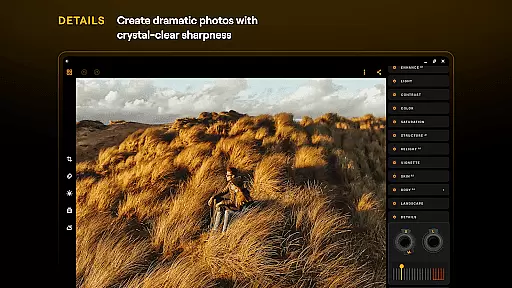
In addition to AI tools, Luminar provides robust manual editing options. Users can take advantage of precise color adjustments through Curves, bring out hidden details with the Details tool, and perfect composition with Crop. The app also supports RAW file editing, ensuring maximum quality and flexibility during post-processing. With its seamless integration across Android devices and ChromeOS, Luminar delivers a consistently responsive and intuitive editing experience, empowering users to achieve their creative vision without limitations.
Real-time capture and preview functionality is essential for ensuring that every photo taken meets the user's expectations without delay. Luminar: Photo Editor offers a seamless experience by providing instant feedback on images captured through its interface. This allows users to make immediate adjustments, ensuring the final image aligns perfectly with their creative vision.
The application leverages advanced AI-driven tools to enhance the real-time editing process. With features like SkyAI and EnhanceAI, users can witness the transformation of their photos as they adjust settings. This instantaneous preview capability empowers photographers to fine-tune elements such as color, tone, and clarity on-the-fly, thus significantly improving workflow efficiency.
For both amateur and professional photographers, this feature translates into time savings and increased creative control. The ability to preview edits in real time not only boosts productivity but also enhances learning, as users can directly observe the impact of different editing techniques. Ultimately, Luminar's real-time capture and preview functions provide an engaging and educational photo editing experience.
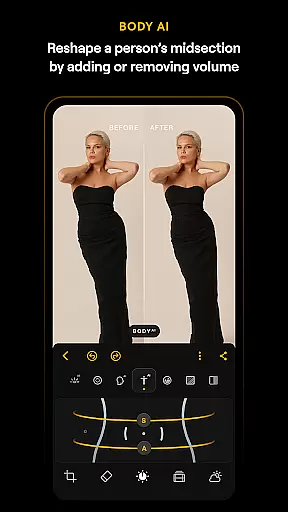
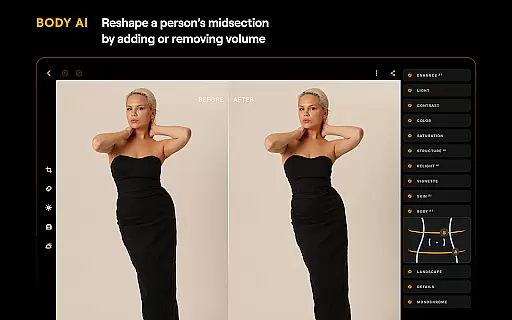
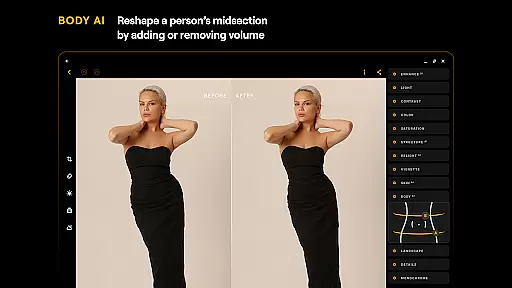
AI Beauty & Enhancement Naturalness refers to the app's ability to apply realistic and subtle enhancements to photos without making them appear overly processed. Luminar: Photo Editor excels in this area by offering tools like SkinAI and BodyAI, which focus on retouching subjects' appearances in a way that looks genuine and retains original features.
These smart AI enhancements automatically detect and correct imperfections while preserving the natural texture of the skin. Users can effortlessly adjust the intensity of these effects, ensuring that edited photos maintain their authenticity. This approach to photo enhancement respects the subject's true appearance, delivering professional-quality results that are both flattering and believable.
By prioritizing natural-looking edits, Luminar caters to modern aesthetic preferences where authenticity is valued over artificial perfection. Photographers benefit from having precise control over how much enhancement is applied, allowing them to meet client expectations or personal standards effectively. As a result, Luminar stands out as a sophisticated tool for creating visually appealing yet honest imagery.
User-friendly interface
Advanced AI tools
RAW file support
Cross-platform compatibility
Comprehensive editing features
Paid subscription model
High system requirements
Limited free features
No desktop version
Occasional performance issues

Photo editor: face & body editor, beauty cam, filters and quality enhancer.
 4.00
4.00
Perfect photos with body shaping, BG changer and object remover.
3.70
Natural Beauty, Selfie Retouch
4.30
Be your best in every shot! Fix, edit and retouch your face in selfies & photos.
3.70
Future baby face generator: AI kids generator, kid face! What my baby look like?
4.40
Turn photos into cartoons & avatars! - Photo Editor, Cartoon Face!
3.90
The original Rarevision VHS look seen everywhere!
4.70
Remote control the phone camera shutter from your smartwatch and take a picture
1.60
Discover How to Plan any Sun, Moon and Milky Way Photo You Imagine in Seconds
4.70
Photo prints, cards, & gifts at Walgreens. Easy ordering & fast local pickup !
4.80
Easily view, share, delete photos with Gallery.
4.70
Viewfinder, Light meter, Reciprocity failure time, DOF & Bellows Extension
4.60
Trendy TikTok time warp scan funny filter app brings you unique photos & videos.
4.40
A reflected light meter with spot metering and incident light metering.
4.40
All-in-One Editor & AI Photo Enhancer, Beautify & Retouch, Collage, Cartoonify
4.20
What celebrity do you look like? Celebs will find your celebrity match!
4.10
Create & Edit with AI: AI Remove, Enhance, Retouch, Filter
4.10
Astrophotography with your smartphone, photo live stacking and much more!
3.90
Photo Album Watch Face shows your favorite pictures as a Watchface.
1.90


User Reviews