
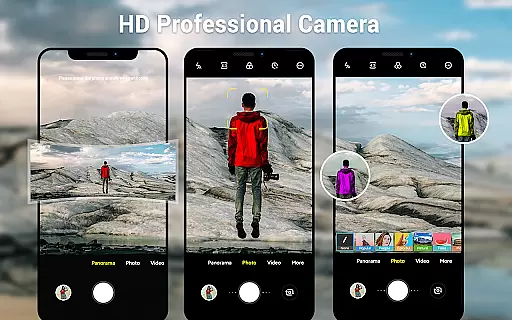
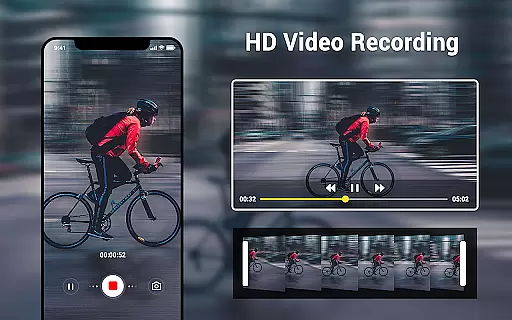
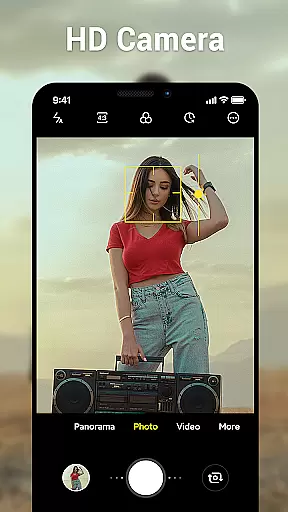
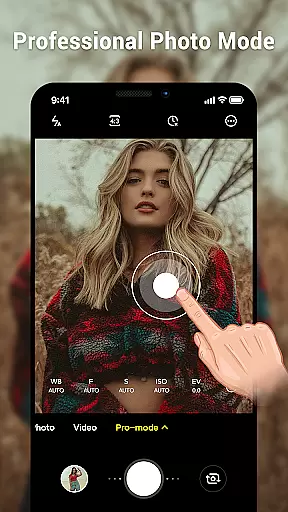
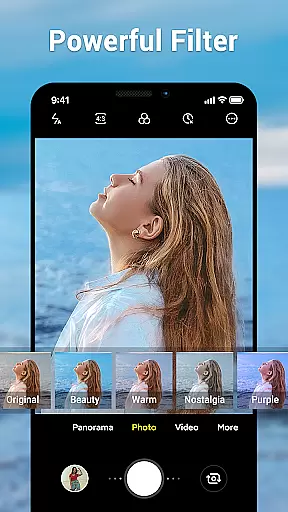
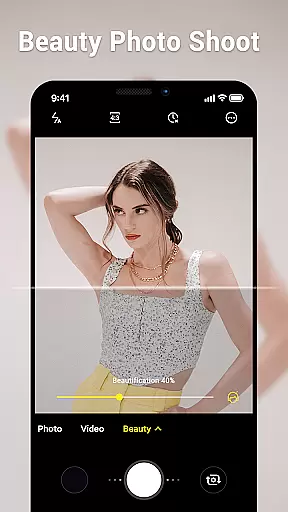
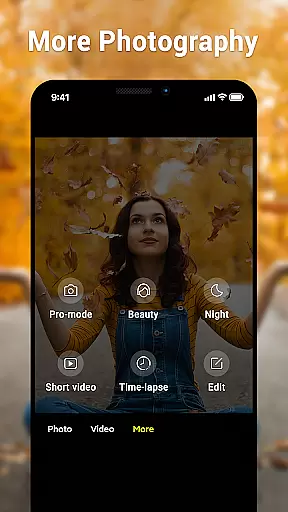
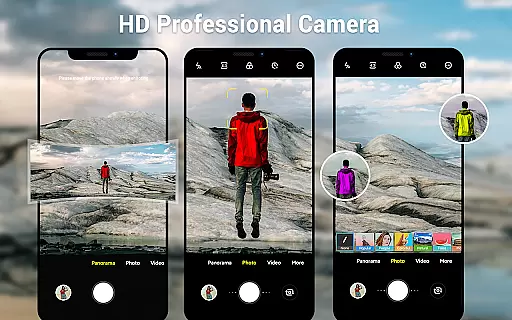
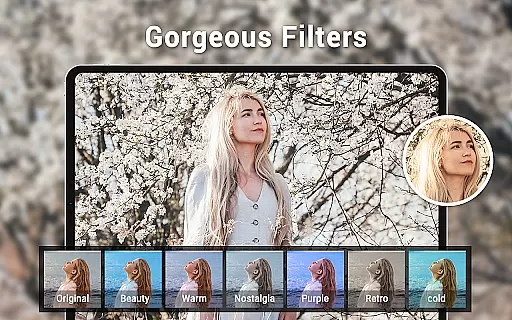
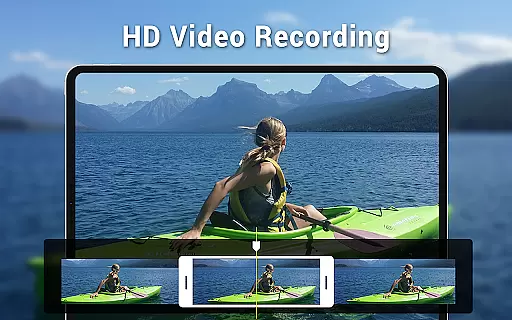
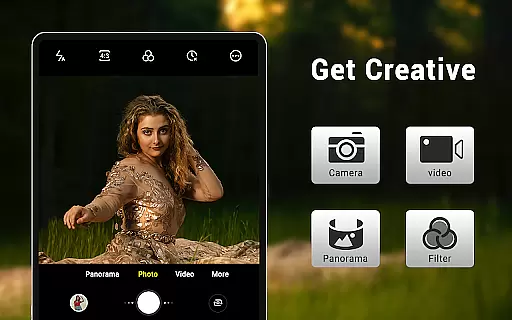
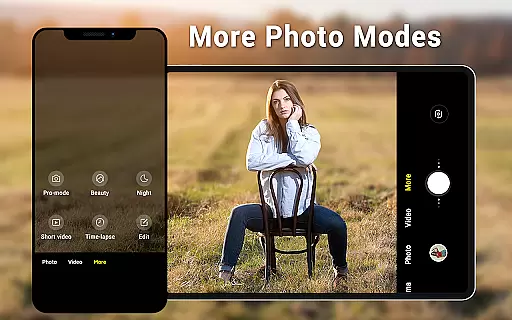
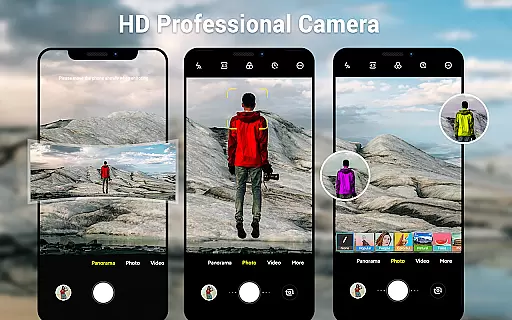
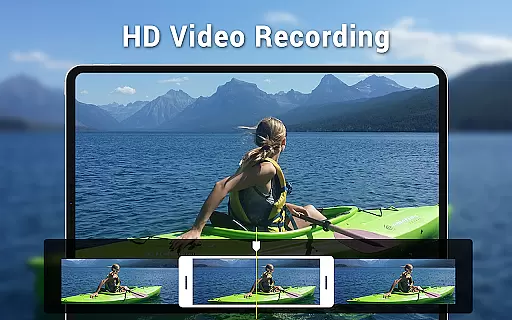
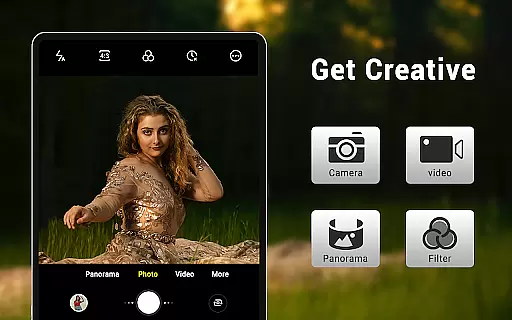
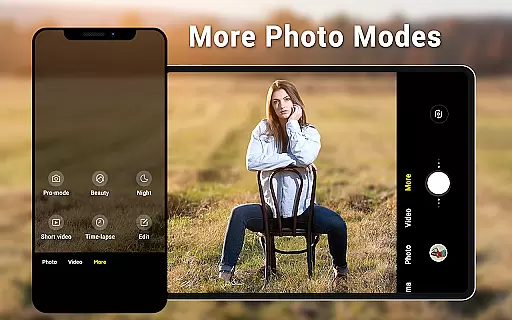
Camera for Android is a native HD camera application designed to provide users with a simple and efficient way to capture high-quality photos and videos. The app supports multiple shooting modes including standard photo capture, video recording, and smart panorama features. With its intuitive interface optimized for both phones and tablets, the app allows users to easily adjust settings such as white balance, exposure, and screen modes to suit various shooting environments.
One of the standout features of this app is its ability to utilize all the advantages of the device's hardware, ensuring excellent image quality. Users can also take advantage of additional functionalities like pinch-to-zoom, countdown timers, and configurable volume keys. Whether capturing wide-screen pictures or adjusting picture quality settings, Camera for Android ensures that users have all the tools they need to shoot professional-grade photos. This makes it an ideal choice for photography enthusiasts who want a reliable and feature-rich camera app on their Android devices.
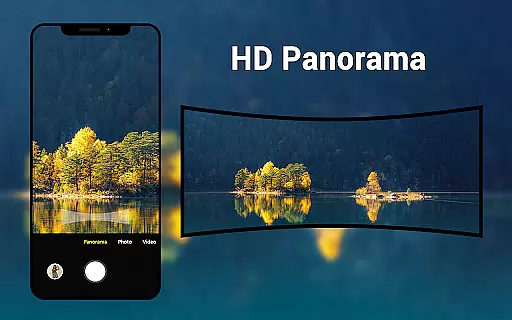
Camera for Android offers a comprehensive set of features that cater to both amateur and professional photographers. One of the key highlights is its support for three distinct modes: camera, video recorder, and panorama. Each mode is equipped with HD capabilities, ensuring that users can capture sharp and detailed images or videos. The smart panorama shooting feature allows users to create stunning wide-angle shots by simply moving their device across the scene.
In addition to its diverse shooting modes, the app provides extensive customization options. Users can adjust white balance settings to match different lighting conditions, such as incandescent, fluorescent, daylight, and cloudy environments. The app also includes various screen modes like action, night, and sunset, which optimize the camera settings for specific scenarios. Other notable features include pinch-to-zoom functionality, exposure adjustments, countdown timers, and location targeting, all of which enhance the overall photography experience.
Furthermore, Camera for Android boasts a dynamic user interface that adapts seamlessly to both phone and tablet screens. This ensures a consistent and user-friendly experience across different devices. With additional settings for picture quality and configurable volume keys, the app empowers users to tailor their photography experience according to their preferences. These robust features make Camera for Android a versatile tool for capturing life's moments with precision and ease.
Real-time capture and preview functionality is essential for ensuring that users can accurately frame and capture their desired shots without delay. This native Android camera app offers a seamless experience by utilizing the device's hardware to provide instant feedback on the screen.
The application supports HD camera features, pinch-to-zoom, and smart panorama shooting, all of which contribute to a responsive and intuitive photography process. These capabilities allow users to take excellent photos quickly, leveraging the full potential of their devices whether they are using a phone or tablet.
With options like countdown timer, exposure settings, and various white balance modes, this app ensures that users have control over their photography experience. The dynamic user interface adapts to different screen modes and provides wide-screen picture support, enhancing the real-time preview with high-quality visuals.
By offering an efficient and straightforward way to capture moments, this app meets the needs of users looking for a fast and reliable camera solution on their Android devices.
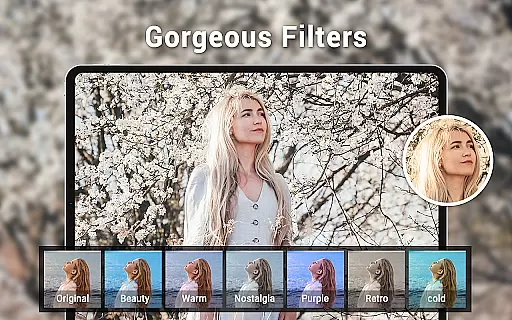
AI beauty and enhancement features are becoming increasingly popular in photography apps, allowing users to improve their photos with natural-looking effects. This native Android camera app includes functionalities that utilize AI to enhance images while maintaining authenticity.
Picture quality settings, white balance adjustments, and exposure controls work together to ensure that any enhancements made to photos are subtle and true to life. Users can choose from various screen modes such as action, night, sunset, and play, which automatically adjust parameters for optimal results.
Location targeting and configurable volume keys add convenience to the photo-taking process, enabling users to focus on capturing moments rather than navigating complex settings. These thoughtful additions help maintain the natural feel of enhanced photos.
While there are many camera applications available, this app stands out by providing an efficient solution based on native Android camera code. It offers an additional option for devices lacking a native system camera app, ensuring users can still enjoy high-quality, naturally enhanced photographs.
User-friendly interface
High-definition photo capture
Multiple shooting modes
Customizable settings
Optimized for all devices
Limited creative filters
No advanced editing tools
Basic UI design
Occasional performance lags
Few social sharing options

Remote control of the phone camera from your Wear OS smartwatch
 3.70
3.70
1M influencer's special filter
4.60
HD Photo gallery and photo manager to edit, hide private photos, videos & albums
4.1
What celebrity do you look like? Celebs will find your celebrity match!
4.10
Pet Camera
3.70
Take videos and pictures with the popular TikTok TIME WARP SCAN filter.
4.60
USB Storage Access for Photos, Videos, Music and Documents
3.80
The original Rarevision VHS look seen everywhere!
4.70
Discover How to Plan any Sun, Moon and Milky Way Photo You Imagine in Seconds
4.70
Pro version: AR sun/moon tracker for any date. Tool for photographers & planners
4.90
AI Photo Editor with 100+ Filters, Effects! Remove BG, Retouch & Photo Enhancer.
4.80
Viewfinder, Light meter, Reciprocity failure time, DOF & Bellows Extension
4.60
A must-have app for landscape photographers
4.60
Easily create custom gifts, cards, photo books & more on the Shutterfly app!
4.60
Create collages easily! Nice pic collage maker & background eraser for Instagram
4.50
Shooting photos and records video easily and efficient with professional Camera
4.30
A light meter for true photographers.
4.20
How would you look like with a differently shaped nose, chin or lips?
3.90
Photo Album Watch Face shows your favorite pictures as a Watchface.
1.90


User Reviews