
Stop Motion Studio Pro is the ultimate app for stop motion enthusiasts, offering a complete suite of tools to create professional-quality animations. With its intuitive interface and powerful features, this app makes it easy to produce stunning stop-motion films.
The app provides advanced functionalities such as overlay mode, animation guides, and an interactive timeline, ensuring smooth workflow even with complex projects. Whether you're crafting unique titles or applying video filters, Stop Motion Studio Pro delivers the tools needed to bring your creative vision to life.
Ideal for both beginners and experienced animators, this app supports capturing with adjustable time intervals and full camera control. You can also leverage a second device as a remote camera, making it versatile for various shooting scenarios.
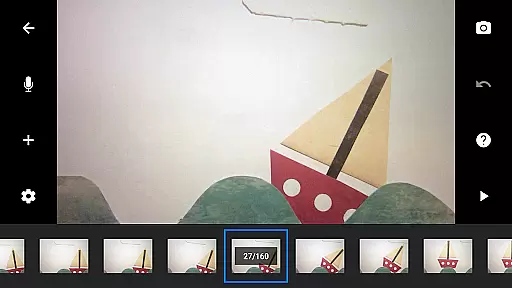
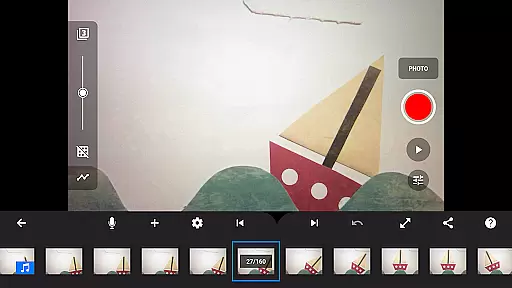
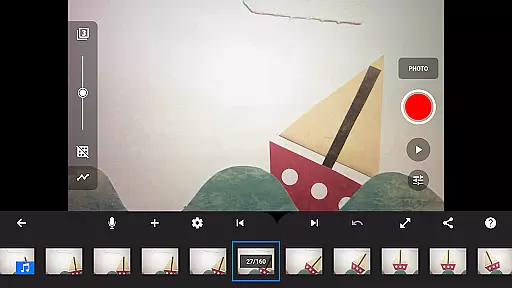
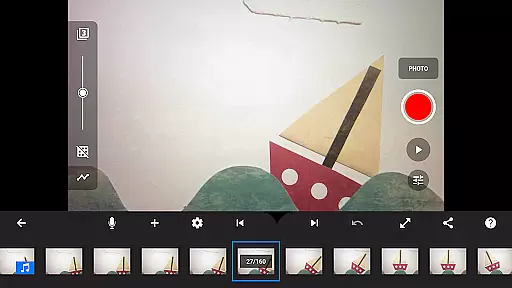
Stop Motion Studio Pro stands out with its comprehensive feature set tailored for stop motion filmmaking. The app includes a simplistic yet powerful interface that allows users to manage hundreds of frames effortlessly through an interactive timeline.
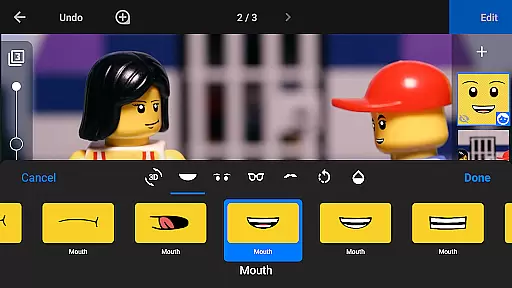
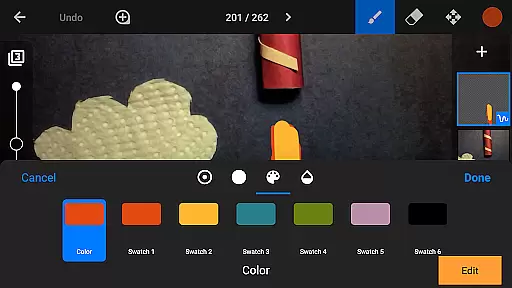
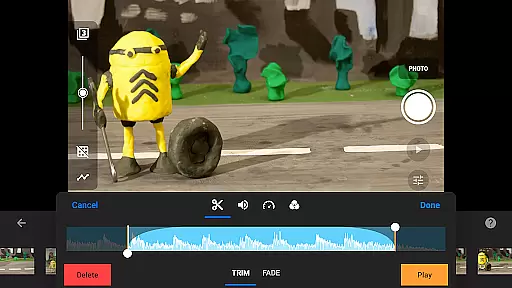
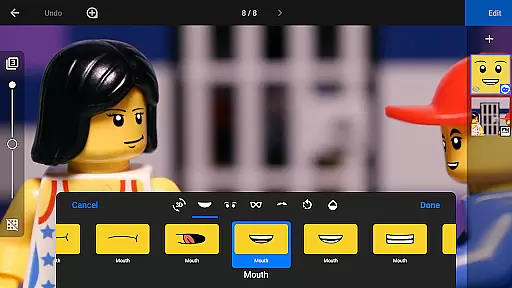
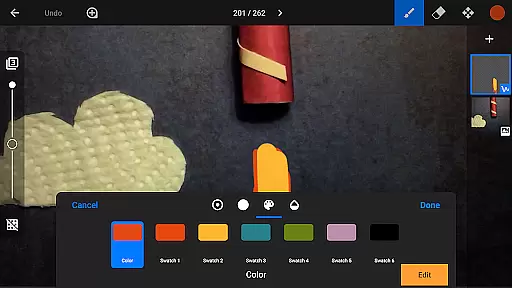
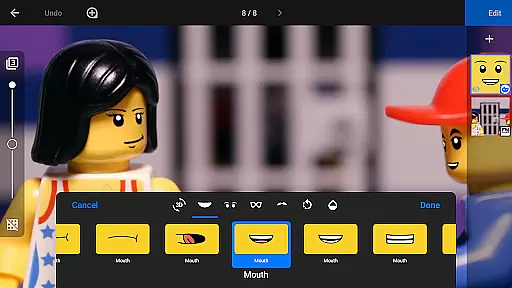
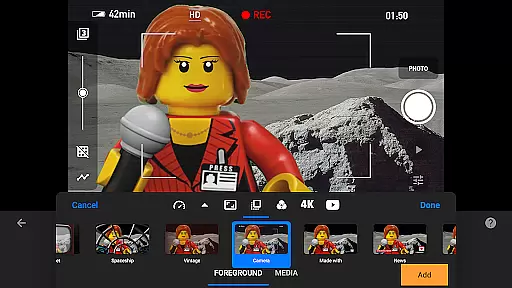
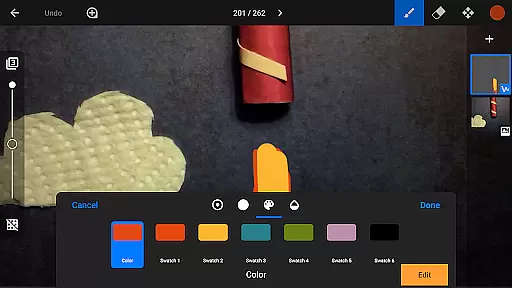
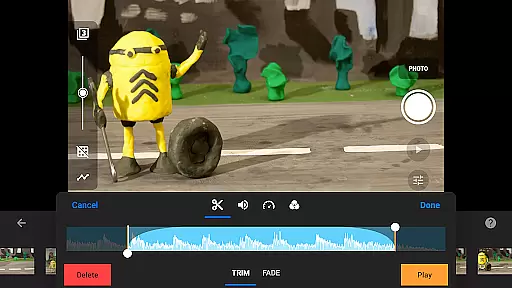
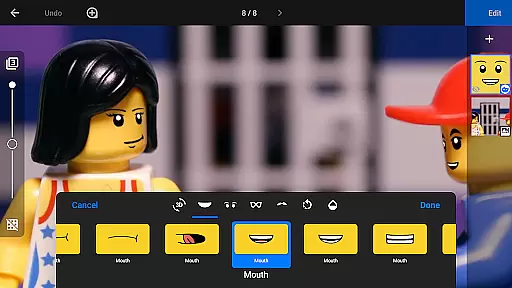
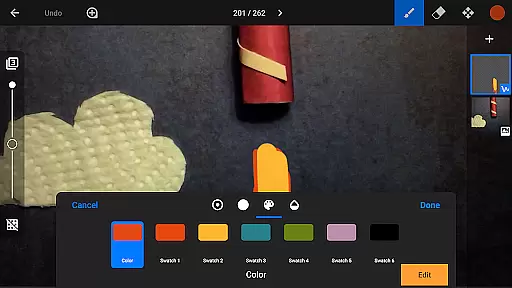
Creative possibilities are endless with features like rotoscoping, green screen effects, and layer-based image editing. Users can import media, add text and speech bubbles, and even touch up images using drawing tools. These capabilities ensure that every project achieves a polished and professional finish.
Sharing your creations is seamless with options to save in 4K or 1080p, export as animated GIFs, or transfer projects via Dropbox or Google Drive. Additionally, the app offers tutorial videos and tips to help users refine their skills and master the art of stop motion animation.
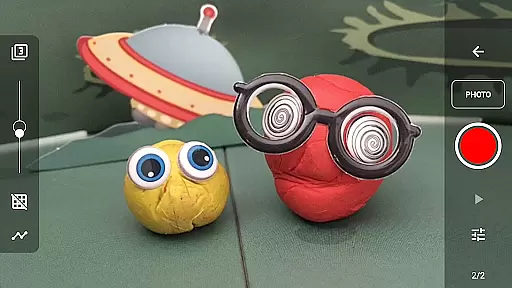
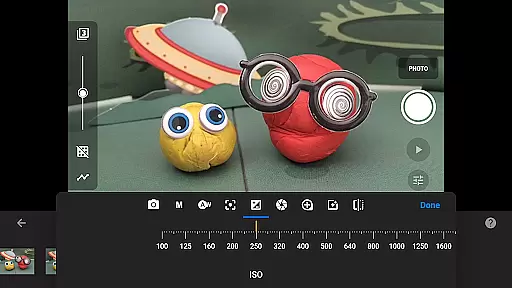
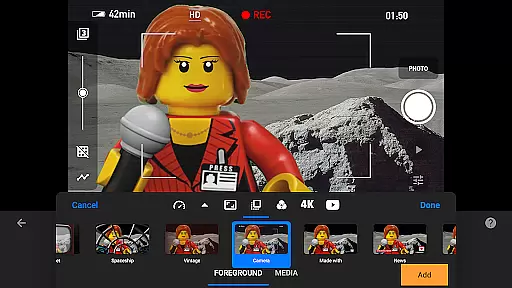
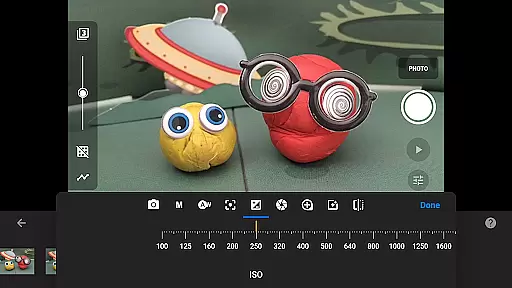
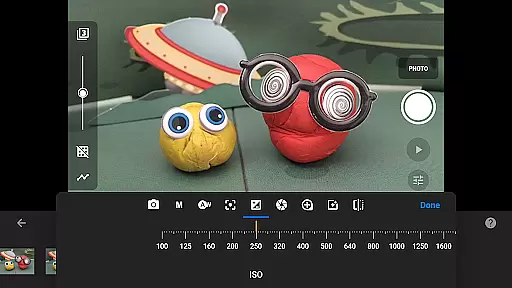
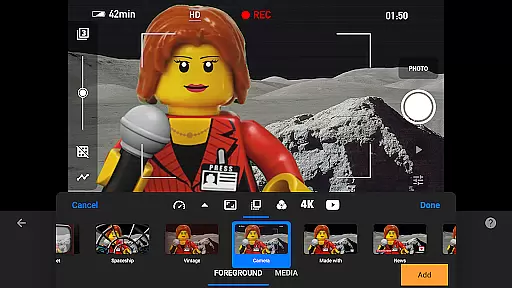
Stop Motion Studio Pro offers a powerful real-time capture feature that allows users to create stop-motion animations with precision and ease. The app provides full camera control, including adjustable time intervals, manual white balance, focus, exposure, ISO, and shutter speed settings.
This level of control ensures that every frame is captured exactly as intended, providing professional-quality input for your animations. The ability to use a second device as a remote camera adds another layer of convenience and flexibility to the capturing process.
Users benefit from the app's capability to preview their work instantly, making it easier to visualize the final output while still in the creation phase. This immediate feedback loop enhances the creative process, allowing animators to make necessary adjustments on the fly and achieve the desired effect without waiting for post-production.
While Stop Motion Studio Pro does not explicitly market itself as an AI-powered beautification tool, its robust set of features naturally enhances the quality of animations. The app includes various video filters and effects that can give movies a polished and professional look without compromising the authenticity of the original content.
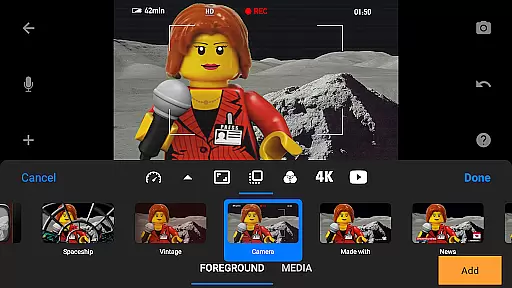
With options to add unique titles, credits, and text cards, users can enrich their storytelling and maintain viewer engagement. The inclusion of different foregrounds, backgrounds, aspect ratios, and fade effects further contributes to creating visually appealing scenes that captivate audiences.
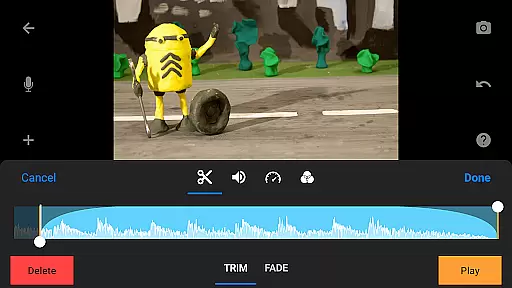
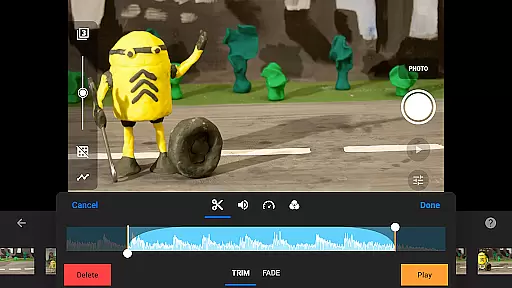
The app also supports soundtrack creation using built-in music, sound effects, or songs from the user's library, adding another dimension to the enhancement of animations. These combined features ensure that the final product retains a natural yet enhanced appearance, elevating the overall quality of the stop-motion projects created within the app.
User-friendly interface
Advanced editing tools
Comprehensive sharing options
Remote camera functionality
Professional output quality
Steep learning curve
High cost for casual users
Resource-intensive operation
Limited free version availability
Occasional performance lags

Find time and duration of different sunlight phases at any location
 4.90
4.90
HD Photo gallery and photo manager to edit, hide private photos, videos & albums
4.5
Create & Edit with AI: AI Remove, Enhance, Retouch, Filter
4.10
Photo prints, cards, & gifts at Walgreens. Easy ordering & fast local pickup !
4.80
Create AI photos & videos with Enhancer; restore, fix, beautify, enhance photos
4.50
Enhance, retouch & create your story - Share the moment with Photoshop Express.
4.60
A light meter for true photographers.
4.20
Catch sunlight, sunrise sunset times and sun phases with the AR sun tracker.
4.10
Enhance, upscale, and transform your images — on your device, without limits
4.70
Collage your moments in one tap: 1000+ layouts, filters, stickers, and texts.
4.90
Photo editor: AI filters, photo enhancer, pic collage maker, AI art generator.
4.80
Add Watermark - Sign your pictures with a text or logo. Effective, quick, easy!
4.50
Effortlessly organize, view and share your photos & videos with Gallery app!
4.40
All-in-One Editor & AI Photo Enhancer, Beautify & Retouch, Collage, Cartoonify
4.20
Professional photography on your mobile phone
4.20
Photo editor: face & body editor, beauty cam, filters and quality enhancer.
4.00
Photobooth mini FULL app will allow you to add more fun to your parties
4.00
Remote control the phone camera shutter from your smartwatch and take a picture
1.60
Snap photos remotely using your Garmin watch as the camera trigger
4.0


User Reviews