
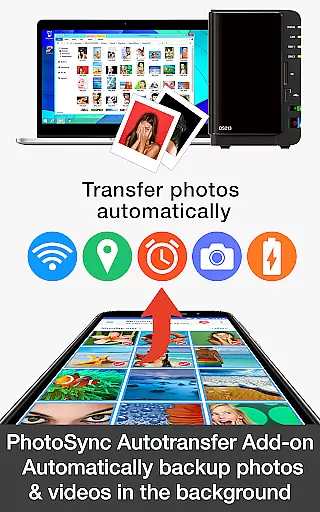


PhotoSync Autotransfer Add-On is a powerful upgrade to the free version of PhotoSync, designed specifically for seamless photo and video management. This add-on eliminates ads while introducing automatic wireless backup capabilities to various storage solutions including computers, private clouds, and NAS devices.
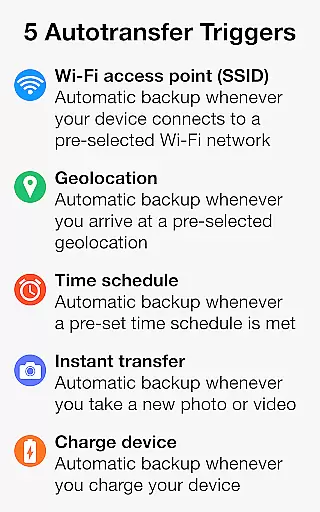
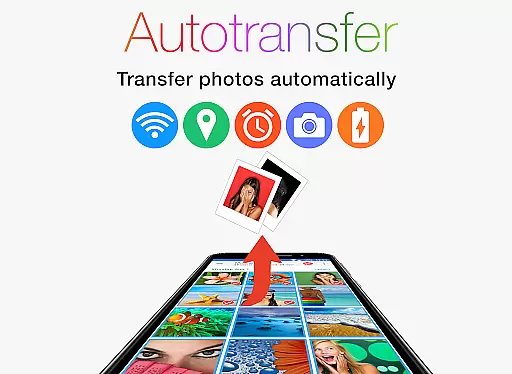
The app stands out with its five configurable Autotransfer triggers that ensure your media is backed up under specific conditions such as Wi-Fi access, geolocation, or device charging. With over 10,000 positive reviews and millions of successful transfers, it provides a reliable solution for both Android and iOS users seeking a cross-platform synchronization tool.
Whether you're a professional photographer or simply looking to organize personal memories, PhotoSync Autotransfer ensures your files are securely stored and easily accessible whenever you need them.
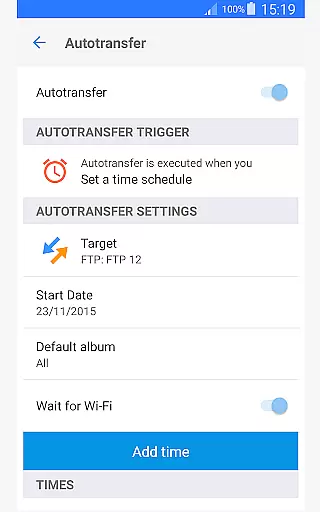
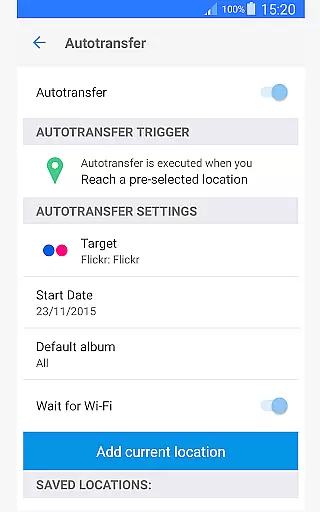
PhotoSync Autotransfer Add-On offers an array of advanced features tailored for efficient media management. The standout capability is its automatic background transfer functionality, which backs up photos and videos without any manual intervention. Users can choose from multiple triggers like connecting to a specific Wi-Fi network, arriving at a certain location, or even when their device starts charging.
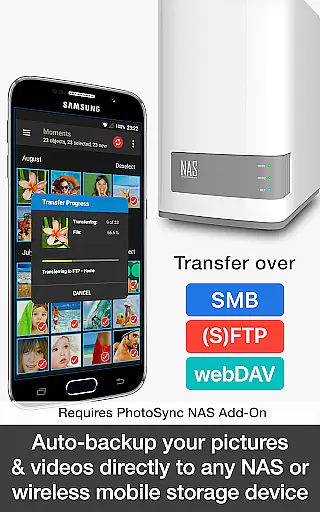
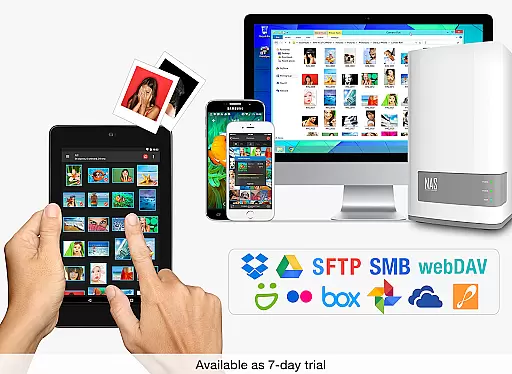
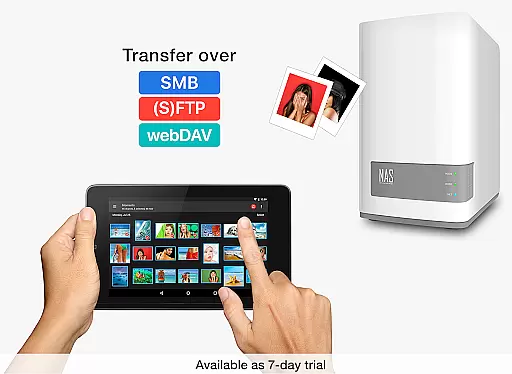
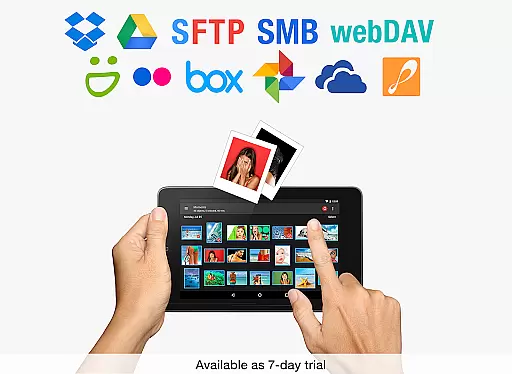
In addition to supporting direct transfers to computers over Wi-Fi, this add-on also facilitates uploads to any NAS, wireless storage, or remote server using protocols such as SMB, (S)FTP, or WebDAV. For cloud enthusiasts, integration with popular services like Dropbox, Google Drive, and OneDrive is available through additional add-ons.
These features collectively provide comprehensive control over how and where your media is stored, ensuring maximum security and accessibility across all your devices.
Real-time capture and preview functionality is essential for ensuring that every photo or video taken meets the desired quality standards. PhotoSync Autotransfer Add-On offers a seamless experience by enabling users to wirelessly and automatically back up their media files as soon as they are captured.
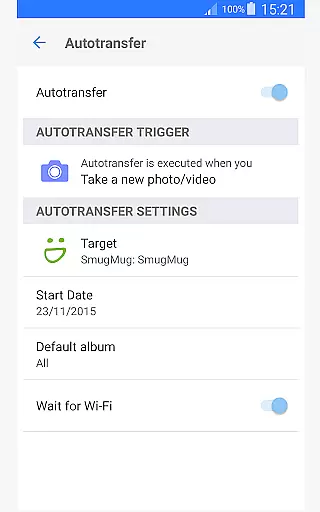
This application supports instant transfer, which means that photos and videos can be sent to a computer, private cloud, NAS, or supported cloud services immediately after being taken. This feature ensures that users never miss a moment, providing them with immediate access to their content on other devices.
With this real-time functionality, users gain peace of mind knowing that their precious memories are safely stored without manual intervention. The instant backup process eliminates the risk of losing data due to device malfunction or accidental deletion.
The ability to configure autotransfer triggers such as Wi-Fi access points, geolocation, time schedules, and more adds another layer of convenience. Users can tailor these settings to fit their lifestyle, ensuring that their media library remains up-to-date across all their devices effortlessly.
While PhotoSync Autotransfer Add-On does not focus on AI beauty enhancements, it excels in maintaining the natural quality of photos and videos during transfers. The emphasis here is on preserving the authenticity of the original content rather than altering it through AI enhancements.
Users benefit from reliable and secure software that has been operating successfully in the market for ten years. During this time, millions of photo transfers have occurred without compromising the integrity of the images or videos.
The application provides total user control over how files are transferred and stored. This includes options for backing up media directly to computers, NAS systems, or cloud services, ensuring that each file retains its original state upon reaching its destination.
By focusing on secure and customizable solutions, PhotoSync allows users to manage their digital libraries with confidence. Whether transferring files via Wi-Fi or cellular networks, the emphasis remains on delivering high-quality results while keeping the content exactly as intended by the creator.
Automatic wireless backup
Cross-platform compatibility
Multiple transfer triggers
No ads
Secure cloud integration
Requires main app
Additional NAS cost
Cloud needs extra add-on
Premium pricing
Complex setup

A collection of tools and reference tables for DPs, ACs, DITs and Operators.
 4.70
4.70
Effortlessly organize, view and share your photos & videos with Gallery app!
4.40
Create & Edit with AI: AI Remove, Enhance, Retouch, Filter
4.10
Edit like a pro with Hypic. Apply filters, AI effects, & magic touch.
4.40
AI photo enhancer with Sora 2! Enhance, descratch, and colorize your old photos.
4.50
Professional quality photo edits with the new Snapseed.
4.00
Easily create custom gifts, cards, photo books & more on the Shutterfly app!
4.60
Turn photos into cartoons & avatars! - Photo Editor, Cartoon Face!
3.90
PhotoSync Bundle Add-On License. Enables all features and services in PhotoSync.
4.60
Photo prints, cards, & gifts at Walgreens. Easy ordering & fast local pickup !
4.80
Photo editor: AI filters, photo enhancer, pic collage maker, AI art generator.
4.80
Your personal guide to the sun and moon. Plan ahead, visualize and predict!
4.70
Enhance, upscale, and transform your images — on your device, without limits
4.70
Light-weight Media Gallery app for Android made with Jetpack Compose
4.60
Enhance, retouch & create your story - Share the moment with Photoshop Express.
4.60
USB Storage Access for Photos, Videos, Music and Documents
3.80
Superimpose one photo on top of another using the original Superimpose app!
3.20
An interval timer to automate photo taking process for timelapse
2.90
Professional video recording application with manual controls for filmmakers!
2.80


User Reviews