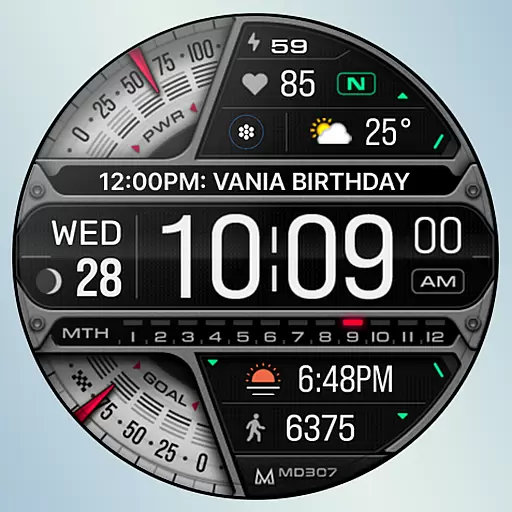
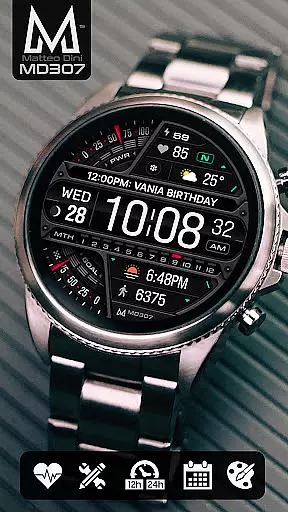
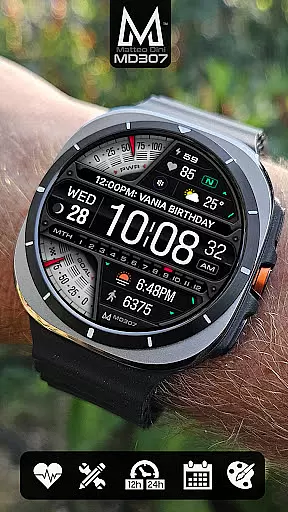
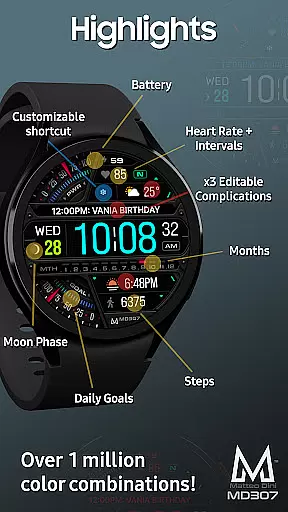
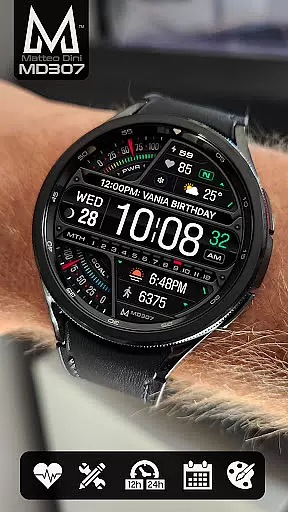
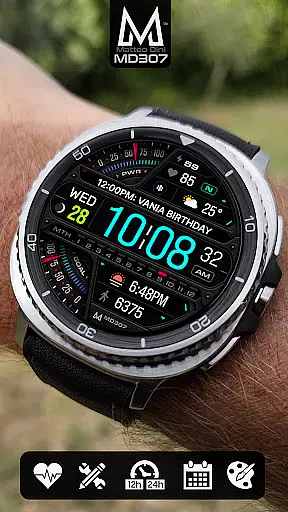
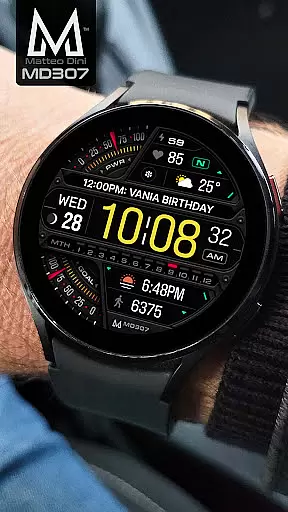
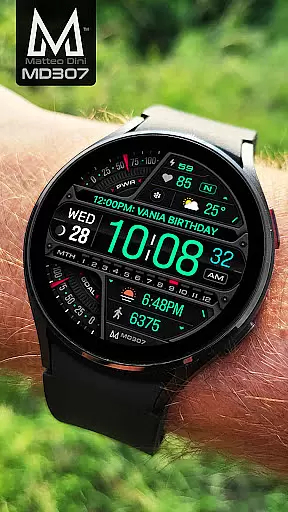
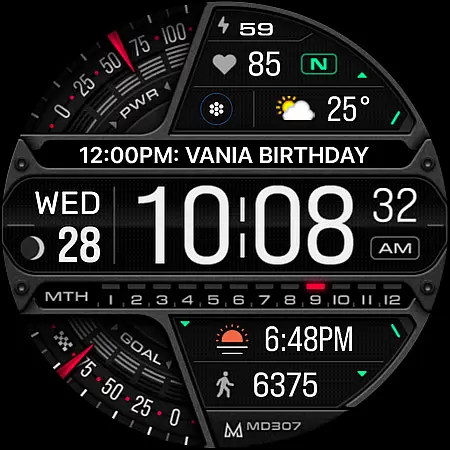
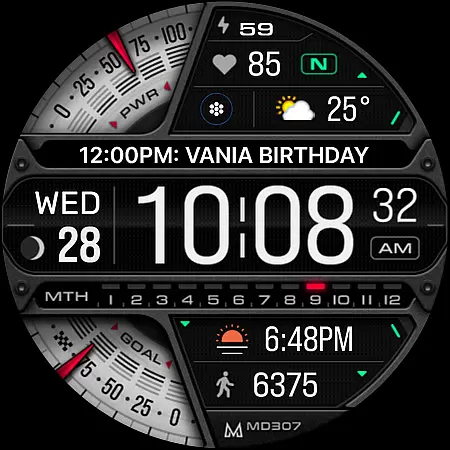
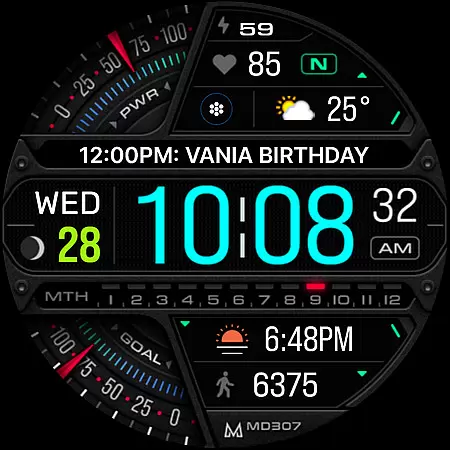
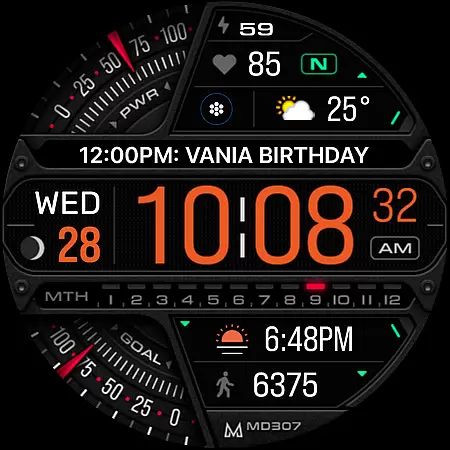
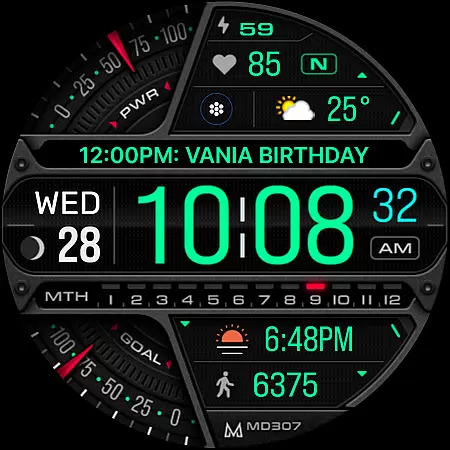
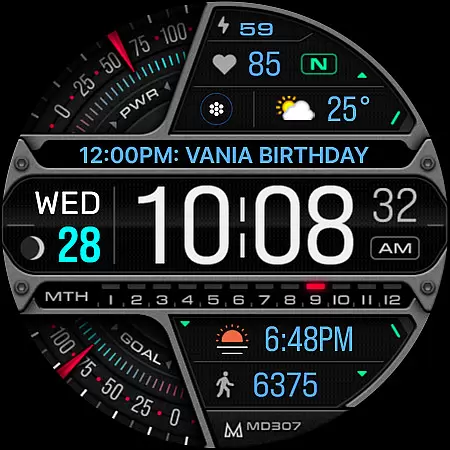
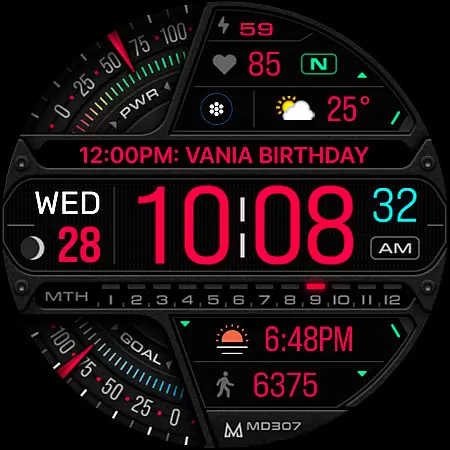
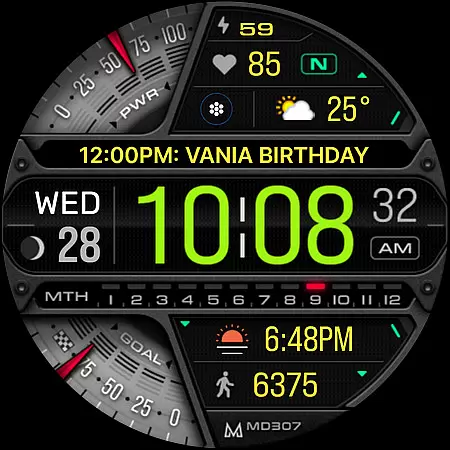
MD307 Digital watch face offers a feature-rich customization experience for Wear OS users. With support for devices running API Level 33+ (Wear OS 4 and newer), this digital watch face includes essential features like time, date, moon phase, battery status, heart rate monitoring, step tracking, and daily goals.
Users can enjoy three preset app shortcuts, one customizable shortcut, and three complications that allow personalization with preferred data such as weather or time zones. The always-on display is supported with changeable colors and minimal style, ensuring both functionality and aesthetics are maintained.
This versatile watch face stands out with its comprehensive set of features tailored to enhance user interaction and convenience. It supports both 12/24hr digital time formats, displays the date, moon phase, battery level, heart rate with intervals, steps count, and daily step goals.
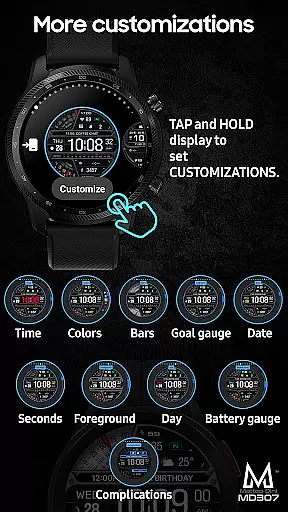
Customization options include three preset app shortcuts (Calendar, Battery, Measure HR), one customizable shortcut, and three complications where users can select from various data types like weather or barometer readings. Additionally, it allows users to modify colors of multiple elements including time, date, day, seconds, foreground, bars, goal, and battery gauges.
Companion app integration is essential for Android Wear applications as it ensures seamless synchronization between the wearable and its paired smartphone. The MD307 Digital watch face leverages this feature by allowing users to customize their watch face directly on their device or through the companion app when available.
This watch face offers extensive customization options, including changeable colors, app shortcuts, and complications that display various data types. Users can personalize their experience with just a few taps, either on the watch itself or via the companion app interface.
The importance of reliable companion app integration lies in providing users with a consistent experience across devices. For Galaxy Watch users experiencing issues with Samsung's Wearable app editor, customizing directly on the watch serves as an effective alternative until these technical challenges are resolved by the manufacturer.
Ultimately, strong companion app integration enhances user satisfaction by enabling effortless management of settings and preferences from multiple access points, ensuring that your digital watch face remains both functional and stylish at all times.
Ensuring broad Wear OS/device compatibility is crucial for any Android Wear application, including the MD307 Digital watch face. This particular watch face supports all Wear OS devices with API Level 33+ (Wear OS 4 and later versions), making it accessible to a wide range of smartwatch users such as those owning Samsung Galaxy Watches or Pixel Watches.
Device compatibility extends beyond mere functionality; it encompasses optimal performance tailored to each supported deviceu2019s specifications. With features like Always ON Display support, customizable complications, and preset app shortcuts, MD307 guarantees an engaging user experience regardless of whether you're using a Galaxy Watch 4-8, Ultra, or another compatible model.
By adhering strictly to platform guidelines while innovating within them, developers ensure their applications not only run smoothly but also take full advantage of hardware capabilities unique to different models. Such attention to detail results in enhanced usability where elements like heart rate monitoring intervals or moon phases are accurately displayed without compromising battery life.
In summary, prioritizing comprehensive Wear OS/device compatibility allows MD307 Digital watch face to deliver a versatile yet cohesive user experience across diverse smartwatches running on Wear OS platforms.
Highly Customizable
Feature-Rich Design
Always-On Display
Supports Multiple Devices
User-Friendly Interface
Complex Setup Process
Limited Compatibility
Potential Loading Issues
No Advanced Analytics
Frequent Updates Needed

"PER27 Galaxy Digital" is a digital Wear OS watch face designed by PERSONA
 4.10
4.10
Analog watch face with 8 complications and expedition styling
4.4
Authentic military-tactical design with ZULU time! Realistic and functional!
3.80
Gym & home workout plans with strength training, exercise tracking, HIIT & more.
4.60
Get helpful reminders, take progress photos and find answers to your questions.
3.90
Bold weather Digital watchface with forecast & optional animated background
4.40
Retro digital watch face with customizable colors and a unique lighting effect
4.60
Hybrid watch face for Wear OS with customizable complications by Matteo Dini MD
4.70
From periods to pregnancy & perimenopause, Flo helps you track it all. Try now.
4.70
Diet tracker for weight loss - track calories, food and macros. Simple and easy!
4.70
Connect to your Bluelink equipped Hyundai vehicle from your smartphone.
4.50
Beautiful artistic animated digital watch face, with a customizable layout!
4.40
Bold, Modern Hybrid Watch Face for Wear OS. 10 Colors, Rich Info Display.
4.30
A customizable Christmas watch face for Wear OS with a countdown.
4.20
Daily Weather forecast with 15 weather images for Day & Night plus Big Bold time
4.10
A digital watch face that celebrates Christmas.
4.00
Watch the sharpness of the sky on your wrist..
3.70
A full-featured Amazon Alexa voice assistant that can show you things.
3.70
Sleek, highly customizable watch face inspired by Galaxy Watch Circle Dashboard.
4.1


User Reviews