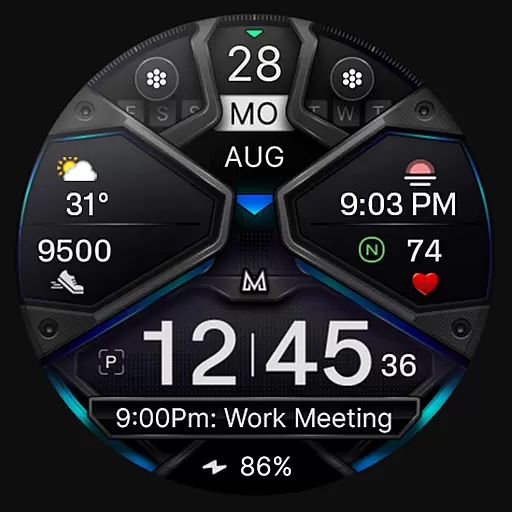
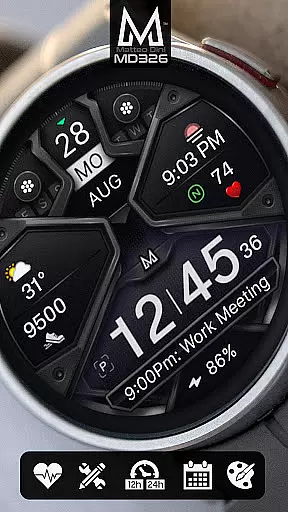
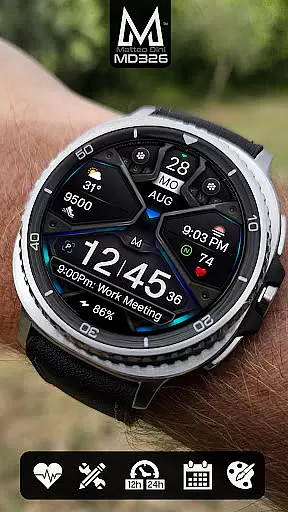
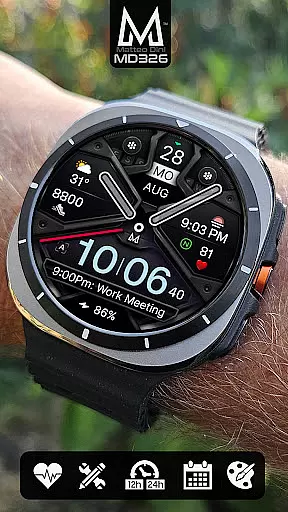
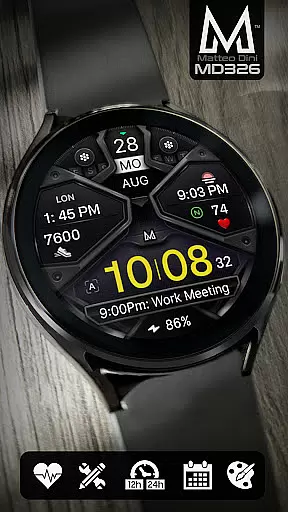
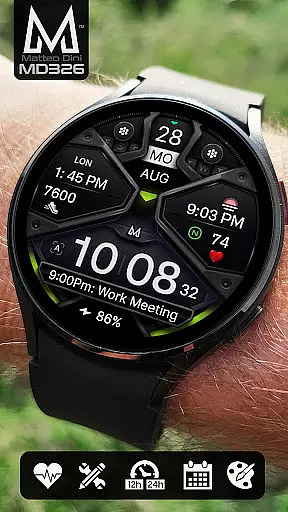
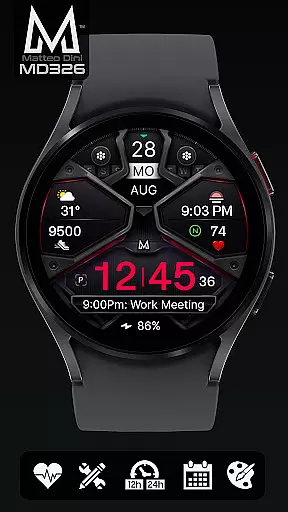
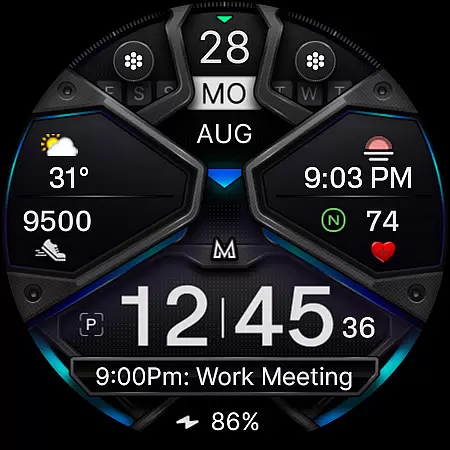
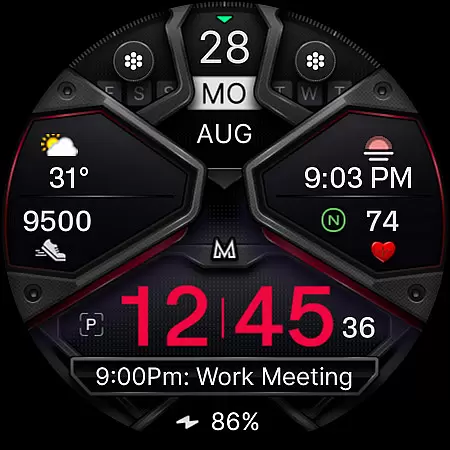
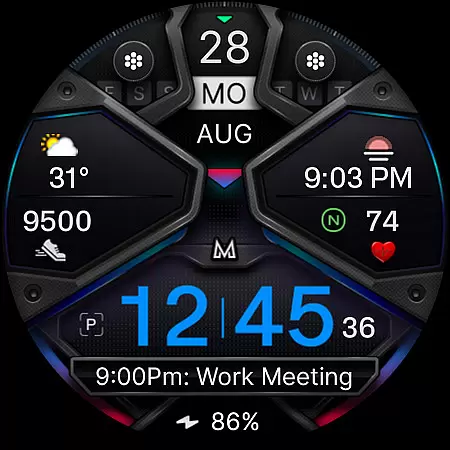
MD326 3D Modern Watch Face offers a sophisticated and customizable timekeeping solution for Wear OS devices. With support for API Level 33+ (Wear OS 4 and later), this watch face is compatible with Samsung Galaxy Watch 4-8, Ultra, Pixel Watch, and more.
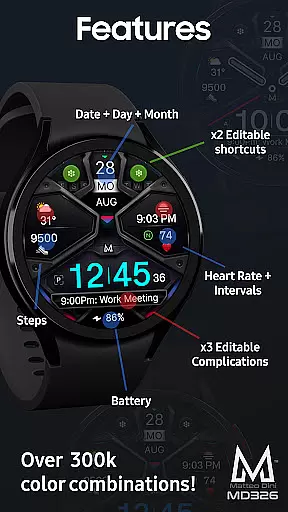
The design includes 3 preset app shortcuts, 2 customizable shortcuts, and 3 customizable complications where users can display preferred data such as weather, barometer readings, UV index, and chance of rain. The always-on display feature ensures visibility at all times, while the optional minimal style caters to personal preferences.
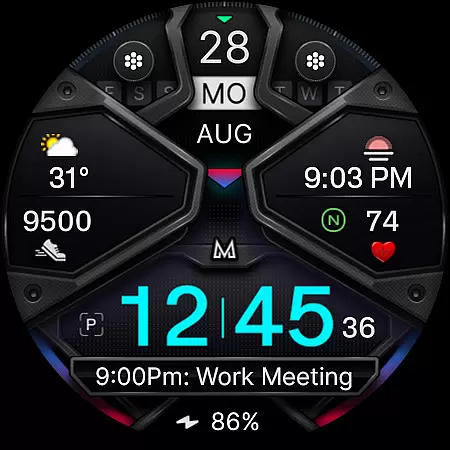
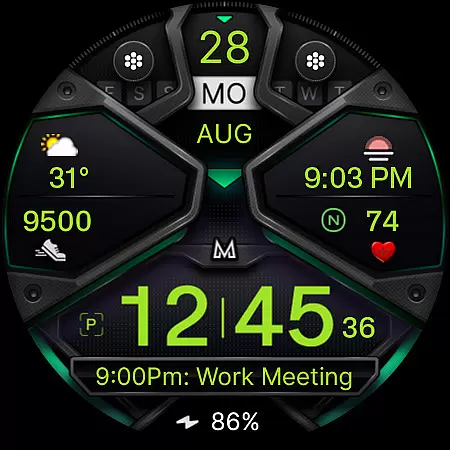
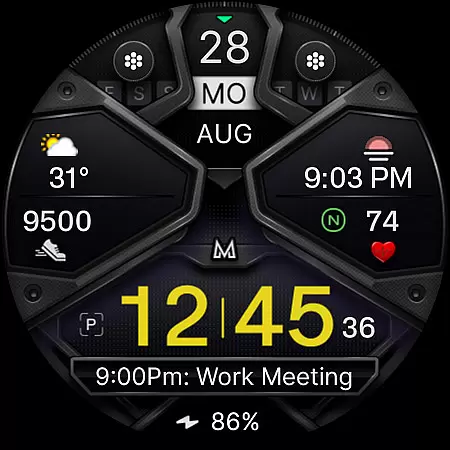
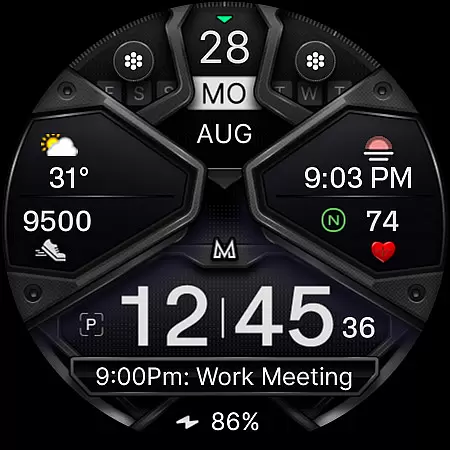
Users can customize colors of time, bezel, background, and general elements directly on their watches. This level of personalization makes it ideal for those who want both functionality and style in their smartwatch experience.
MD326 3D Modern Watch Face stands out with its rich feature set tailored for modern smartwatch users. It supports both 12/24-hour formats based on phone settings, displaying date, day, month, battery status, steps, heart rate, and intervals.
Customization options are extensive, allowing users to personalize app shortcuts and complications. Preset shortcuts include Calendar, Battery, and Measure Heart Rate, while complications can be customized with various data types like weather, world clock, and barometer readings.
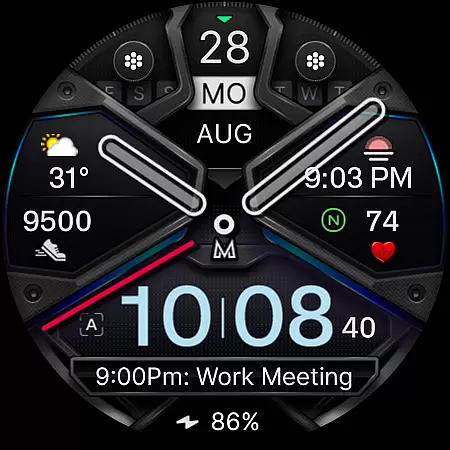
Additional features include an Always ON Display with optional minimal style, hideable hands, and changeable colors for time, bezel, background, and general elements. These capabilities ensure that users have a personalized and functional watch face that suits their lifestyle.
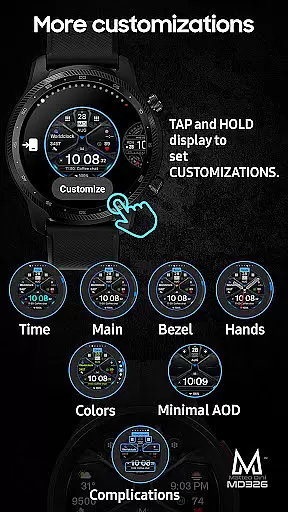
Companion app integration is essential for a seamless smartwatch experience. The MD326 3D Modern Watch Face offers users the ability to customize their watch face directly on their Wear OS device, bypassing common issues with the Samsung Wearable app's editor. This ensures that even complex designs can be personalized without frustration.
The customization process is straightforward and efficient. Users simply need to tap and hold the screen on their watch and select the customize option. From there, they can modify various elements such as app shortcuts, complications, and color schemes. This direct approach eliminates potential compatibility issues with companion apps.
By supporting all Wear OS devices with API Level 33+, including popular models like the Samsung Galaxy Watch series and Pixel Watch, this watch face guarantees broad compatibility. Users can enjoy a consistent experience across different devices, making it an ideal choice for those who value both aesthetics and functionality in their wearable technology.
Ensuring wide-ranging compatibility is crucial for any Wear OS application. The MD326 3D Modern Watch Face supports all Wear OS devices operating on API Level 33+ (Wear OS 4 and later), encompassing models such as the Samsung Galaxy Watch 4-8, Ultra, and Pixel Watch. This extensive support allows users to experience a uniform interface regardless of their specific device model.
One of the standout features is its adaptability to various device capabilities. With options like 12/24hr time display based on phone settings, date, day, month, battery status, step count, heart rate monitoring, and more, users can tailor their watch face to suit their preferences and needs. These features are designed to work harmoniously across supported devices.
Moreover, the watch face includes three preset app shortcuts, two customizable shortcuts, and three customizable complications. Users can configure these elements to display data such as weather, barometer readings, UV index, and chance of rain. Although some features may not be available on every watch model, the overall compatibility and flexibility make this watch face a versatile choice for Wear OS users seeking a personalized and functional experience.
Highly customizable
Modern 3D design
Extensive compatibility
Always ON Display
Rich feature set
Complex setup process
Limited customer support
Preset shortcut limitations
Performance issues on older devices
Occasional syncing problems

Animated Watch Face and Customizable with 24 Backgrounds. Perfect for Christmas!
 3.90
3.90
A heartwarming Christmas scene featuring a cute image of Santa and Rudolf
4.3
Beautiful, colorful and practical watch face. For Wear OS devices.
5.00
Sleek, highly customizable watch face inspired by Galaxy Watch Circle Dashboard.
4.3
The Chevron App allows you to pay for fuel from the comfort of your car!
4.80
Minimalistic design modern digital watch face.
4.5
Stylish, Energizing and Modern Watch Face crafted by Dominus Mathias.
4.50
Back up your contacts & access them anywhere
4.30
Toyota app currently supports 2010 or newer vehicles (2018 or newer for Hawaii).
4.50
Gym Log & Workout Tracker | Fitness Journal, Training & Weight Lifting Planner
4.90
Hyperlocal rain alerts by MyRadar using patent-pending technology, radar & more
4.80
A modern hybrid informative watch face for Wear OS designed by BALLOZI
4.80
Easy Voice Recorder is your everyday companion to record important moments.
4.70
A white realistic classic analog watch face with many customization options.
4.40
The ultimate destination for kids ages 3-8 to explore the Marvel Universe!
4.30
sleep, alarm, snoring, stress, healing, focus, sound therapy, circadian rhythm
4.10
Get helpful reminders, take progress photos and find answers to your questions.
3.90
Stay in touch with your friends and family using LINE!
3.40
Wear Os Watch Face - Animated Snow - Sesonal for Christmas & Winter
4.2


User Reviews