
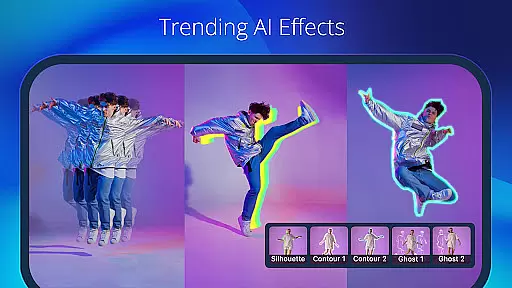
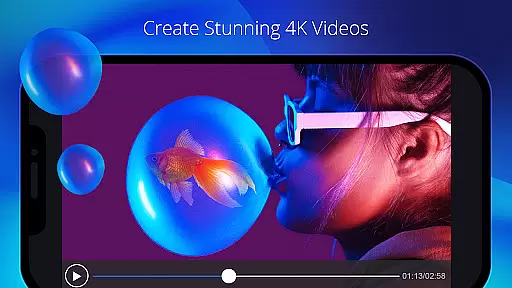
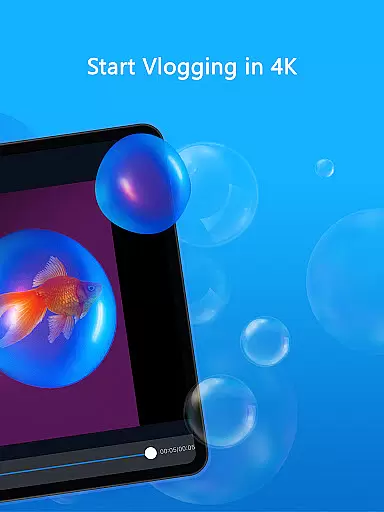
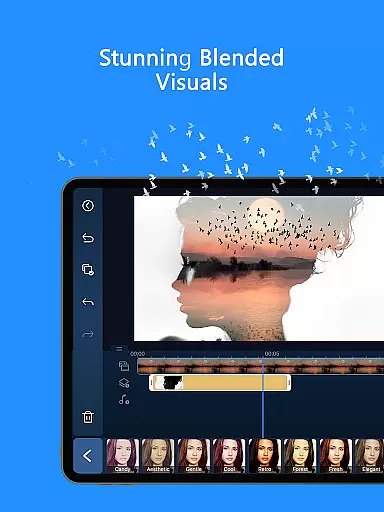
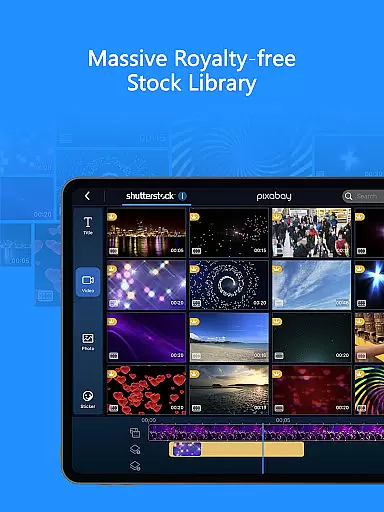
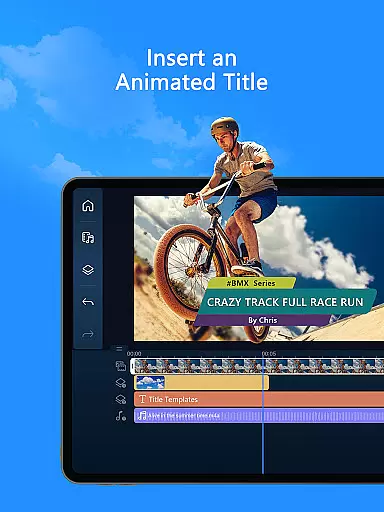
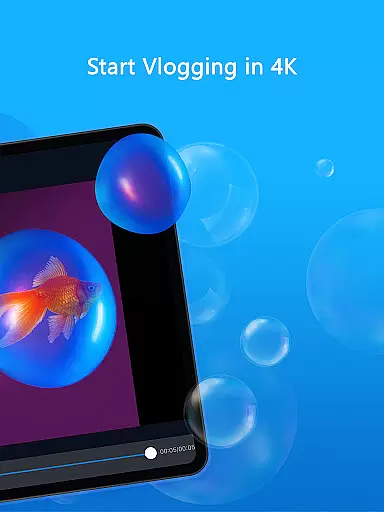
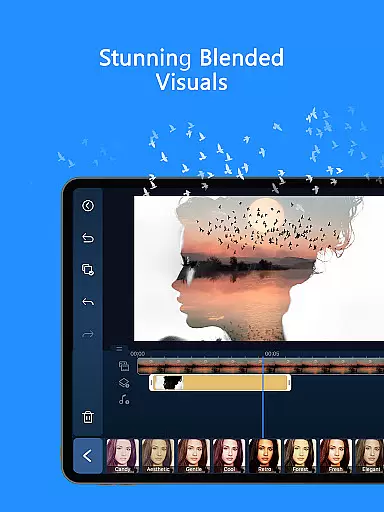
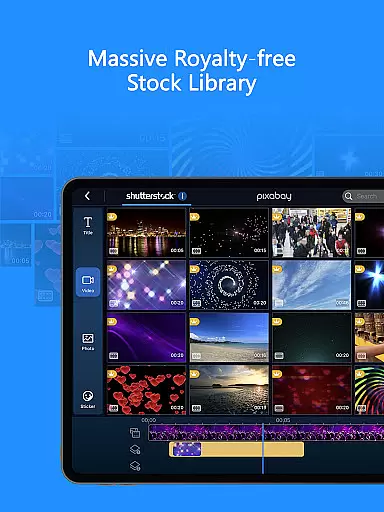
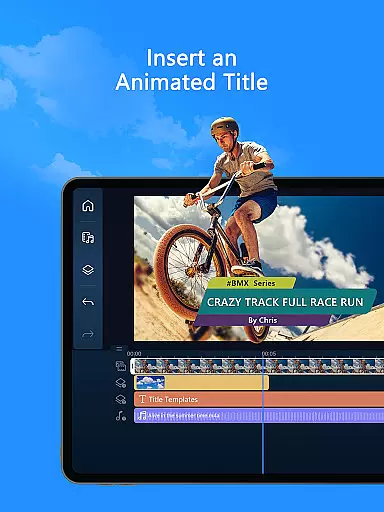
PowerDirector is a comprehensive AI-powered video editor designed for both beginners and professional content creators. This versatile app allows users to create high-quality videos with ease, offering features like AI Auto Edit, AI Portrait filters, and an extensive library of templates and effects.
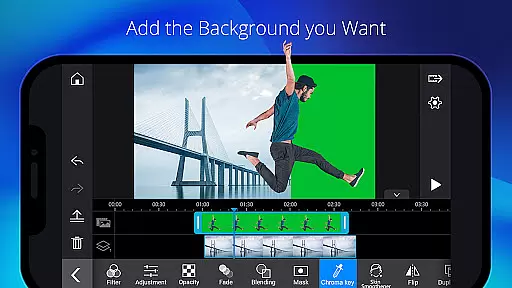
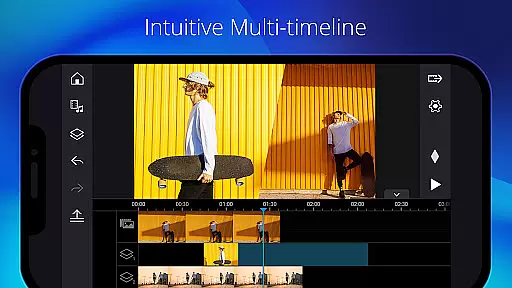
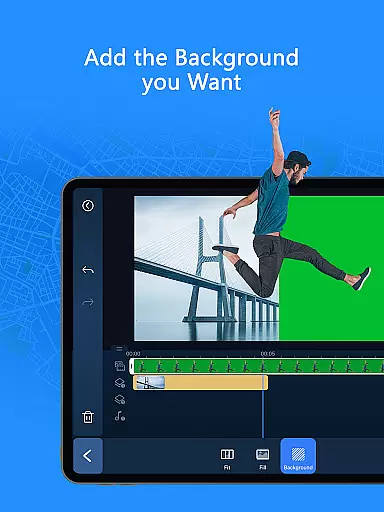
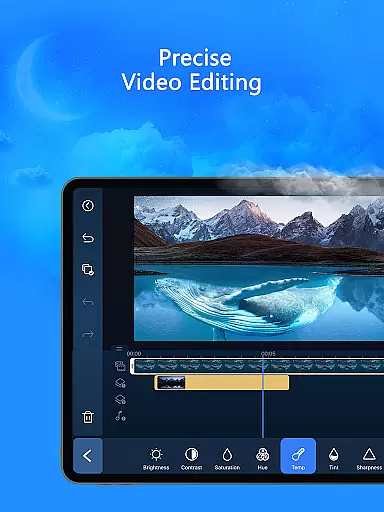
The application stands out with its specialized tools such as Body Tracking, Green Screen editing, and Keyframe controls, making it suitable for crafting engaging social media content or professional video projects. Its intuitive interface ensures accessibility for all experience levels while providing advanced options for fine-tuning video elements.
With support for essential editing functions like trimming, cutting, and adding voiceovers, PowerDirector proves valuable for anyone looking to produce polished videos quickly. The premium version offers additional benefits including royalty-free stock media and an ad-free experience, enhancing productivity for serious creators.
PowerDirector boasts an impressive range of features that cater to various video editing needs. The app's AI Editing capabilities include tools like AI Auto Caption, AI Video Enhancer, and AI Background Removal, enabling users to transform raw footage into professional-looking content effortlessly.
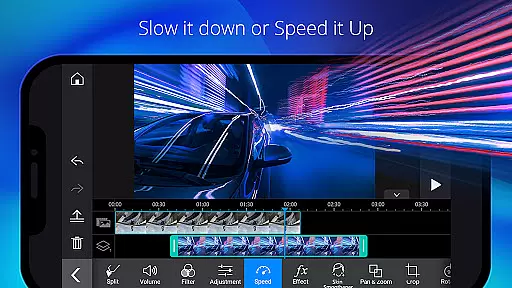
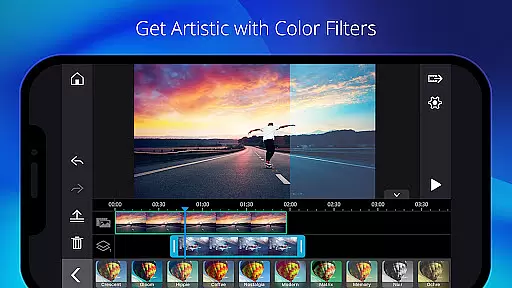
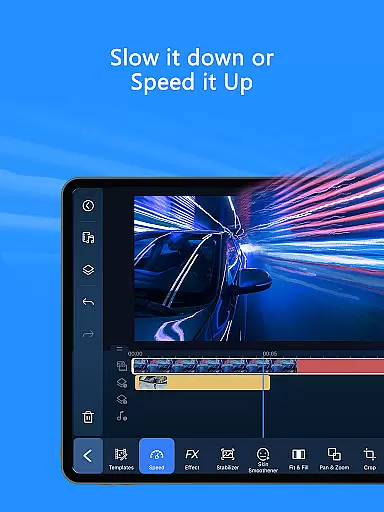
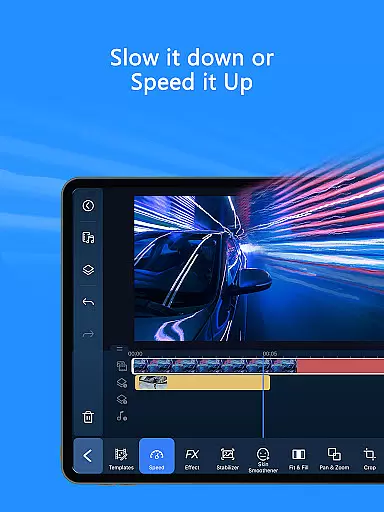
For those seeking creative freedom, the app provides thousands of customizable templates, effects, and filters. Users can experiment with speed adjustments, transitions, and animated titles while leveraging advanced options like Video Overlay and Picture-in-Picture effects. These features ensure flexibility in crafting unique visual narratives.
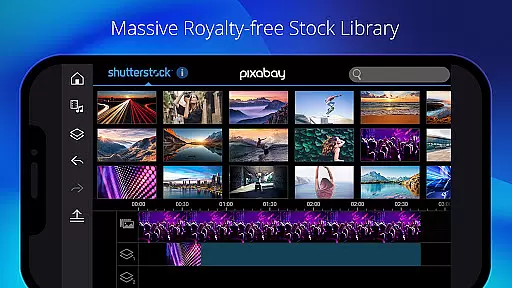
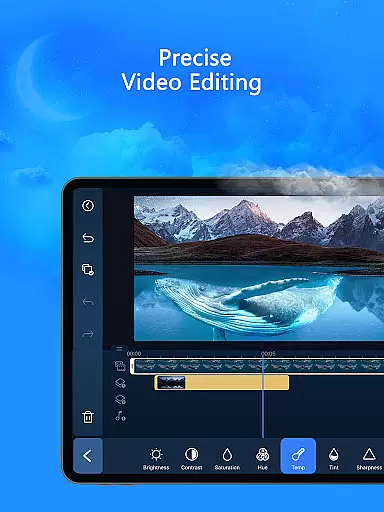
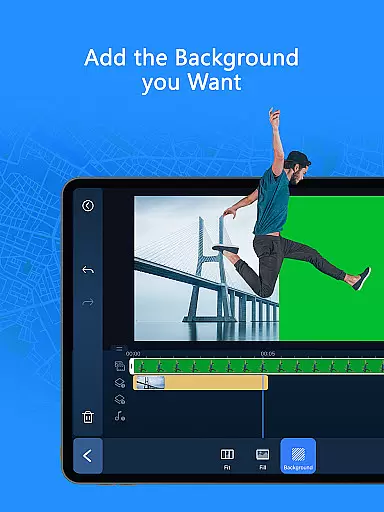
Professional-grade tools such as Green Screen editing, Video Stabilizer, and Keyframe Controls allow precise control over video elements. Additionally, the built-in stock library powered by Getty Images offers access to royalty-free music, photos, and video clips, making it easier than ever to enhance projects without worrying about licensing restrictions.
Video format compatibility is a crucial feature for any video editor as it ensures that users can work with a wide range of video files without worrying about format issues. PowerDirector supports an extensive array of video formats, making it versatile for both amateur and professional content creators.
The app's comprehensive format support allows seamless importing and exporting of videos. Whether you're working with MP4, AVI, or MOV files, PowerDirector handles them with ease, providing high-quality rendering without any loss in resolution or frame rate.
For users, this means the freedom to use footage from different devices, including smartphones, DSLR cameras, and drones, without the need for prior conversion. This versatility significantly enhances workflow efficiency and expands creative possibilities.
Moreover, the app's ability to export videos in optimized formats for various platforms like YouTube, Instagram, and TikTok ensures that your content reaches the audience in the best possible quality. This makes PowerDirector not just a tool for editing but also a powerful ally in content distribution.
AI-powered editing features represent the cutting-edge advancement in video editing technology, enabling users to achieve professional results with minimal effort. PowerDirector incorporates a suite of AI tools that revolutionize the way videos are edited, offering unprecedented ease and creativity.
Among these features is the AI Auto Edit tool, which intelligently detects the most compelling moments in your footage and automatically compiles them into a polished video using stylish templates. The AI Image-to-Video transforms still images into dynamic video clips with effects like AI Dance and AI Kissing, adding a new dimension to storytelling.
Additionally, PowerDirector's AI Portrait filters allow users to apply artistic styles such as Ghibli and Disney to their videos, creating unique visual experiences. The AI Speech-to-Text and AI Voice Changer further expand creative possibilities, allowing for innovative audio transformations.
These AI-powered features not only save time but also democratize video editing, making it accessible to users regardless of their skill level. With PowerDirector, anyone can produce high-quality, engaging content that stands out on social media platforms.
User-friendly interface
Extensive AI tools
Versatile editing options
Premium stock library
Cross-platform support
Free version has limitations
High learning curve
Some features require payment
Occasional performance issues
Subscription costs add up

Fast, private downloading, video saving, social media
 4.50
4.50
Save photos and videos from social apps in one tap.
3.60
High-Quality USB Camera Viewer & HDMI Display
4.70
Turn your phone into a wireless camera!
4.20
IPTV Player - Watch live TV from m3m & m3u8 playlist, stream IPTV on mobile
3.30
Cast to Smart TV, Fire TV. Cast video, photo - Fast & Stable!
3.90
Download videos and play them offline
4.70
VLC for Android is the best open source video and music player, fast and easy!
4.10
Video&Drama Player All Format is a HD video player, music player
3.00
Video Trimmer, Video to MP3 Converter. Extract music from video, Easy & Fast.
4.80
Pro video editor app for Instagram, edit video with song, AI, effect & slowmo.
4.80
HD Video player all format, HD Videos, Cast & Subtitle. No annoying ads.
4.60
Support 1000+ Video Format, Subtitle Download, mp3 & Background Play, Cast On TV
4.60
Browser + Remote for Roku to stream webvideos, online movies and livestreams
4.60
Download website videos fast&privacy
4.40
Video Downloader is an utility that can save videos and music from web sites
4.20
Video player with 4K & 1080P support, popup play, background play and subtitle.
4.20
Download videos easily & play them all in one smart, powerful video manager.
3.40
Mix with Virtual DJ directly from your phone or tablet !
3.10


User Reviews