
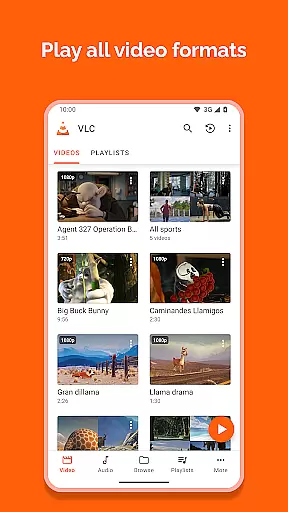
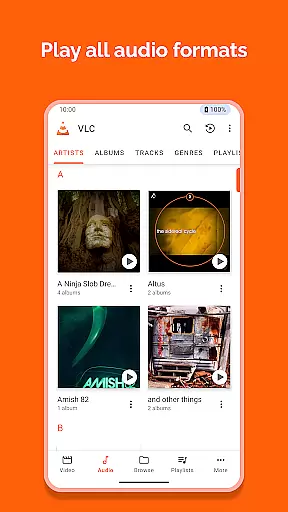
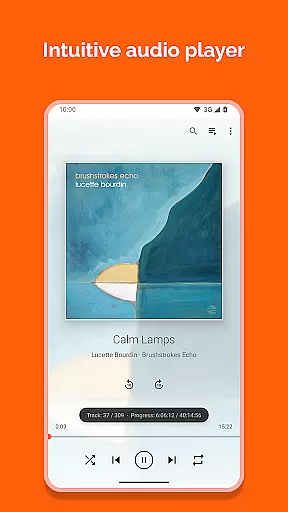
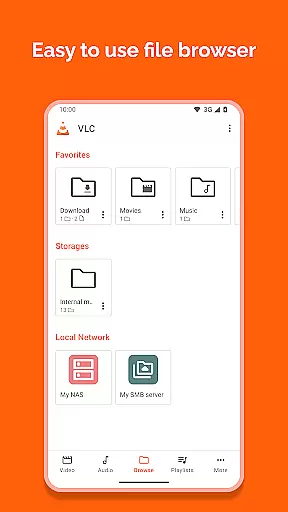
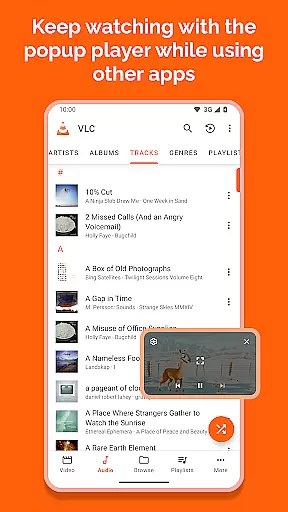
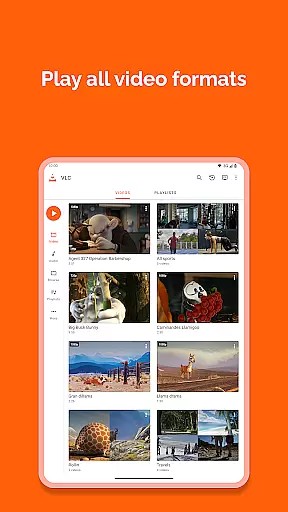
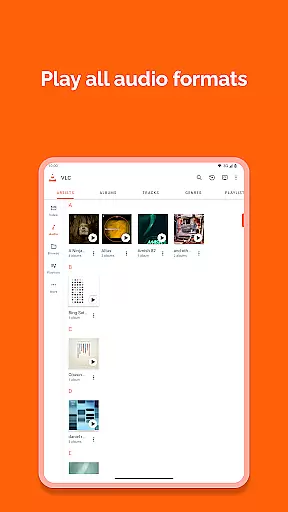
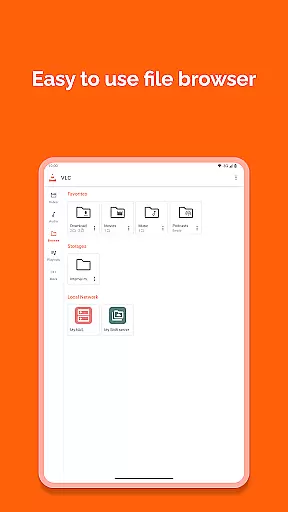
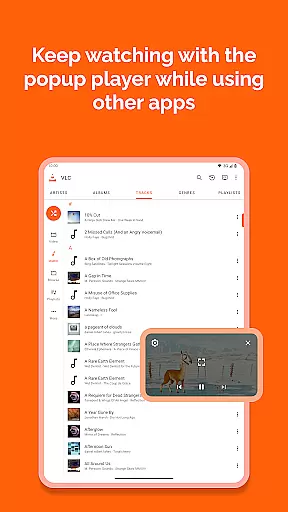
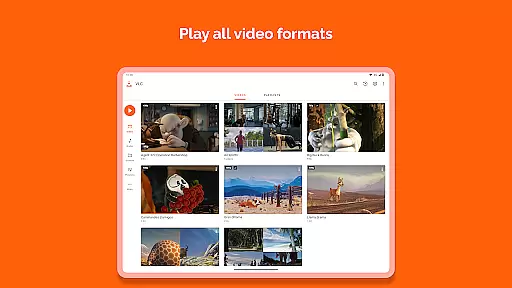
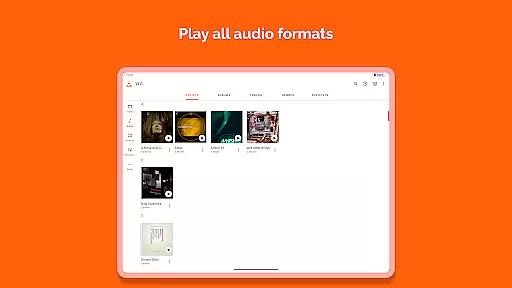
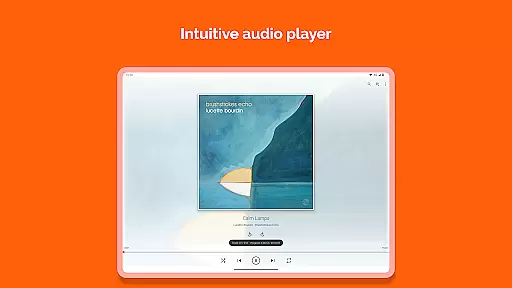
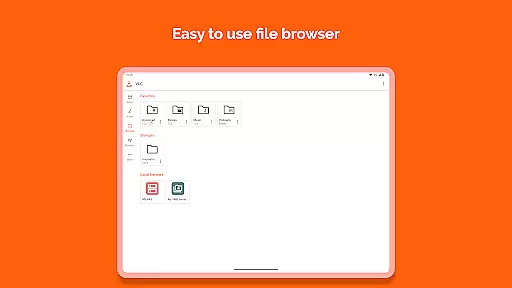
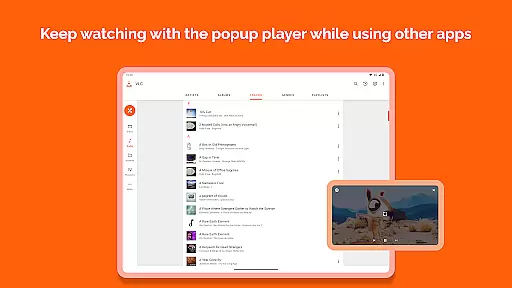
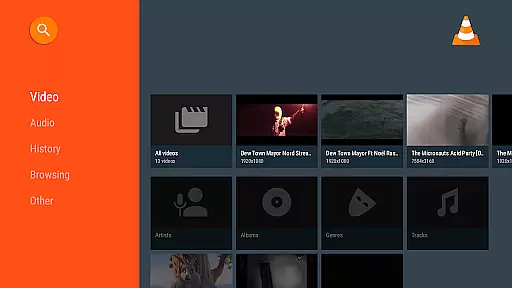
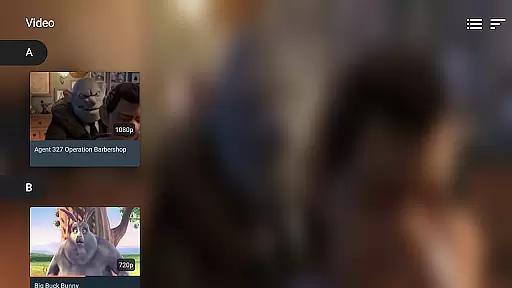
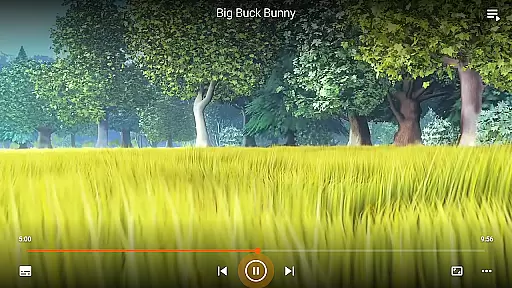
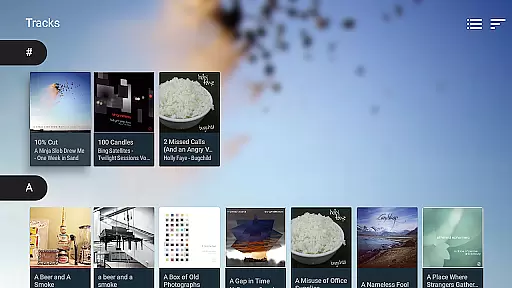
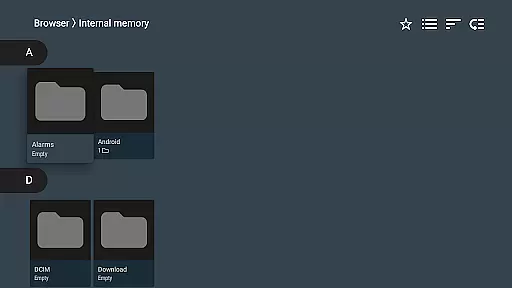
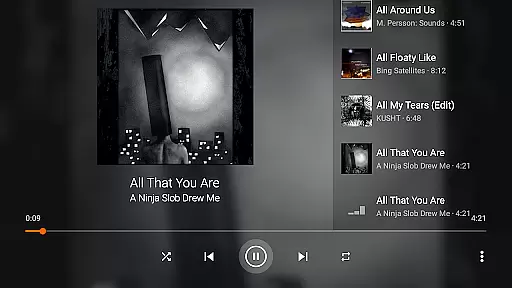
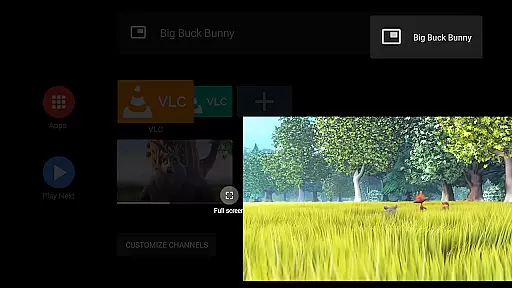
VLC for Android is a versatile, free, and open-source media player that supports an extensive range of video and audio formats. It mirrors the capabilities of its desktop counterpart, allowing users to play files directly from their device, network streams, and even DVD ISOs.
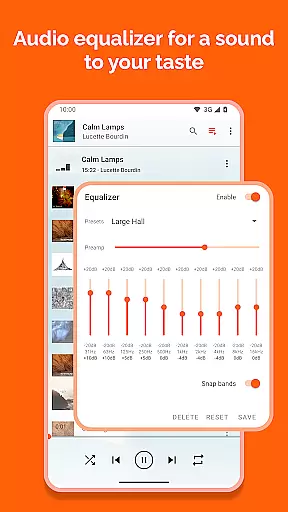
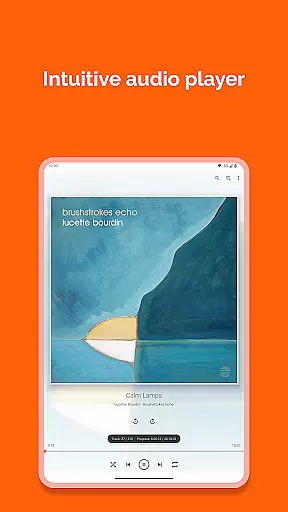
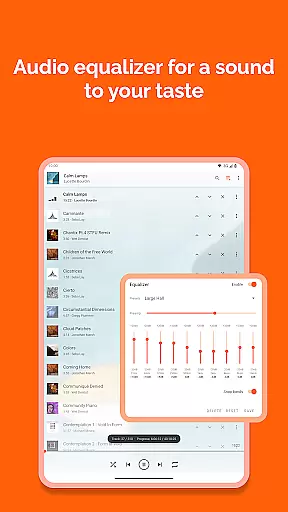
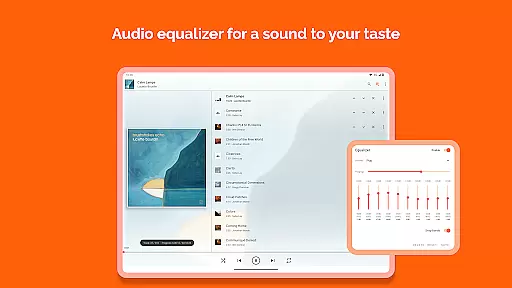
Designed with a comprehensive feature set, this app caters to both casual listeners and audiophiles alike. Its full audio player functionality includes a complete database, equalizer settings, and filters, ensuring high-quality playback of all file types.
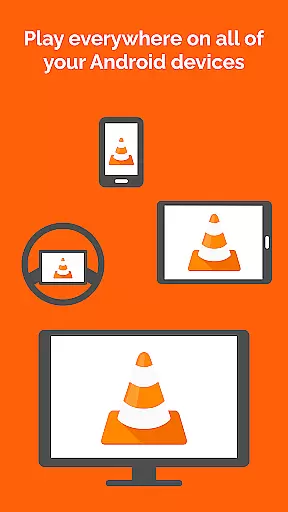
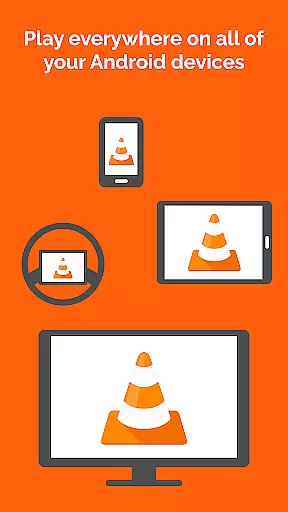
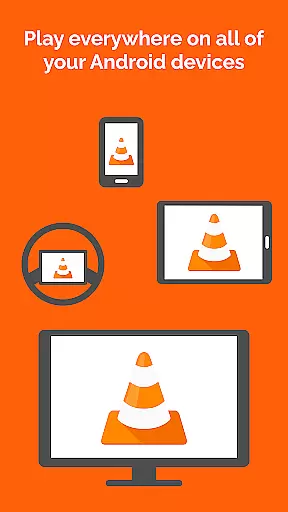
Whether you're commuting or relaxing at home, VLC for Android offers a seamless multimedia experience across all Android devices without any ads or in-app purchases, making it an ideal choice for those seeking a pure media experience.
VLC for Android stands out with its ability to handle most local video and audio files, including adaptive streaming and network shares. The application's support spans across all popular formats such as MKV, MP4, AVI, and many others, ensuring no separate codec downloads are necessary.
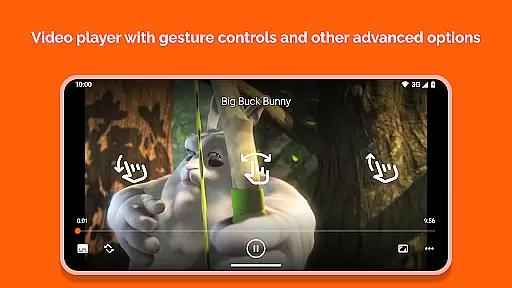
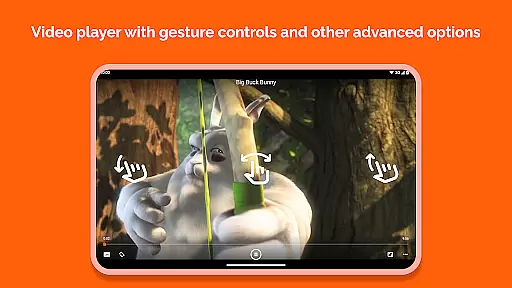
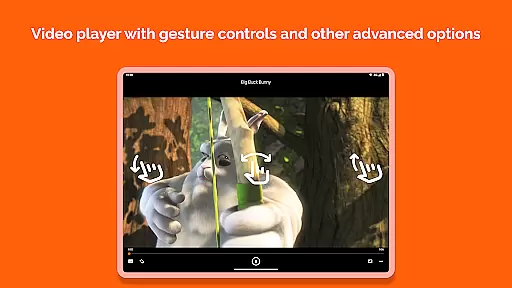
Beyond basic playback, VLC provides advanced functionalities like multi-track audio and subtitle support, auto-rotation, aspect-ratio adjustments, and gesture controls for volume and brightness. These features enhance user interaction and provide a customizable viewing experience tailored to individual preferences.
The inclusion of a media library for organizing files, a widget for audio control, and compatibility with audio headsets further enriches the utility of VLC for Android, positioning it as a top-tier media player in the Video Players & Editors category.
Video format compatibility is a crucial feature for any video player, determining its ability to play various file types seamlessly. VLC for Android excels in this area by supporting all major video formats without the need for additional codecs or plugins.
The application's comprehensive format support includes popular file types such as MKV, MP4, AVI, MOV, and many others. This ensures that users can play virtually any video file they encounter, whether it's a local file or a network stream.
Beyond basic video playback, VLC for Android also supports advanced features like subtitles, closed captions, and multi-track audio. These capabilities make it an ideal choice for users who require more than just simple video playback.
By offering such extensive format compatibility, VLC for Android provides users with a versatile tool that eliminates the frustration of encountering unsupported files. This makes it an essential application for anyone who regularly works with diverse video content.
While primarily known for its playback capabilities, VLC for Android also incorporates AI-powered editing features that enhance the user experience. Although not as extensive as dedicated video editing software, these tools provide valuable functionality for quick modifications and enhancements.
The application's editing capabilities include basic functions such as trimming, cropping, and rotating videos. These features are particularly useful for preparing media files for sharing on different platforms or devices.
VLC for Android's AI-powered features extend to audio processing as well, with automatic equalization and filtering options. The built-in audio effects and equalizer presets help optimize sound quality based on content type or listening environment.
These intelligent editing features, combined with VLC's robust playback capabilities, create a comprehensive media solution. Users can both modify and enjoy their media files within a single application, streamlining their media management workflow.
User-friendly interface
Comprehensive format support
No in-app advertisements
Regular updates by developers
Free and open-source software
Occasional playback issues
Interface may seem outdated
Limited customer support
Advanced settings can overwhelm new users
Heavy on battery consumption

Photo and Music Video Creator into Stunning Videos—Effortlessly
 4.40
4.40
Watch a large amount of high-definition short drama content
4.60
Search & download videos from net with all video downloader, auto-detect & safe.
4.60
Live TV, anywhere in your home
3.80
Stream Web Videos to Chromecast, Samsung, LG, Sony, Roku, Fire TV, DLNA + more
4.00
Explore the largest library of free GIFs, Stickers & Memes - or create your own!
3.90
Download videos easily & play them all in one smart, powerful video manager.
3.40
Movie maker & video editing app with AI effects and green screen
4.30
Powerful Video Editor & Photo Editing App —— Quick Edits & Stunning Effects!
4.30
An easy-to-use and all-round screen recorder with audio
4.80
A Quick and Pro Video Editor
4.70
Download videos and play them offline
4.70
Create photo video with music & template. AI video maker for stunning slideshow.
4.60
Fast, private downloading, video saving, social media
4.50
Video player, file manager for all formats, 4K/HD media player supports subtitle
4.30
IPTV-Smarters Player Pro M3U - Watch Live Stream TV Channels with Chromecast
4.00
All in one multi protocols stream receiver for AirPlay, Cast and DLNA.
3.60
Browser for Sony TV to stream web videos, online movies and live tv
3.20
Client application for NextPVR software
3.00


User Reviews