
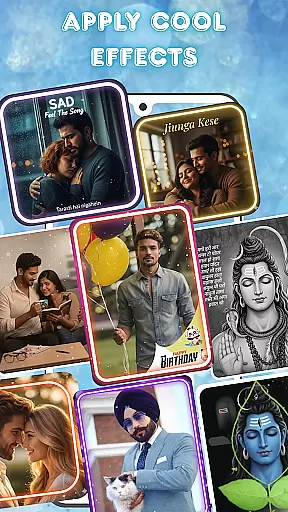
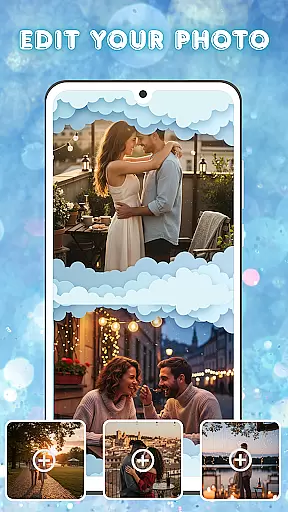
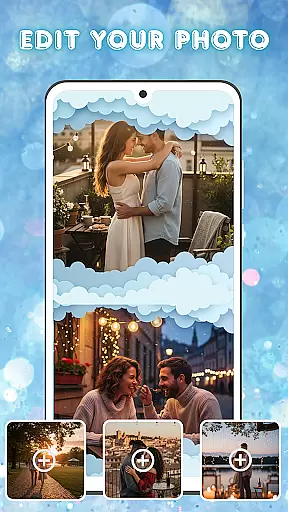
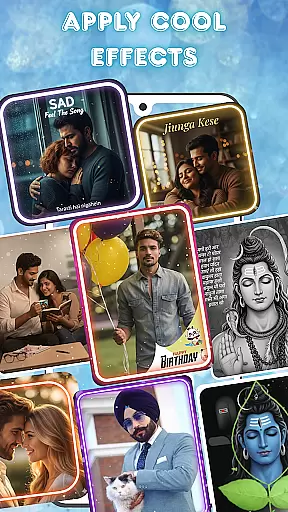
Photo and Music Video Creator is a versatile app designed to transform your photos into engaging video stories. With its easy-to-use interface, the app allows users to create professional-quality slideshows or social media-ready videos in minutes. Whether you're crafting a heartfelt family memory or a trendy Instagram reel, this app provides all the necessary tools for seamless photo-to-video conversion.
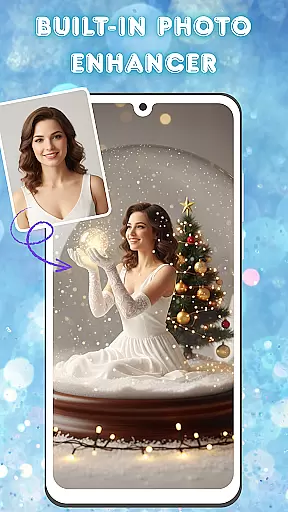
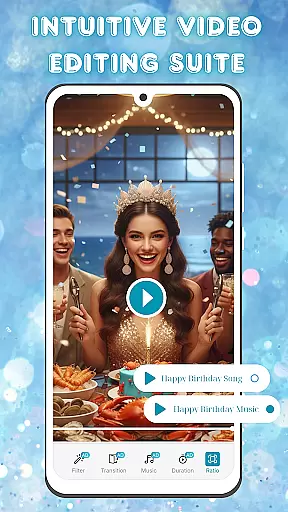
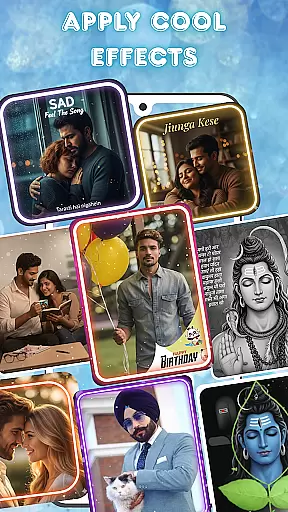
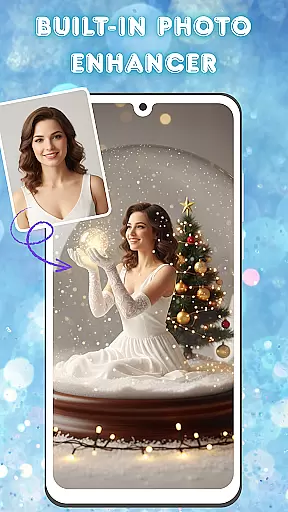
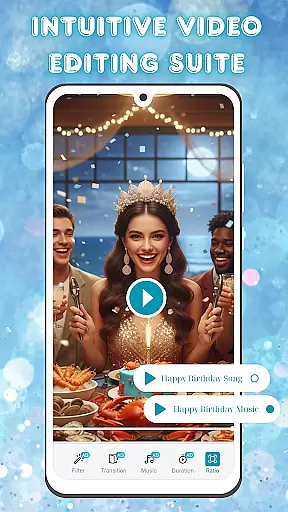
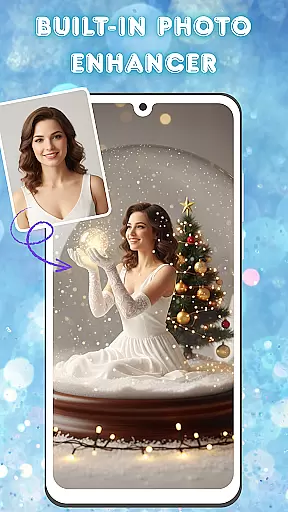
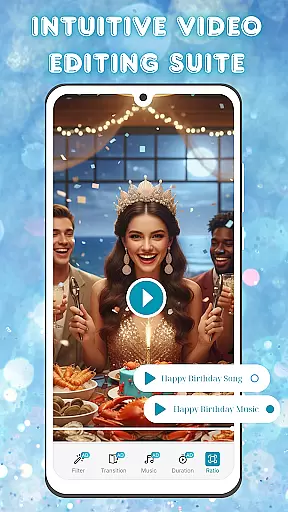
The app stands out with its built-in photo enhancer, offering advanced editing options like brightness, contrast, and saturation adjustments. Additionally, its intuitive video editing suite lets you add smooth transitions, stylish filters, and background music, ensuring your final product looks polished and refined. Perfect for both casual users and content creators, Photo and Music Video Creator helps bring your cherished memories to life in a dynamic and shareable format.
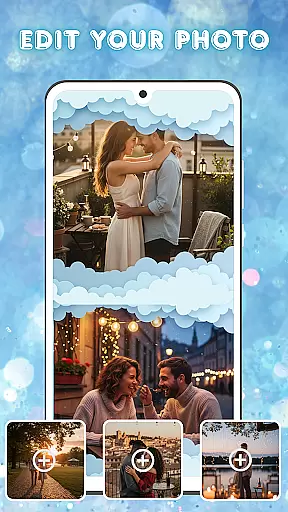
One of the standout features of Photo and Music Video Creator is its powerful photo-to-video conversion tool. This functionality enables users to turn their favorite snapshots into captivating videos with just a few taps. The app also includes an advanced photo enhancer, allowing users to perfect their images before incorporating them into videos.
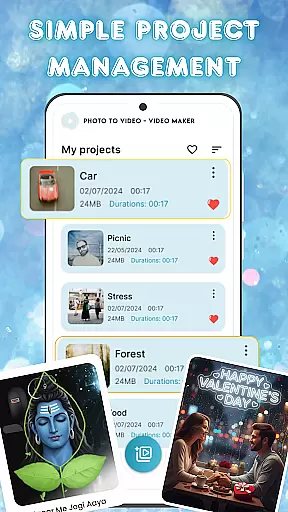
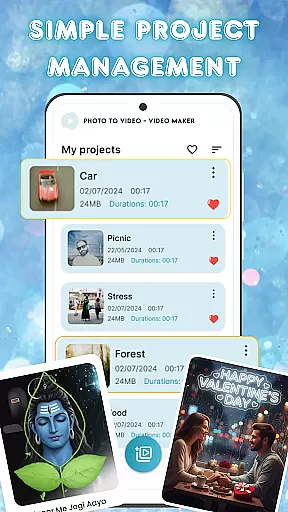
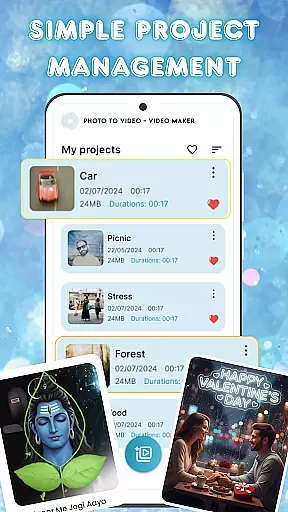
Another key feature is the app's comprehensive video editing suite. Users can customize their creations with smooth transitions, stylish filters, and a library of background music tracks. These tools ensure that every video has a professional finish. Moreover, the app offers simple project management capabilities, enabling users to organize and access all their video projects from one centralized location, making it easy to revisit and refine past work.
Video format compatibility is a crucial feature for any video editing application, ensuring that users can work with a wide range of file types without compatibility issues. Photo and Music Video Creator supports an extensive array of video formats, allowing creators to import and export projects in the most common and some specialized codecs.
This app's dedication to format versatility means you can seamlessly integrate videos from different sources, whether they're from your smartphone, DSLR, or even older digital cameras. The built-in conversion tool ensures that no matter the original format, your video can be transformed into a shareable masterpiece without losing quality.
For users, this translates into saved time and effort, eliminating the need for pre-conversion in external software. Whether you're looking to upload your creations to social media or store them in a specific format, this app provides the flexibility and efficiency needed for modern content creation.
AI-powered editing features represent the cutting edge of video editing technology, automating complex tasks and enabling creators to produce professional-quality videos with minimal effort. Photo and Music Video Creator incorporates advanced AI algorithms that assist with everything from color correction to scene detection, making high-level editing accessible to novices and experts alike.
The app's AI doesn't just automate; it enhances. Imagine applying transitions that intelligently adapt to your video's pacing or filters that adjust based on the subject matter. These smart features ensure that every project not only looks polished but also retains its unique character.
By leveraging these capabilities, users can drastically cut down on editing time while still achieving stunning results. This positions Photo and Music Video Creator as an indispensable tool for anyone looking to bring their creative visions to life quickly and effortlessly.
User-friendly interface
Advanced photo editing
Versatile video customization
Quick project organization
Professional output quality
Limited free features
Occasional ads
Premium subscription cost
Learning curve for beginners
Fewer templates than competitors

Video player, file manager for all formats, 4K/HD media player supports subtitle
 4.30
4.30
All format media Player, no need video converter any more!
4.00
This app was created to edit the metadata of music files.
4.20
AirMirror is Receiver for Screen Mirroring and Casting from Apple Devices.
3.60
All in one HD video downloader & player for multiple formats with full privacy
4.70
AI Video Editor with Music, Filter, Slideshow, Effect, Merge & Trim Video.
4.80
Video&Drama Player All Format is a HD video player, music player
3.00
Enjoy your favorite videos and channels with the official YouTube app.
3.90
Manage your YouTube channel on the go
4.40
Download Hub, easy and private way to download and enjoy your videos offline
4.80
Browser + Remote for Roku to stream webvideos, online movies and livestreams
4.60
Watch a large amount of high-definition short drama content
4.60
Auto video maker with music & exclusive filters. Video editing made simple.
4.50
HD video maker with no watermark, no ads & vlog maker with music, PIP, text
4.50
Add date and time watermark to photos and videos
4.50
Fast video downloader & private browser. Save HD clips to watch offline.
4.40
Web Browser for LG TV to stream webvideos, online movies and livestreams in HD
4.20
Fast private browser with secure, seamless access & supported video downloads!
4.00
Browser for Sony TV to stream web videos, online movies and live tv
3.20


User Reviews