

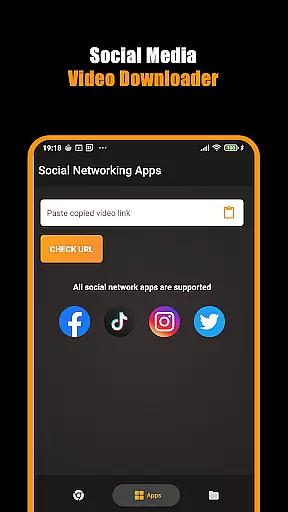
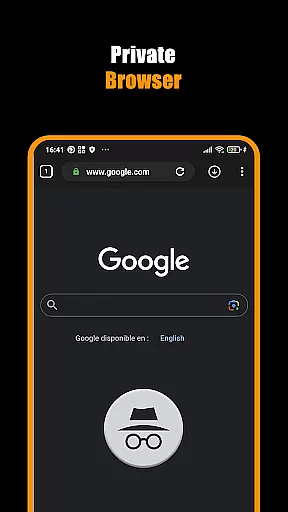
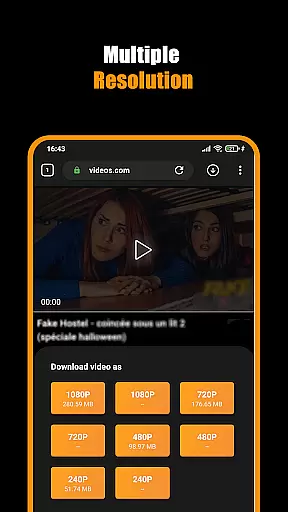
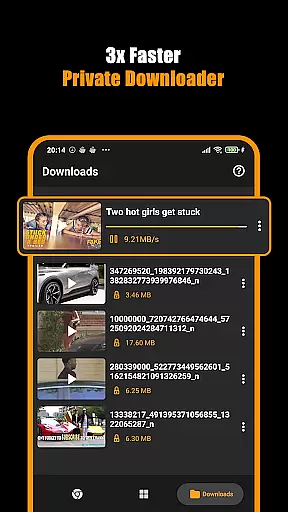

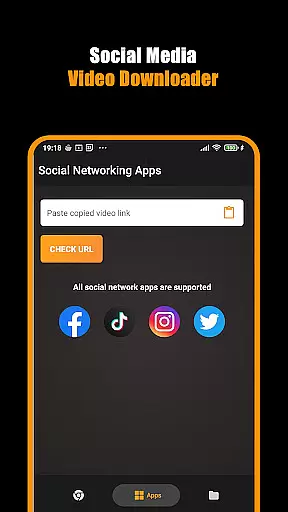
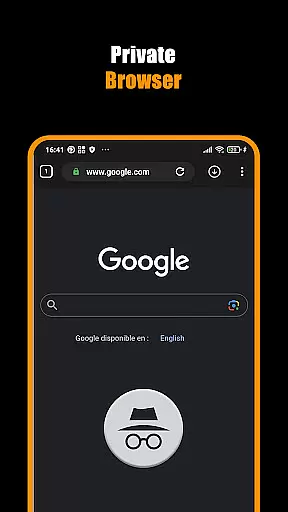
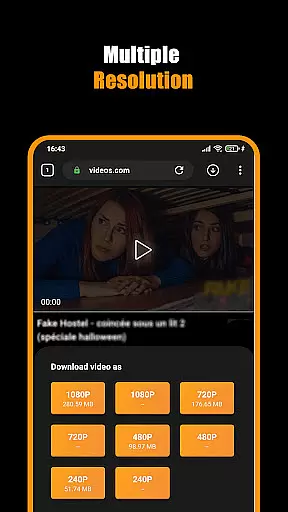
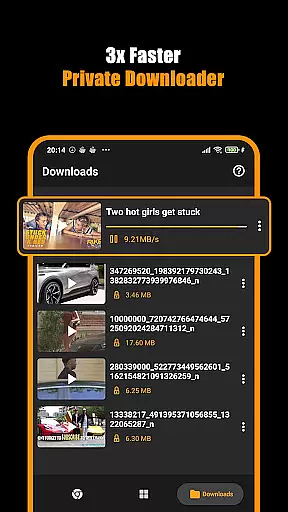

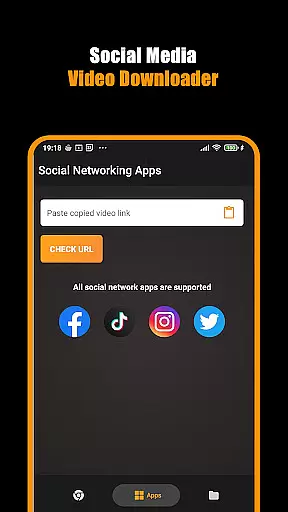
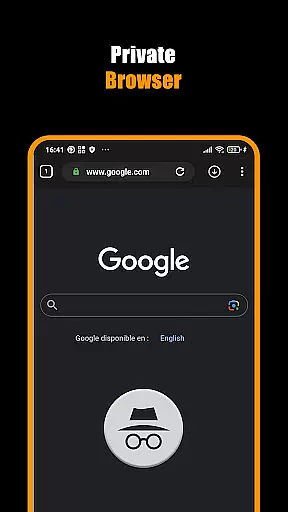
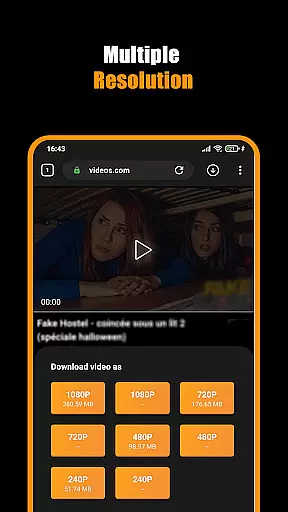
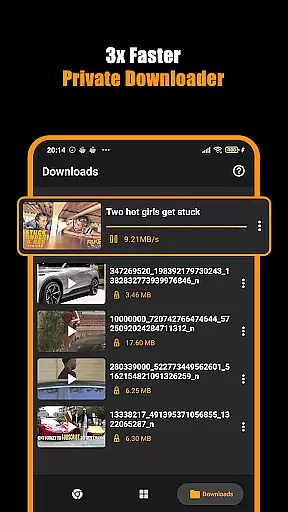

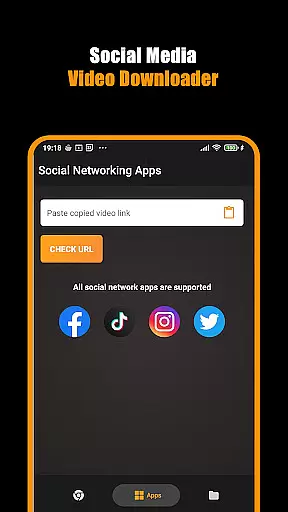
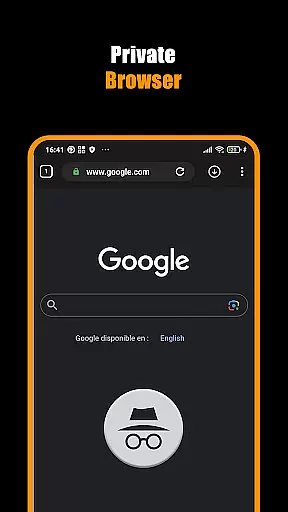
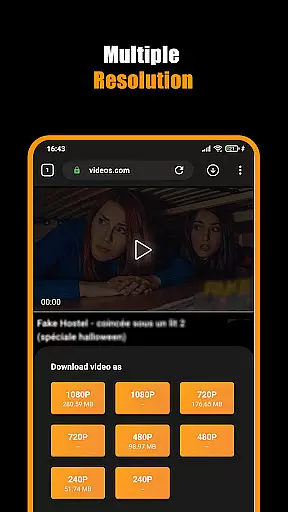
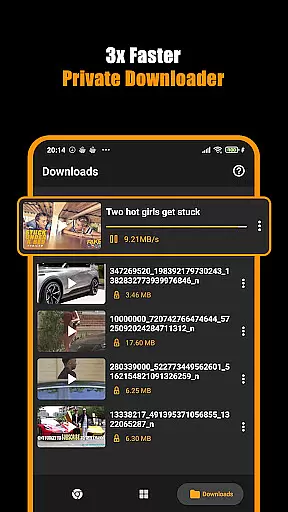

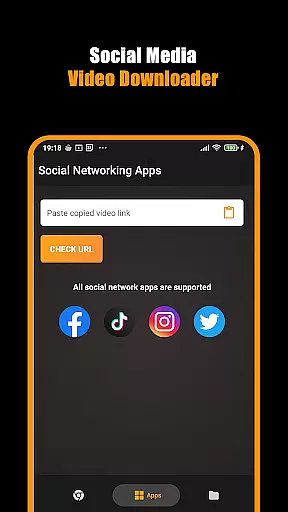
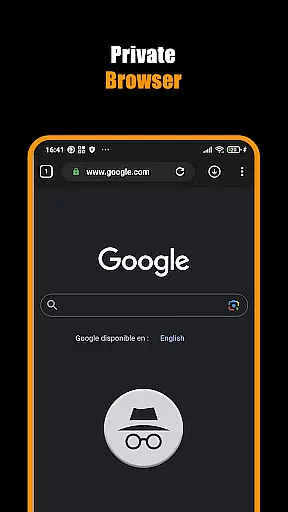
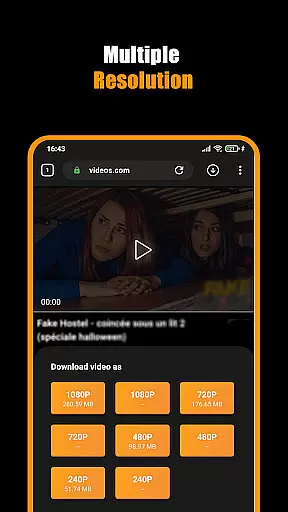
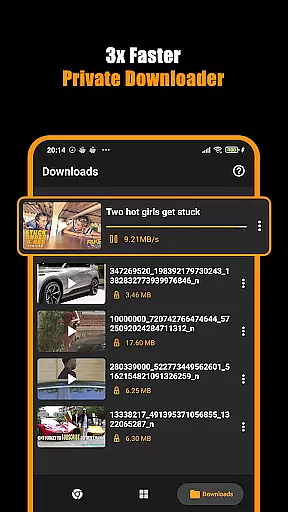
Hub Video Downloader is a versatile tool designed for users who need to download videos from websites quickly and privately. The app features a built-in browser that automatically detects video content, allowing users to save HD, 2K, and 4K videos directly to their device. With unlimited tabs and private browsing options, it ensures both productivity and privacy.
The application supports background downloads with pause, resume, and cancel functionalities, making multitasking seamless. Its intuitive interface provides easy access to saved videos, storing them directly in the user's gallery. Whether downloading short clips or full-length movies, Hub Video Downloader offers an all-in-one solution for managing and accessing video content efficiently.
Hub Video Downloader stands out with its advanced features tailored for modern users. One of its key capabilities is the automatic detection of video content upon visiting a website, enabling instant downloads in various resolutions including HD, 2K, and 4K. This feature ensures users can save high-quality videos without hassle.
In addition to video downloading, the app includes a private browser that enhances security by blocking intrusive sites and clearing all activity once closed. Users can also manage multiple downloads simultaneously, thanks to the pause, resume, and cancel options. These tools provide complete control over the downloading process, ensuring convenience and efficiency for every user.
Video format compatibility is a crucial feature for any video player and editor, ensuring that users can access their content in various formats without restrictions. Hub Video Downloader supports an extensive range of video formats, including but not limited to MP4, AVI, MKV, and MOV. This versatility allows users to download and play videos from different sources without worrying about format incompatibility.
The app's built-in browser automatically detects downloadable video content across websites, presenting users with the option to save these videos directly to their device. With support for high-definition formats up to 4K, users are guaranteed the best possible quality for their downloaded videos. Whether it's a short clip or a full-length movie, Hub Video Downloader ensures that every download maintains its original clarity and detail.
Moreover, the application provides seamless integration with the native gallery, automatically storing downloaded videos for easy access. Users can effortlessly manage their media library, knowing that all their files are organized and readily available for viewing. The ability to handle diverse video formats enhances user experience by eliminating the need for additional conversion tools or software.
By prioritizing video format compatibility, Hub Video Downloader caters to a wide audience with varying needs and preferences. Whether downloading content for personal entertainment or professional use, users can rely on this app to deliver consistent performance and reliability. This commitment to supporting multiple formats underscores the app's dedication to providing a comprehensive and user-friendly video downloading solution.
AI-powered editing features represent a significant advancement in video player and editor applications, offering users intelligent tools to enhance their video content effortlessly. Hub Video Downloader incorporates cutting-edge AI technology to streamline the editing process, making it accessible even to those with minimal technical expertise. These features enable users to optimize video quality, apply filters, and make precise edits with just a few taps.
One of the standout capabilities of the app is its automatic video enhancement feature. Using sophisticated algorithms, the app analyzes video content and adjusts parameters such as brightness, contrast, and color balance to produce visually appealing results. This ensures that every video looks its best, regardless of the source or initial quality. Additionally, users can leverage AI-driven stabilization tools to smooth out shaky footage, resulting in professional-grade output.
Hub Video Downloader also offers smart trimming and cropping functions, allowing users to remove unwanted sections or adjust aspect ratios with precision. The AI component intelligently identifies key scenes and suggests optimal cut points, saving time and effort during the editing process. Furthermore, the app includes a range of customizable filters and effects powered by AI, enabling users to add creative touches to their videos while maintaining a natural look.
By integrating AI-powered editing features, Hub Video Downloader sets itself apart as a versatile tool for both casual users and content creators. These innovations not only simplify the editing workflow but also empower users to achieve impressive results without requiring extensive manual adjustments. As a result, the app delivers a polished and engaging video experience that meets the demands of today's digital landscape.
User-friendly interface
High-quality video downloads
Private browsing mode
Background download support
Automatic video detection
No YouTube support
Limited to website content
Requires stable internet
Storage space intensive
Privacy concerns on shared devices

Powerful, professional, versatile teleprompter. Developed by an active film crew
 4.00
4.00
HD video & music player - All format support with floating & PIP mode!
3.80
Watch full episodes of your favorite Cartoon Network and Cartoonito shows!
3.50
Search & download videos from net with all video downloader, auto-detect & safe.
4.60
Manage your IPTV live channels and VOD playlists (no playlist included)
3.80
Powerful video player with advanced hardware acceleration and subtitle supports
4.20
Fast private browser with secure, seamless access & supported video downloads!
4.00
Video player with 4K & 1080P support, popup play, background play and subtitle.
4.20
Create, Publish & Maximize
4.70
Support 1000+ Video Format, Subtitle Download, mp3 & Background Play, Cast On TV
4.60
Seamlessly connect and control your smart devices, anytime, anywhere with ease.
4.60
IPTV Loader, loads your own Playlist. DOES NOT CONTAIN ANY LIST OR CHANNELS
4.60
Auto video maker with music & exclusive filters. Video editing made simple.
4.50
KineMaster, Your Ultimate Video Editor!
4.40
Fast video downloader & private browser. Save HD clips to watch offline.
4.40
Browser for Fire TV to stream webvideos, online movies, livestreams in HD
4.40
KMPlayer Plus (Divx Codec) officially support Divx codec.
4.30
IPTV-Smarters Player Pro M3U - Watch Live Stream TV Channels with Chromecast
4.00
Stream Web Videos to Chromecast, Samsung, LG, Sony, Roku, Fire TV, DLNA + more
4.00


User Reviews