
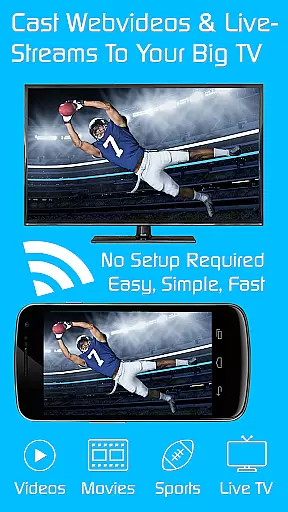
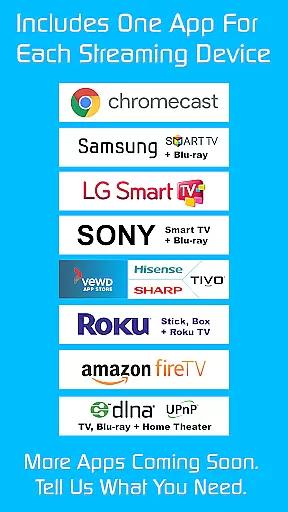
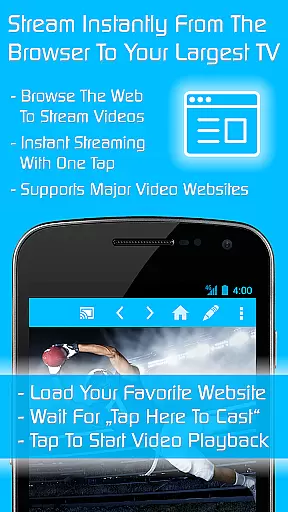

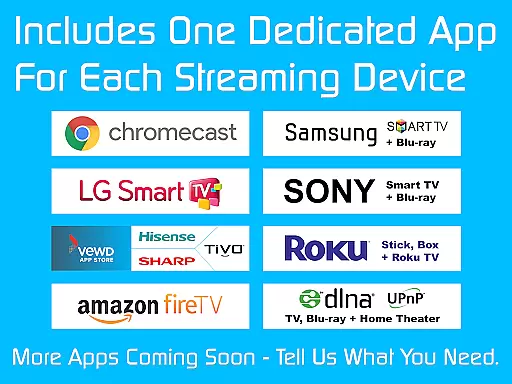
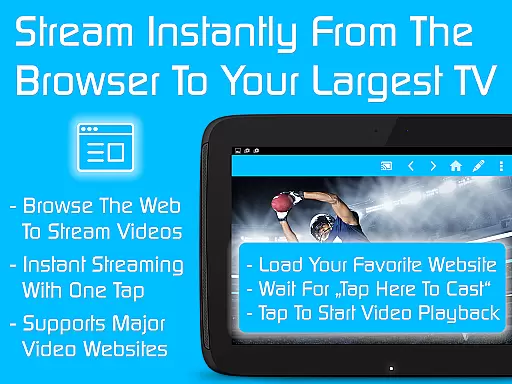

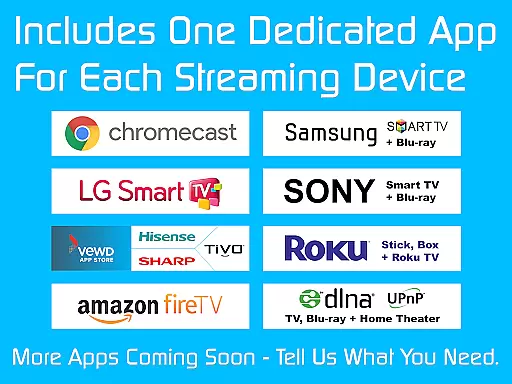
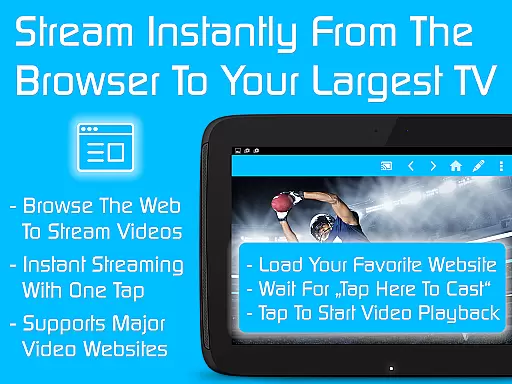
TV Cast is a comprehensive streaming browser application designed to cast and watch web videos, online movies, livestreams, and live TV shows on a multitude of devices. Compatible with Chromecast, Samsung TV, LG TV, Sony TV, Hisense TV, Sharp TV, TiVo, Roku, Fire TV, DLNA, and Google Cast or Android TV-powered devices, it offers an all-encompassing solution for media streaming needs.
This Ultimate app serves as a LICENSE KEY unlocking premium features across all free Video & TV Cast editions on your Android device. By installing this app, users can enjoy ad-free browsing, advanced playback controls, personalized homepage settings, desktop mode for enhanced video link detection, unlimited bookmarks, and more, significantly enriching the streaming experience.
Whether you're looking to stream content on your gaming console or smart TV, TV Cast provides a seamless solution that caters to diverse streaming preferences, making it an invaluable tool for enjoying digital media on larger screens.
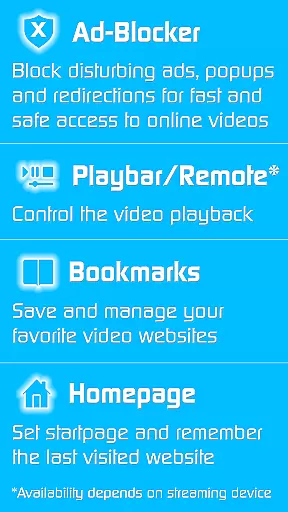
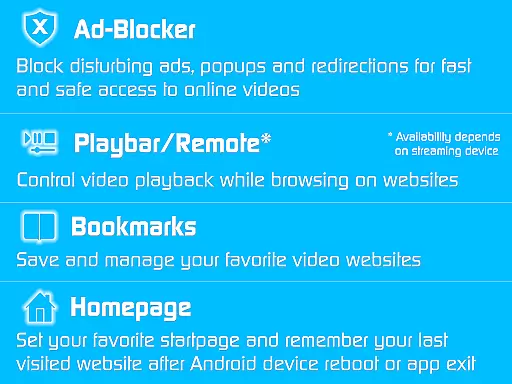
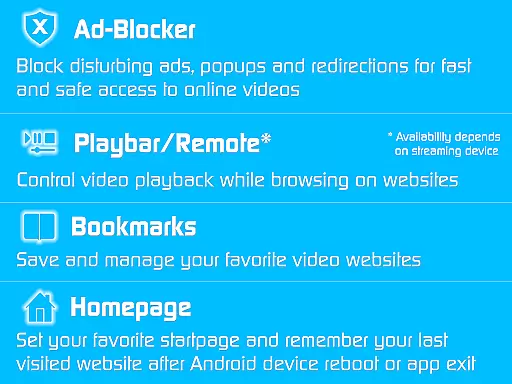
TV Cast stands out with its ability to unlock premium functionalities in various Video & TV Cast editions, enhancing user interaction with digital content. The app's Ad-Blocker ensures uninterrupted viewing by blocking ads, popups, and unwanted redirections, creating a cleaner, more enjoyable browsing environment.
With the Playbar/Remote feature, users gain control over their streaming experience through fast forward, rewind, and video scrubbing options. The Change Homepage functionality allows personalization of the browsing journey, while Desktop Mode optimizes video link detection on certain websites. Additionally, Unlimited Bookmarks let users save and manage their favorite sites effortlessly.
These features collectively offer a superior streaming experience, setting TV Cast apart from standard streaming apps by providing tools that cater to both casual viewers and tech-savvy users seeking advanced customization and control.
Video format compatibility is a crucial feature for any video player or editor, ensuring that users can access content across various devices and platforms. TV Cast excels in this area by supporting an extensive range of streaming devices including Chromecast, Samsung TV, LG TV, Sony TV, Hisense TV, Sharp TV, TiVo, Roku, Fire TV, DLNA, and Google Cast-powered devices.
The app's broad device support means you can stream web videos, online movies, livestreams, and live TV shows without worrying about format restrictions. Whether you're using a gaming console, media center, or smart TV, TV Cast ensures seamless playback. This versatility makes it an ideal choice for users with multiple devices in their home entertainment setup.
By unlocking premium features through the Ultimate app, users gain access to enhanced functionalities like ad-blocking, remote controls, and unlimited bookmarks. These features work across all supported devices, providing a consistent and enriched viewing experience regardless of the hardware used.
Ultimately, TV Cast's commitment to wide-ranging video format compatibility empowers users to enjoy their favorite content on virtually any modern device, enhancing both convenience and enjoyment.
AI-powered editing features represent the cutting edge of video player and editor technology, offering users advanced tools to enhance their viewing experience. TV Cast incorporates several AI-driven functionalities that elevate its performance beyond basic streaming capabilities.
One standout feature is the built-in ad-blocker, which intelligently detects and blocks advertisements, pop-ups, and unwanted redirections from websites. This creates a cleaner, uninterrupted viewing session, allowing users to focus solely on their desired content without distractions.
Additionally, the app includes a sophisticated desktop mode that masks your mobile device as a desktop PC. This feature helps in detecting video links on websites that typically restrict mobile access, thereby expanding the range of viewable content. The AI algorithms behind these features continuously learn and adapt, improving their effectiveness over time.
TV Cast also offers a customizable homepage and unlimited bookmarks, managed by intelligent systems that remember user preferences and optimize navigation paths. These AI-powered enhancements collectively create a more personalized and efficient user experience, setting TV Cast apart in the realm of video players and editors.
Comprehensive device compatibility
Ad-free streaming environment
Advanced playback controls
Personalized user settings
Unlimited bookmark management
Premium requires separate app installations
Limited troubleshooting support
Premium reverts upon uninstallation
Feature availability varies by device
Refund policy is time-limited

Fast, private downloading, video saving, social media
 4.50
4.50
Powerful, professional, versatile teleprompter. Developed by an active film crew
4.00
1)AirPlay/DLNA Mirroring/Streaming, up to 4 connections; 2)Samba/NAS/DMS Player.
4.00
Fast & easy HD video downloader for all formats, support 4K playback & download.
4.60
Browser for Fire TV to stream webvideos, online movies, livestreams in HD
4.40
Fast private browser with secure, seamless access & supported video downloads!
4.00
VLC for Android is the best open source video and music player, fast and easy!
4.10
Manage your YouTube channel on the go
4.40
Capture the moment and Cut
3.40
Video Trimmer, Video to MP3 Converter. Extract music from video, Easy & Fast.
4.80
An easy-to-use and all-round screen recorder with audio
4.80
VLC Remote lets you control your VLC Media Player on Mac, PC or Linux.
4.60
Support 1000+ Video Format, Subtitle Download, mp3 & Background Play, Cast On TV
4.60
Video Downloader is an utility that can save videos and music from web sites
4.20
Web Browser for LG TV to stream webvideos, online movies and livestreams in HD
4.20
Kodi media center, a free and open source cross-platform entertainment hub
3.60
This app is an emulator of some specific IPTV boxes
3.50
You can play SWF format file!
2.50
Stream high quality video from your camera over NDI protocol
4.5


User Reviews