
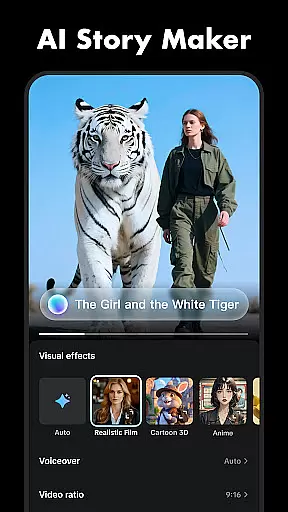
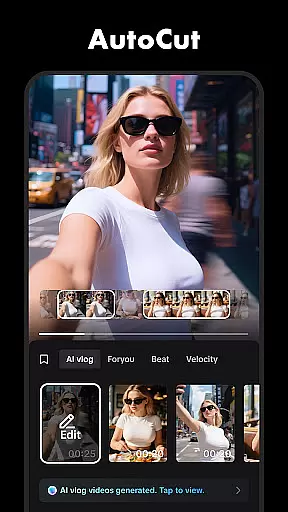
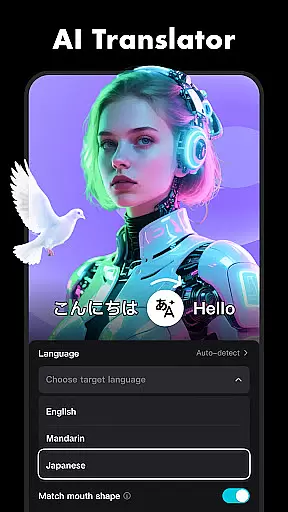
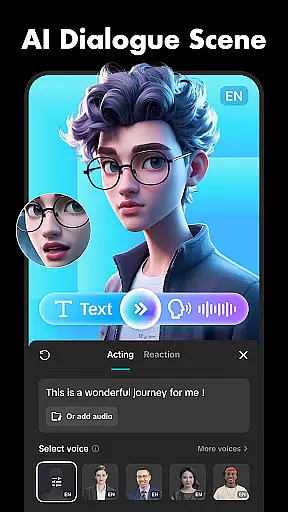
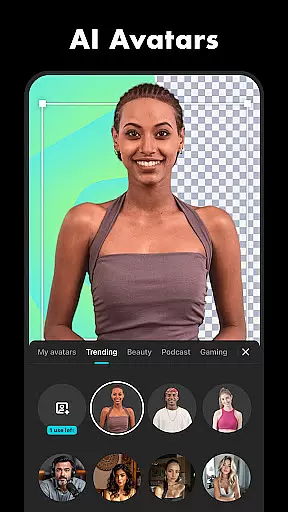

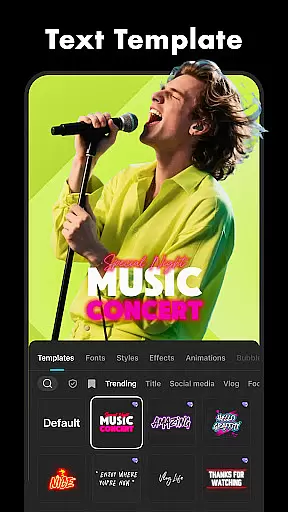
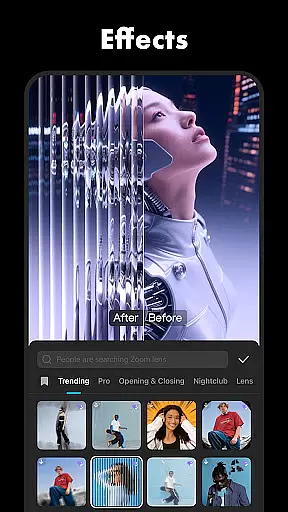
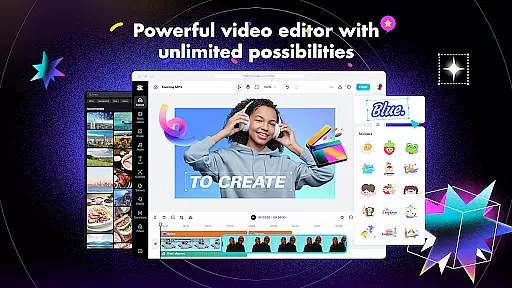
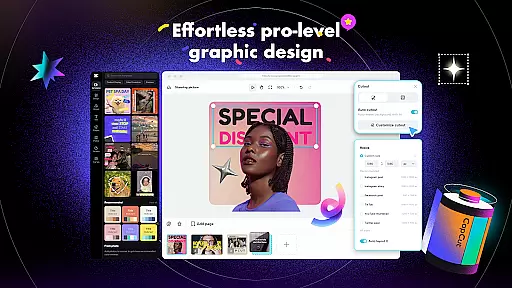
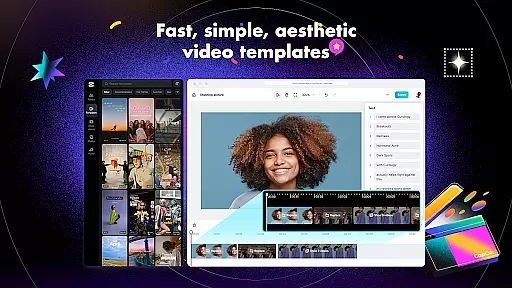
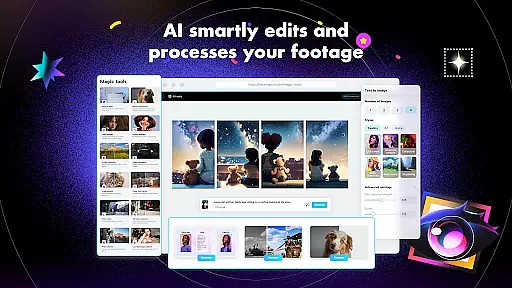
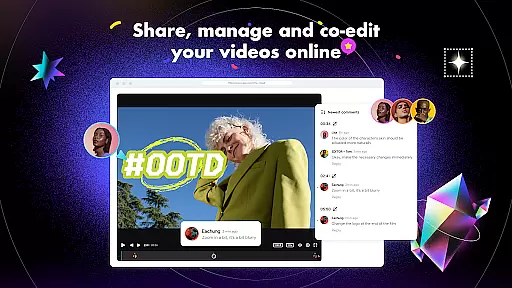
CapCut is a versatile video editing application that provides users with an extensive suite of tools to create professional-quality videos. The app offers basic editing features such as trimming, splitting, and merging clips, alongside advanced functionalities like keyframe animation, chroma key, and stabilization. With CapCut, users can adjust video speed, apply zoom effects, and utilize transitions to enhance their storytelling.
In addition to its core editing capabilities, CapCut includes intelligent features such as auto captions, text-to-speech in multiple languages, and background removal. These features cater to content creators looking to add a personalized touch to their videos. Whether you're a beginner or an experienced editor, CapCut's intuitive interface and powerful tools enable you to produce engaging content for platforms like TikTok, YouTube, and Instagram.
CapCut stands out with its comprehensive feature set tailored for both novice and advanced video editors. The app provides essential editing tools including trimming, cutting, and merging video clips, as well as adjusting playback speed from 0.1x to 100x. Users can animate clips with zoom effects, freeze frames to highlight key moments, and choose from a variety of transition effects to give their videos a polished look.
For more sophisticated projects, CapCut offers advanced features such as keyframe animation, smooth slow-motion effects using optical flow technology, and chroma key for green screen editing. The multi-track timeline allows for easy arrangement and previewing of clips, while the stabilization tool ensures footage remains steady. Additionally, CapCut supports creative elements like text overlays, stickers, trending filters, and sound effects, empowering creators to craft unique and visually appealing videos.
Video format compatibility is a crucial feature for any video editing application, ensuring that users can work with a wide range of video files without conversion hassles. CapCut excels in this area by supporting various popular formats, allowing creators to import and export videos seamlessly.
The app's advanced format support extends to its export options, where users can customize resolutions up to 4K at 60fps, with smart HDR enhancements. This flexibility ensures that your final product maintains high quality across different platforms and devices.
CapCut also enables easy sharing to social media directly from the app. Whether you're creating content for TikTok, YouTube, or Instagram, the application optimizes video formats for each platform, saving time and maintaining professional-grade output.
This comprehensive format support empowers both beginners and advanced users to focus on their creative process rather than technical limitations, making CapCut a versatile tool for all video editing needs.
AI-powered editing features are revolutionizing video production by automating complex tasks and enhancing creative possibilities. CapCut incorporates several intelligent tools that significantly streamline the editing process while delivering professional results.
The application's auto captions feature uses advanced speech recognition technology to generate accurate subtitles, supporting multiple languages and dialects. This functionality not only saves time but also makes content more accessible to diverse audiences worldwide.
CapCut's innovative background removal tool utilizes AI algorithms to automatically detect and eliminate video backgrounds. This feature enables creators to produce studio-quality green screen effects without specialized equipment or manual masking.
Additionally, the text-to-speech functionality offers multiple voice options across various languages, allowing users to create dynamic voiceovers with simple text input. These AI-driven capabilities, combined with traditional editing tools, position CapCut as a powerful solution for modern content creators seeking efficiency and creativity in their video projects.
User-friendly interface
Advanced editing tools
Variety of effects and filters
Multi-language text-to-speech
High-quality export options
Limited free features
Occasional ads
Export watermarks
Subscription required
Learning curve for beginners

Online Videos Player
 3.90
3.90
Client application for NextPVR software
3.00
Powerful, professional, versatile teleprompter. Developed by an active film crew
4.00
Search & download videos from net with all video downloader, auto-detect & safe.
4.60
Download videos easily & play them all in one smart, powerful video manager.
3.40
IPTV Player - Watch live TV from m3m & m3u8 playlist, stream IPTV on mobile
3.30
Make your own Animations, Video and Photo Edits, Visual Effects, and more!
4.00
Find, download, and play torrents with the official BitTorrent® Pro app
4.70
Fast private browser with secure, seamless access & supported video downloads!
4.00
#1 Torrent App on Android ** No Ads Ever + Battery Saver **
4.80
An easy-to-use and all-round screen recorder with audio
4.80
Create photo video with music & template. AI video maker for stunning slideshow.
4.60
VLC Remote lets you control your VLC Media Player on Mac, PC or Linux.
4.60
Browser + Remote for Roku to stream webvideos, online movies and livestreams
4.60
Cast movies, tv shows and live streams to Chromecast, Roku, DLNA, Fire TV & more
4.60
Video Downloader, Multiple Resolution Options, Video Player
4.50
KMPlayer Plus (Divx Codec) officially support Divx codec.
4.30
Web Browser for LG TV to stream webvideos, online movies and livestreams in HD
4.20
HD video & music player - All format support with floating & PIP mode!
3.80


User Reviews