
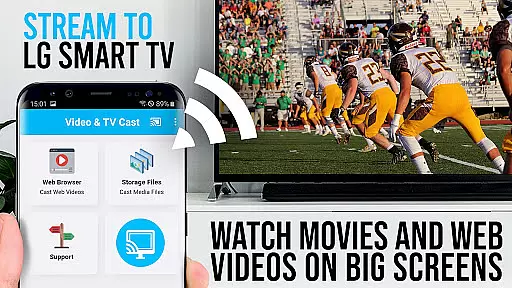
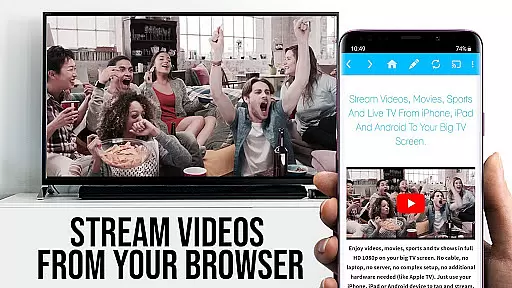
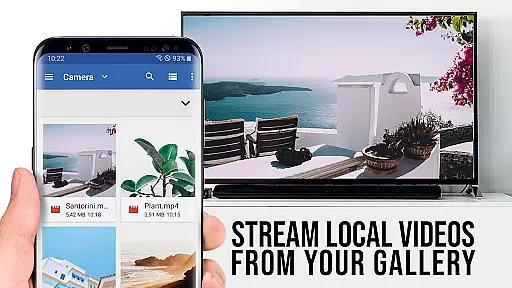
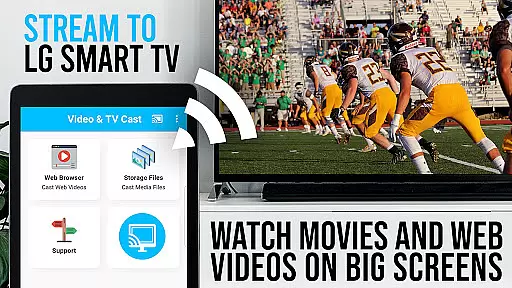
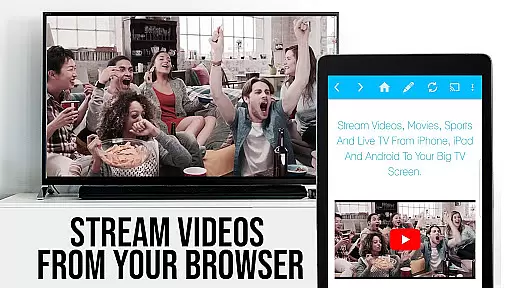
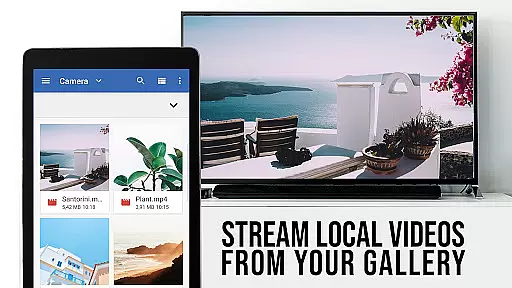
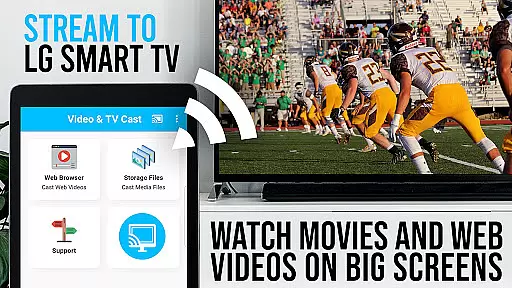
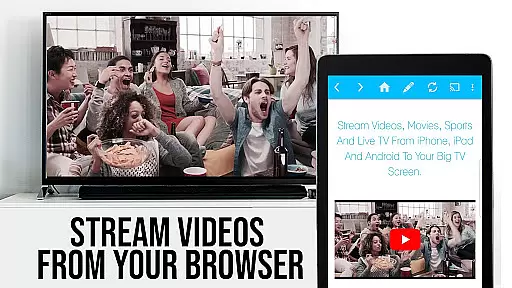
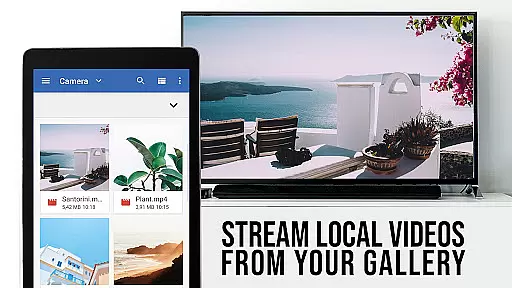
TV Cast Pro for LG webOS is a premier application designed to enhance your LG Smart TV experience. This app allows users to stream web-videos, online-movies, livestreams, and live-tv shows directly on their LG TVs without the need for an additional streaming box. With support for mp4, m3u8, and other video formats, it ensures high-quality Full HD streaming.
The PRO edition of TV Cast offers all premium features unlocked, providing users with advanced functionalities such as Remote Playbar, Ad-Blocker, Bookmarks, Desktop Mode, and the ability to change the homepage. These features are crafted to offer a seamless and enriched streaming experience, making it the go-to solution for streaming enthusiasts.
Whether you're looking to enjoy multimedia content from various online sources or seeking an ad-free browsing experience, TV Cast Pro for LG webOS delivers both versatility and convenience, transforming your living room into a hub of entertainment.
TV Cast Pro for LG webOS stands out with its unique capabilities tailored for an optimal streaming experience. One of its key features is the ability to cast videos in Full HD, even from Android devices with lower screen resolutions, surpassing the limitations of Miracast screen mirroring.
Another significant advantage is the Multi-tasking feature, allowing users to close the app while casting continues uninterrupted. This means your phone can be used for calls, texting, or preparing the next video without affecting the stream. Additionally, the app's efficient design results in less Wi-Fi usage compared to traditional screen mirroring solutions.
Device support is broad, ensuring compatibility across all Android devices. The inclusion of an Ad-Blocker, remote play controls, bookmarks, desktop mode, and customizable homepage further enriches the user experience, positioning TV Cast Pro as a versatile tool for accessing and enjoying digital content on LG Smart TVs.
TV Cast Pro for LG webOS stands out in its ability to support a wide range of video formats, making it an ideal choice for streaming enthusiasts. The app supports popular formats such as Mp4 and m3u8, ensuring that users can cast their favorite web-videos, online-movies, livestreams, and live-tv shows without worrying about compatibility issues.
The application's strength lies in its seamless integration with LG Smart TVs, allowing Full HD streaming even from devices with lower screen resolutions. This ensures that regardless of the source quality, users can enjoy high-definition content on their TV screens.
By eliminating the need for additional streaming boxes or hardware, TV Cast Pro simplifies the streaming process while maintaining excellent video quality. Users can browse through websites and send embedded videos to their LG TV with just a single tap, experiencing smooth playback in full HD.
This versatility in video format support not only enhances user convenience but also broadens the scope of content that can be enjoyed on the big screen, providing an enriched viewing experience.
While TV Cast Pro for LG webOS does not focus on traditional video editing capabilities, it incorporates advanced features that enhance the streaming experience through intelligent functionalities. One standout feature is the Remote Playbar, which allows users to control video playback with options like scrubbing, forward, rewind, play, pause, and stop.
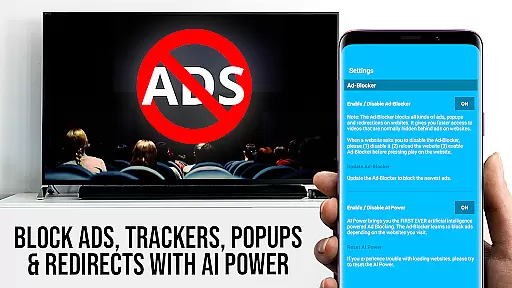
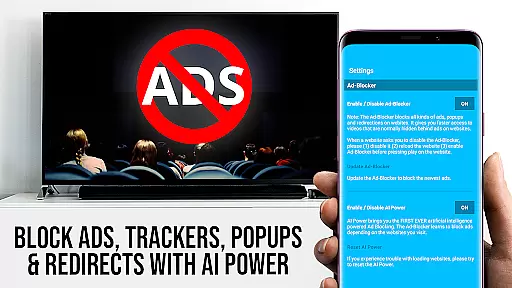
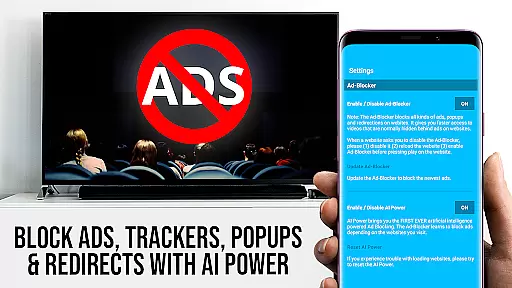
The app includes an Ad-Blocker that removes ads and popups from most websites, creating a cleaner viewing environment. This feature can be toggled on or off within the settings, giving users control over their browsing experience.
Additionally, the Desktop Mode feature enables users to view desktop versions of websites instead of mobile versions, expanding access to content optimized for larger screens. This flexibility ensures that users can load websites exactly as they prefer, enhancing both usability and content availability.
These AI-powered enhancements collectively contribute to a more intuitive and enjoyable streaming experience, setting TV Cast Pro apart in the realm of video players and editors.
Full HD Streaming
Multi-tasking Enabled
Broad Device Support
Premium Features Unlocked
Ad-Free Experience
No DRM Video Support
Requires Companion App
Limited Refund Policy
QR Code Dependency
Third-party App Limitation

HD video & music player - All format support with floating & PIP mode!
 3.80
3.80
Watch a large amount of high-definition short drama content
4.60
High-Quality USB Camera Viewer & HDMI Display
4.70
Download videos easily & play them all in one smart, powerful video manager.
3.40
Seamlessly connect and control your smart devices, anytime, anywhere with ease.
4.60
Movie maker & video editing app with AI effects and green screen
4.30
Download videos and play them offline
4.70
Watch IPTV on your Android device
4.60
Create, Publish & Maximize
4.70
An easy-to-use and all-round screen recorder with audio
4.80
Video Trimmer, Video to MP3 Converter. Extract music from video, Easy & Fast.
4.80
Search & download videos from net with all video downloader, auto-detect & safe.
4.60
Cast to Chromecast, Xbox, Fire Stick, Roku, DLNA, Smart TV & No Feature Limited!
4.50
Fast & Private HD Video Downloader with Built-in Proxy Browser and Video Player.
4.50
Watch full episodes of your favorite Cartoon Network and Cartoonito shows!
3.50
This app is an emulator of some specific IPTV boxes
3.50
IPTV Player - Watch live TV from m3m & m3u8 playlist, stream IPTV on mobile
3.30
The smartest M3U IPTV Player your playlists have ever seen.
4.1
Stream high quality video from your camera over NDI protocol
4.2


User Reviews