
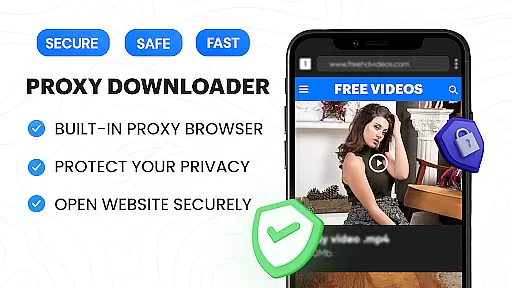
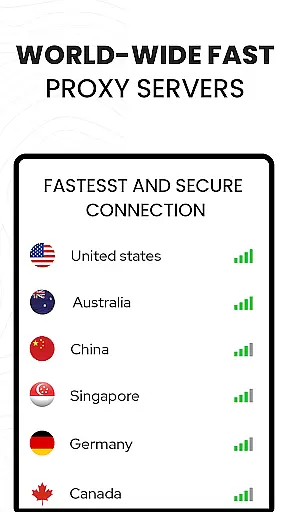

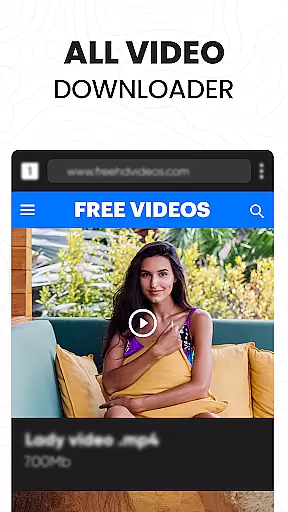
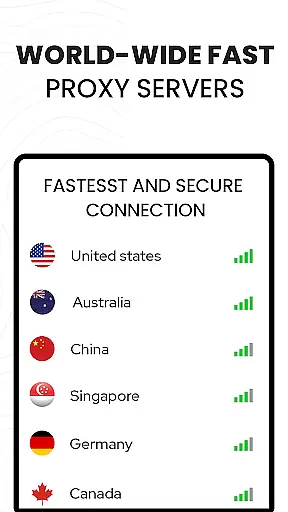

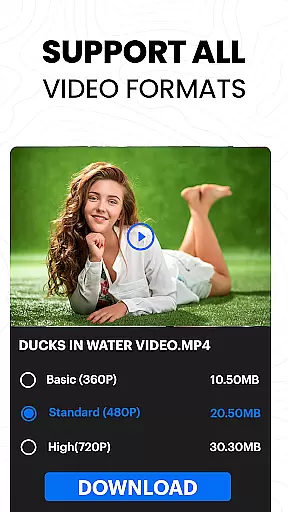
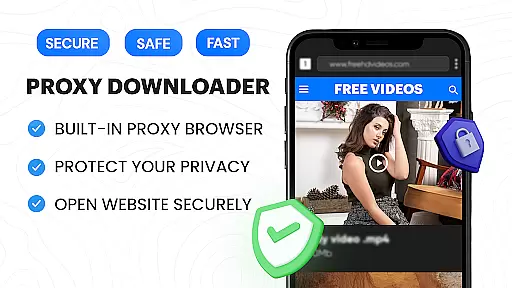
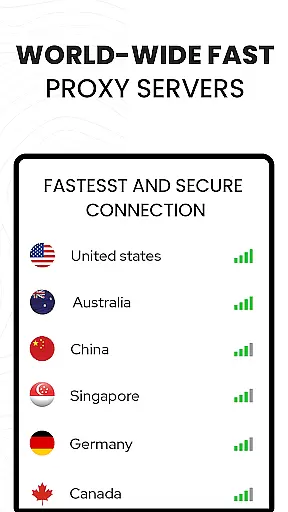

Video Downloader Proxy Browser is a versatile app designed for Android users who need a secure and fast way to browse, download, and manage videos. The app combines a built-in proxy browser with an advanced video downloader, allowing users to access content privately while enjoying high-speed downloads. Its key feature is the ability to detect, download, and play videos in multiple formats, including HD and 4K quality.
In addition to its downloading capabilities, the app offers a secure browsing experience by blocking ads and trackers, ensuring faster load times and enhanced privacy. Whether you're downloading videos from social media platforms or streaming websites, this app provides a seamless solution for managing your favorite content. With support for background downloads, resume functionality, and password-protected folders, it ensures both convenience and security.
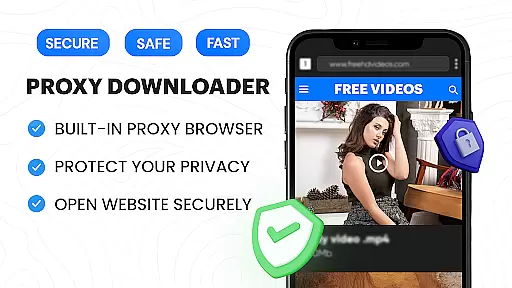
The Video Downloader Proxy Browser stands out due to its comprehensive set of features tailored for video enthusiasts. One of its core strengths is the built-in proxy browser that protects user data while providing unlimited access to online content. This secure browser blocks ads and trackers, making it ideal for use on public Wi-Fi networks where privacy is crucial.
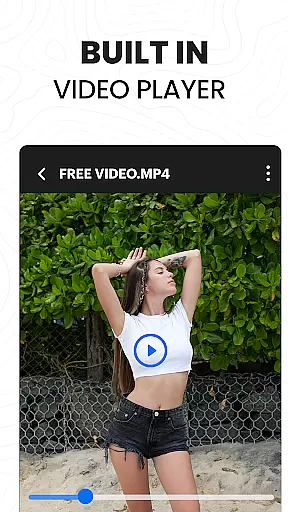
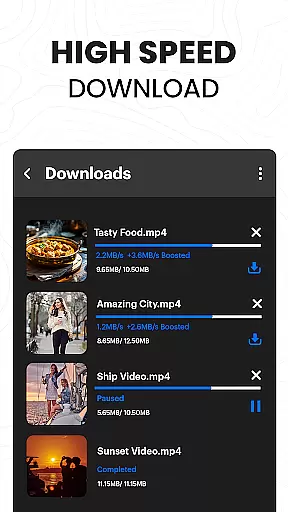
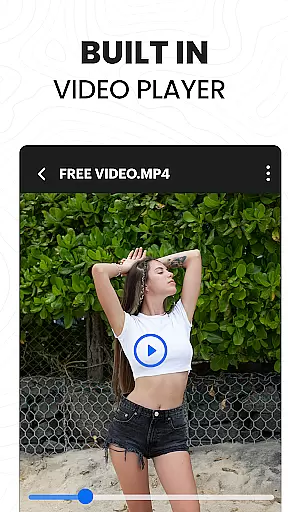
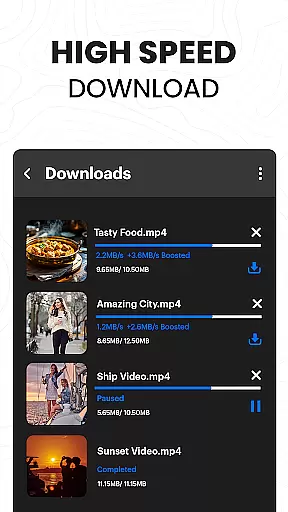
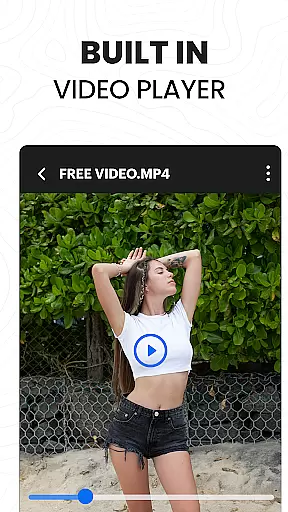
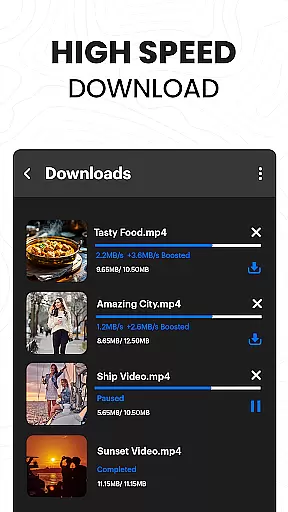
Another notable feature is the app's powerful download manager, which supports simultaneous downloads, background mode, and interrupted task resumption. Users can download videos in HD or 4K resolution with just one tap, thanks to the smart auto-detect function. Additionally, the integrated video player supports multiple formats, ensuring smooth playback without requiring external apps. These features collectively make the app a reliable tool for both casual viewers and power users.
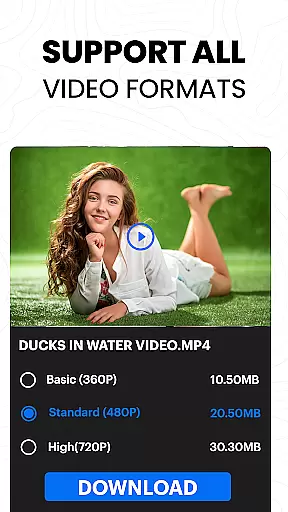
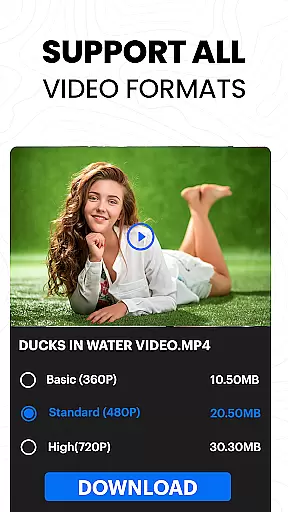
Video format compatibility is a crucial feature for any video player and editor application. The Video Downloader Proxy Browser supports an extensive range of video formats, ensuring that users can play and edit videos from various sources without worrying about format issues.
This app's built-in video player is designed to handle ultra HD quality, including 4K resolution, which means you won't have to compromise on video clarity. Whether your files are in MP4, AVI, or other popular formats, this app provides seamless playback and editing capabilities.
For users who frequently download videos from different platforms, having a versatile video player that offers wide format support eliminates the need for additional conversion software. This saves time and storage space on your device.
The ability to play multiple video formats also enhances user experience by providing flexibility and convenience. You can enjoy smooth playback anytime, anywhere, without being limited by file type restrictions.
AI-powered editing features represent the cutting-edge advancement in video players and editors. The Video Downloader Proxy Browser incorporates intelligent tools that simplify the editing process, making it accessible even to users with minimal experience.
With AI technology, the app can automatically detect and enhance video elements such as brightness, contrast, and color balance. This ensures that your videos look professional and polished without requiring manual adjustments.
In addition to automatic enhancements, the app offers smart editing options like one-click filters and effects. These features allow users to quickly transform their raw footage into visually appealing content ready for sharing on social media platforms.
The integration of AI within the editing suite not only speeds up workflow but also opens new creative possibilities. Users can experiment with different styles and looks, knowing that the appu2019s intelligent system will help maintain high-quality output throughout their projects.
Fast download speeds
Secure proxy browsing
HD and 4K video support
Ad and tracker blocker
User-friendly interface
No YouTube support
Limited legal clarity
Requires stable internet
Storage-intensive
Occasional bugs

Video player, file manager for all formats, 4K/HD media player supports subtitle
 4.30
4.30
A full editing room to accompany your Insta360 cameras and handheld gimbals.
3.30
Watch full episodes of your favorite Cartoon Network and Cartoonito shows!
3.50
Create & edit videos with AI
4.30
All format media Player, no need video converter any more!
4.00
Capture images & record videos for USB Camera, Webcam, Microscopes, Endoscopes
3.80
Movie maker & video editing app with AI effects and green screen
4.30
Fast & Private Video Downloader App. Save all videos easily from the Internet.
4.40
A Simple app to download Video & Music from the Internet.
4.70
AI Video Editor with Music, Filter, Slideshow, Effect, Merge & Trim Video.
4.80
Flud is a simple and beautiful BitTorrent client for Android.
4.80
Video Player - Unlimited features, 30 days money back guarantee.
4.60
?100% FREE! Download & save videos? safely in this app. All formats supported.
4.60
Cast to Chromecast, Xbox, Fire Stick, Roku, DLNA, Smart TV & No Feature Limited!
4.50
Full HD Video mp3 Player, MP4 player play 1080p, File manager, Video Downloader
4.40
IPTV-Smarters Player Pro M3U - Watch Live Stream TV Channels with Chromecast
4.00
1)AirPlay/DLNA Mirroring/Streaming, up to 4 connections; 2)Samba/NAS/DMS Player.
4.00
Live TV, anywhere in your home
3.80
Livestream, news, & gaming content. Watch, chat, and upload. Join Rumble today!
3.80


User Reviews