
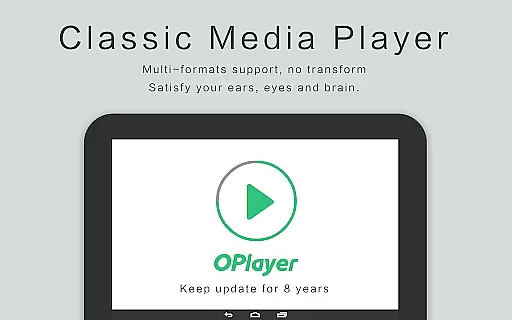
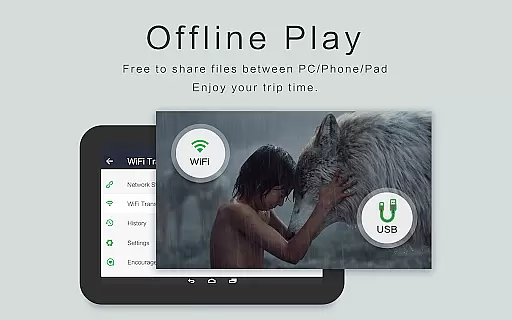
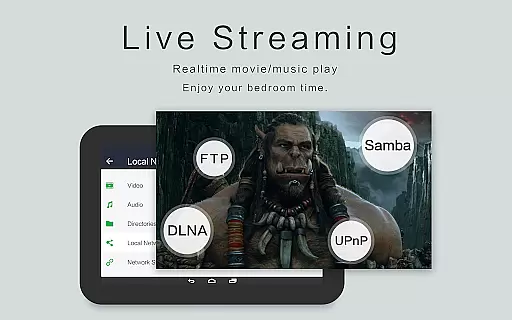
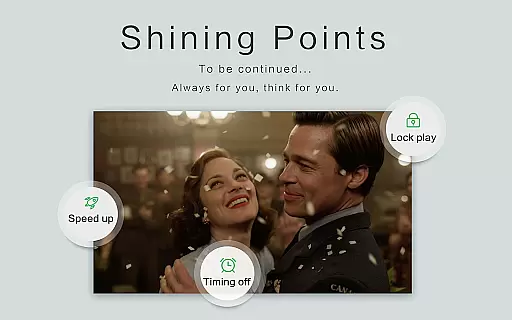
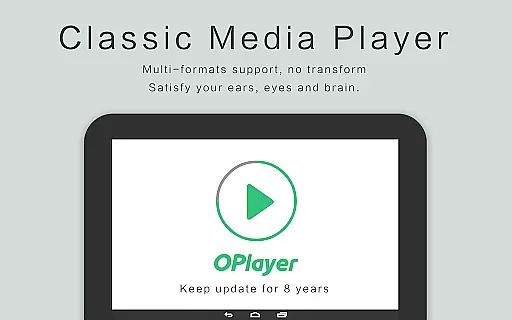
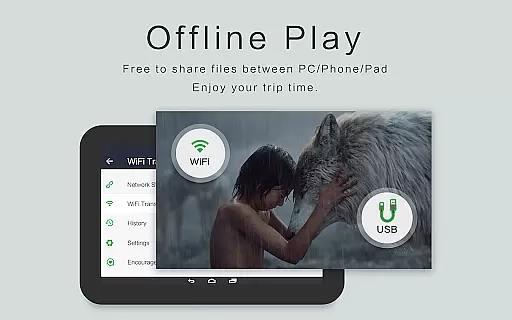
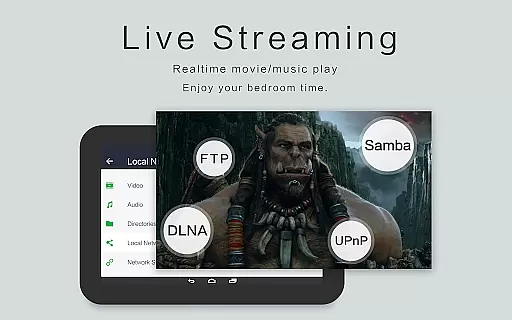
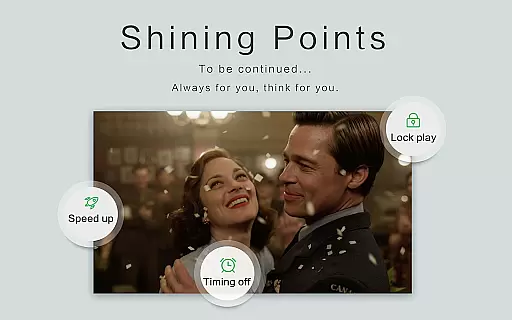
OPlayer is a professional-grade media playback application designed for both Android tablets and smartphones, offering support for an extensive range of video and audio formats. With over a decade of development, it stands out as one of the premier HD video players available on the market.
Key features include hardware acceleration for smooth 4K video playback, Chromecast support for casting to TV, pop-up and background video playback options, and comprehensive file management capabilities. Its versatility makes it suitable for users who require high-quality video playback and efficient media management on their mobile devices.
OPlayer distinguishes itself through its robust feature set tailored for media enthusiasts. The app supports virtually all video formats including MKV, MP4, AVI, and more, while providing Ultra HD and 4K video playback with hardware acceleration.
Additional functionalities encompass a subtitle downloader, gesture-based security for video protection, and multi-playback options such as auto-rotation and aspect ratio adjustments. Users can also enjoy multitasking with floating video windows and background play, making it an indispensable tool for managing and enjoying multimedia content on the go.
Video format compatibility is a crucial feature for any video player, determining its ability to support a wide range of file types. OPlayer excels in this area by supporting almost all popular and niche video formats.
The application handles various formats including MKV, MP4, AVI, MOV, and many others, ensuring that users can play videos without the need for format conversion. This extensive compatibility makes it one of the best choices for an HD video player on Android devices.
With hardware acceleration support, OPlayer ensures smooth playback even for high-resolution videos, including 4K content. Users benefit from a seamless viewing experience regardless of the video format or quality.
This versatility allows users to enjoy their media collections without worrying about format restrictions, making OPlayer a reliable tool for both casual viewers and multimedia enthusiasts.
While primarily a video player, OPlayer also offers AI-powered editing features that enhance the user's interaction with video content. These intelligent tools help streamline the viewing experience through smart functionalities.
The app includes features like automatic subtitle downloading and night mode, which utilize smart algorithms to improve accessibility and comfort during video playback. Such features are designed to adapt to user preferences and environmental conditions.
OPlayer's AI capabilities extend to its file management system, where it automatically identifies all video files on the device and SD card. This smart organization saves users time and effort in manually sorting through their media libraries.
Although not a dedicated video editor, OPlayer's intelligent features contribute significantly to a more efficient and personalized viewing experience, setting it apart from basic video players in the market.
User-friendly interface
Extensive format support
Hardware acceleration
Chromecast integration
Background playback
Occasional bugs reported
Interface not modern
Limited customer support
Premium version costly
Heavy on resources

A full editing room to accompany your Insta360 cameras and handheld gimbals.
 3.30
3.30
HD video & music player - All format support with floating & PIP mode!
3.80
VLC Remote lets you control your VLC Media Player on Mac, PC or Linux.
4.60
This app was created to edit the metadata of music files.
4.20
AirMirror is Receiver for Screen Mirroring and Casting from Apple Devices.
3.60
An easy-to-use and all-round screen recorder with audio
4.80
Manage your IPTV live channels and VOD playlists (no playlist included)
3.80
This app is an emulator of some specific IPTV boxes
3.50
Manage your YouTube channel on the go
4.40
Flud is a simple and beautiful BitTorrent client for Android.
4.80
Pro video editor app for Instagram, edit video with song, AI, effect & slowmo.
4.80
High-Quality USB Camera Viewer & HDMI Display
4.70
All in one HD video downloader & player for multiple formats with full privacy
4.70
Create photo video with music & template. AI video maker for stunning slideshow.
4.60
Browser + Remote for Roku to stream webvideos, online movies and livestreams
4.60
Cast to Chromecast, Xbox, Fire Stick, Roku, DLNA, Smart TV & No Feature Limited!
4.50
IPTV-Smarters Player Pro M3U - Watch Live Stream TV Channels with Chromecast
4.00
1)AirPlay/DLNA Mirroring/Streaming, up to 4 connections; 2)Samba/NAS/DMS Player.
4.00
All in one multi protocols stream receiver for AirPlay, Cast and DLNA.
3.60


User Reviews