
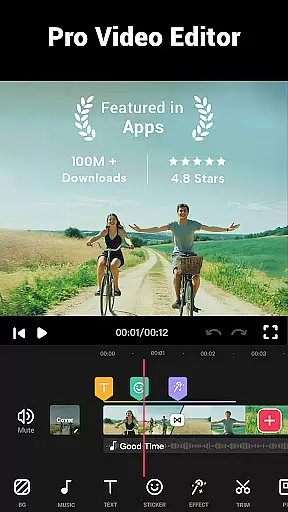

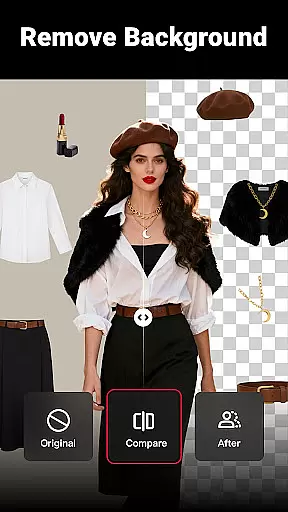
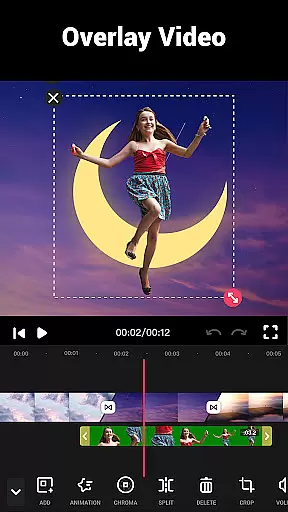
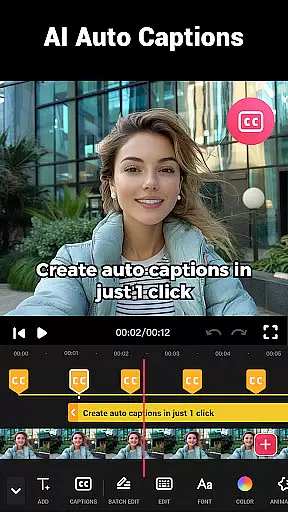
Video Maker is a versatile video editing application designed for both beginners and professionals. This all-in-one video editor offers powerful features such as trimming, cutting, adjusting playback speed, and applying transition effects. Users can create high-quality videos enhanced with music, filters, and effects.
The app stands out with its user-friendly interface and the ability to export 4K videos without watermarks. It supports multi-layer editing, allowing users to add music, voice-overs, and sound effects effortlessly. Whether you're editing a vlog or creating an intro, Video Maker provides the tools needed to produce professional-looking content.
Ideal for content creators, this app enables easy sharing to platforms like YouTube, Instagram, and TikTok. With its comprehensive set of editing tools, Video Maker empowers users to turn their creative ideas into reality while maintaining exceptional video quality.
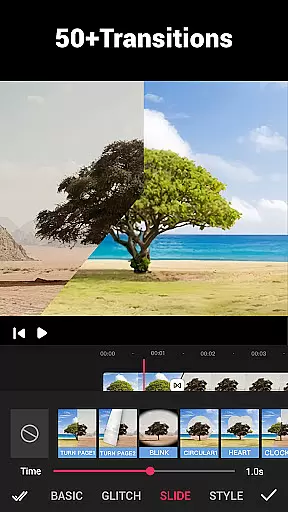
Video Maker boasts an extensive array of features that cater to various video editing needs. One of its core strengths is the multi-layer editing capability, which allows users to add music, voice-overs, and sound effects seamlessly. The app also includes over 50 transition effects to enhance video storytelling.
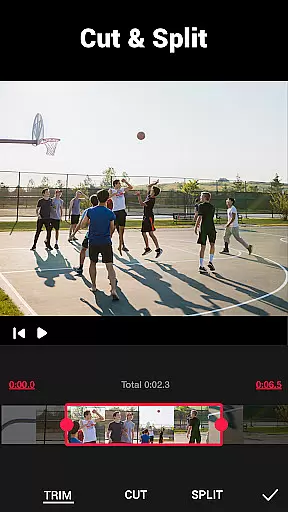
Users can take advantage of the precise video trimming and cutting tools to edit clips efficiently. The app supports speed adjustments, enabling the creation of fast or slow-motion videos. Additionally, it offers a range of filters and FX effects that give videos a professional touch.
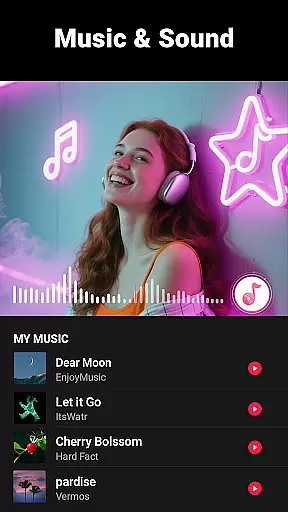
Another notable feature is the ability to extract audio from videos and adjust music volume with fade-in and fade-out options. Video Maker ensures high-quality exports, supporting up to 4K resolution without watermarks, making it perfect for sharing across social media platforms.
Video format compatibility is a crucial feature for any video editing application, ensuring that users can work with a wide range of video files without conversion hassles. Video Maker excels in this aspect by supporting various popular formats, allowing creators to import and export videos seamlessly.
The app's powerful processing engine ensures that whether you're working with MP4, AVI, or MOV files, the quality remains intact throughout the editing process. This versatility saves time and maintains the original integrity of your footage.
For content creators who share their work across multiple platforms, this flexibility is invaluable. You can export 4k videos without watermarks, making it perfect for YouTube, Instagram, and TikTok uploads.
Moreover, the app's ability to handle high-resolution files up to 4K demonstrates its commitment to quality. This ensures that professional videographers can use Video Maker for all their editing needs without worrying about format restrictions.
AI-powered editing features are revolutionizing how we approach video creation, and Video Maker stands at the forefront of this innovation. The app incorporates artificial intelligence to simplify complex editing tasks, making professional-quality video production accessible to everyone.
One standout feature is the AI-driven audio extraction tool that lets users pull music or sound from any video clip. This functionality is particularly useful when you need background scores or specific sound effects for your projects.
The app also utilizes AI for its smart video trimming and cutting capabilities. It can analyze footage and suggest optimal cut points based on motion detection and scene changes, significantly reducing manual editing time.
Furthermore, the AI-enhanced filter application system automatically adjusts parameters based on video content, ensuring that every frame looks professionally color-graded. These intelligent features combine to create a powerful yet user-friendly editing experience.
User-friendly interface
Export 4K videos
No watermark on videos
Multi-layer editing
Over 50 transition effects
Limited advanced features
Occasional bugs reported
Ads in free version
Heavy on storage
Learning curve for new users

The smartest M3U IPTV Player your playlists have ever seen.
 4.0
4.0
A Quick and Pro Video Editor
4.70
Fast video downloader & private browser. Save HD clips to watch offline.
4.40
HD video maker with no watermark, no ads & vlog maker with music, PIP, text
4.50
Turn your phone into a wireless camera!
4.20
Add date and time watermark to photos and videos
4.50
All in one multi protocols stream receiver for AirPlay, Cast and DLNA.
3.60
Browser for Samsung TV to stream webvideos, online movies and livestreams in HD
4.10
#1 Torrent App on Android ** No Ads Ever + Battery Saver **
4.80
Tik & Story Saver-Download ALL social media videos, photos & reels no watermark.
4.80
A Simple app to download Video & Music from the Internet.
4.70
Support 1000+ Video Format, Subtitle Download, mp3 & Background Play, Cast On TV
4.60
Fast & easy HD video downloader for all formats, support 4K playback & download.
4.60
IPTV Loader, loads your own Playlist. DOES NOT CONTAIN ANY LIST OR CHANNELS
4.60
Fast & Private Video Downloader App. Save all videos easily from the Internet.
4.40
Movie maker & video editing app with AI effects and green screen
4.30
Powerful Video Editor & Photo Editing App —— Quick Edits & Stunning Effects!
4.30
1)AirPlay/DLNA Mirroring/Streaming, up to 4 connections; 2)Samba/NAS/DMS Player.
4.00
Online Videos Player
3.90


User Reviews