
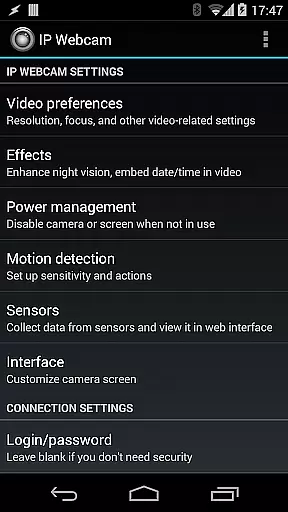
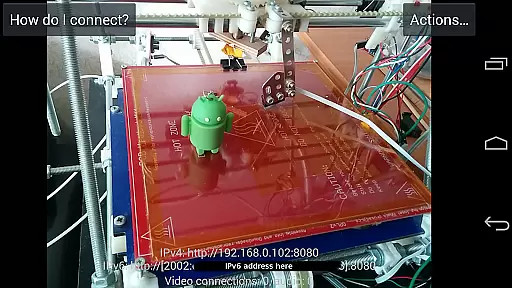
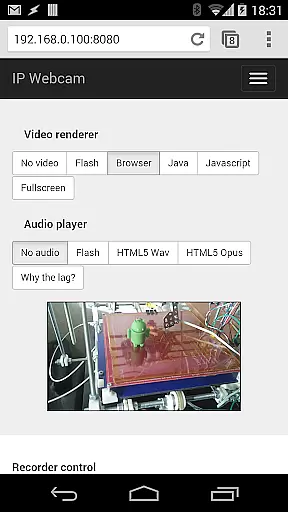
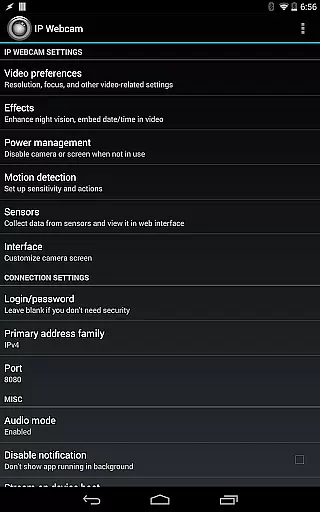
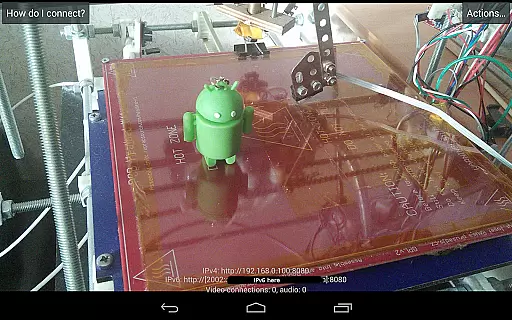
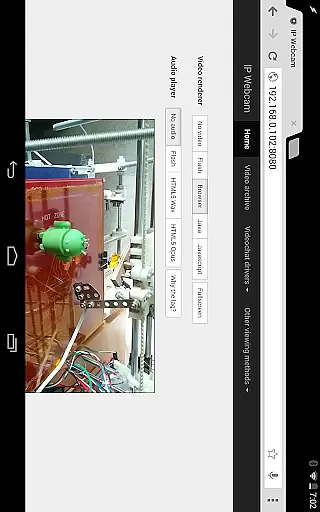
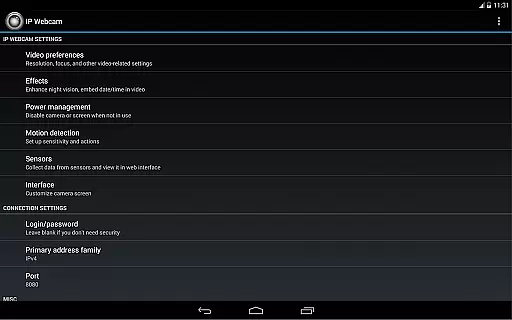
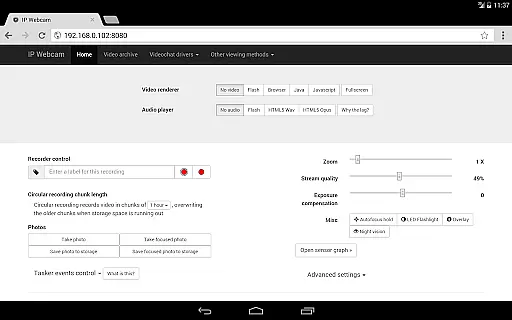
IP Webcam Pro transforms your smartphone into a versatile network camera, offering multiple viewing and streaming options. With support for VLC player or any web browser, you can view your camera feed on various platforms. The app allows video streaming within your WiFi network without needing internet access, while also supporting optional Ivideon cloud broadcasting for instant global access.
This application is ideal for users seeking advanced surveillance features. It supports two-way audio when used with tinyCam Monitor on another Android device and integrates seamlessly with third-party MJPG software. Whether for home security or personal monitoring needs, IP Webcam Pro provides comprehensive tools including motion detection, sound triggers, and customizable video overlays.
IP Webcam Pro boasts an impressive array of features designed to enhance your surveillance capabilities. Key functionalities include video uploads to Dropbox, SFTP, FTP, and Email using the Filoader plugin. You can choose from several web renderers such as Flash, Javascript, or built-in options, ensuring compatibility across different devices.
The app supports video recording in multiple formats like WebM, MOV, MKV, or MPEG4 (on Android 4.1+), and offers audio streaming in wav, opus, and AAC formats (AAC requires Android 4.1+). Advanced features include motion detection with sound triggers, Tasker integration, and date, time, and battery level video overlays. Additionally, sensor data acquisition with online web graphing makes it a powerful tool for both casual and professional monitoring needs.
IP Webcam Pro excels in video format compatibility, ensuring that users can stream and record in multiple formats. The app supports WebM, MOV, MKV, or MPEG4 (on Android 4.1+), catering to a wide range of user preferences and device capabilities.
This flexibility allows users to choose the best format for their specific needs, whether it's for quality, file size, or compatibility with other software and devices. Regardless of the platform you are using, IP Webcam Pro ensures seamless video streaming and recording.
Moreover, the app provides audio streaming in wav, opus, and AAC formats (AAC requires Android 4.1+). This extensive support for various audio and video formats makes IP Webcam Pro a versatile tool for both casual and professional use.
While IP Webcam Pro focuses primarily on video streaming and recording, it also offers AI-powered editing features that enhance the overall user experience. These features include motion detection with sound triggers, which intelligently starts recording when movement or sound is detected.
The app also provides date, time, and battery level video overlays, adding useful context to your recordings. Additionally, sensor data acquisition with online web graphing allows users to monitor and analyze environmental conditions in real-time.
For those looking to use IP Webcam Pro as a baby or pet monitor, the app includes extensive features such as night vision, motion detection, and sound detection. These functionalities ensure comprehensive monitoring, providing peace of mind for users who need to keep an eye on their loved ones or property.
User-friendly interface
Extensive format support
Advanced motion detection
Cloud broadcasting options
Two-way audio capability
Paid version only
Complex setup required
Limited free features
High battery usage
Internet needed for cloud

HD Video player all format, HD Videos, Cast & Subtitle. No annoying ads.
 4.60
4.60
You can play SWF format file!
2.50
Watch a large amount of high-definition short drama content
4.60
IPTV Loader, loads your own Playlist. DOES NOT CONTAIN ANY LIST OR CHANNELS
4.60
All in one multi protocols stream receiver for AirPlay, Cast and DLNA.
3.60
Browser for Samsung TV to stream webvideos, online movies and livestreams in HD
4.10
This app is an emulator of some specific IPTV boxes
3.50
Download Hub, easy and private way to download and enjoy your videos offline
4.80
Video player with 4K & 1080P support, popup play, background play and subtitle.
4.20
#1 Torrent App on Android ** No Ads Ever + Battery Saver **
4.80
VLC Remote lets you control your VLC Media Player on Mac, PC or Linux.
4.60
Auto video maker with music & exclusive filters. Video editing made simple.
4.50
KMPlayer Plus (Divx Codec) officially support Divx codec.
4.30
Powerful video player with advanced hardware acceleration and subtitle supports
4.20
Your media, on your terms.
4.10
Capture images & record videos for USB Camera, Webcam, Microscopes, Endoscopes
3.80
Livestream, news, & gaming content. Watch, chat, and upload. Join Rumble today!
3.80
Browser for Sony TV to stream web videos, online movies and live tv
3.20
Play and download HD videos from all sources — fast, simple, and all-in-one.
4.1


User Reviews