
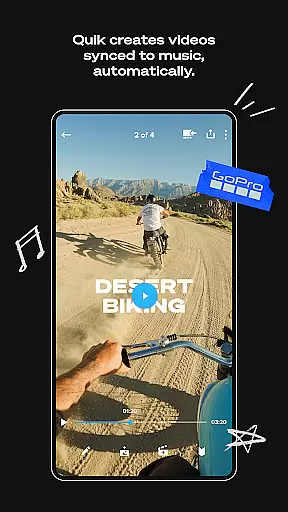
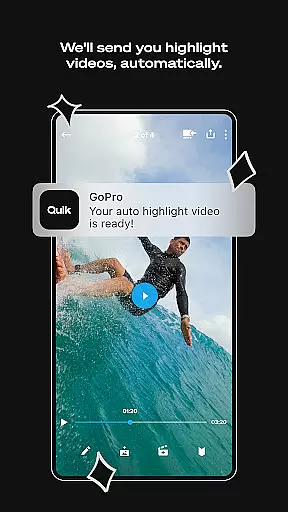
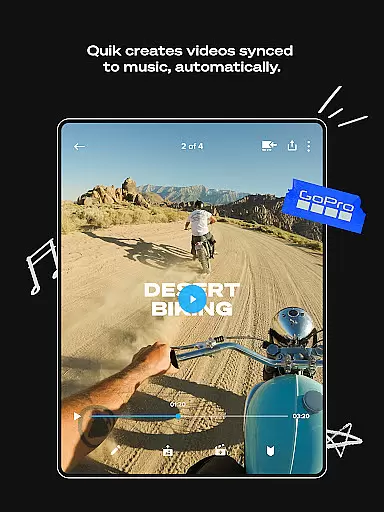
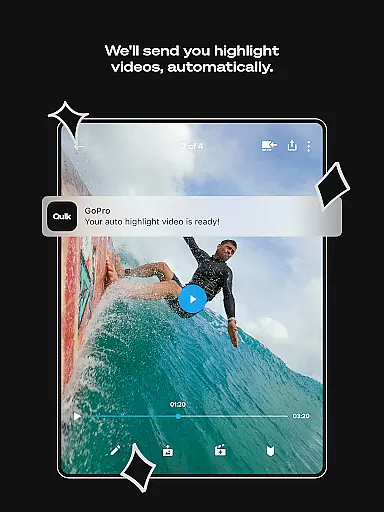
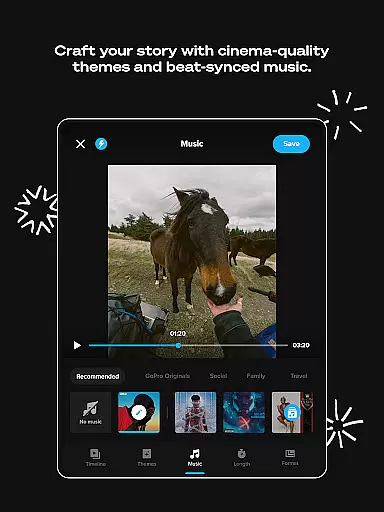
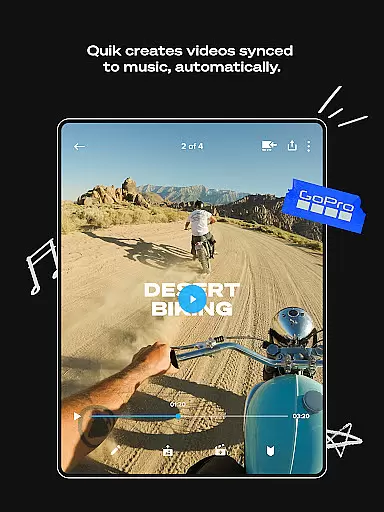
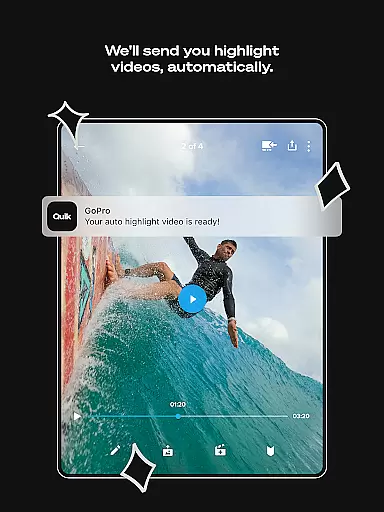
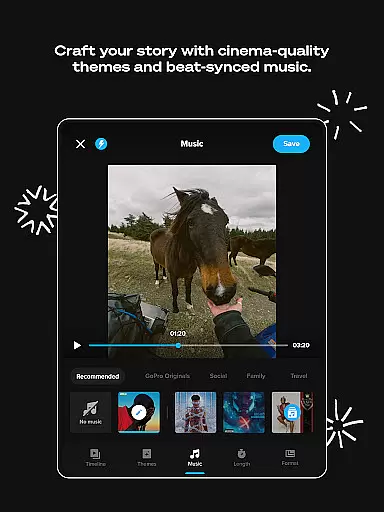
GoPro Quik is a powerful video editing app designed for content creators who want to make the most of their footage. The app offers automatic highlight videos, enabling users to easily create shareable content by syncing clips to music with professional transitions. With unlimited cloud storage at 100% quality through a Premium or Premium+ subscription, users can back up all their GoPro footage and access it on-the-go.
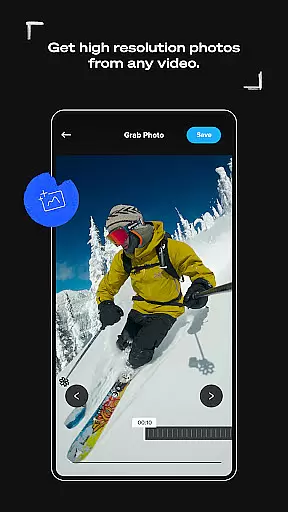
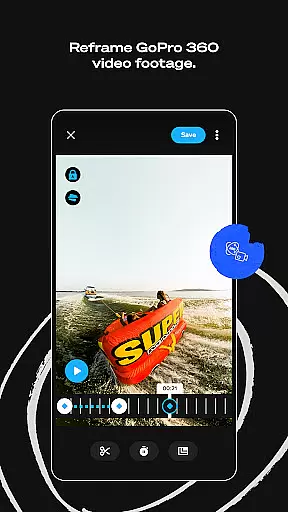
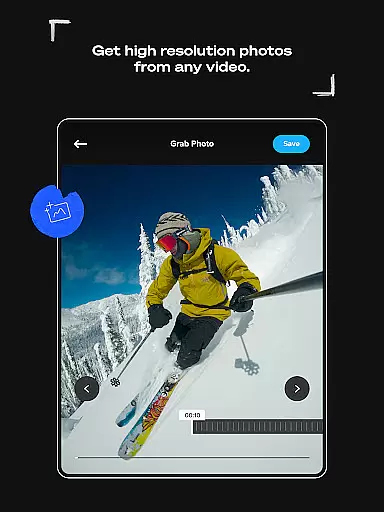
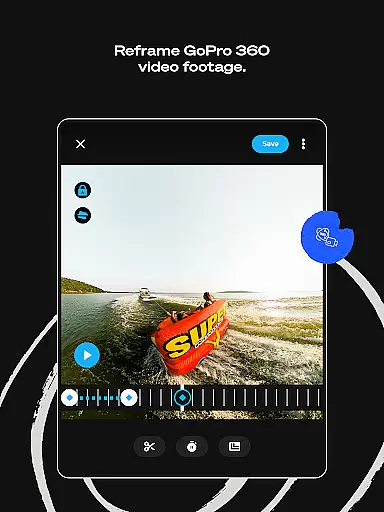
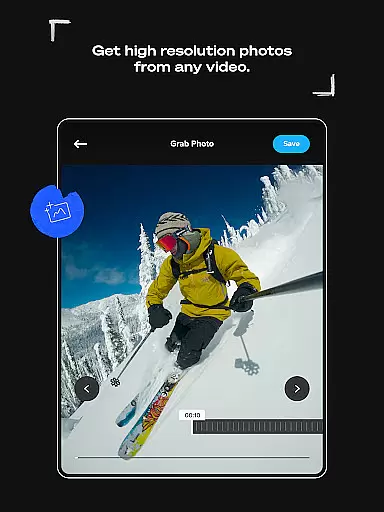
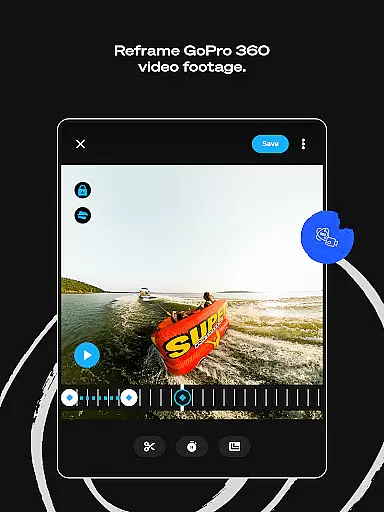
In addition to its core editing features, GoPro Quik provides advanced tools such as Beat Sync, Frame Grab, and Reframe, which transforms 360-degree footage into traditional video. These features allow users to experiment with different views, capture high-resolution photos from videos, and sync edits to the beat of the music. The app also supports cross-device synchronization, ensuring seamless editing and content management across multiple devices.
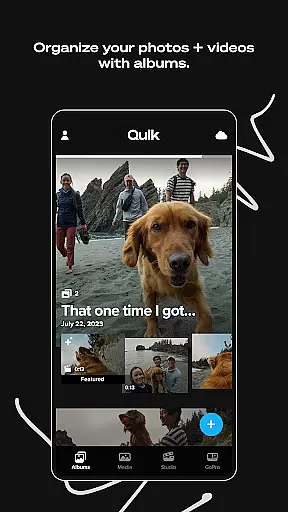
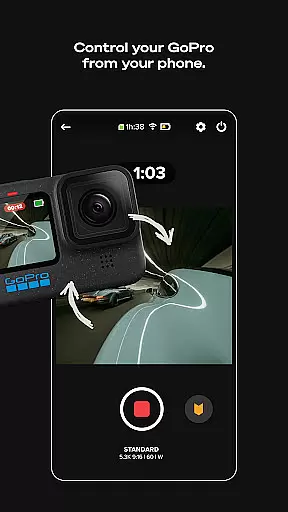
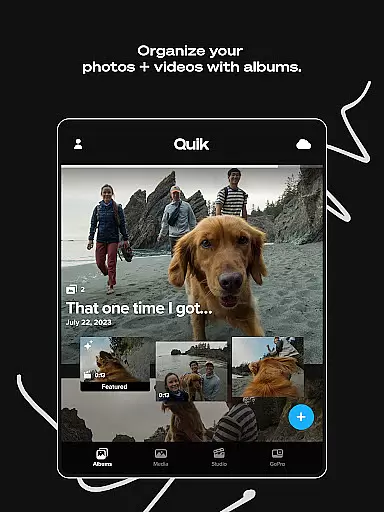
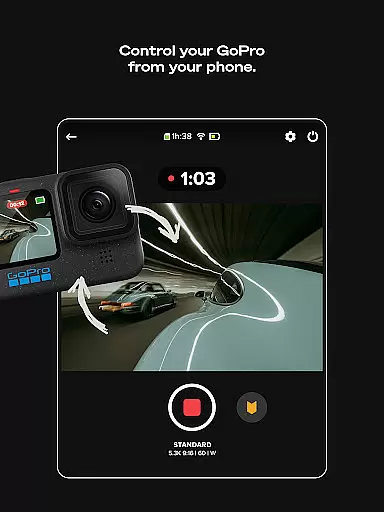
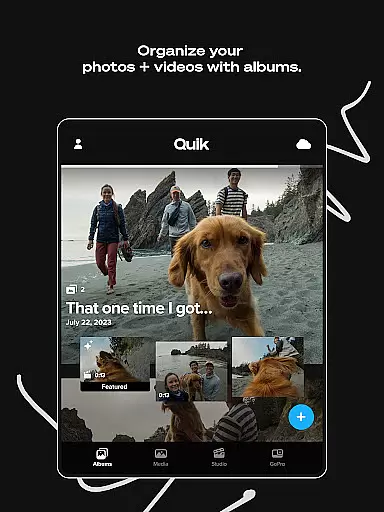
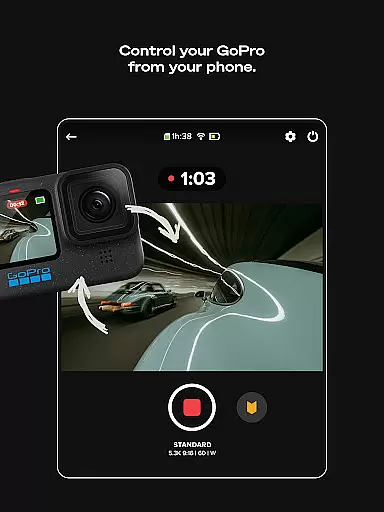
For GoPro camera owners, the app offers specialized features like Auto GoPro Detection, Preview Shots, and Content Management. These tools simplify the process of transferring, previewing, and managing media, making it easier than ever to organize and edit footage directly from GoPro cameras. Whether you're an amateur videographer or a professional editor, GoPro Quik provides everything needed to produce high-quality video content efficiently.
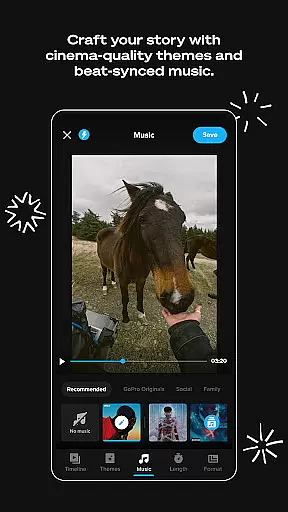
GoPro Quik stands out with its comprehensive suite of editing tools tailored for both casual users and professionals. One of its key features is Automatic Edits, where the app intelligently selects the best shots, adds transitions, and syncs them to music, creating polished videos effortlessly. This feature is particularly useful for users who want quick, professional-grade edits without spending hours on manual adjustments.
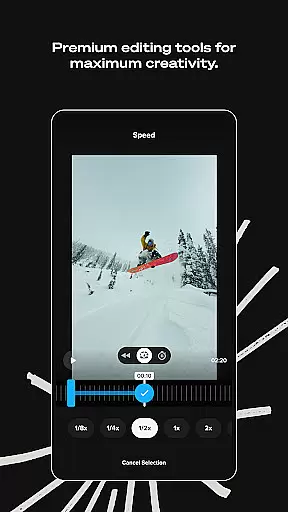
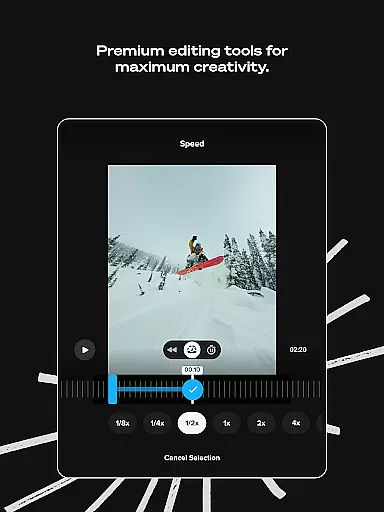
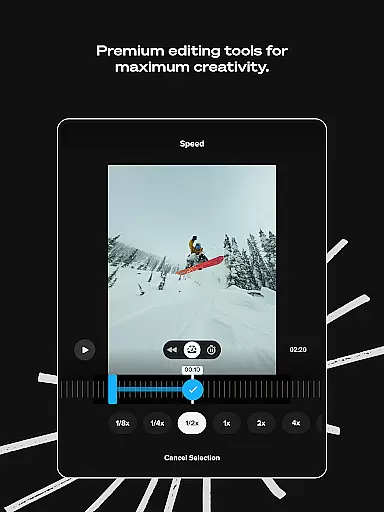
The app also includes premium editing tools that enhance creativity. Users can adjust color and light settings, trim video length, add stickers, filters, and text overlays to personalize their content. Exclusive filters optimized for specific environments like snow and water ensure that footage looks stunning in any setting. Additionally, the Frame Adjust tool allows precise control over aspect ratios, horizon leveling, and media rotation, giving users complete creative freedom.
Another standout feature is the unlimited cloud storage offered with a Premium or Premium+ subscription. This ensures that all GoPro footage is securely backed up at full quality, while also providing up to 500GB of storage for non-GoPro content. Combined with Auto Upload and Cross Device Sync, users can access their media anytime, anywhere, and continue editing seamlessly across devices. These robust features make GoPro Quik an indispensable tool for anyone serious about video editing.
GoPro Quik supports a wide range of video formats, ensuring that users can import and edit footage from various sources without compatibility issues. The app is optimized to handle files from GoPro cameras as well as other devices, providing flexibility for content creators.
With a Premium or Premium+ subscription, users gain access to unlimited cloud storage for all their GoPro footage and up to 500GB for videos from other cameras. This feature not only enhances the convenience of storing large video files but also ensures that every video, regardless of its original format, is preserved at 100% quality.
The application's ability to automatically detect connected GoPro cameras and transfer footage via a wired USB connection simplifies the process of importing videos in their native formats. This seamless integration allows users to quickly begin editing their action-packed moments captured in different environments.
Moreover, GoPro Quik offers premium editing tools that maintain the integrity of the original video formats while allowing users to play with color, light, trim video length, add stickers, and more. These capabilities ensure that no matter the source or format of the video, users can enhance their footage to tell compelling stories.
GoPro Quik harnesses the power of AI to revolutionize video editing with its Automatic Highlight feature. By analyzing footage to find the most compelling shots, the app syncs them to music beats and adds transitions, creating dynamic shareable videos without manual input.
The Beat Sync functionality is another example of AI at work, automatically aligning clips, transitions, and effects with the rhythm of the selected soundtrack. This not only saves time but also ensures professional-grade synchronization that might be difficult to achieve manually.
Additionally, the Reframe tool utilizes AI to transform 360-degree videos into traditional formats. Users can experiment with countless views, select optimal shots, and create cinematic transitions through simple keyframe clicks. This feature democratizes sophisticated video editing techniques, making them accessible to amateurs and professionals alike.
While enjoying these advanced AI-powered features, users are backed by unlimited cloud storage with a subscription, safeguarding their projects and enabling cross-device synchronization for continuous editing sessions on-the-go.
User-friendly interface
Powerful editing tools
Unlimited cloud storage
Automatic video creation
Cross-device synchronization
Premium subscription required
Limited free storage
Advanced features complex
Occasional sync issues
High system requirements

Powerful, professional, versatile teleprompter. Developed by an active film crew
 4.00
4.00
Video Player - Unlimited features, 30 days money back guarantee.
4.60
KineMaster, Your Ultimate Video Editor!
4.40
Play ALL formats in 4K & HD. Video downloader, MP3 player, Chromecast & more.
4.80
KMPlayer Plus (Divx Codec) officially support Divx codec.
4.30
AirMirror Receiver - Screen mirroring/cast web videos to Android TV by AirPlay.
4.40
All in one multi protocols stream receiver for AirPlay, Cast and DLNA.
3.60
Browser for Samsung TV to stream webvideos, online movies and livestreams in HD
4.10
Powerful video player with advanced hardware acceleration and subtitle supports
4.20
GENRAL PRO - General Pro is the best video player that fully supports all formats.
4.70
Find, download, and play torrents with the official BitTorrent® Pro app
4.70
Snaptubè Video Downloader app allows to download videos and music in Snaptube. .
4.60
Fast & easy HD video downloader for all formats, support 4K playback & download.
4.60
IPTV Loader, loads your own Playlist. DOES NOT CONTAIN ANY LIST OR CHANNELS
4.60
Manage your IPTV live channels and VOD playlists (no playlist included)
3.80
Kodi media center, a free and open source cross-platform entertainment hub
3.60
This app is an emulator of some specific IPTV boxes
3.50
Client application for NextPVR software
3.00
Video player with powerful streaming playback and various convenient features.
2.10


User Reviews