

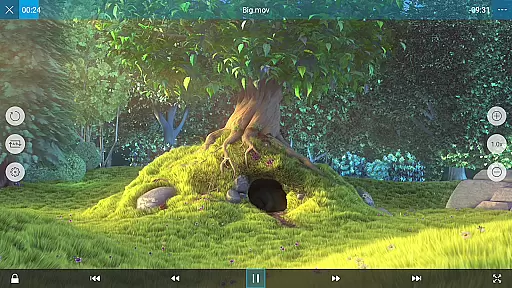
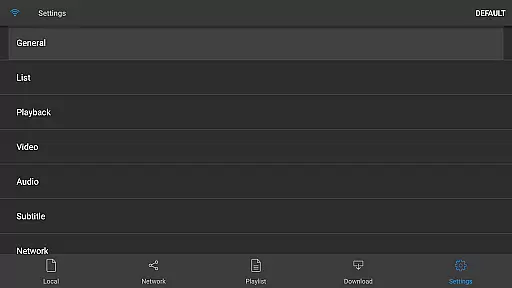
nPlayer is a versatile video player designed for mobile devices, eliminating the need to convert video files into MP4 format. It supports an extensive range of video formats and codecs, allowing users to enjoy their media without the hassle of file conversion.
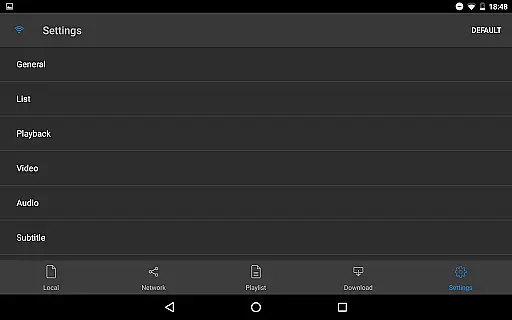
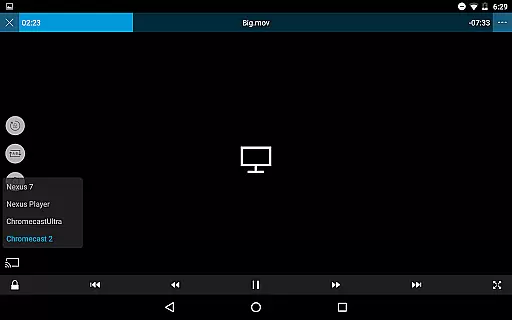
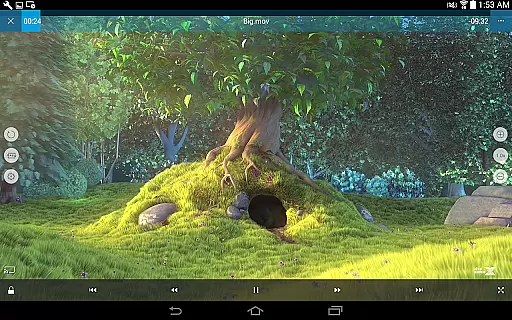
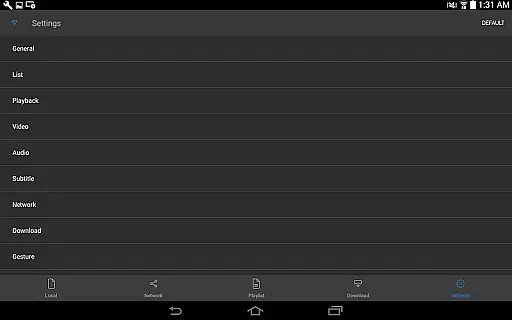
With intuitive touch controls, users can easily adjust playback settings, navigate subtitles, and customize subtitle appearance. The app also offers advanced features such as support for DTS audio codec, pop-up play, casting to Smart TVs, and HDMI output, making it a comprehensive solution for all video playback needs.
Ideal for users who require flexibility and high-quality playback, nPlayer is perfect for enjoying media on the go or at home, providing a seamless experience across various devices.
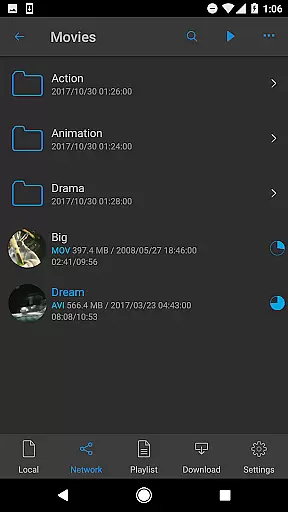
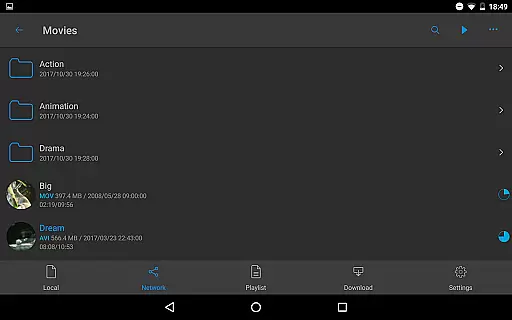
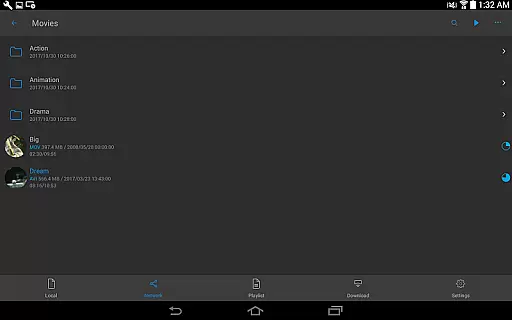
nPlayer stands out with its comprehensive feature set tailored for avid media consumers. The application supports device file playback and management, download functionality, and officially recognized DTS audio codec (DTS HD).
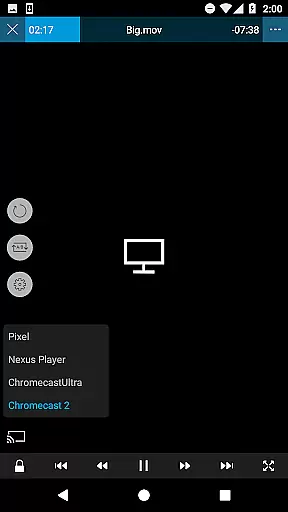
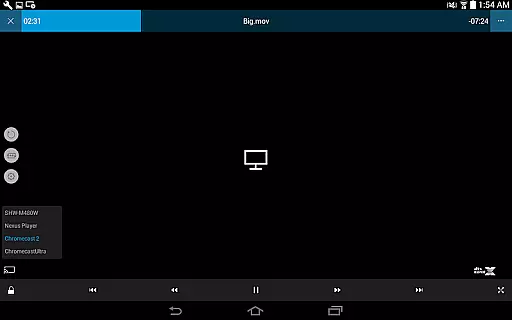
Additional capabilities include pop-up play for multitasking, video casting to smart TVs, and HDMI output for enhanced viewing experiences. Users can enjoy a multitude of video, audio, subtitle, and image file formats, alongside playlist support.
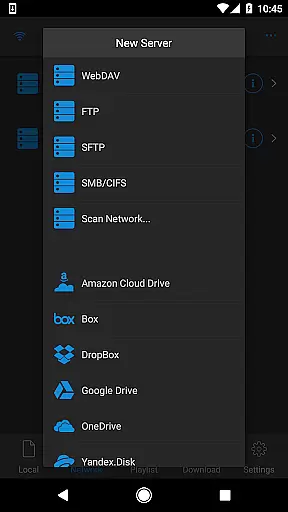
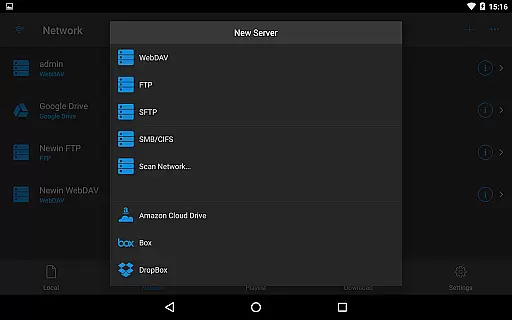
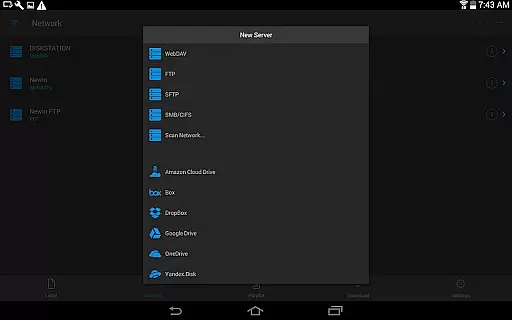
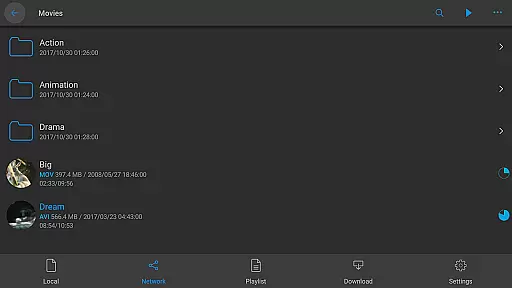
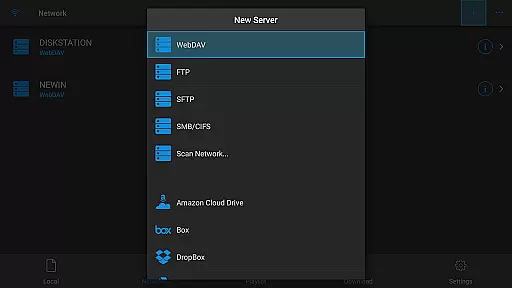
The app integrates seamlessly with WebDAV, FTP, SFTP, HTTP, SMB/CIFS, UPnP/DLNA protocols and popular cloud services like Amazon Cloud Drive, Box, Dropbox, Google Drive, OneDrive, and Yandex.Disk. With multi-track audio, audio boost, and robust subtitle support, nPlayer delivers a superior multimedia experience.
One of the standout features of nPlayer is its extensive video format compatibility, eliminating the need for users to convert files to MP4 for mobile playback.
This application supports a wide array of video formats including MP4, MOV, MKV, AVI, WMV, and many more, ensuring that users can play almost any video file type directly on their device without additional conversion efforts.
The benefit of this comprehensive format support is the convenience it offers to users who can now seamlessly enjoy their media collection regardless of the original file format.
By removing the barrier of format incompatibility, nPlayer enhances user experience by saving time and preserving video quality in its original state.
While nPlayer focuses primarily on video playback, it also integrates AI-powered editing features that enhance the viewing experience through smart adjustments.
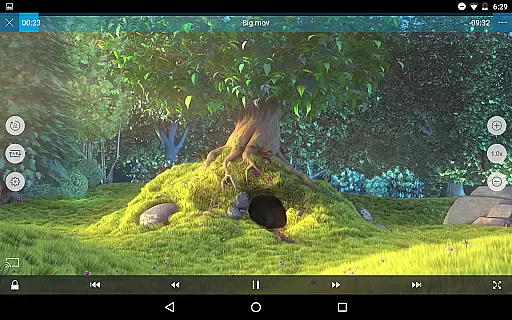
Users can effortlessly adjust playback positions, navigate between subtitles, modify subtitle font sizes and locations, and control volume and brightness with simple touch gestures.
These intelligent controls allow for a personalized and comfortable viewing experience tailored to individual preferences and environmental conditions.
The implementation of such AI-driven functionalities not only simplifies video management but also empowers users with precise control over their media consumption.
User-friendly interface
Wide format compatibility
Advanced playback options
Cloud service integration
Subtitle customization
Premium version required
Complex for beginners
Occasional bugs
Limited free features
High system requirements

Video player, file manager for all formats, 4K/HD media player supports subtitle
 4.30
4.30
Client application for NextPVR software
3.00
A Quick and Pro Video Editor
4.70
Video Downloader is an utility that can save videos and music from web sites
4.20
Fast video downloader & private browser. Save HD clips to watch offline.
4.40
All in one HD video downloader & player for multiple formats with full privacy
4.70
Browser for Sony TV to stream web videos, online movies and live tv
3.20
#1 Torrent App on Android ** No Ads Ever + Battery Saver **
4.80
Download Hub, easy and private way to download and enjoy your videos offline
4.80
Video Trimmer, Video to MP3 Converter. Extract music from video, Easy & Fast.
4.80
Browser + Remote for Roku to stream webvideos, online movies and livestreams
4.60
Cast to Chromecast, Xbox, Fire Stick, Roku, DLNA, Smart TV & No Feature Limited!
4.50
Video Downloader, Multiple Resolution Options, Video Player
4.50
Photo and Music Video Creator into Stunning Videos—Effortlessly
4.40
Browser for Fire TV to stream webvideos, online movies, livestreams in HD
4.40
Web Browser for LG TV to stream webvideos, online movies and livestreams in HD
4.20
Fast private browser with secure, seamless access & supported video downloads!
4.00
This app is an emulator of some specific IPTV boxes
3.50
You can play SWF format file!
2.50


User Reviews