


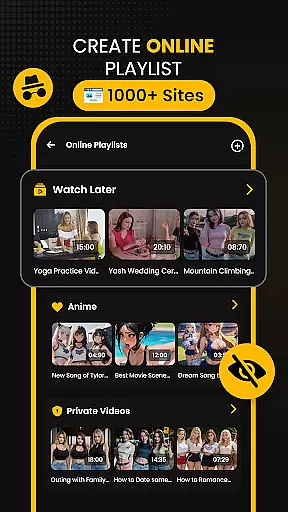





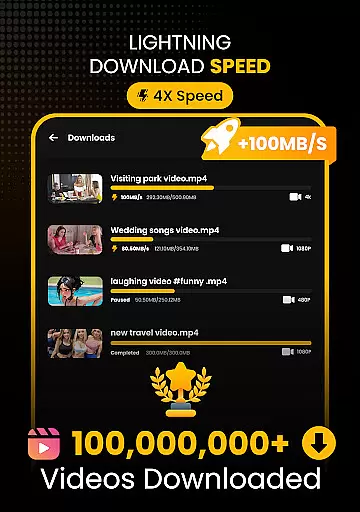
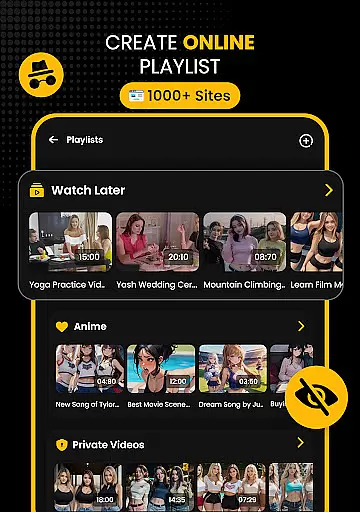
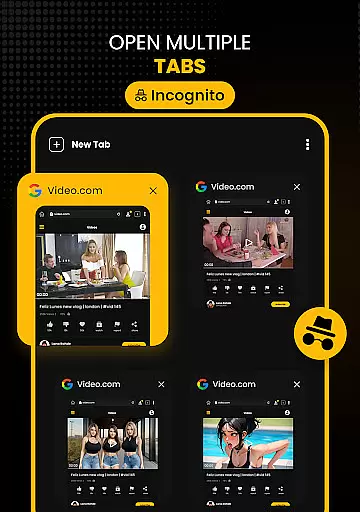



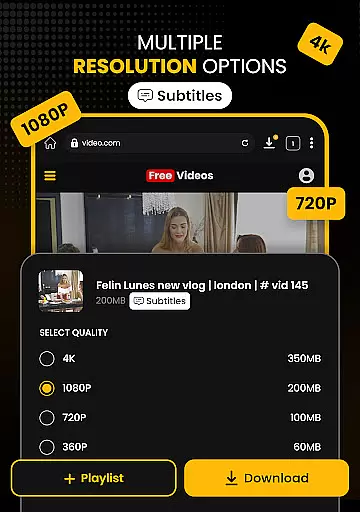

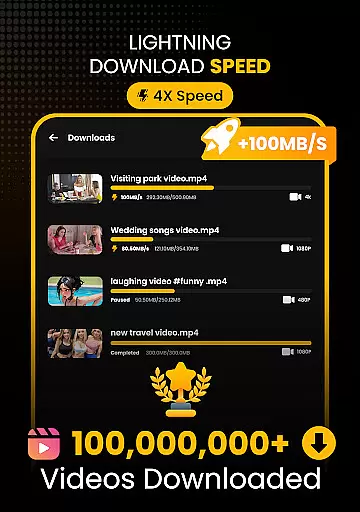
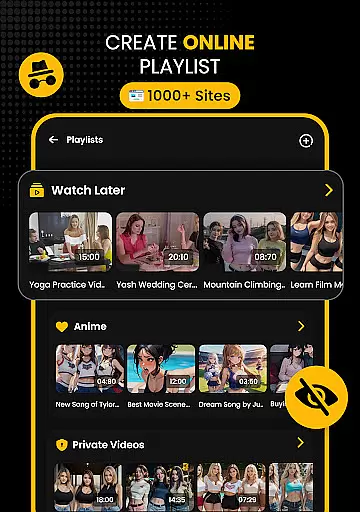
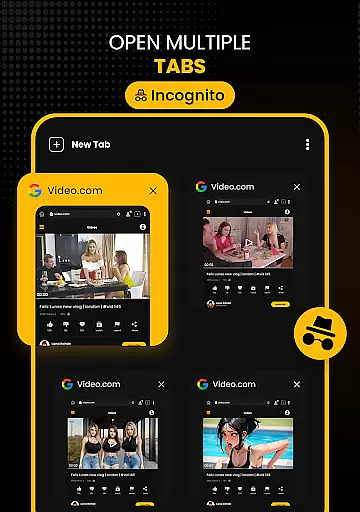




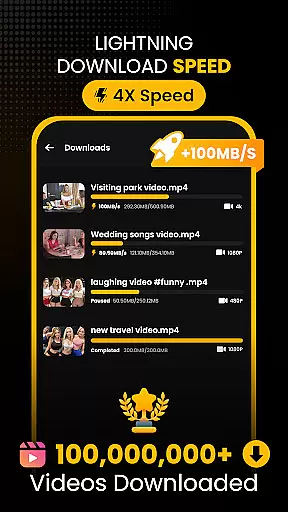
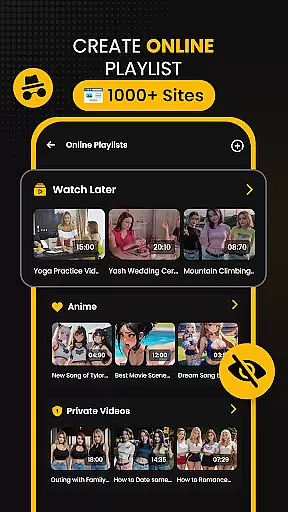



Download Hub is an all-in-one solution for video downloading, private browsing, and file management. This versatile app allows users to browse the web privately while detecting downloadable media content with ease. With its universal downloader engine, it supports multiple formats including MP4, AVI, and MKV, and offers resolution options from SD to 4K. The secure private browser comes with ad-blocking and incognito mode, ensuring a safe and uninterrupted browsing experience.
In addition to its downloading prowess, Download Hub features a robust file manager with SD card support, background service, and resume capability for interrupted downloads. It also includes an audio saver for extracting soundtracks and a built-in HD player for offline playback. Ideal for commuters, students, and privacy-conscious users, this app provides tools for creating personal media archives and educational content libraries.
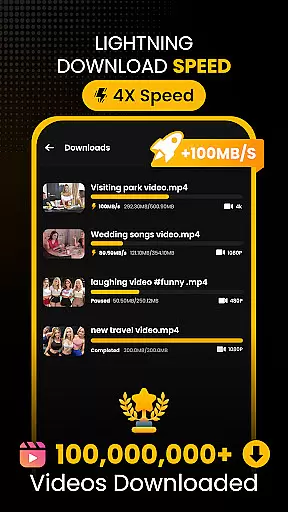
Download Hub stands out with its comprehensive feature set tailored for efficient media handling. The Universal Downloader Engine accelerates download speeds up to 300% using multi-threading technology and smart detection of media links. Users can choose from various resolutions and formats, making it adaptable to different needs and storage capacities. Its batch mode enables simultaneous downloading of multiple files, optimizing time and effort.
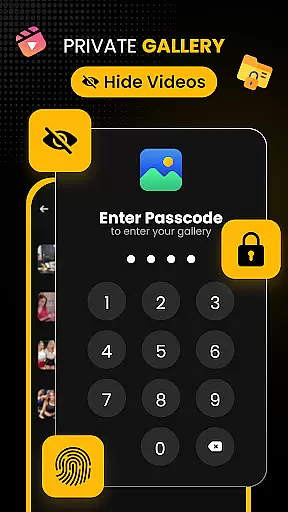
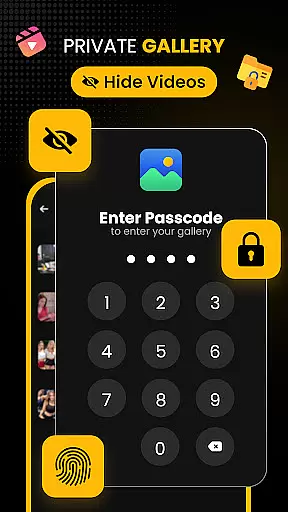
The Secure Private Browser ensures user privacy through incognito mode and ad-blocking features. It provides desktop mode access and seamless tab switching for multitasking. Additionally, the Security Center & Private Gallery protect sensitive data with PIN or password protection and a hidden folder option. Advanced File Manager capabilities include SD card support, background services, and media organization tools, giving users complete control over their digital content.
Video format compatibility is a crucial feature for any video player and editor, ensuring that users can enjoy content in various formats without technical barriers. Download Hub excels in this area by supporting an extensive range of video formats including MP4, M4V, MOV, AVI, WMV, MKV, FLV, and MPG. This versatility allows users to download and play videos from different sources without worrying about format restrictions.
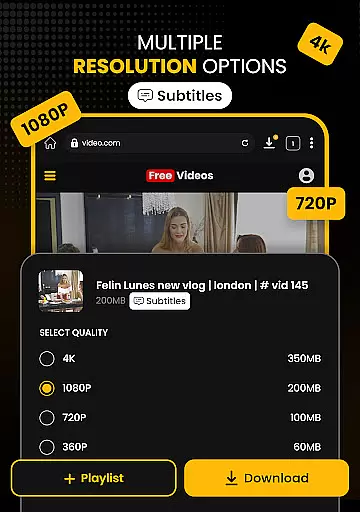
The app's universal downloader engine enhances the video format compatibility by detecting downloadable media links on web pages and offering resolution control. Whether you want to save data with SD (480p) or indulge in crystal clear HD (720p), 1080p, 2K, and 4K, Download Hub has got you covered. The ability to choose the resolution ensures that users can optimize their downloads based on their storage capacity and desired video quality.
Moreover, Download Hub provides batch mode functionality, enabling the bulk downloader to handle multiple files simultaneously in the background. This feature is particularly beneficial for users who need to manage large media libraries or require offline access to numerous videos. By supporting all popular formats and offering advanced downloading options, Download Hub delivers professional performance in a lightweight app.
AI-powered editing features are revolutionizing the way users interact with video content, providing tools that enhance creativity and streamline the editing process. Download Hub incorporates intelligent features that make video editing more accessible and efficient for users of all skill levels. With its smart detection technology, the app automatically finds downloadable media links on web pages, making it easier for users to edit and save content.
In addition to simplifying the discovery of editable content, Download Hub offers an advanced file manager that gives users total control over their local storage. This includes SD card support for saving directly to external storage, background service for uninterrupted downloads, resume support for fixing interrupted downloads, and a media organizer for sorting files by name, size, or date. These capabilities ensure that users can efficiently manage their media library and focus on the creative aspects of video editing.
Furthermore, Download Hub acts as an audio and music saver, allowing users to extract audio tracks from video clips and save music for offline listening. This feature expands the app's utility beyond traditional video editing, catering to creators who work with both visual and auditory content. By integrating AI-powered tools with comprehensive file management, Download Hub empowers users to produce high-quality edits while maintaining an organized workflow.
User-friendly interface
Multi-format support
Fast download speeds
Private browsing options
Offline playback functionality
No YouTube support
Limited to legal content
Requires manual updates
Storage permissions needed
Potential copyright concerns

A Quick and Pro Video Editor
 4.70
4.70
Video Trimmer, Video to MP3 Converter. Extract music from video, Easy & Fast.
4.80
Create & edit videos with AI
4.30
Cast to Smart TV, Fire TV. Cast video, photo - Fast & Stable!
3.90
Mix with Virtual DJ directly from your phone or tablet !
3.10
Browser for Samsung TV to stream webvideos, online movies and livestreams in HD
4.10
LumaFusion: The Ultimate Storytelling Experience for Video Editing
4.10
Powerful video player with advanced hardware acceleration and subtitle supports
4.20
Manage your YouTube channel on the go
4.40
Tik & Story Saver-Download ALL social media videos, photos & reels no watermark.
4.80
VLC Remote lets you control your VLC Media Player on Mac, PC or Linux.
4.60
Browser for Fire TV to stream webvideos, online movies, livestreams in HD
4.40
Movie maker & video editing app with AI effects and green screen
4.30
Powerful Video Editor & Photo Editing App —— Quick Edits & Stunning Effects!
4.30
Stream Web Videos to Chromecast, Samsung, LG, Sony, Roku, Fire TV, DLNA + more
4.00
HD video & music player - All format support with floating & PIP mode!
3.80
Capture images & record videos for USB Camera, Webcam, Microscopes, Endoscopes
3.80
Powerful HD video player with support for all formats & subtitles.
4.5
Play and download HD videos from all sources — fast, simple, and all-in-one.
4.1


User Reviews