
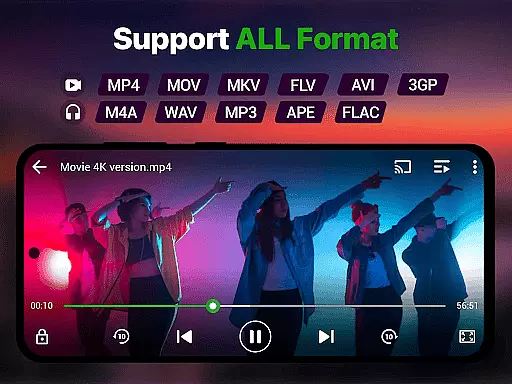
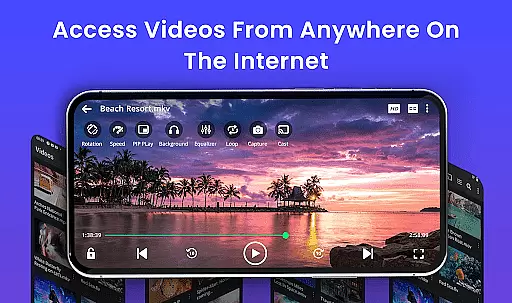
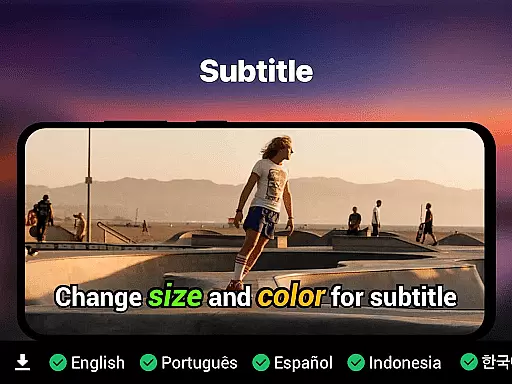
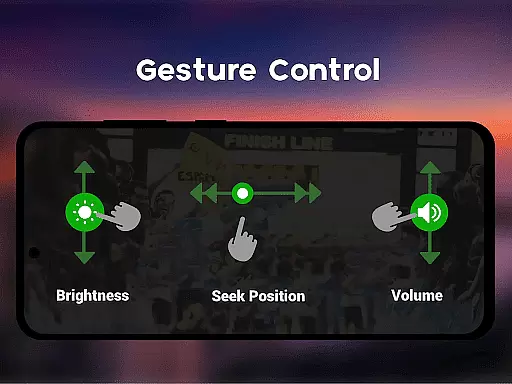
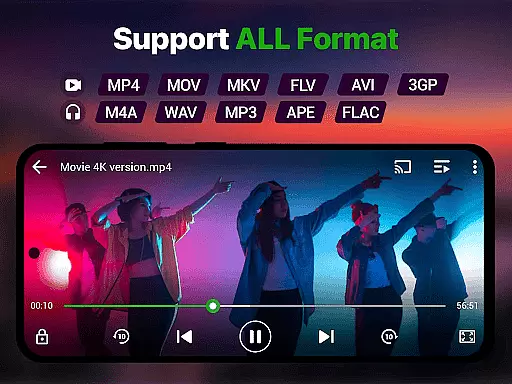
Video Player is a feature-rich video playback app designed for Android users who demand high-quality, smooth video experiences. Supporting Ultra HD and 4K playback across all major formats like MP4, MKV, AVI, and more, it ensures no file is left behind. The app also includes advanced features such as smart gesture controls, subtitle support, background play, and Chromecast streaming.
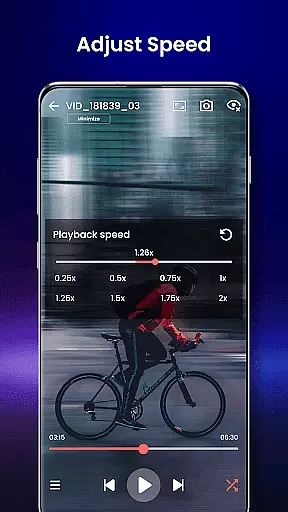
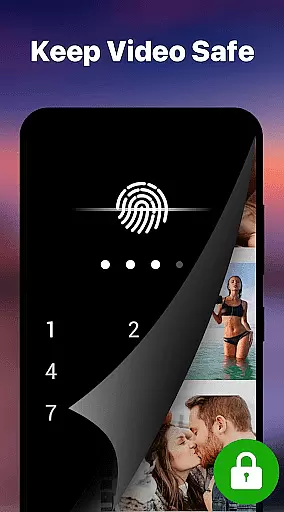
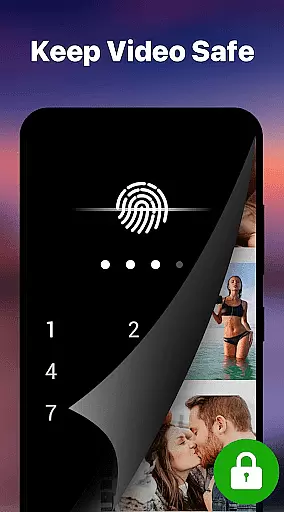
Beyond basic playback, Video Player offers customization options including night mode, speed control, and private folders with PIN locks for secure viewing. Its AI-enhanced rendering optimizes video clarity while maintaining seamless performance even on larger files. Whether you're watching movies, tutorials, or managing media collections, this app transforms your Android device into a cinema-grade experience.
Perfect for movie enthusiasts, students, and professionals alike, Video Player combines powerful functionality with user-friendly design to deliver an unparalleled entertainment solution.
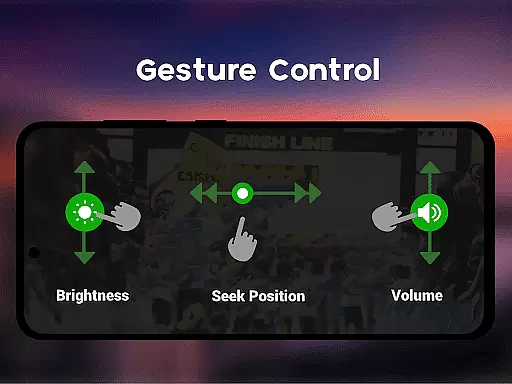
Video Player stands out with its extensive format compatibility, supporting everything from MP4 to WMV, FLV, and beyond. Advanced decoding technology ensures smooth playback of high-resolution videos in stunning 4K quality. Smart gesture controls allow users to adjust volume, brightness, and seeking effortlessly, enhancing the overall usability.
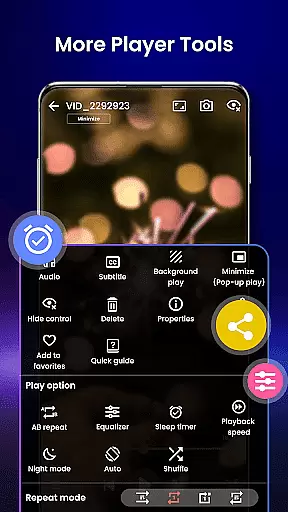
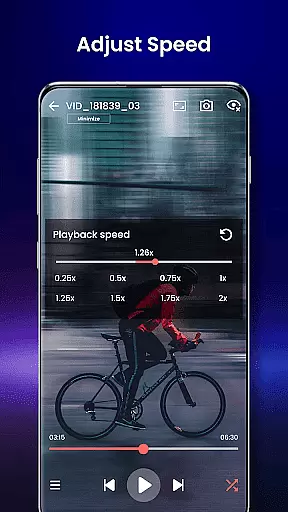
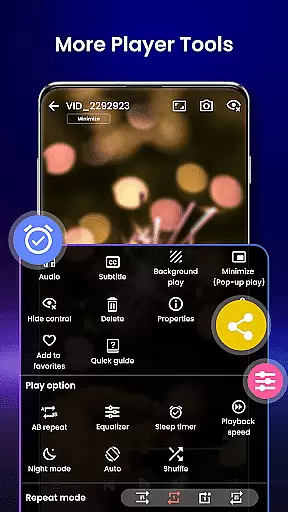
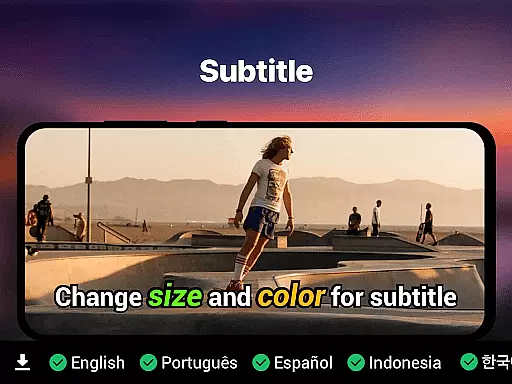
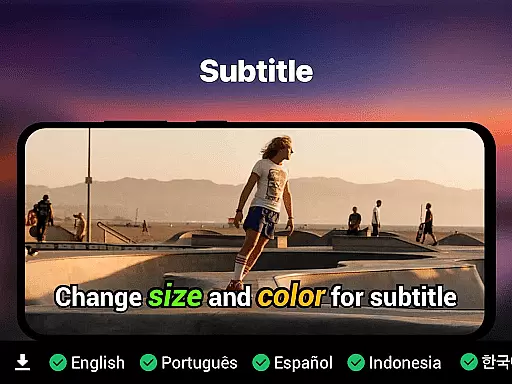
The app provides robust subtitle support (SRT, SSA, ASS, VTT) with automatic track detection, alongside unique features like background play, pop-up window mode, and speed control ranging from 0.25x to 4x. Integrated file management auto-detects and organizes video files, while a private folder option secures sensitive content with PIN protection.
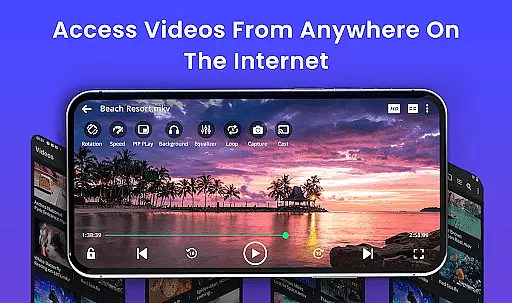
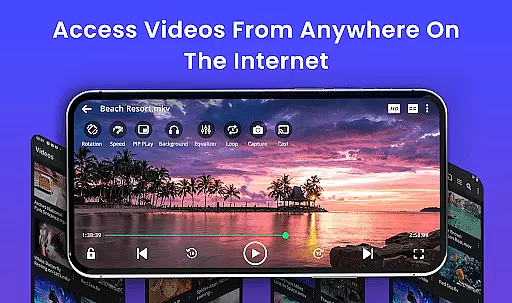
Additional highlights include Chromecast support for TV streaming, resume playback functionality, and eye-protection modes. With no ads and localized language support, Video Player delivers both power and personalization for every type of user.
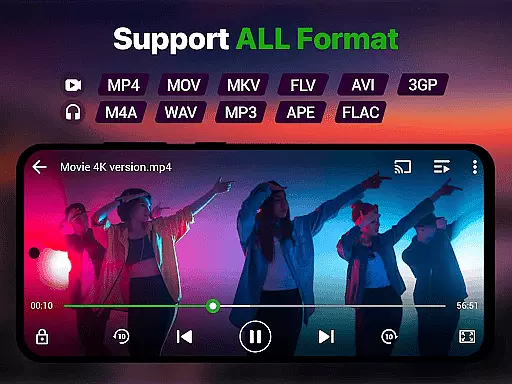
Video format compatibility is a crucial feature for any video player, ensuring that users can enjoy their media without worrying about file type restrictions. The Video Player app supports an extensive range of formats including MP4, MKV, AVI, MOV, FLV, 3GP, and WMV, making it one of the most versatile players available.
This comprehensive support means you can play videos from various sources without the need for conversion or additional software. Whether your files are stored locally or in the cloud, this app guarantees smooth playback with advanced decoding technology optimized for high-resolution content.
Users benefit from seamless integration with file management systems that automatically detect and organize video files across different formats. This ensures easy access and hassle-free viewing, enhancing the overall user experience by removing technical barriers commonly associated with less flexible players.
AI-powered editing features represent the cutting-edge evolution of video players, providing tools that go beyond simple playback to enhance your media consumption. The Video Player app incorporates artificial intelligence to optimize video rendering, ensuring clarity and smoothness even at ultra HD and 4K resolutions.
These intelligent capabilities extend to smart gesture controls for volume, brightness, and seeking, as well as speed control options ranging from 0.25x to 4x. Subtitle support is equally sophisticated, with automatic track detection for formats like SRT, SSA, ASS, and VTT, ensuring synchronized viewing experiences.
By leveraging AI, the app offers eye-protection features such as night mode and background play, alongside innovative functionalities like pop-up window mode and Chromecast streaming. These enhancements not only improve usability but also cater to diverse viewing preferences, setting a new standard for what modern video players should offer.
Supports 4K playback
All video formats compatible
Smart gesture controls
Private folder security
No ads included
Requires high storage
Complex for beginners
Limited iOS support
Heavy on battery
Occasional bugs

Video player, file manager for all formats, 4K/HD media player supports subtitle
 4.30
4.30
Video Player - Unlimited features, 30 days money back guarantee.
4.60
?100% FREE! Download & save videos? safely in this app. All formats supported.
4.60
AI Video Editor:AI Music, Text to Video,Text to Speech,Auto Caption,Video Effect
4.00
Cast to Smart TV, Fire TV. Cast video, photo - Fast & Stable!
3.90
Browser for Samsung TV to stream webvideos, online movies and livestreams in HD
4.10
LumaFusion: The Ultimate Storytelling Experience for Video Editing
4.10
Powerful video player with advanced hardware acceleration and subtitle supports
4.20
Photo editor & video maker with music and slideshows.
4.10
An easy-to-use and all-round screen recorder with audio
4.80
Flud is a simple and beautiful BitTorrent client for Android.
4.80
#1 Torrent App on Android ** No Ads Ever + Battery Saver **
4.80
All in one HD video downloader & player for multiple formats with full privacy
4.70
Cast Videos from Web Browser, IPTV to Roku, Chromecast, DLNA, Smart TV +more
4.60
Browser for Fire TV to stream webvideos, online movies, livestreams in HD
4.40
Create & edit videos with AI
4.30
This app was created to edit the metadata of music files.
4.20
Your media, on your terms.
4.10
Manage your IPTV live channels and VOD playlists (no playlist included)
3.80


User Reviews