
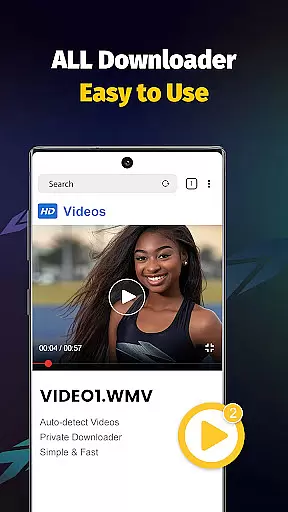
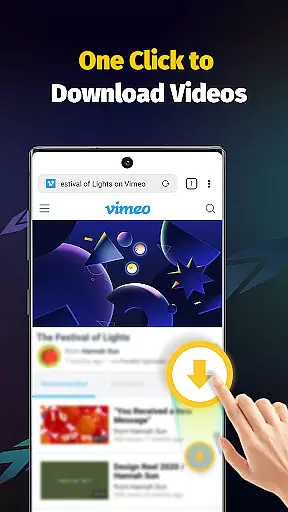
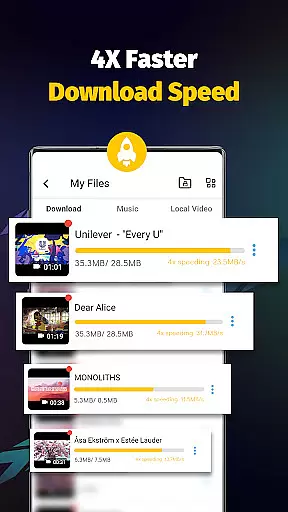
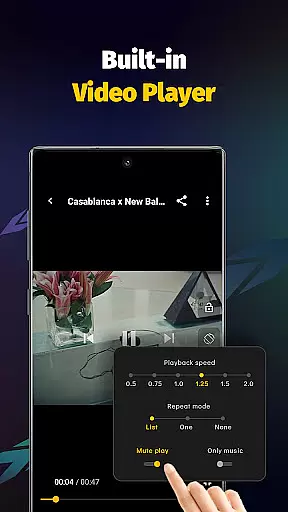
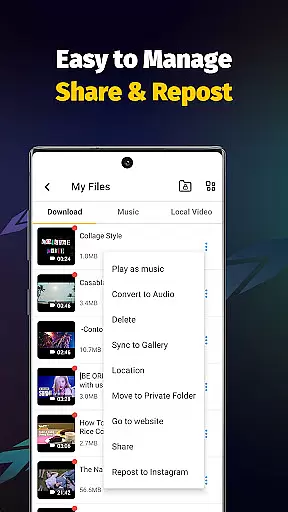
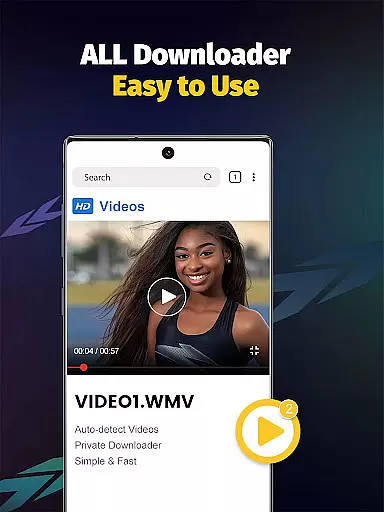
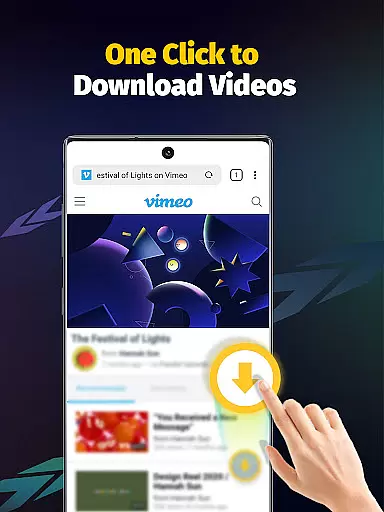
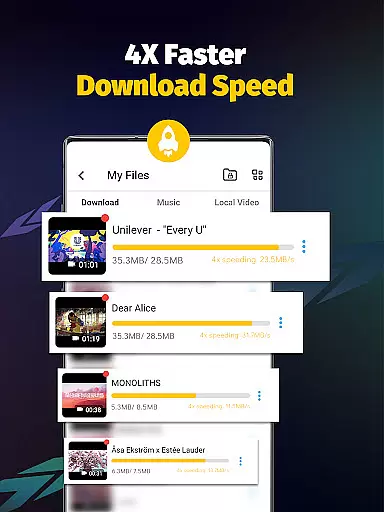
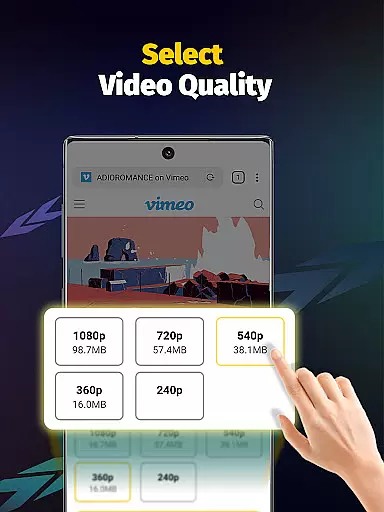
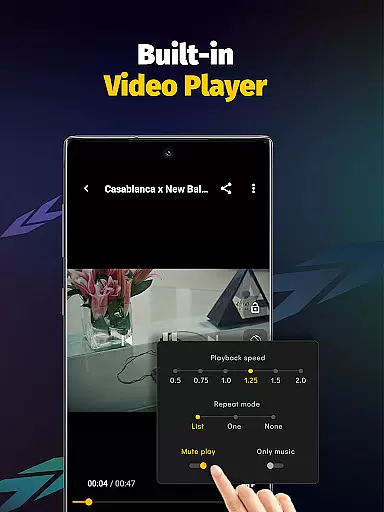
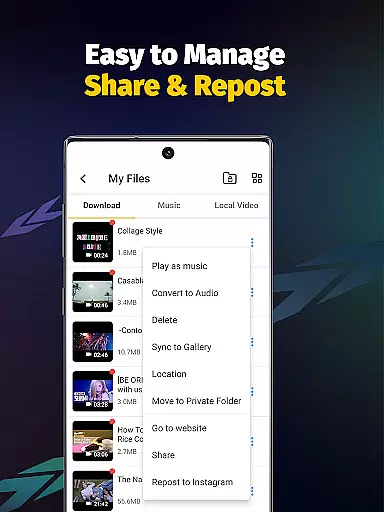
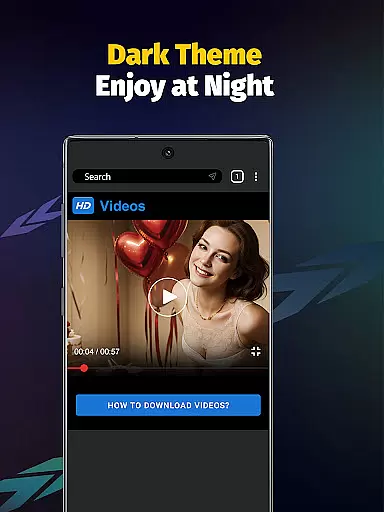
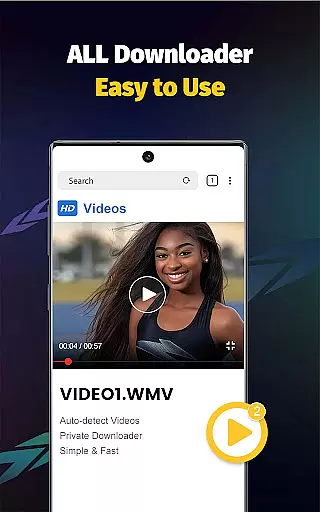
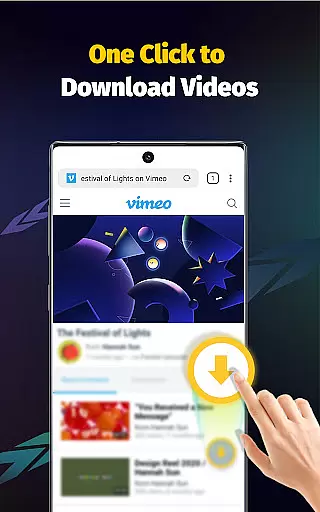
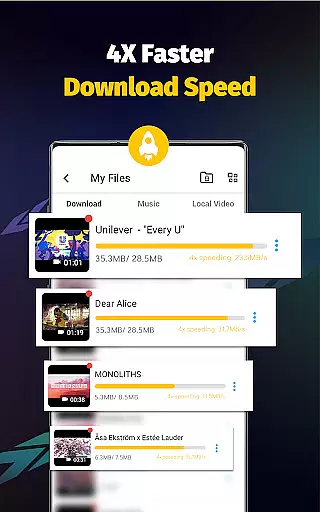
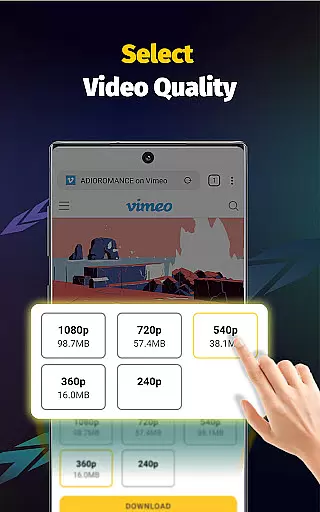
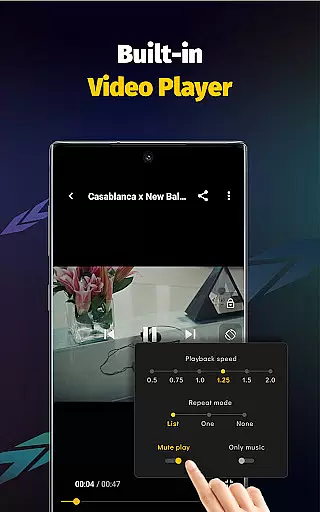
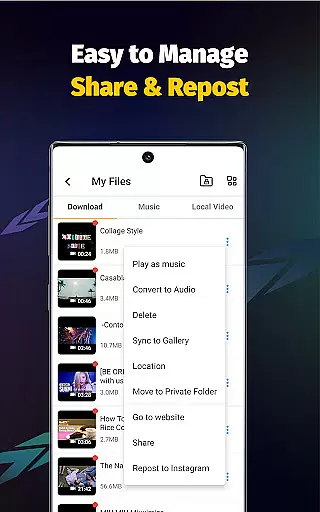
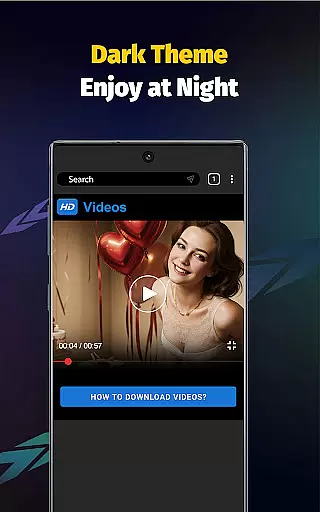
Video Downloader - Save Videos is a versatile and free video downloading app designed for users who need to save videos, music, and images from various social media platforms. With its powerful features, this app allows you to download content at up to 4x faster speeds while maintaining high-definition quality. The built-in browser and multi-functional player ensure seamless transitions between downloading and enjoying your favorite media.
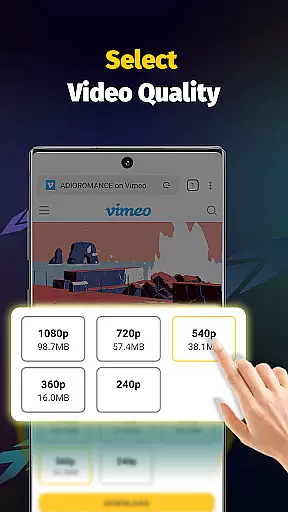
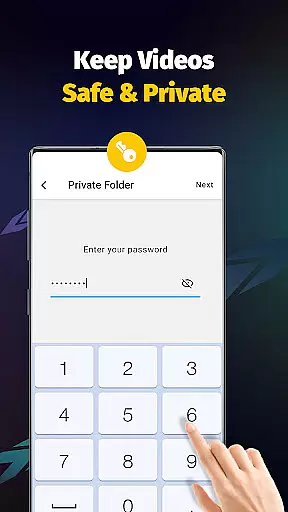
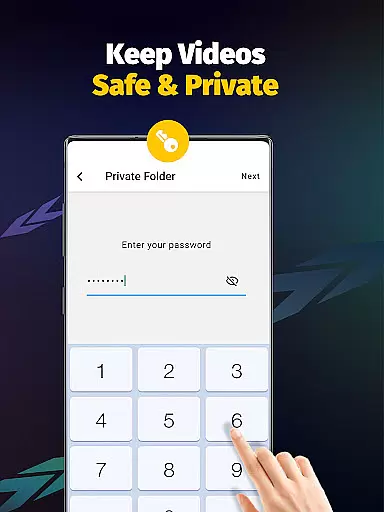
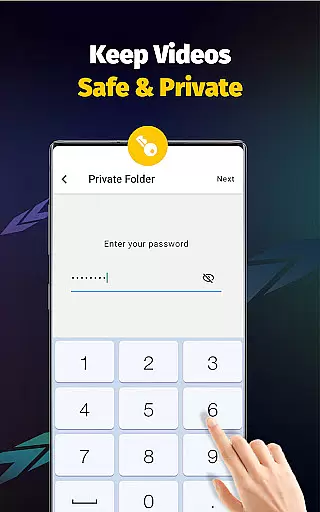
This app stands out with its user-friendly interface and advanced functionalities such as multi-threading downloads, resolution selection, and automatic file detection. Additionally, it offers privacy controls like password-protected folders, making it a secure choice for managing your downloaded files. Whether you're looking to save eye-catching posts or extract audio from videos, Video Downloader - Save Videos provides a comprehensive solution tailored to enhance your media experience.
Video Downloader - Save Videos boasts an array of features that cater to diverse user needs. One of its standout capabilities is the support for multiple simultaneous downloads, which significantly reduces waiting time. The app also enables multi-threading video downloads, accelerating the process by several times compared to standard downloaders. This ensures that users can quickly access their desired content without unnecessary delays.
Another remarkable feature is the wide range of supported file formats including MP4, M4A, AVI, WMV, MOV, JPG, JPEG, and PNG. This versatility allows users to download nearly any type of media they encounter online. Furthermore, the built-in player lets you enjoy your downloaded videos offline, providing flexibility and convenience. Additional functionalities such as bookmarking favorite posts, sharing content with friends, and adjusting video playback speed make this app an indispensable tool for avid media consumers.
Video format compatibility is a crucial feature for any video player and editor application. Video Downloader - Save Videos excels in this area by supporting an extensive range of file formats including MP4, M4A, M4V, AVI, WMV, MOV, JPG, JPEG, and PNG. This ensures that users can download and play videos from various sources without worrying about format issues.
The app's comprehensive format support allows users to save media files from different platforms and enjoy them offline through the built-in player. Whether it's high-definition videos or images, the app handles multiple resolutions and file types seamlessly. This versatility makes it an ideal choice for users who frequently interact with diverse multimedia content.
By providing such wide-ranging compatibility, Video Downloader - Save Videos enhances user experience significantly. Users can easily collect and store their favorite content from social media platforms, knowing that the app will handle any format they encounter. The peace of mind that comes with guaranteed playback across different file types adds substantial value to the overall utility of this powerful video downloader.
AI-powered editing features are transforming how users interact with video content, and Video Downloader - Save Videos incorporates several intelligent tools to enhance the editing experience. One notable feature is the ability to extract audio from videos with just a single tap. This functionality, powered by AI algorithms, enables users to quickly isolate soundtracks from their downloaded videos without requiring complex manual processes.
The app also includes advanced playback controls that utilize AI technology. Users can adjust video playback speed and set different playing modes according to their preferences. These smart features automatically optimize video presentation based on content type and user behavior patterns, creating a more personalized viewing experience. The built-in browser and multi-functional player work together to eliminate interruptions between downloading and enjoying content.
These AI-driven capabilities demonstrate the app's commitment to providing innovative solutions beyond basic video downloading. By integrating intelligent editing features, Video Downloader - Save Videos offers users sophisticated tools that simplify content manipulation while maintaining ease of use. This combination of powerful AI functionality and user-friendly interface sets the application apart in the category of video players and editors.
User-friendly interface
Fast download speeds
Multi-threading support
Wide format compatibility
Privacy protection features
No YouTube support
Limited to social media
Requires permissions
Ads may appear
Account login needed

Powerful, professional, versatile teleprompter. Developed by an active film crew
 4.00
4.00
Video Trimmer, Video to MP3 Converter. Extract music from video, Easy & Fast.
4.80
Search & download videos from net with all video downloader, auto-detect & safe.
4.60
1)AirPlay/DLNA Mirroring/Streaming, up to 4 connections; 2)Samba/NAS/DMS Player.
4.00
Fast & easy HD video downloader for all formats, support 4K playback & download.
4.60
Manage your IPTV live channels and VOD playlists (no playlist included)
3.80
Screen recorder with audio to take live videos & Screenshot in high quality!
4.70
Enjoy your favorite videos and channels with the official YouTube app.
3.90
Capture the moment and Cut
3.40
Tik & Story Saver-Download ALL social media videos, photos & reels no watermark.
4.80
A Simple app to download Video & Music from the Internet.
4.70
Seamlessly connect and control your smart devices, anytime, anywhere with ease.
4.60
Photo and Music Video Creator into Stunning Videos—Effortlessly
4.40
KineMaster, Your Ultimate Video Editor!
4.40
Create & edit videos with AI
4.30
Connect 2 UVC devices for recording and broadcast video/audio stream
3.90
Browser for Sony TV to stream web videos, online movies and live tv
3.20
You can play SWF format file!
2.50
Video player with powerful streaming playback and various convenient features.
2.10


User Reviews