
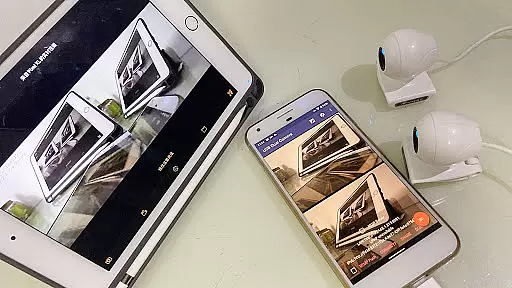
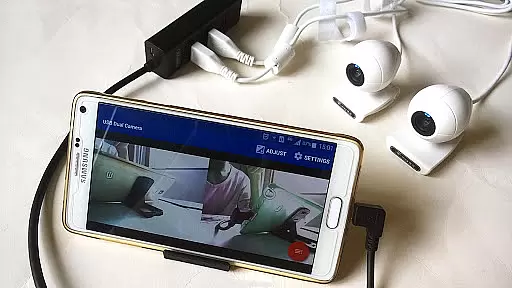
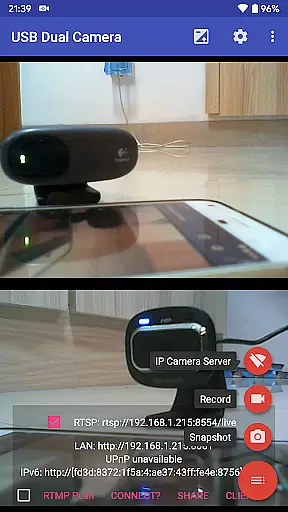
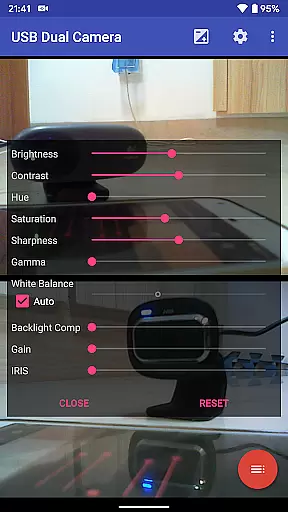
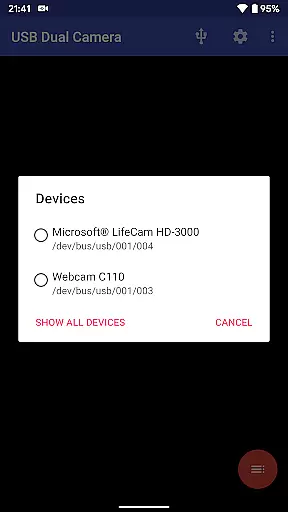

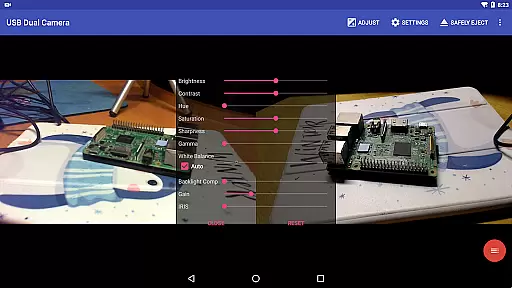
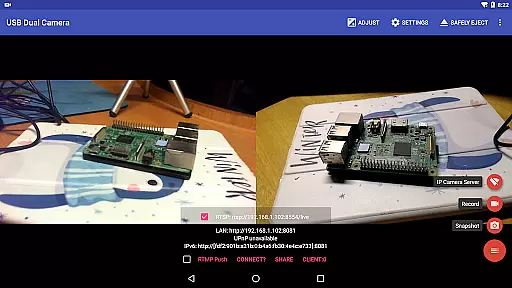
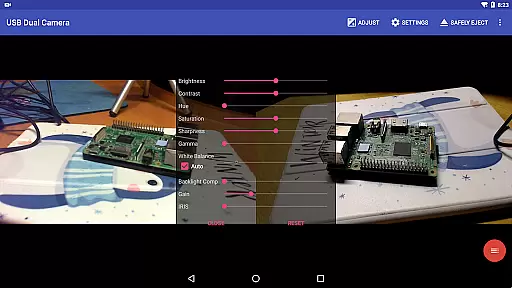
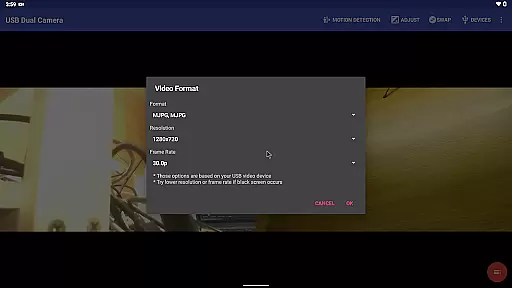
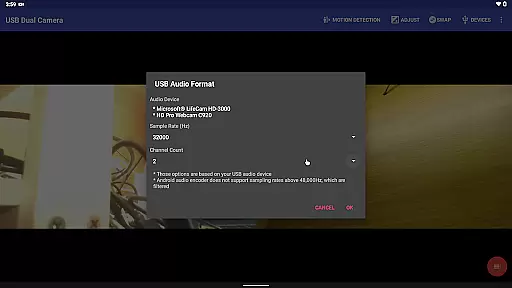
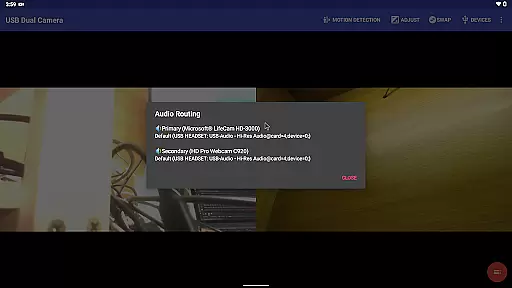
USB Dual Camera Pro is a versatile application that allows Android users to connect up to two USB webcams or video capture devices simultaneously. This app supports UVC-compatible cameras with microphone and audio input, enabling high-quality video recording at resolutions of up to 4K via HDMI. It also accommodates progressive and interlaced video formats, making it suitable for various professional and personal use cases.
In addition to its dual-camera functionality, the app can transform your Android device into a wireless IP camera through an integrated RTSP and HTTP server. This feature is particularly useful for security monitoring, allowing users to view live feeds on their browsers with bi-directional audio support. The app's compatibility with non-UVC devices like USB endoscopes further broadens its utility across different scenarios.
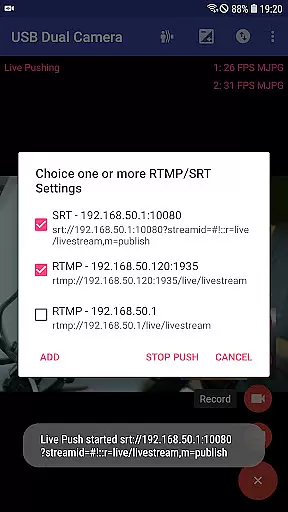
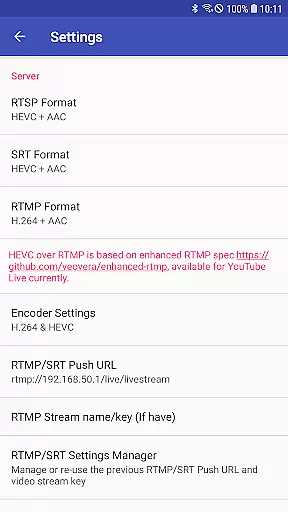
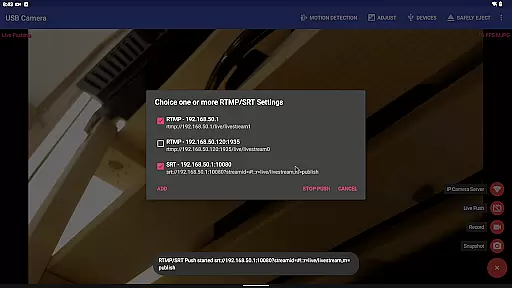
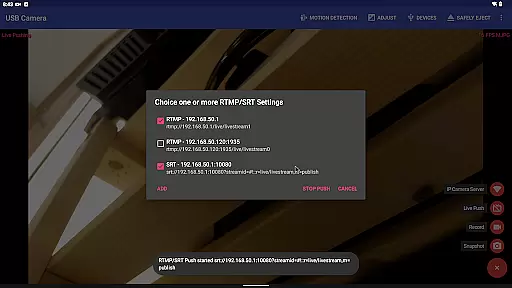
One of the standout features of USB Dual Camera Pro is its ability to push video and audio streams to RTMP/SRT live media servers, facilitating network live broadcasts. The app supports advanced protocols such as RTMPS and SRT, ensuring secure and reliable streaming. Furthermore, it can handle HEVC/AV1 over RTMP, which is compatible with platforms like YouTube Live.
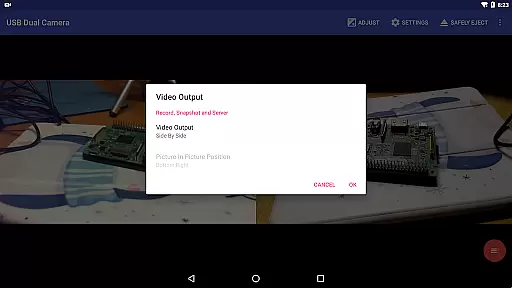
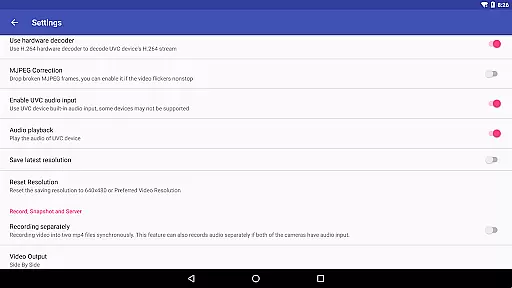
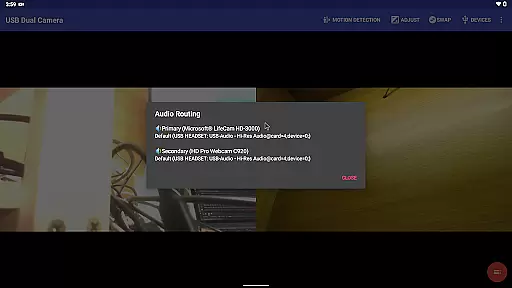
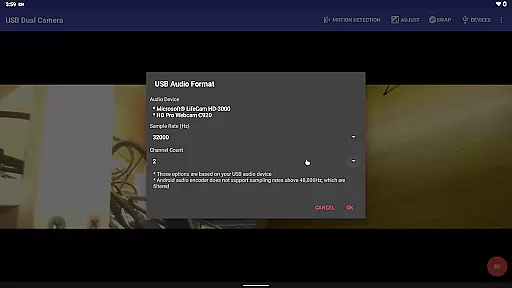
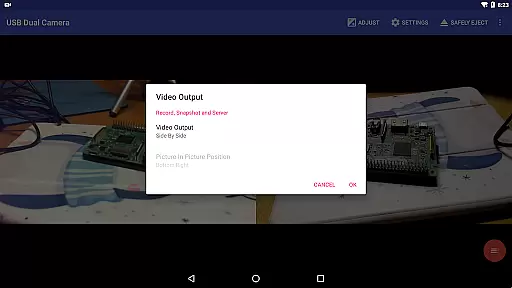
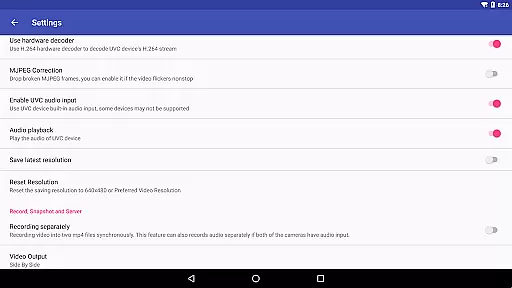
The app offers robust recording capabilities, allowing simultaneous recording from two connected USB webcams into separate MP4 files. If both cameras have audio inputs, the app can record audio separately and even create full Side-by-Side (SBS) 3D videos. Users can overlay built-in camera footage onto external camera video, add timestamps, GPS data, speed information, and more during recording.
Additional functionalities include loop-recording with auto-segment settings and automatic deletion of old video archives when storage is low, making it ideal for dashcam usage. The seamless switching between foreground and background ensures uninterrupted recording, while motion detection-based auto-recording and FTP upload provide enhanced convenience and security.
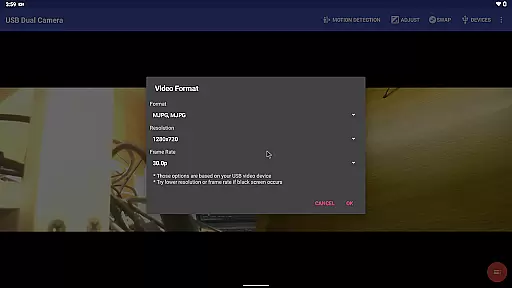
USB Dual Camera Pro offers extensive video format compatibility, ensuring seamless integration with a wide range of devices. The app supports MJPEG, H.264, H.265, HEVC, and even AV1 codecs, catering to different user needs and device capabilities.
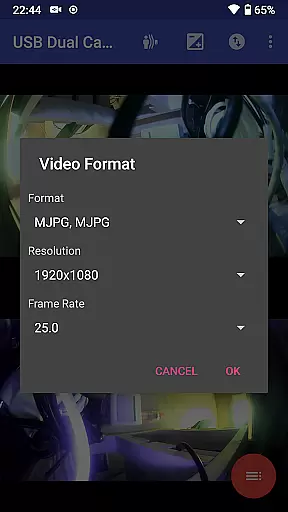
For users looking to connect multiple cameras, the app requires MJPEG or H.264 format when operating two cameras simultaneously. This ensures smooth performance and reduces latency during video capture. Additionally, the support for HEVC allows for high-quality video recording and streaming on Android 5.0 or above, provided the device supports this codec.
The inclusion of AV1 codec support further enhances the app's versatility, enabling advanced video streaming on Android 10 or higher devices. This cutting-edge feature future-proofs the application, allowing users to take advantage of emerging technologies in video compression and streaming.
By providing such comprehensive format support, USB Dual Camera Pro ensures maximum compatibility with various UVC WebCams and video capture devices, including those capable of 4K resolution through HDMI. This flexibility makes the app suitable for both professional and casual use, from security monitoring to content creation.
While primarily focused on camera functionality, USB Dual Camera Pro incorporates several AI-powered features that enhance the video editing process. The app's ability to mix USB audio with built-in microphones or system audio demonstrates its sophisticated audio processing capabilities.
The application's most notable AI feature is its automatic video recording based on motion detection. This intelligent system can trigger recordings when movement is detected, making it ideal for security monitoring applications. The AI algorithm efficiently analyzes video frames to identify significant changes, ensuring accurate detection while minimizing false positives.
USB Dual Camera Pro also offers advanced video composition features, including the ability to overlay built-in camera video onto external camera footage. This functionality, combined with automatic timestamp and GPS data overlay, provides users with powerful tools for creating professional-grade video content.
Additionally, the app's background processing capabilities allow for uninterrupted recording during app switching, thanks to its optimized resource management and AI-driven performance optimization. These features collectively enhance the overall video editing experience, making complex tasks more accessible to users.
Supports dual cameras
High-quality 4K recording
Advanced streaming protocols
Bi-directional audio support
Motion detection and FTP upload
Requires good OTG cable
External power supply needed
Complex setup process
Limited third-party app compatibility
Higher system requirements

A full editing room to accompany your Insta360 cameras and handheld gimbals.
 3.30
3.30
HD Video player all format, HD Videos, Cast & Subtitle. No annoying ads.
4.60
HD video & music player - All format support with floating & PIP mode!
3.80
Photo and Music Video Creator into Stunning Videos—Effortlessly
4.40
Video player with powerful streaming playback and various convenient features.
2.10
IPTV Player - Watch live TV from m3m & m3u8 playlist, stream IPTV on mobile
3.30
Video Downloader, Multiple Resolution Options, Video Player
4.50
IPTV Loader, loads your own Playlist. DOES NOT CONTAIN ANY LIST OR CHANNELS
4.60
Video player with 4K & 1080P support, popup play, background play and subtitle.
4.20
Tik & Story Saver-Download ALL social media videos, photos & reels no watermark.
4.80
Find, download, and play torrents with the official BitTorrent® Pro app
4.70
A Simple app to download Video & Music from the Internet.
4.70
?100% FREE! Download & save videos? safely in this app. All formats supported.
4.60
Watch a large amount of high-definition short drama content
4.60
Fast video downloader & private browser. Save HD clips to watch offline.
4.40
LumaFusion: The Ultimate Storytelling Experience for Video Editing
4.10
Stream Web Videos to Chromecast, Samsung, LG, Sony, Roku, Fire TV, DLNA + more
4.00
Live TV, anywhere in your home
3.80
Play and download HD videos from all sources — fast, simple, and all-in-one.
4.4


User Reviews