
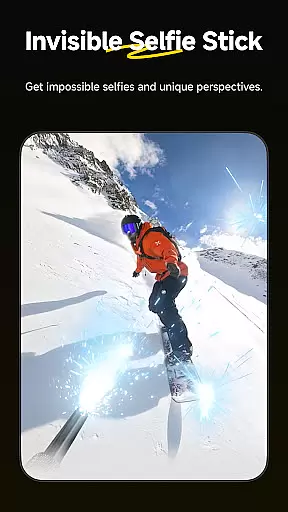
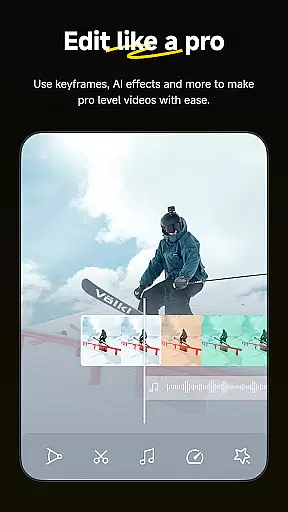
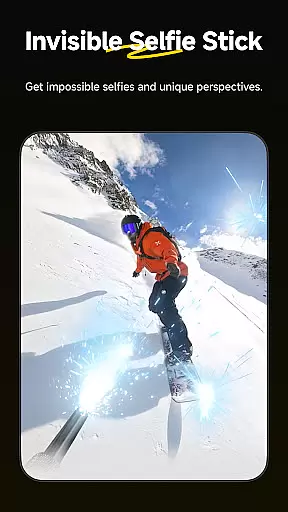
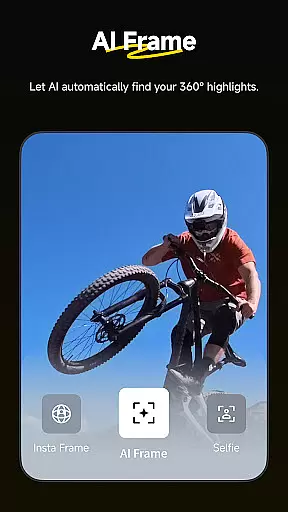
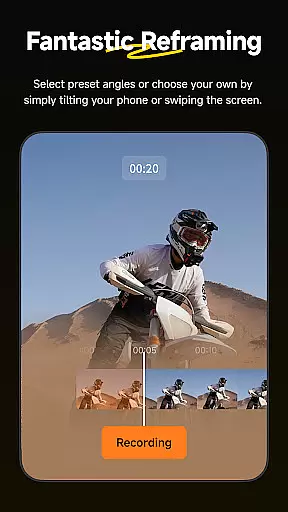
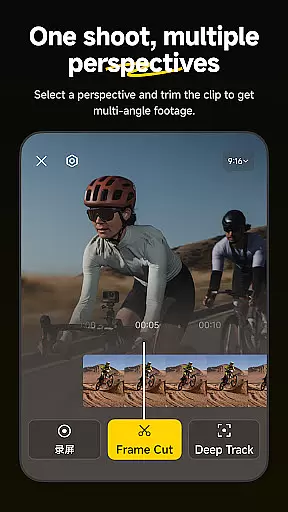
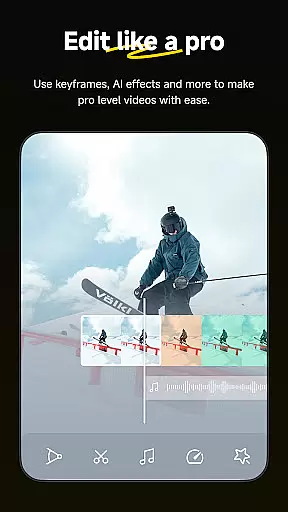
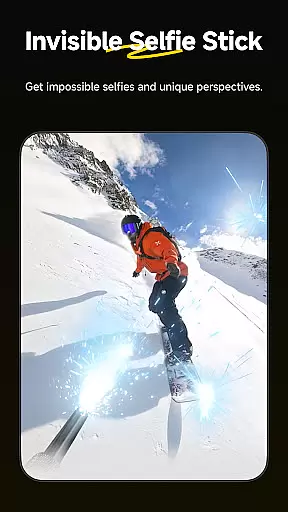
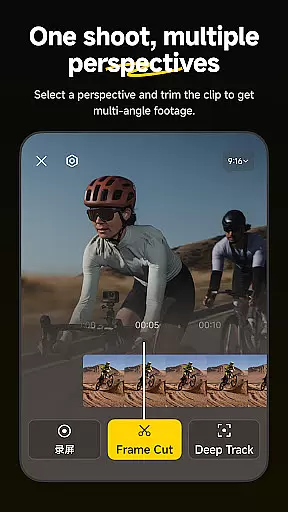
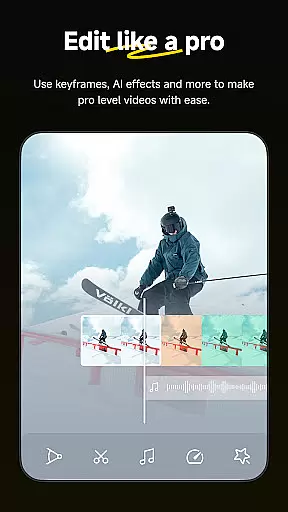
Insta360 is a powerful video editing and camera companion app designed for creators, athletes, and adventurers. It offers advanced AI-powered tools to enhance the video creation process, including auto-editing features, reframing capabilities, and creative templates. The app works seamlessly with Insta360 cameras and handheld gimbals, providing users with complete control over their footage while simplifying complex tasks like subject tracking, hyperlapse creation, and 360-degree reframing.
One standout feature is its ability to edit videos without downloading them to your phone, saving storage space and allowing on-the-go editing. Whether you're an experienced creator or just starting out, Insta360's intuitive interface and innovative tools make it easier than ever to produce professional-quality content directly from your mobile device.
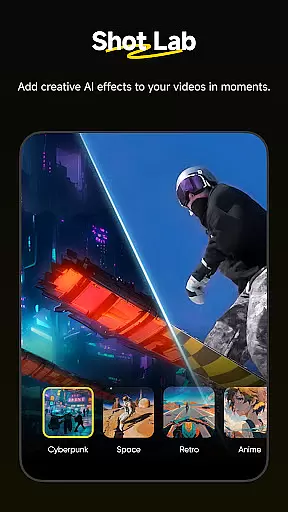
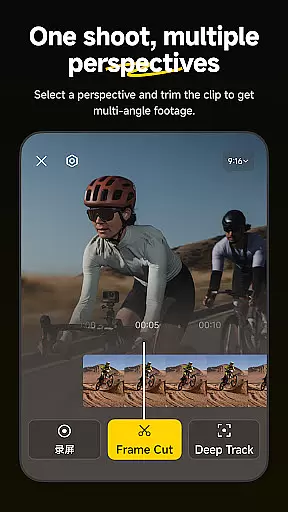
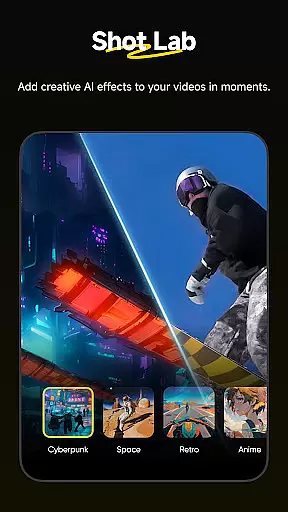
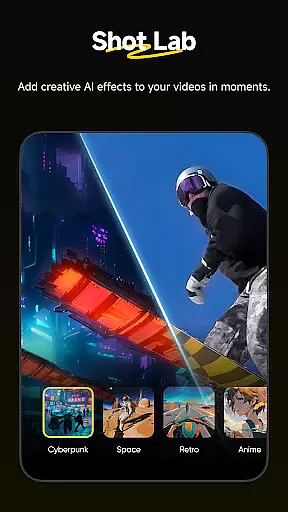
Insta360 stands out with its robust set of AI-driven features that cater to both casual users and professionals. The Shot Lab provides over 25 creative templates such as Nose Mode, Sky Swap, AI Warp, and Clone Trail, enabling users to create viral-worthy clips in minutes. Deep Track ensures your subject remains centered in the frame, whether it's a person, animal, or moving object, offering unparalleled convenience during shoots.
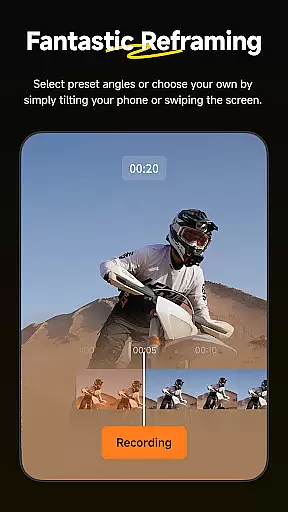
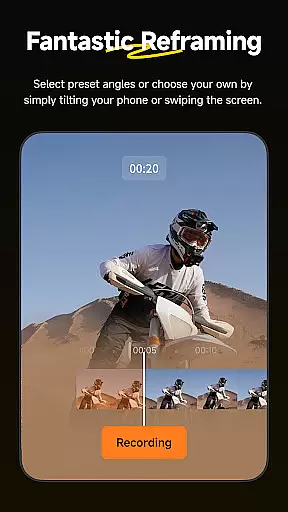
The app also includes advanced reframing tools for 360-degree footage, allowing users to adjust perspectives with simple taps and keyframes. Hyperlapse functionality lets you speed up videos into stabilized time-lapses with adjustable speeds. Additionally, the new Album Page Layout automatically selects optimal angles for thumbnails, making file management more efficient. These features collectively streamline workflows and empower users to focus on creativity rather than technicalities.
Insta360 app stands out with its extensive video format compatibility, ensuring that creators can work with a wide range of file types without any hiccups. The application supports formats from standard MP4 to more specialized 360-degree video files, making it an ideal choice for both amateur and professional videographers.
The app's ability to handle diverse video formats is crucial for seamless editing and sharing. Whether you're shooting with an Insta360 camera or other devices, the app ensures that your footage is readily accessible for editing. This eliminates the need for prior conversion, thus saving time and preserving video quality.
Moreover, the app facilitates download-free editing, which means users can edit their videos directly within the app without needing to download them onto their devices first. This feature not only saves storage space but also allows creators to work on their projects while on the move, providing unmatched flexibility and convenience.
Insta360 app harnesses the power of AI to revolutionize video editing, offering tools and templates that automate and simplify the editing process. With features like AI Edit, Shot Lab, and Deep Track, users can effortlessly enhance their videos, ensuring professional-quality output with minimal effort.
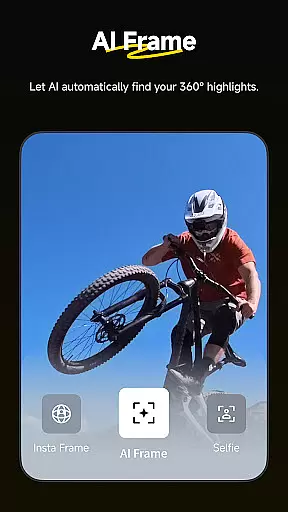
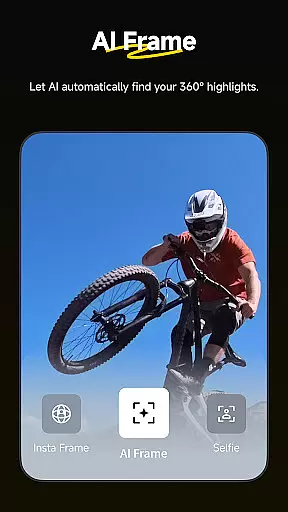
AI Edit takes the hassle out of reframing by automatically detecting subjects and action highlights, streamlining the editing process. Meanwhile, Shot Lab provides over 25 AI-powered templates, including innovative modes like Nose Mode and Clone Trail, enabling creators to produce viral content with just a few taps.
Deep Track further augments the editing experience by allowing users to keep a subject centered in the shot with a single tap, regardless of whether it's a person, animal, or moving object. These intelligent features ensure that even complex edits are executed smoothly, empowering creators to focus on their storytelling without getting bogged down by technicalities.
User-friendly interface
Advanced AI editing tools
Seamless camera integration
Innovative 360 reframing
Download-free editing
Requires compatible hardware
Occasional Wi-Fi connectivity issues
Learning curve for beginners
Limited offline functionality
Premium templates cost extra

The smartest M3U IPTV Player your playlists have ever seen.
 4.0
4.0
Online Videos Player
3.90
Video Player - Unlimited features, 30 days money back guarantee.
4.60
Support 1000+ Video Format, Subtitle Download, mp3 & Background Play, Cast On TV
4.60
Pro video editor app for Instagram, edit video with song, AI, effect & slowmo.
4.80
Cast to Smart TV, Fire TV. Cast video, photo - Fast & Stable!
3.90
Connect EasyCap or UVC devices for recording and broadcast video/audio stream
3.60
Browser for Fire TV to stream webvideos, online movies, livestreams in HD
4.40
Enjoy your favorite videos and channels with the official YouTube app.
3.90
An easy-to-use and all-round screen recorder with audio
4.80
#1 Torrent App on Android ** No Ads Ever + Battery Saver **
4.80
High-Quality USB Camera Viewer & HDMI Display
4.70
Browser + Remote for Roku to stream webvideos, online movies and livestreams
4.60
Fast & Private HD Video Downloader with Built-in Proxy Browser and Video Player.
4.50
Photo and Music Video Creator into Stunning Videos—Effortlessly
4.40
Live TV, anywhere in your home
3.80
All in one multi protocols stream receiver for AirPlay, Cast and DLNA.
3.60
This app is an emulator of some specific IPTV boxes
3.50
IPTV Player - Watch live TV from m3m & m3u8 playlist, stream IPTV on mobile
3.30


User Reviews