
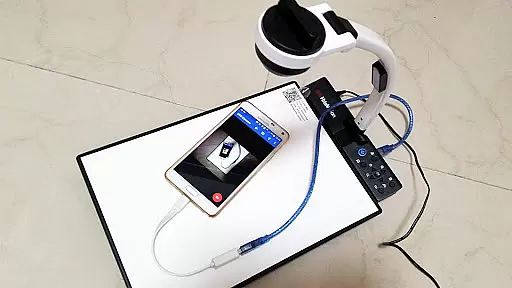
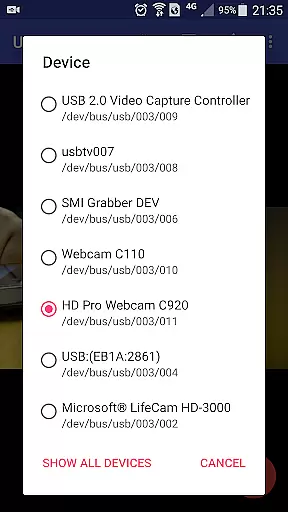
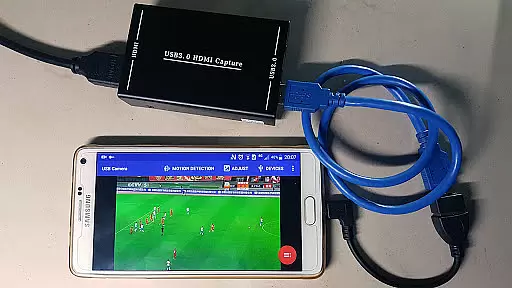
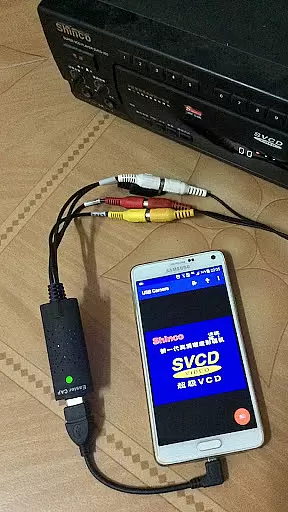
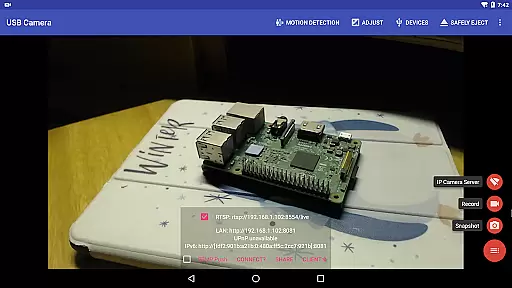
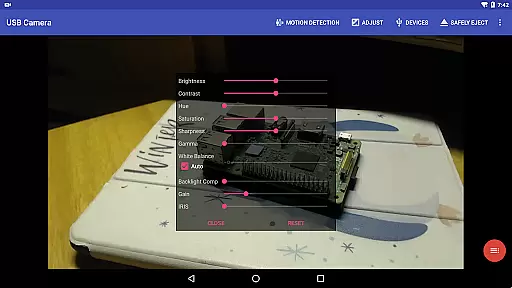
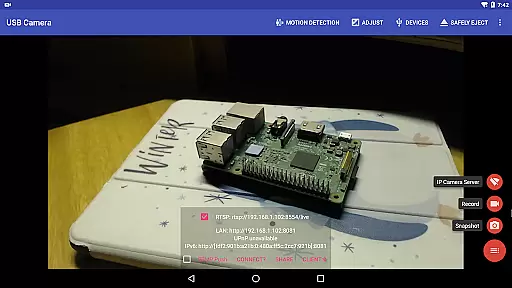
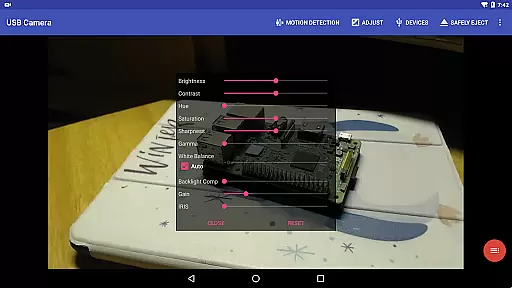
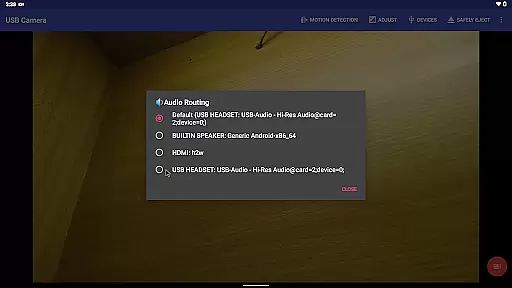
USB Camera Pro is a versatile application designed for Android users who need to connect their devices with USB webcams or video capture cards. This app allows you to record high-quality videos, take snapshots, and even transform your phone into a wireless IP camera through its built-in RTSP and HTTP server capabilities. With support for bi-directional audio, it's perfect for security monitoring.
The app supports a wide range of devices including UVC WebCams, video grabbers, Windows Hello Cameras, and various non-UVC devices like USB Endoscopes. It also features advanced functionalities such as Picture in Picture, VR/FPV view, and the ability to display video on the lock screen. Whether you're using it for personal projects or professional broadcasting, USB Camera Pro offers the tools needed to enhance your video experience.
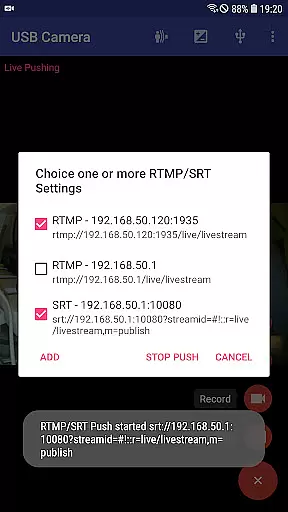
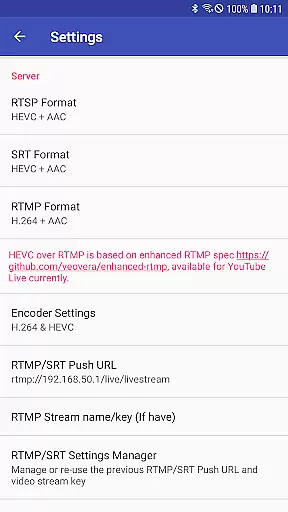
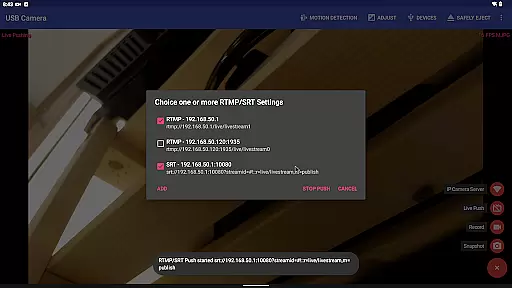
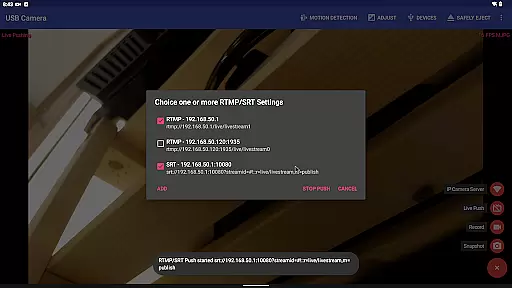
One of the standout features of USB Camera Pro is its ability to push video and audio to RTMP/SRT live media servers, making it ideal for network live broadcasts. It supports multiple codecs including HEVC and AV1, ensuring compatibility with platforms like YouTube Live. Additionally, the app can seamlessly switch between foreground and background without interrupting recordings, providing a smooth user experience.
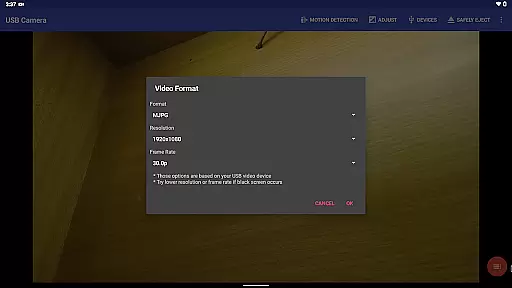
USB Camera Pro boasts an impressive array of features that cater to both casual and professional users. The app supports a variety of video formats and resolutions, including up to 4K via HDMI, and is compatible with progressive and interlaced video. This ensures that users can capture high-quality content regardless of their device specifications.
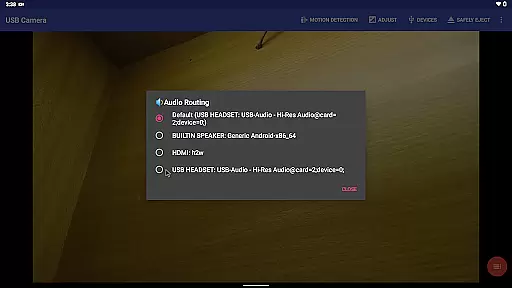
Another notable feature is the app's ability to mix USB audio with built-in microphones or system audio, allowing for enhanced sound output. Users can also overlay internal camera footage onto external camera video, creating dynamic visual effects. Furthermore, the app supports Side by Side (SBS) viewing, which is particularly useful when working with FPV goggles.
USB Camera Pro also includes practical functionalities such as motion detection-based auto video recording and automatic FTP uploads. These features make it an excellent choice for security purposes, as users can receive email notifications when motion is detected. Additionally, the app supports loop recording, timestamp overlays, GPS data integration, and speed information, making it suitable for use as a dashcam.
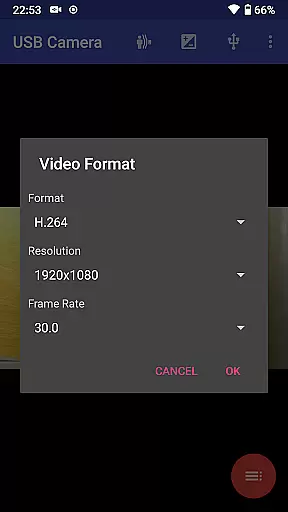
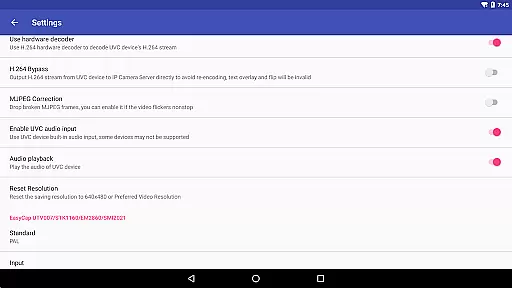
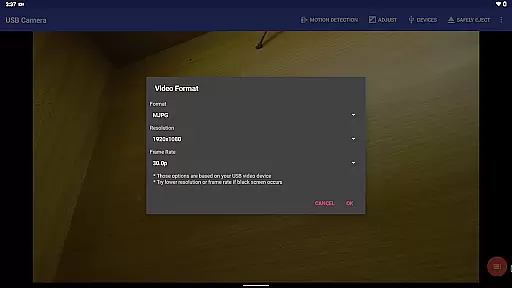
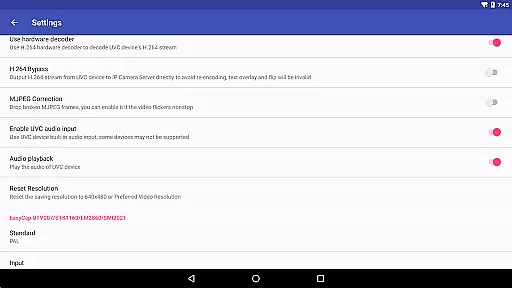
USB Camera Pro demonstrates exceptional versatility in video format compatibility, ensuring smooth performance across a wide range of codecs and resolutions. The application supports industry-standard formats including H.264, H.265, HEVC, MJPG, YUY2, P010, and NV12, catering to both casual users and professionals.
The app's ability to handle progressive and interlaced video makes it suitable for various use cases, from basic webcam functionality to advanced 4K video capture via HDMI. This comprehensive format support enables users to work with different devices without worrying about compatibility issues.
Notably, the application maintains optimal performance even with modern codecs like AV1, provided the device runs Android 10 or above. This forward-thinking approach ensures that users can take advantage of emerging technologies while maintaining backward compatibility with established standards.
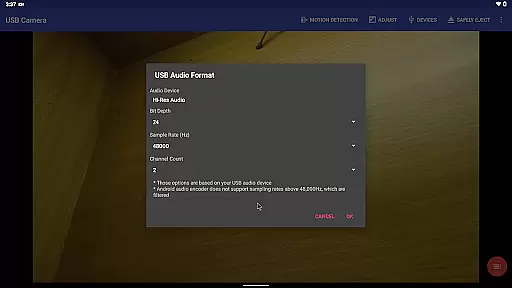
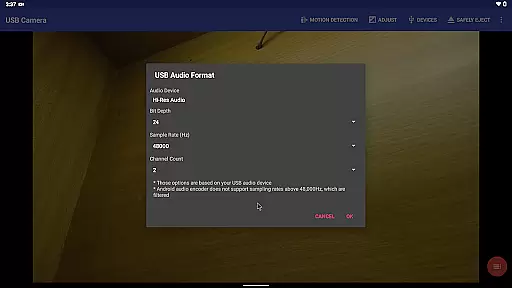
By supporting multiple audio formats and sampling rates, including both stereo and mono configurations, USB Camera Pro delivers a complete multimedia solution that accommodates various professional and consumer-grade equipment.
While primarily focused on video capture, USB Camera Pro incorporates several AI-powered features that enhance the video editing process. The application's intelligent motion detection system automatically triggers video recording based on scene changes, optimizing storage usage and simplifying post-production workflow.
The built-in timestamp and metadata overlay feature uses smart algorithms to embed GPS coordinates, speed information, and other relevant data directly onto video frames. This automated process saves editors considerable time during the preparation phase of video projects.
USB Camera Pro's advanced loop-recording function demonstrates AI capabilities by intelligently managing storage space. The system automatically segments recordings and deletes older files when storage capacity reaches critical levels, maintaining uninterrupted recording sessions.
The application's seamless background switching feature showcases its sophisticated resource management algorithms, allowing continuous recording while users multitask across different applications without manual intervention or recording interruptions.
User-friendly interface
Wide device compatibility
Advanced codec support
Bi-directional audio capability
Robust security features
Requires good OTG cables
Some features need additional apps
Higher power consumption
Limited third-party app integration
Premium version costs extra

Online Videos Player
 3.90
3.90
HD video & music player - All format support with floating & PIP mode!
3.80
Cast Videos from Web Browser, IPTV to Roku, Chromecast, DLNA, Smart TV +more
4.60
Full HD Video mp3 Player, MP4 player play 1080p, File manager, Video Downloader
4.40
Play ALL formats in 4K & HD. Video downloader, MP3 player, Chromecast & more.
4.80
Support 1000+ Video Format, Subtitle Download, mp3 & Background Play, Cast On TV
4.60
Turn your phone into a wireless camera!
4.20
An easy-to-use and all-round screen recorder with audio
4.80
Make videos you’re proud to share with Edits, a video editor for creators.
4.70
All in one HD video downloader & player for multiple formats with full privacy
4.70
High-Quality USB Camera Viewer & HDMI Display
4.70
Download videos and play them offline
4.70
Snaptubè Video Downloader app allows to download videos and music in Snaptube. .
4.60
VLC Remote lets you control your VLC Media Player on Mac, PC or Linux.
4.60
Download website videos fast&privacy
4.40
Create & edit videos with AI
4.30
KMPlayer Plus (Divx Codec) officially support Divx codec.
4.30
1)AirPlay/DLNA Mirroring/Streaming, up to 4 connections; 2)Samba/NAS/DMS Player.
4.00
The smartest M3U IPTV Player your playlists have ever seen.
4.4


User Reviews