
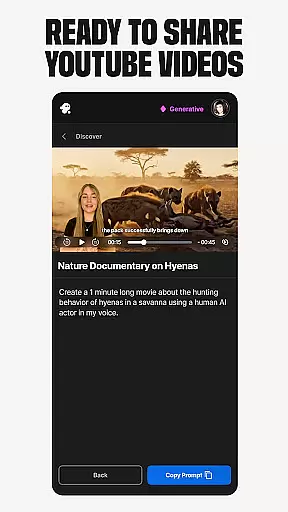
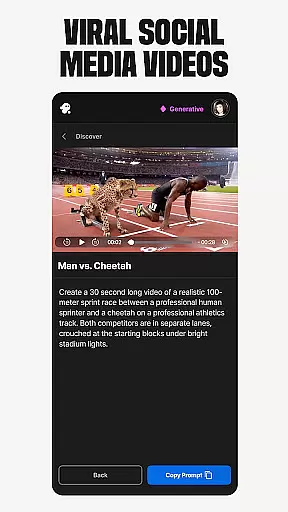
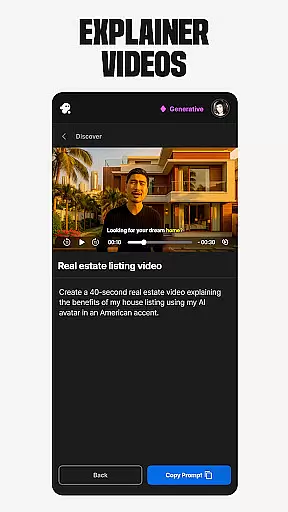
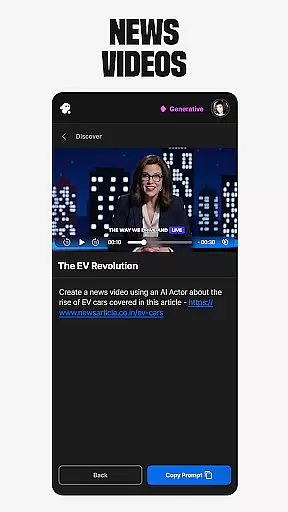
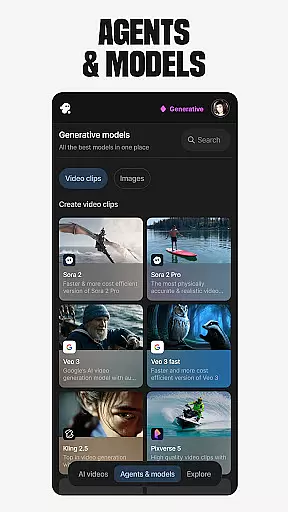
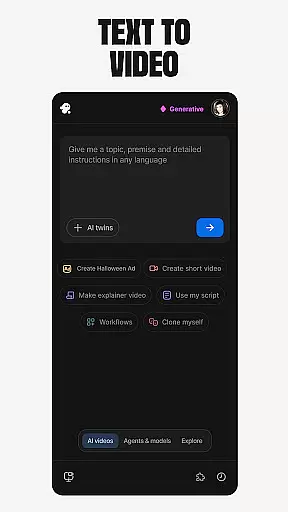
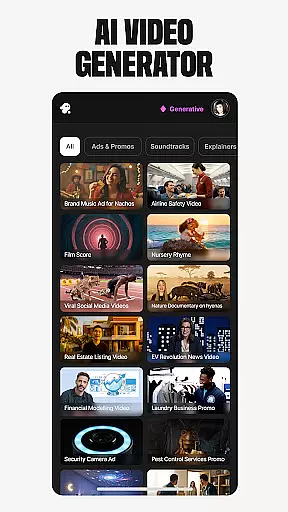
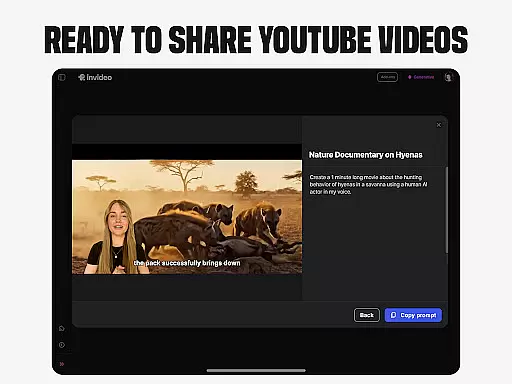
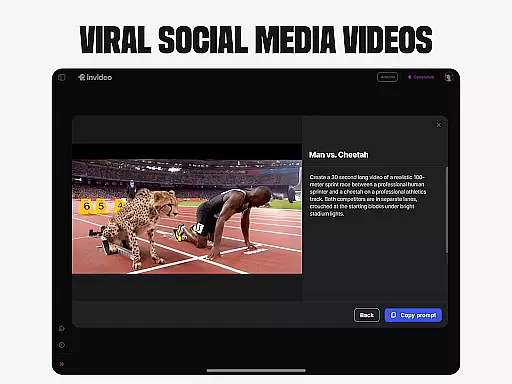
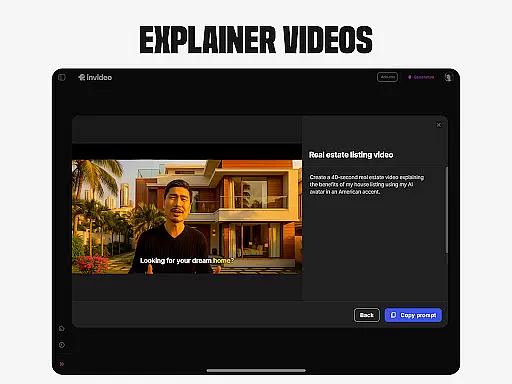
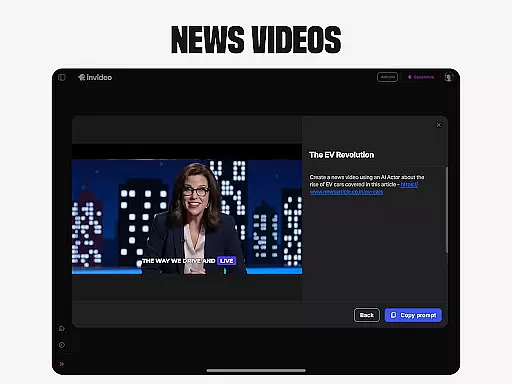
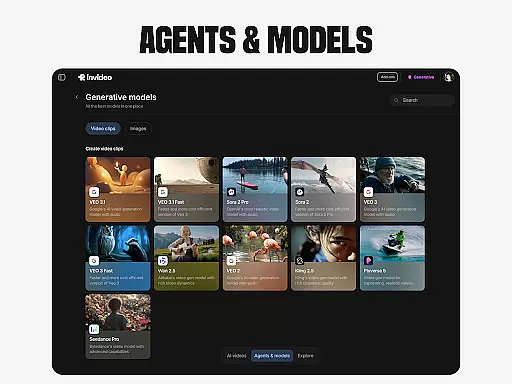
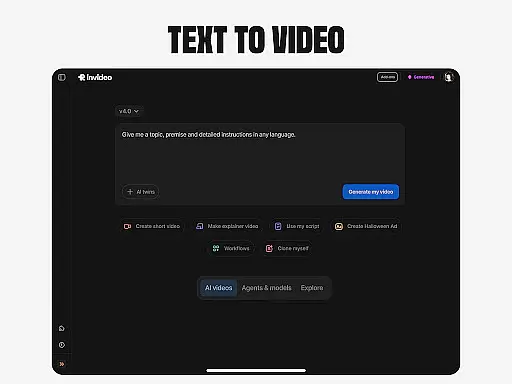
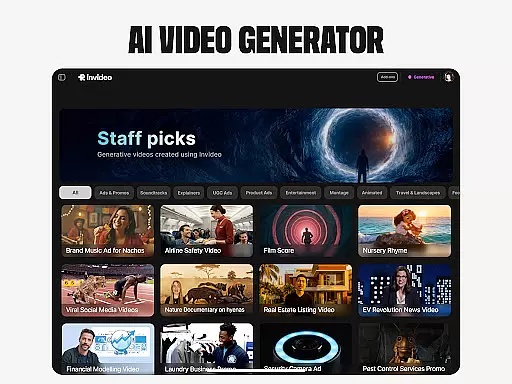
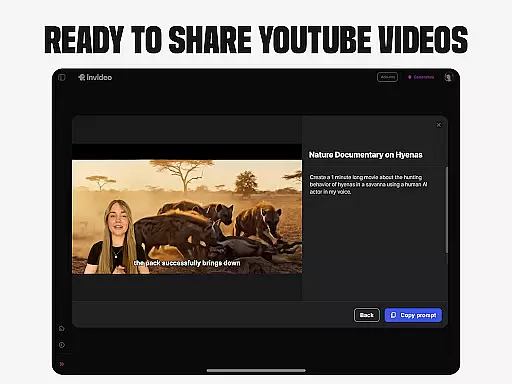
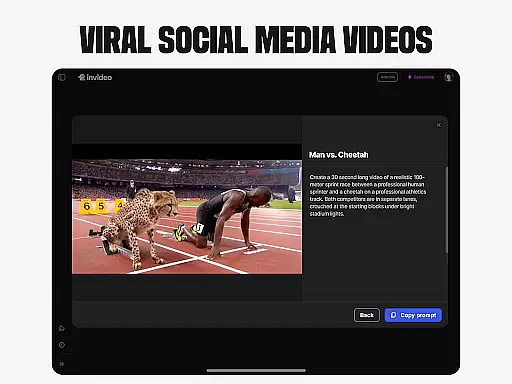
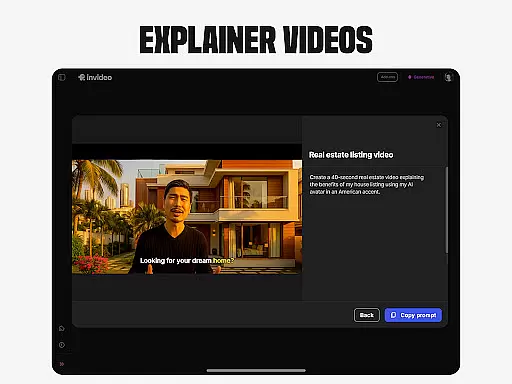
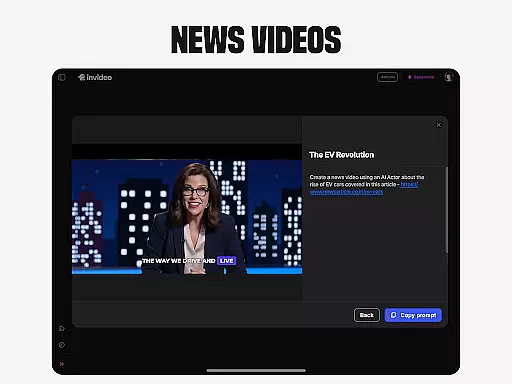
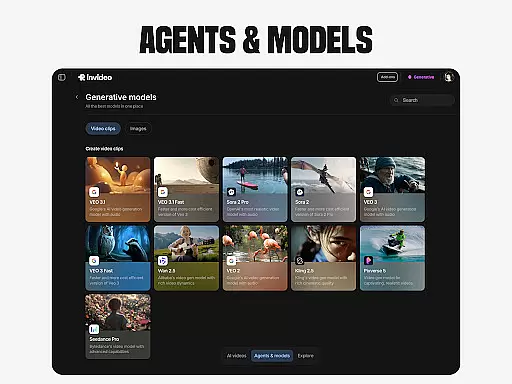
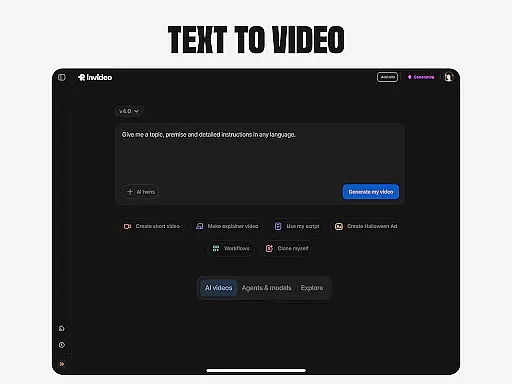
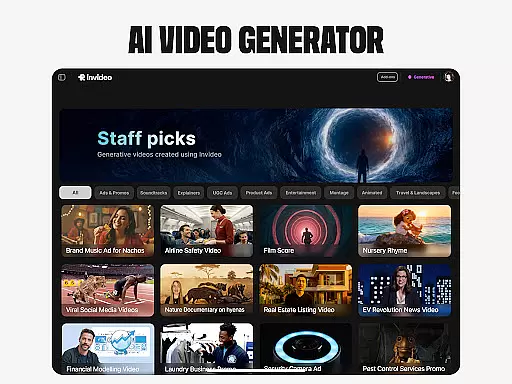
Invideo AI is a revolutionary video creation platform that empowers users to produce professional-quality videos without requiring technical expertise. The app offers an extensive suite of AI-powered tools for creating various types of video content, including explainers, advertisements, films, and social media clips.
Key features include AI Text-to-video conversion, AI Avatars for personalized content creation, and AI voice cloning for multilingual voiceovers. Users can also generate virtual product try-ons and ultra-realistic UGC videos with diverse human avatars. The platform supports content creation in over 50 languages, making it ideal for global marketing campaigns and educational purposes.
This versatile application suits multiple use cases from e-commerce product demonstrations to corporate training materials, enabling businesses and individuals to create engaging video content efficiently and cost-effectively.
Invideo AI distinguishes itself through its comprehensive feature set designed for both novice and professional creators. The AI video generator creates complete video packages including scripts, captions, voiceovers, music, and visual effects. Its AI movie maker enables production of full-length films in various artistic styles.
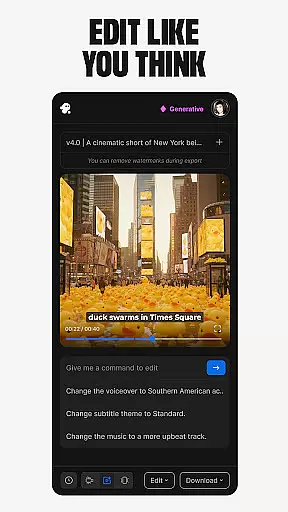
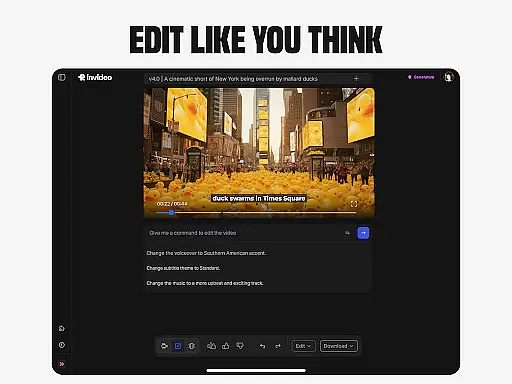
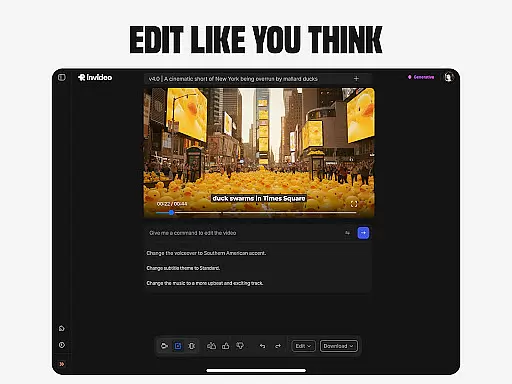
The platform's AI editing capabilities allow users to modify existing videos through simple text commands, eliminating the need for complex video editing software. Advanced features like AI Image to video conversion transforms static images into dynamic video content while AI Avatars enable creation of digital twins for consistent brand representation.
Additional innovative tools include AI voice cloning for creating faceless videos, and virtual try-on solutions for e-commerce applications. These features collectively provide a complete ecosystem for producing high-quality video content across different industries and use cases.
Video format compatibility is a crucial feature for any video editing application, including Invideo AI. This functionality ensures that users can work with a wide range of video formats without the need for prior conversion, thus saving time and maintaining the quality of the original footage.
Invideo AI supports over 50 video formats, allowing creators to import videos from different sources seamlessly. Whether it's an MP4 from a smartphone or an AVI from a professional camera, users can start editing right away without worrying about compatibility issues.
The benefit of this extensive format support is the flexibility it offers to creators. They can incorporate diverse media into their projects, from various video clips to audio files, ensuring a rich and varied final product. Moreover, the ability to export in multiple formats means that content is optimized for different platforms, from YouTube to Instagram.
For users, this means a streamlined workflow where they can focus on creativity rather than technical limitations. The assurance that their final video will be compatible with various devices and platforms adds significant value, making Invideo AI a versatile tool for both amateur and professional video creation.
AI-powered editing features represent the cutting-edge technology integrated into Invideo AI, setting it apart from traditional video editors. These features leverage artificial intelligence to automate complex editing tasks, enabling users to create high-quality videos with minimal effort.
Invideo AI includes several AI-driven tools such as automated scene detection, smart trimming, and voice-to-text transcription. These tools allow users to quickly edit and enhance their videos by simply providing text-based commands or prompts, significantly reducing the time required for manual editing.
The advantage of using AI-powered features is the precision and efficiency they bring to video production. For instance, AI algorithms can analyze footage to suggest optimal cuts and transitions, apply color corrections, and even generate captions automatically. This not only speeds up the editing process but also ensures consistency and professionalism in the final output.
Ultimately, these intelligent features democratize video editing, making it accessible to users without prior experience. By simplifying sophisticated editing techniques, Invideo AI empowers creators to produce polished, engaging content that meets industry standards, enhancing both productivity and creative potential.
User-friendly interface
Multi-language support
Comprehensive feature set
Professional output quality
Time-saving automation
Subscription costs
Learning curve
Internet dependency
Occasional glitches
Limited free options

Auto video maker with music & exclusive filters. Video editing made simple.
 4.50
4.50
Fast video downloader & private browser. Save HD clips to watch offline.
4.40
An easy-to-use and all-round screen recorder with audio
4.80
GENRAL PRO - General Pro is the best video player that fully supports all formats.
4.70
Movie maker & video editing app with AI effects and green screen
4.30
Cast movies, tv shows and live streams to Chromecast, Roku, DLNA, Fire TV & more
4.60
Fast & Private HD Video Downloader with Built-in Proxy Browser and Video Player.
4.50
VLC for Android is the best open source video and music player, fast and easy!
4.10
Make videos you’re proud to share with Edits, a video editor for creators.
4.70
Flud is a simple and beautiful BitTorrent client for Android.
4.80
AI Video Editor with Music, Filter, Slideshow, Effect, Merge & Trim Video.
4.80
Find, download, and play torrents with the official BitTorrent® Pro app
4.70
Video Player - Unlimited features, 30 days money back guarantee.
4.60
?100% FREE! Download & save videos? safely in this app. All formats supported.
4.60
Watch a large amount of high-definition short drama content
4.60
Watch IPTV on your Android device
4.60
Fast, private downloading, video saving, social media
4.50
Kodi media center, a free and open source cross-platform entertainment hub
3.60
AirMirror is Receiver for Screen Mirroring and Casting from Apple Devices.
3.60


User Reviews