
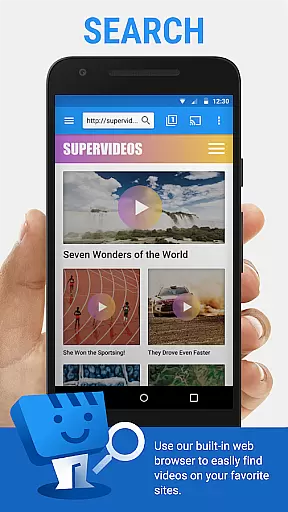
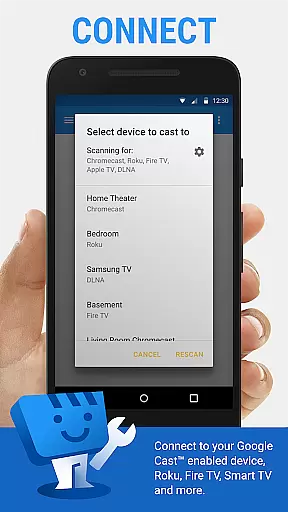
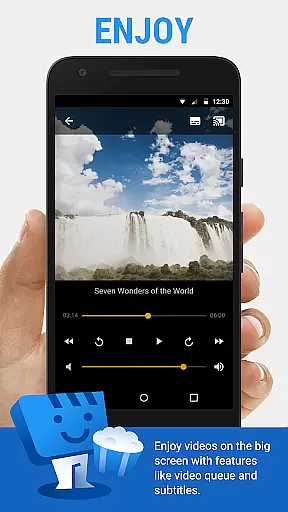
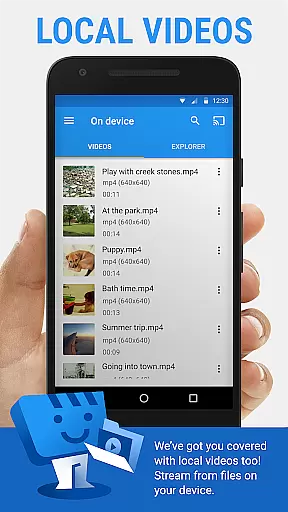
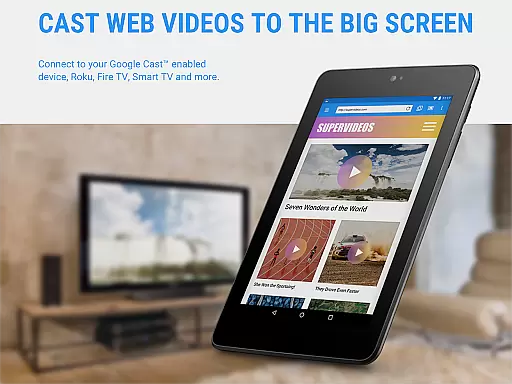
Web Video Cast is a versatile streaming application that enables users to cast videos, photos, and audio files from their mobile devices or websites directly to their TV. The app supports popular streaming devices such as Chromecast, Roku, Amazon Fire TV, and Smart TVs from brands like LG, Samsung, and Sony.
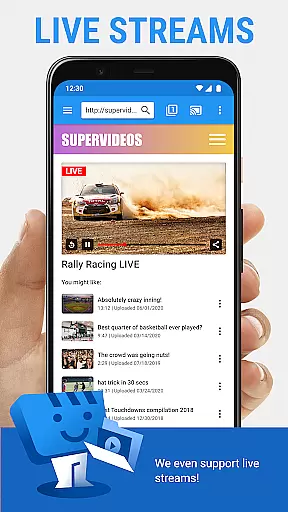
With Web Video Cast, you can enjoy movies, TV shows, live streams of news and sports, and even local media stored on your phone. It also offers advanced features like subtitle support, bookmarking, and video history for an enhanced viewing experience.
This app is ideal for users who want to stream content from the web or their device onto a larger screen without compatibility issues. Its ability to detect subtitles and integrate with OpenSubtitles.org makes it a powerful tool for enjoying multimedia content.
Web Video Cast stands out with its comprehensive feature set tailored for seamless media streaming. The app supports various media formats including MP4 videos, HLS live streams in M3U8 format, and HTML5 videos, ensuring broad compatibility across different streaming devices.
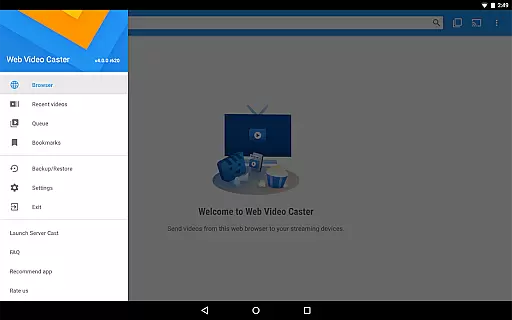
One of the key highlights is its user-friendly interface that allows easy navigation and casting. Users can browse the web within the app, play videos directly from web pages, and cast them to their TV effortlessly. Additionally, the premium version offers valuable features like no in-app advertising, customizable home page settings, and a video queue for uninterrupted entertainment.
The app's ability to handle both online and local media, along with its support for subtitles, makes it a complete solution for all your streaming needs. Whether you're looking to watch your favorite shows or share personal media on a bigger screen, Web Video Cast delivers a reliable and high-quality streaming experience.
Video format compatibility is a crucial feature for any video player and editor, ensuring that users can enjoy content from various sources without technical barriers. Web Video Cast supports an extensive range of formats including MP4 videos, HLS live streams in M3U8 format, HTML5 videos, photos, and audio files. This broad compatibility allows users to cast local videos stored on their phones, stream live news and sports, and even display photos on their TV.
The app's ability to detect subtitles on web pages and support for OpenSubtitles.org enhances the viewing experience by providing users with flexible options for language preferences and accessibility needs. However, it's important to note that Web Video Cast does not perform any video or audio decoding or transcoding itself. The actual playback capability depends on the streaming device being used.
By supporting popular streaming devices like Chromecast, Roku, DLNA receivers, Amazon Fire TV, and many smart TVs, Web Video Cast ensures that most users will be able to enjoy their favorite content without worrying about format restrictions. If you encounter any compatibility issues with your specific TV model, the developers encourage you to contact them directly for assistance.
While Web Video Cast primarily focuses on casting and streaming capabilities, it also offers some AI-powered editing features that enhance the overall user experience. One notable feature is its integrated subtitle search using OpenSubtitles.org, which automatically detects and suggests relevant subtitles for your videos. This AI-driven functionality saves users time and effort in manually searching for appropriate subtitle files.
The application's intelligent detection system scans web pages for embedded subtitles and provides seamless integration with your video playback. Users can also upload their own subtitle files if preferred. Although the app doesn't offer traditional video editing tools, its smart bookmarking system and video history tracking demonstrate AI-like behavior in organizing and managing user content efficiently.
Premium features such as queue management and homescreen shortcuts further enhance productivity by allowing users to organize their viewing preferences intelligently. The app's adaptive streaming technology adjusts video quality based on network conditions, ensuring smooth playback without manual intervention. These AI-powered enhancements make Web Video Cast more than just a casting tool, transforming it into a comprehensive video management solution.
User-friendly interface
Wide device compatibility
Subtitle support
Local and web media casting
Premium features available
No tab casting support
Limited server-side control
Device-specific limitations
In-app purchases required
Permissions needed for full functionality

Powerful, professional, versatile teleprompter. Developed by an active film crew
 4.00
4.00
This app was created to edit the metadata of music files.
4.20
High-Quality USB Camera Viewer & HDMI Display
4.70
Download videos easily & play them all in one smart, powerful video manager.
3.40
GENRAL PRO - General Pro is the best video player that fully supports all formats.
4.70
Fast & Private Video Downloader App. Save all videos easily from the Internet.
4.40
Watch IPTV on your Android device
4.60
Screen recorder with audio to take live videos & Screenshot in high quality!
4.70
VLC for Android is the best open source video and music player, fast and easy!
4.10
Tik & Story Saver-Download ALL social media videos, photos & reels no watermark.
4.80
Fast & easy HD video downloader for all formats, support 4K playback & download.
4.60
Browser + Remote for Roku to stream webvideos, online movies and livestreams
4.60
Fast & Private HD Video Downloader with Built-in Proxy Browser and Video Player.
4.50
Movie maker & video editing app with AI effects and green screen
4.30
Video Downloader is an utility that can save videos and music from web sites
4.20
1)AirPlay/DLNA Mirroring/Streaming, up to 4 connections; 2)Samba/NAS/DMS Player.
4.00
Watch full episodes of your favorite Cartoon Network and Cartoonito shows!
3.50
A full editing room to accompany your Insta360 cameras and handheld gimbals.
3.30
Video player with powerful streaming playback and various convenient features.
2.10


User Reviews