
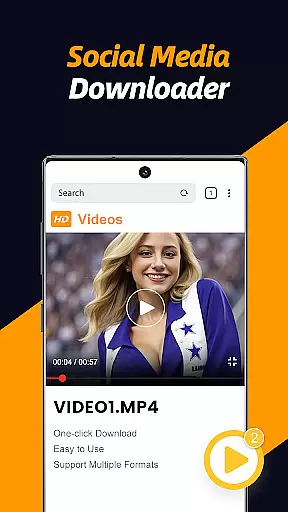
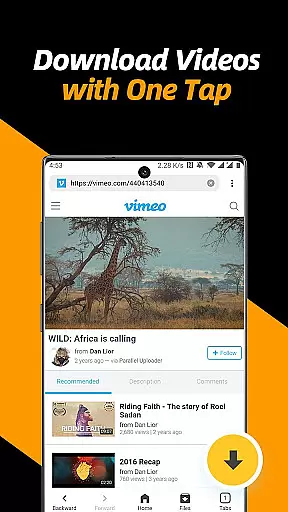
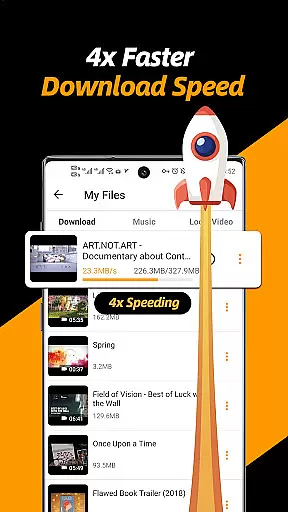
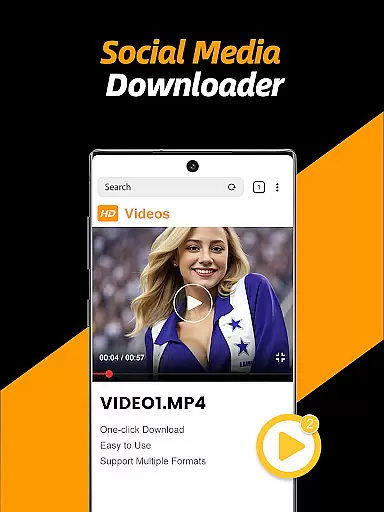
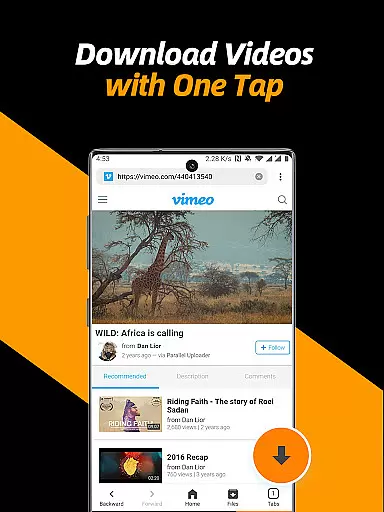
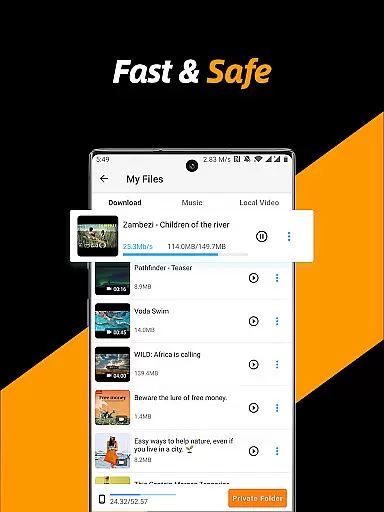
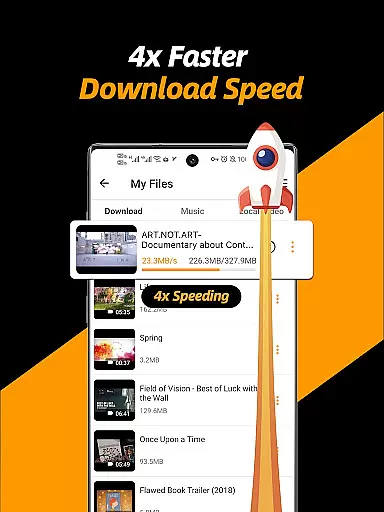
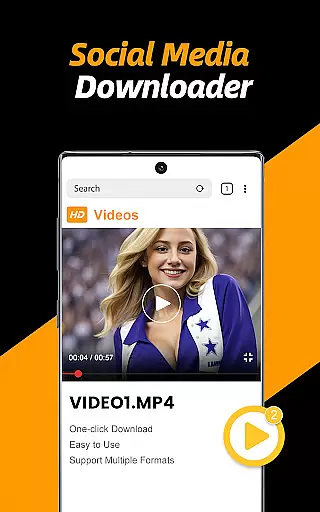
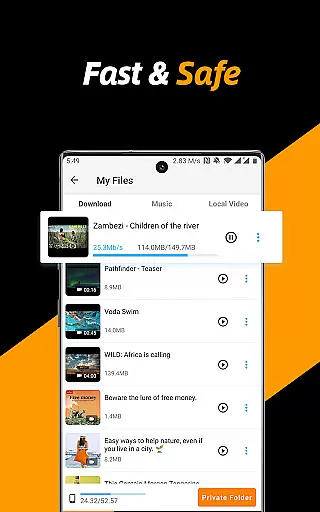
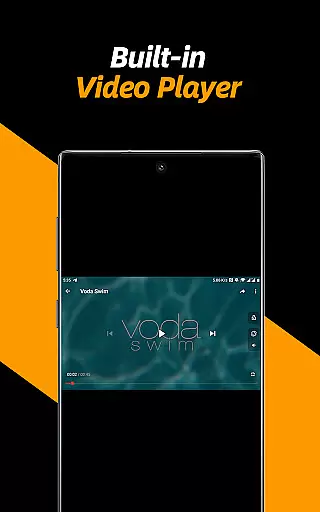
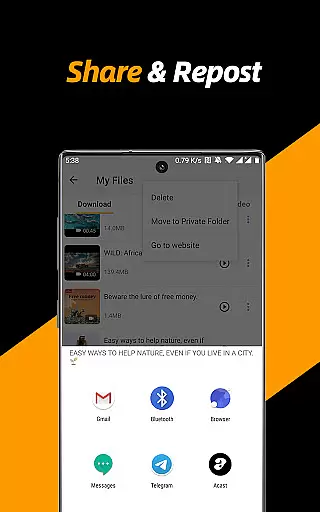
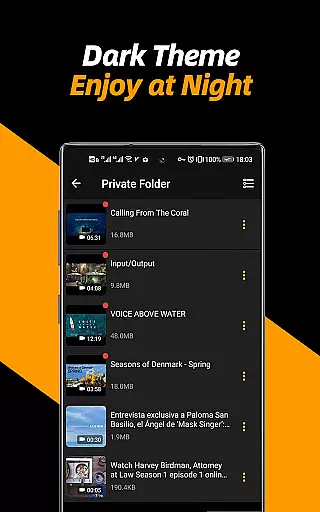
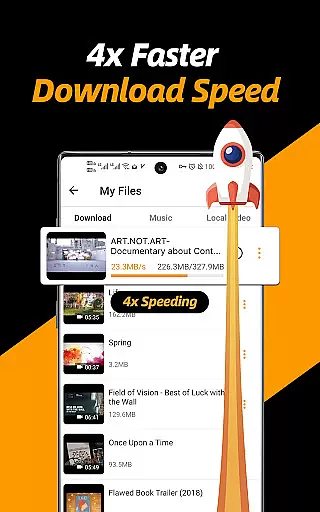
Video Downloader & Video Saver is a premier Android application designed for downloading and managing video content from various social media platforms. With its 4x faster download speed, users can efficiently save HD videos and images while ensuring absolute security of files.
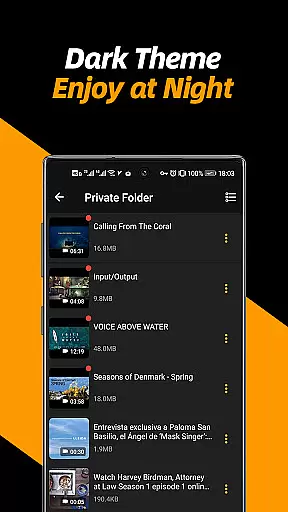
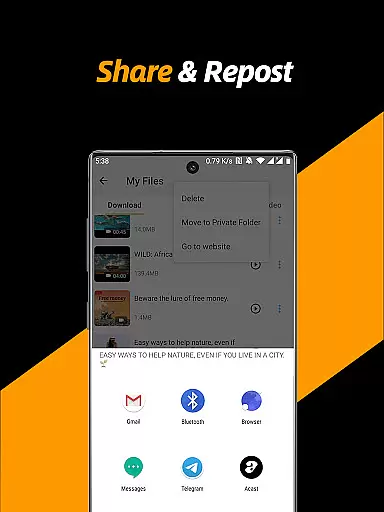
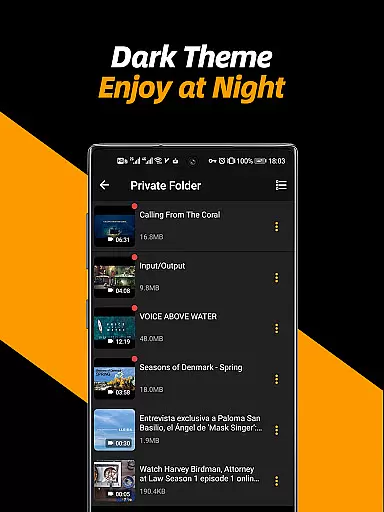
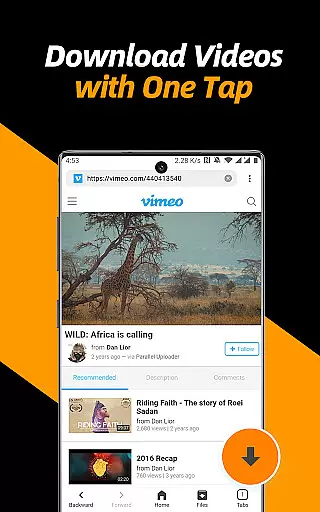
This app stands out by offering an all-in-one solution for downloading, saving, reposting, and managing videos. Its built-in browser simplifies the process of detecting and downloading videos with just a few taps. Additionally, it provides a private folder feature to safeguard user privacy, making it an ideal choice for those who value both convenience and security in their digital activities.
The Video Downloader & Video Saver app boasts several key features that enhance the user experience. It supports multi-threading downloads, significantly accelerating the download process. Users have the flexibility to select different resolutions, optimizing storage space or enjoying high-definition content as per their preference.
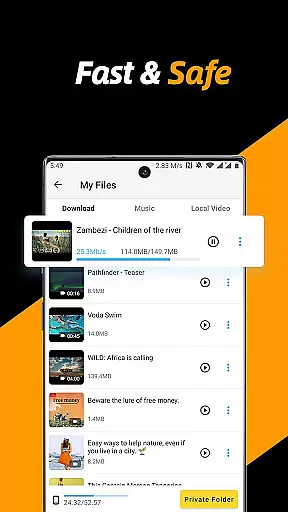
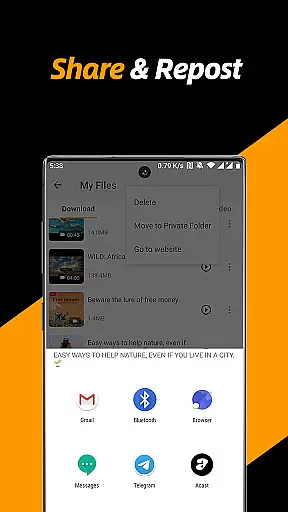
Another remarkable aspect is its ability to handle multiple file downloads simultaneously, even in the background. The integrated file manager allows users to pause, resume, rename, play, share, and delete files effortlessly. Moreover, the private folder option ensures that sensitive content remains protected behind a password, providing peace of mind regarding personal data security.
Video format compatibility is a crucial feature for any video player and editor application. The Video Downloader & Video Saver app ensures that users can work with a wide range of video formats, providing flexibility and convenience in managing downloaded content.
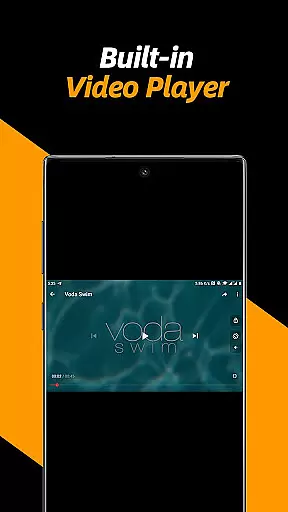
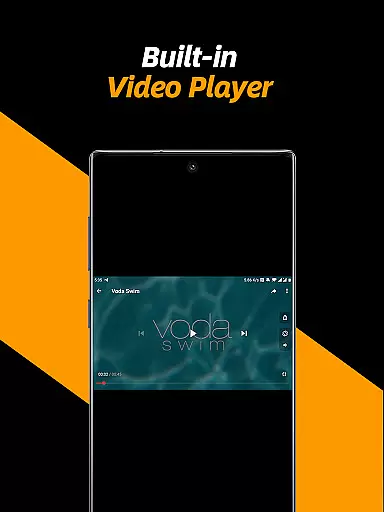
This app supports all popular video formats available on the internet, ensuring that no matter what type of video file you download, it will be compatible with the app's built-in player. This eliminates the need for additional conversion software or plugins, streamlining the user experience.
Users benefit from this extensive format support by being able to play, manage, and share their videos without worrying about compatibility issues. Whether it's MP4, AVI, or MKV, the app handles them all seamlessly, making it an ideal choice for those who frequently interact with diverse multimedia content.
AI-powered editing features represent the cutting edge of video editing technology, allowing users to enhance their videos with minimal effort. The Video Downloader & Video Saver app incorporates advanced AI algorithms to provide users with powerful tools that simplify the editing process while delivering professional-quality results.
Among these features is the ability to adjust video playback speed, repeat video modes, and even convert videos into audio files effortlessly. These capabilities empower users to customize their viewing experience according to their preferences, whether they want to slow down a tutorial or extract audio from a music video.
The integration of AI not only enhances the functionality of the app but also makes sophisticated editing techniques accessible to non-professionals. By leveraging intelligent automation, users can achieve impressive edits with just a few taps, significantly reducing the learning curve associated with traditional video editing software.
User-friendly interface
Fast download speeds
Secure file management
Multi-resolution support
Private folder feature
No YouTube support
Limited to Android
Requires permissions
Ads may appear
Internet required

Kodi media center, a free and open source cross-platform entertainment hub
 3.60
3.60
Connect 2 UVC devices for recording and broadcast video/audio stream
3.90
KineMaster, Your Ultimate Video Editor!
4.40
This app was created to edit the metadata of music files.
4.20
Support 1000+ Video Format, Subtitle Download, mp3 & Background Play, Cast On TV
4.60
Movie maker & video editing app with AI effects and green screen
4.30
Browser for Sony TV to stream web videos, online movies and live tv
3.20
Watch IPTV on your Android device
4.60
Video player with 4K & 1080P support, popup play, background play and subtitle.
4.20
#1 Torrent App on Android ** No Ads Ever + Battery Saver **
4.80
Pro video editor app for Instagram, edit video with song, AI, effect & slowmo.
4.80
A Quick and Pro Video Editor
4.70
High-Quality USB Camera Viewer & HDMI Display
4.70
Photo and Music Video Creator into Stunning Videos—Effortlessly
4.40
Browser for Fire TV to stream webvideos, online movies, livestreams in HD
4.40
Powerful Video Editor & Photo Editing App —— Quick Edits & Stunning Effects!
4.30
All format media Player, no need video converter any more!
4.00
Online Videos Player
3.90
AirMirror is Receiver for Screen Mirroring and Casting from Apple Devices.
3.60


User Reviews