


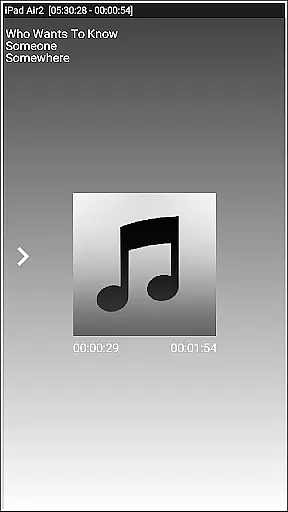


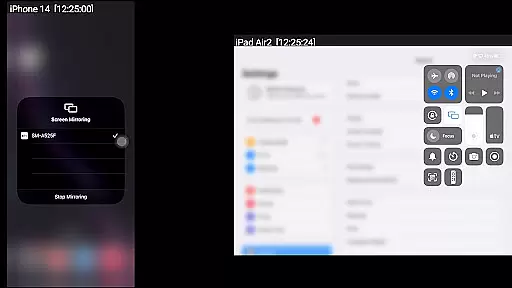
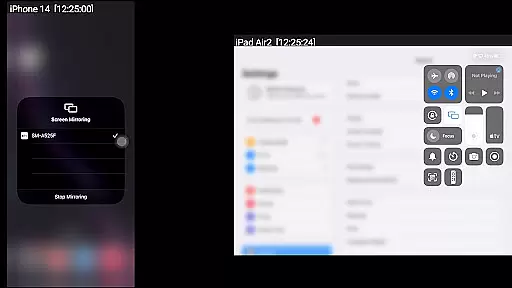
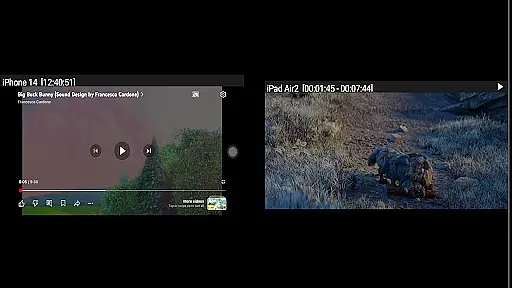
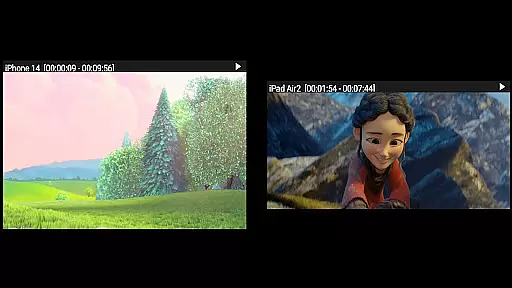

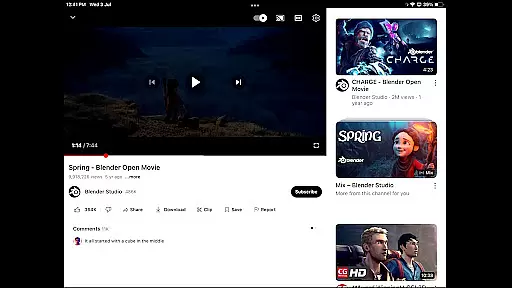
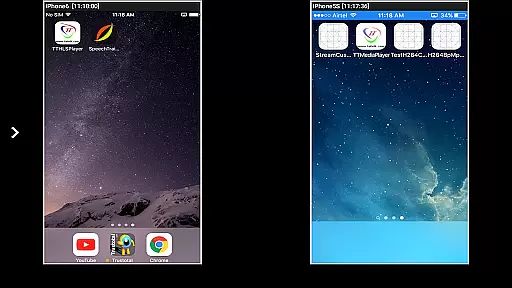

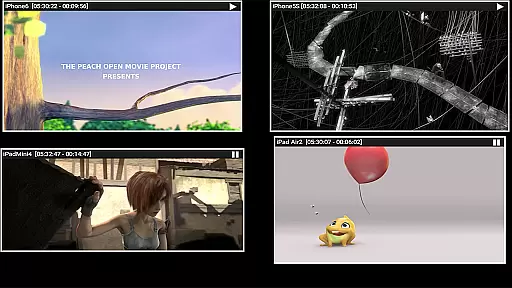
AirMirror is a specialized receiver application designed for Android devices, enabling seamless screen mirroring and casting from Apple devices such as iPhones, iPads, MacBooks, and iMacs. This app allows users to mirror screens, play back media content, and share YouTube links over the local network, making it an ideal tool for presentations, entertainment, and collaborative sharing.
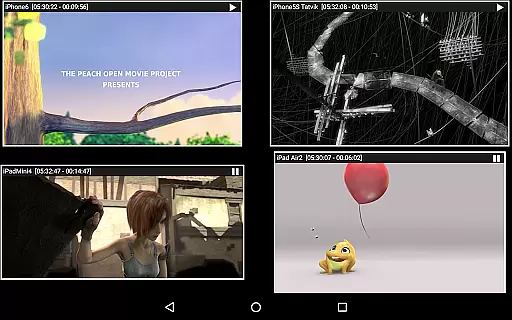
With support for iOS versions 9 to 15, AirMirror offers advanced features like simultaneous casting from up to four Apple devices, passcode protection to restrict unauthorized access, and adjustable mirroring windows. Its ability to handle photos, videos, and even live gameplay enhances its versatility for both personal and professional use.
AirMirror stands out with its robust feature set tailored for efficient screen sharing. The app supports high-quality mirroring of Apple device screens while allowing users to resize and move the casting window within the app interface. It also includes a slideshow function for photos and videos, ensuring smooth playback during presentations or casual viewing.
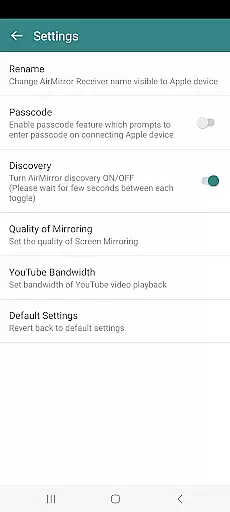
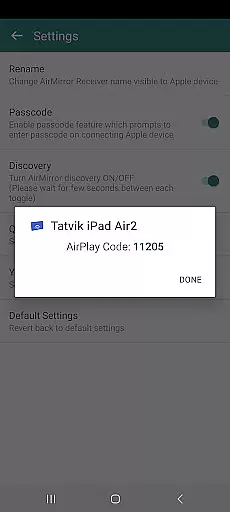
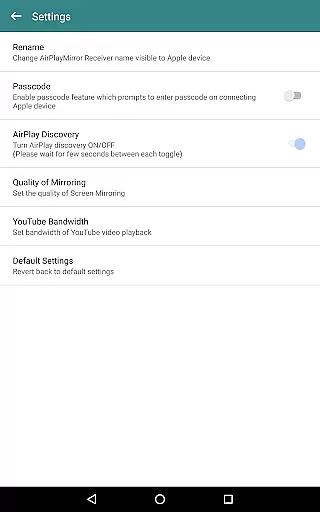
One of the key highlights is its Bluetooth Low Energy-based advertising, which enables cross-subnet device discovery. Additionally, AirMirror provides a semi-transparent control panel for managing connected devices, muting audio, and disconnecting sessions. Advanced settings allow users to rename the receiver, toggle discovery, adjust video quality, and manage bandwidth for YouTube streaming.
Video format compatibility is a crucial feature for any video player or editor application. AirMirror excels in this area by supporting screen mirroring and casting from Apple devices to Android, covering a wide range of media formats. This ensures that users can mirror not only their screens but also playback audio, videos, and photos stored on their Apple devices.
The app supports mirroring from iOS versions 9 to 15, making it versatile for various Apple device models. Whether you're sharing content with family, friends, or business partners, the ability to handle different video formats enhances the user experience significantly. Users can enjoy seamless playback without worrying about format incompatibility issues.
AirMirror's support extends beyond just video formats. It allows simultaneous mirroring from up to four Apple devices, providing flexibility for collaborative presentations or entertainment sessions. The app also enables YouTube content sharing, slideshow presentations, and even game screen sharing, all while maintaining high-quality video transmission across the local network.
While AirMirror primarily focuses on screen mirroring and casting, its intelligent features bring AI-powered enhancements to the user experience. Although not a traditional video editor, the app incorporates smart functionalities that optimize content sharing and presentation quality. These features demonstrate how artificial intelligence can enhance even non-traditional video applications.
The app's adaptive mirroring window allows users to resize and move the casting display within the app view. This intelligent layout management uses contextual awareness to optimize screen real estate, ensuring that mirrored content doesn't obstruct important interface elements. Additionally, the app's automatic network detection and Bluetooth Low Energy advertising showcase AI-driven connectivity solutions.
Advanced security features powered by intelligent algorithms enable administrators to restrict unauthorized access using passcodes. The app's settings menu provides AI-enhanced options for quality adjustment, bandwidth optimization, and device discovery management. These features collectively create a more intelligent and responsive mirroring experience, adapting to different network conditions and user preferences automatically.
User-friendly interface
Multi-device support
Passcode security
Customizable settings
Cross-subnet compatibility
No DRM content support
Limited live TV capability
Network dependency
Occasional latency
Device-specific issues

Fast, private downloading, video saving, social media
 4.50
4.50
Powerful, professional, versatile teleprompter. Developed by an active film crew
4.00
Save photos and videos from social apps in one tap.
3.60
Download videos easily & play them all in one smart, powerful video manager.
3.40
Fast & Private Video Downloader App. Save all videos easily from the Internet.
4.40
Connect EasyCap or UVC devices for recording and broadcast video/audio stream
3.60
Viddo: Generate Action Figure, AI Anime, AI kiss, AI hug Video from image & text
4.40
Create, Publish & Maximize
4.70
convenient, safe and fast at Video Downloader & Player
4.60
A Quick and Pro Video Editor
4.70
HD Video player all format, HD Videos, Cast & Subtitle. No annoying ads.
4.60
Fast & easy HD video downloader for all formats, support 4K playback & download.
4.60
Browser + Remote for Roku to stream webvideos, online movies and livestreams
4.60
Cast movies, tv shows and live streams to Chromecast, Roku, DLNA, Fire TV & more
4.60
Fast video downloader & private browser. Save HD clips to watch offline.
4.40
Turn your phone into a wireless camera!
4.20
HD video & music player - All format support with floating & PIP mode!
3.80
Client application for NextPVR software
3.00
Powerful HD video player with support for all formats & subtitles.
4.1


User Reviews