
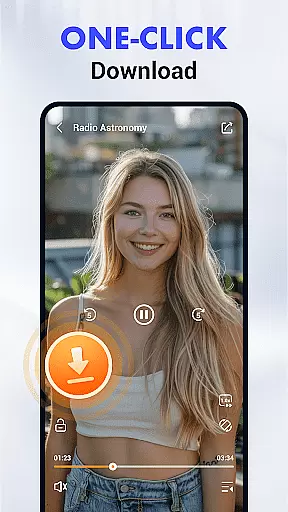
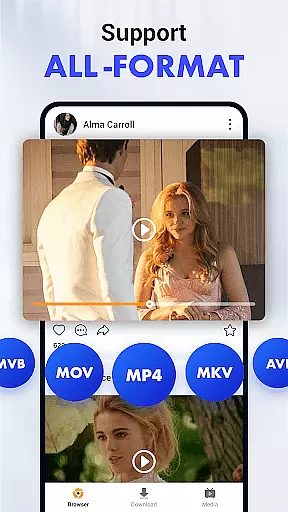

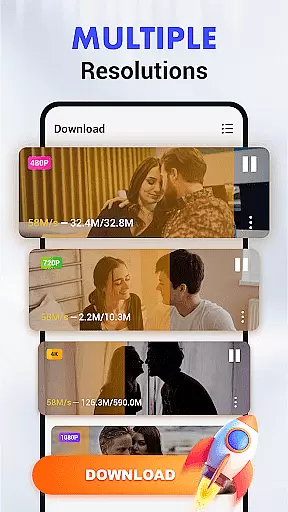
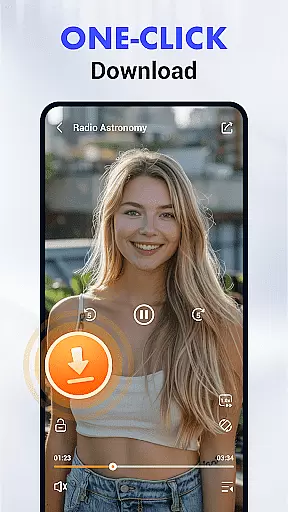
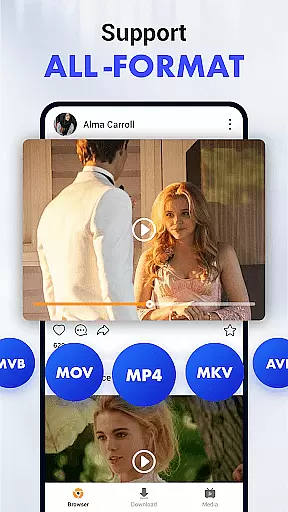

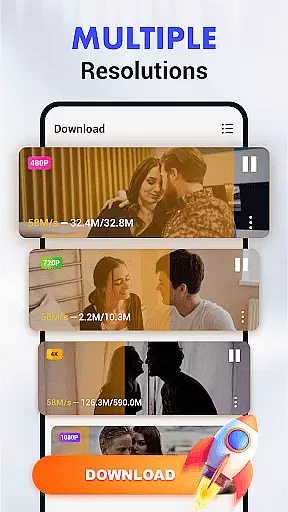
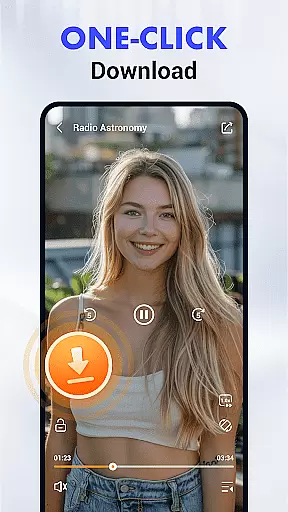
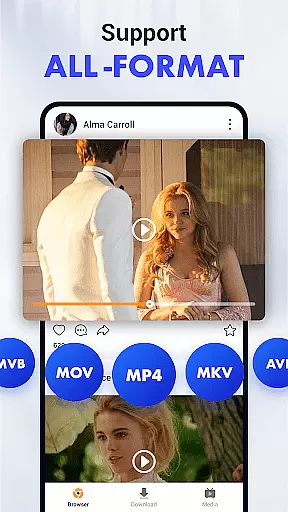

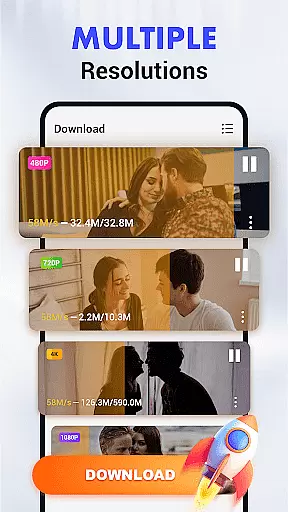
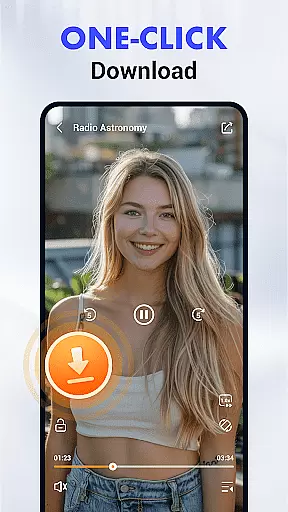
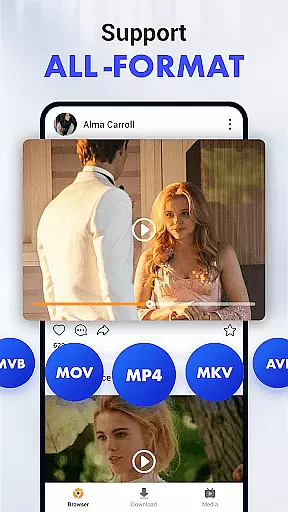

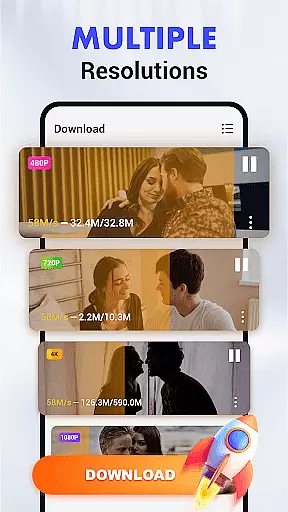
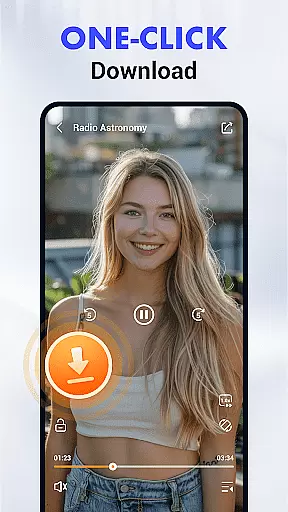
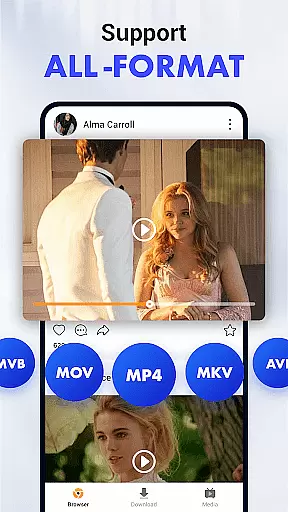

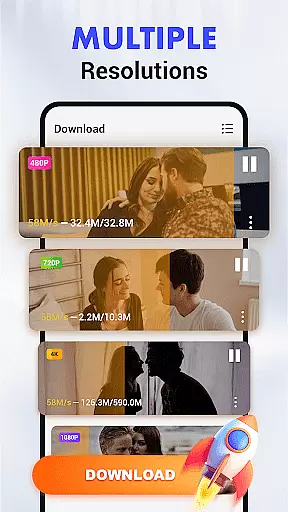
Video Downloader & Player is a feature-rich Android application designed to revolutionize the way users download and manage video content. This app supports seamless integration with major social media and video platforms, enabling effortless downloading of videos in multiple formats including MP3, MP4, HD, and 4K resolutions.
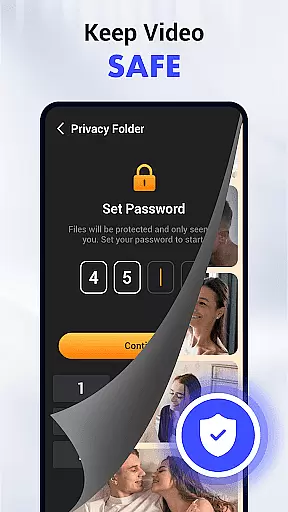
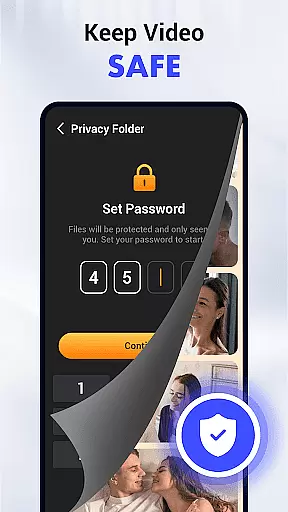
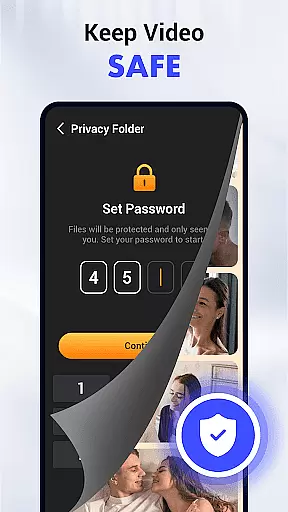
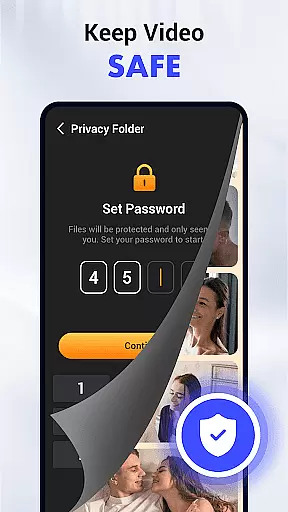
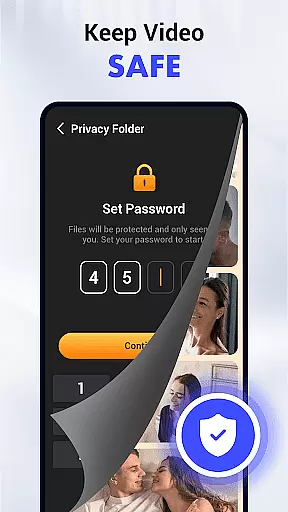
The app's standout features include an intuitive download manager that allows scheduling, pausing, and resuming downloads, as well as background downloading capabilities. With private folder encryption and SD card support, users can securely store their downloaded content while optimizing device storage space.
Perfect for users who value both functionality and privacy, Video Downloader & Player provides a comprehensive solution for managing video libraries on mobile devices.
Video Downloader & Player distinguishes itself through its advanced feature set tailored for modern Android users. The app's auto-detection technology simplifies video discovery by identifying downloadable content on web pages, while its pop-up player enables true multitasking during video playback.
Usability enhancements include gesture controls for streamlined playback management and a built-in browser for direct video searching. The smart download manager provides precise control over download processes, allowing users to optimize their downloading experience based on their specific needs and preferences.
These features collectively create a powerful tool that not only downloads videos but also enhances the overall viewing experience through innovative functionality and user-friendly design elements.
Video Downloader & Player stands out in video format compatibility, ensuring users can download and enjoy videos across a multitude of formats. The app supports popular formats such as MP4, AVI, and MKV, alongside audio-only formats like MP3, catering to diverse user needs.
This flexibility is crucial for guaranteeing that content can be played on various devices without compatibility issues. Whether you're downloading content for viewing on a smartphone, tablet, or PC, the assurance that your media will play seamlessly is a significant advantage.
Moreover, Video Downloader & Player's commitment to supporting high-definition formats, including HD and 4K resolution, means users don't have to compromise on quality for the sake of compatibility. This feature enhances the viewing experience, making it possible to enjoy crisp, clear visuals regardless of the source.
The app's auto-detection technology further simplifies the process by identifying downloadable video content on web pages, allowing users to select their preferred format and quality before initiating the download. This ensures that users have control over both the format and quality of their downloads, optimizing them for their specific devices and needs.
While Video Downloader & Player primarily focuses on downloading capabilities, its AI-powered editing features offer an added layer of functionality that enhances the user experience. These features utilize advanced algorithms to provide intuitive editing options directly within the app.
Users can take advantage of smart trimming and cutting tools that accurately detect scene changes and key moments, allowing for precise edits without manual guesswork. This saves time and effort, especially for those who may not be familiar with traditional video editing software.
Additionally, the app includes automated enhancement options that adjust brightness, contrast, and color settings to optimize video quality. This ensures that downloaded content looks its best, regardless of the original source quality.
Gesture controls add another dimension to the editing process, enabling users to execute commands through simple, intuitive motions. This streamlines the editing workflow, making it accessible even to novices while still offering enough depth for more experienced editors looking to make quick adjustments on the go.
User-friendly interface
Multi-format support
Background downloading
Private folder encryption
HD and 4K quality options
No iOS version available
Limited platform integration
Requires storage access
Internet dependency
Basic editing tools

Auto video maker with music & exclusive filters. Video editing made simple.
 4.50
4.50
HD video & music player - All format support with floating & PIP mode!
3.80
Watch a large amount of high-definition short drama content
4.60
Capture images & record videos for USB Camera, Webcam, Microscopes, Endoscopes
3.80
Seamlessly connect and control your smart devices, anytime, anywhere with ease.
4.60
Add date and time watermark to photos and videos
4.50
Connect EasyCap or UVC devices for recording and broadcast video/audio stream
3.60
A Simple app to download Video & Music from the Internet.
4.70
Screen recorder with audio to take live videos & Screenshot in high quality!
4.70
Play ALL formats in 4K & HD. Video downloader, MP3 player, Chromecast & more.
4.80
Support 1000+ Video Format, Subtitle Download, mp3 & Background Play, Cast On TV
4.60
Fast & easy HD video downloader for all formats, support 4K playback & download.
4.60
Browser + Remote for Roku to stream webvideos, online movies and livestreams
4.60
Download website videos fast&privacy
4.40
KMPlayer Plus (Divx Codec) officially support Divx codec.
4.30
Movie maker & video editing app with AI effects and green screen
4.30
Powerful video player with advanced hardware acceleration and subtitle supports
4.20
This app is an emulator of some specific IPTV boxes
3.50
Powerful HD video player with support for all formats & subtitles.
4.2


User Reviews