
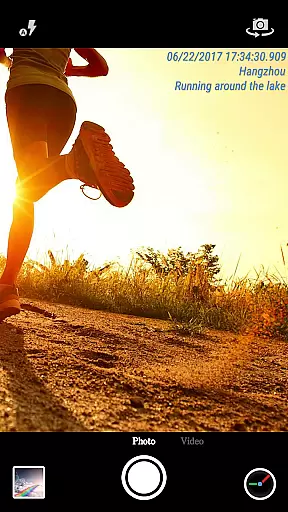
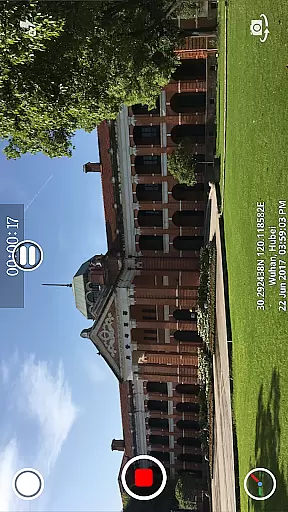
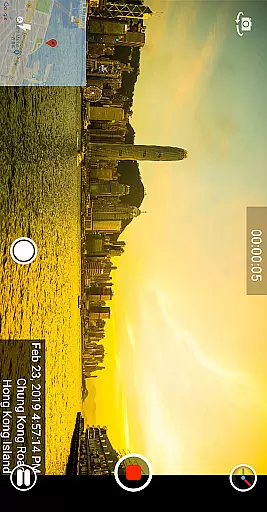
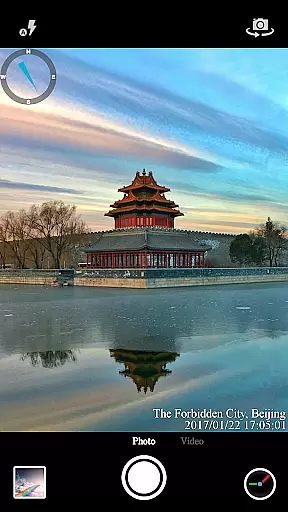
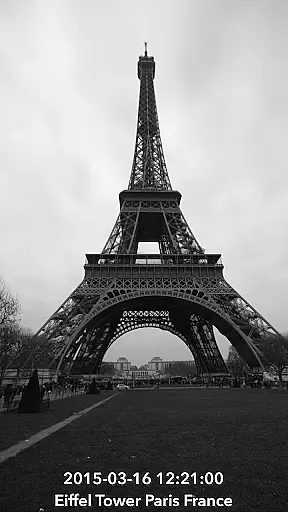
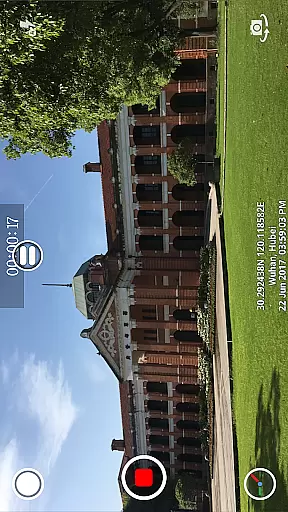
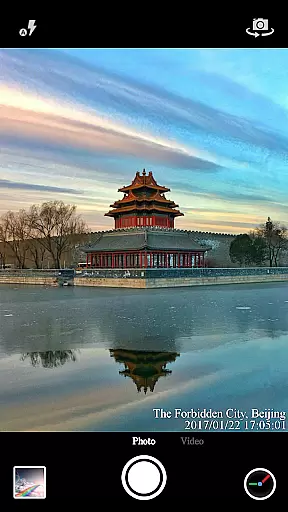
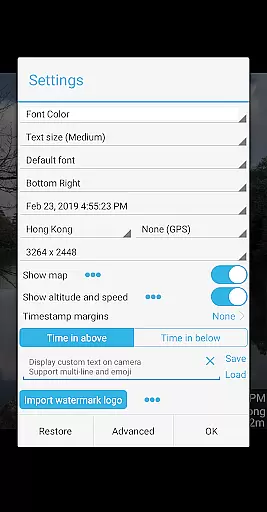
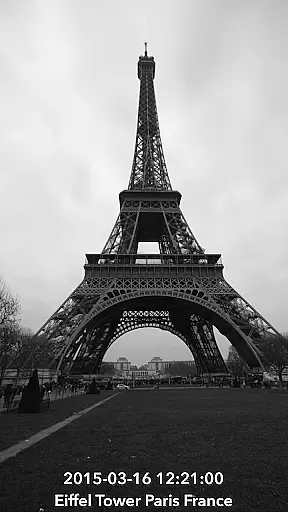
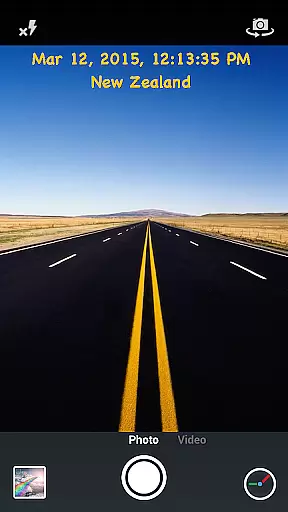
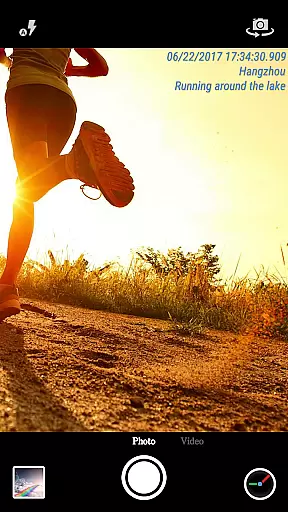
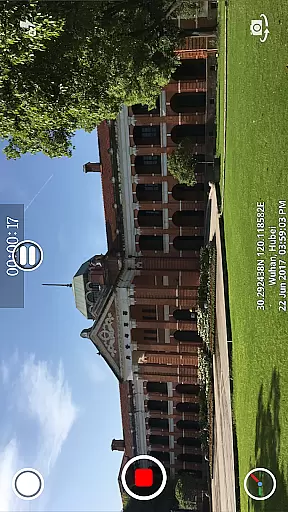
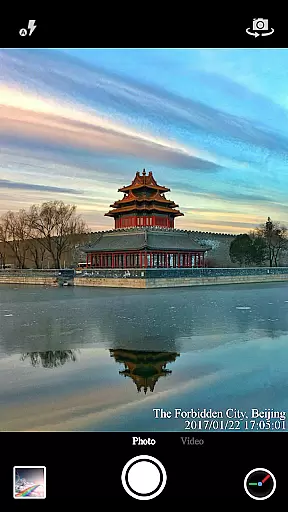
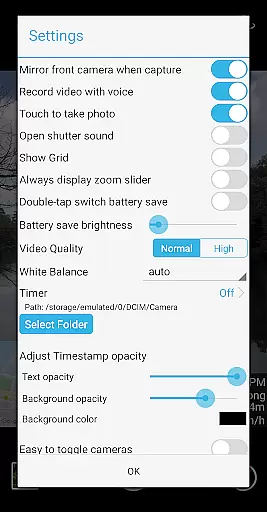
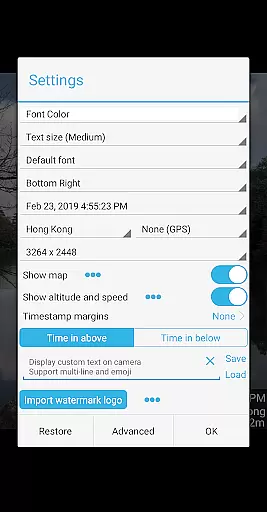
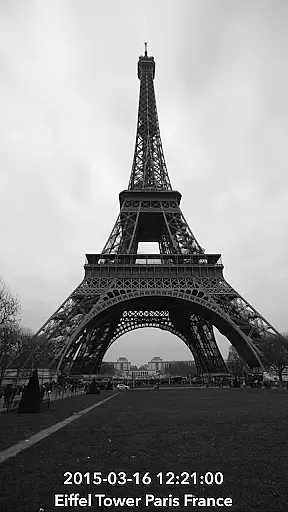
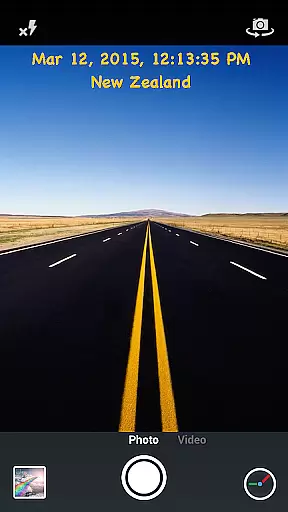
Timestamp Camera Pro is a powerful video and photo editing application that allows users to add real-time timestamp watermarks while capturing media. The app supports 61 timestamp formats, customizable font styles, sizes, colors, and positions, making it versatile for various professional needs.
In addition to timestamps, the app offers features like GPS location tagging, altitude, and speed display, which are crucial for users who need detailed metadata in their recordings. Whether you're documenting events, conducting investigations, or simply enhancing personal videos, Timestamp Camera Pro provides the tools necessary to create informative and professional-quality media.
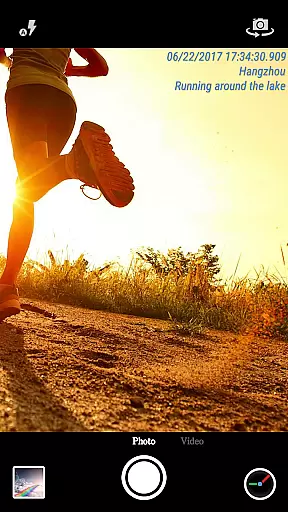
One of the standout features of Timestamp Camera Pro is its ability to record videos with millisecond accuracy in timestamp watermarks. This precision is essential for users who require exact timing in their footage. Additionally, the app supports displaying custom text and emojis, allowing for personalized annotations on photos and videos.
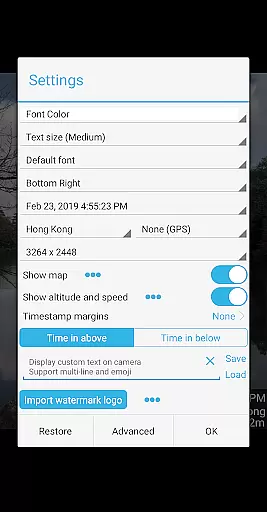
The app also includes advanced functionalities such as map overlays with adjustable scale, transparency, size, and position, adding another layer of context to your media. With support for custom logo images, battery saver mode, and the option to turn off shutter sounds, Timestamp Camera Pro ensures a comprehensive and user-friendly experience tailored to both amateur and professional content creators.
Timestamp Camera Pro stands out with its extensive video format compatibility, ensuring that users can work with a wide array of file types without any hitches. The app supports popular formats such as MP4, AVI, and MOV, making it versatile for various devices and platforms.
One of the key features is the ability to record videos with a timestamp watermark accurate to the millisecond, a functionality not commonly found in other video editing apps. This precision is crucial for users who require exact timing in their recordings, such as professionals in surveillance or scientific research.
The app also allows customization of the timestamp's appearance, including font style, size, color, and position on the screen. Users can choose from 61 different timestamp formats, catering to personal preferences or specific project requirements.
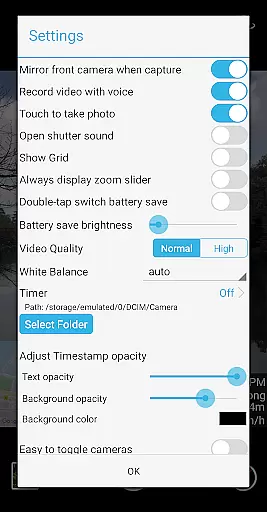
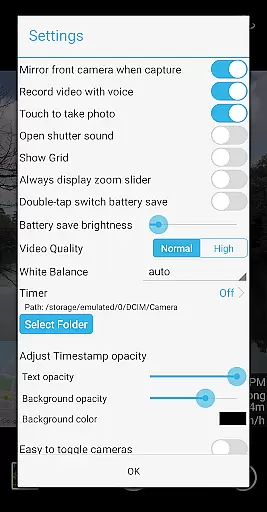
Moreover, Timestamp Camera Pro provides options to adjust the timestamp's opacity and background, ensuring that the watermark does not obstruct the video content. This flexibility enhances the user experience by allowing seamless integration of timestamps into videos, regardless of the content or intended use.
Timestamp Camera Pro incorporates advanced AI-powered editing features that significantly enhance the video editing process. These features include automatic location tagging, which uses GPS data to add precise geographical information to videos and photos, providing context and authenticity to the captured moments.
In addition to location tagging, the app offers real-time effects that can be applied during video recording or photo capture. Users can display custom text, emoji, maps, and even logo images directly on the camera interface, streamlining the editing workflow and eliminating the need for post-production.
The AI technology also enables the app to optimize video settings based on the content being recorded. For instance, it can adjust resolution, aspect ratio, and orientation between portrait and landscape modes dynamically, ensuring optimal quality and presentation across different viewing platforms.
Furthermore, the app includes a 'Battery saver mode,' which intelligently manages device brightness to conserve energy during prolonged use. This feature, combined with the ability to toggle audio recording and control shutter sounds, demonstrates how AI-driven functionalities in Timestamp Camera Pro prioritize user convenience and device efficiency.
Real-time timestamp watermarking
Highly customizable settings
Accurate to milliseconds
Supports GPS and location tagging
User-friendly interface
May drain battery faster
Some features require technical know-how
Limited free version capabilities
Occasional bugs reported
Interface can be complex for beginners

Save photos and videos from social apps in one tap.
 3.60
3.60
Photo and Music Video Creator into Stunning Videos—Effortlessly
4.40
Stream Web Videos to Chromecast, Samsung, LG, Sony, Roku, Fire TV, DLNA + more
4.00
Movie maker & video editing app with AI effects and green screen
4.30
This app is an emulator of some specific IPTV boxes
3.50
A Simple app to download Video & Music from the Internet.
4.70
AI Video Editor with Music, Filter, Slideshow, Effect, Merge & Trim Video.
4.80
VLC for Android is the best open source video and music player, fast and easy!
4.10
convenient, safe and fast at Video Downloader & Player
4.60
All in one HD video downloader & player for multiple formats with full privacy
4.70
Cast to Chromecast, Xbox, Fire Stick, Roku, DLNA, Smart TV & No Feature Limited!
4.50
AirMirror Receiver - Screen mirroring/cast web videos to Android TV by AirPlay.
4.40
LumaFusion: The Ultimate Storytelling Experience for Video Editing
4.10
1)AirPlay/DLNA Mirroring/Streaming, up to 4 connections; 2)Samba/NAS/DMS Player.
4.00
Connect 2 UVC devices for recording and broadcast video/audio stream
3.90
AirMirror is Receiver for Screen Mirroring and Casting from Apple Devices.
3.60
Connect EasyCap or UVC devices for recording and broadcast video/audio stream
3.60
Powerful HD video player with support for all formats & subtitles.
4.3
Play and download HD videos from all sources — fast, simple, and all-in-one.
4.1


User Reviews