
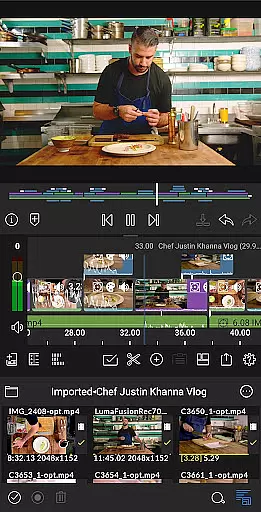
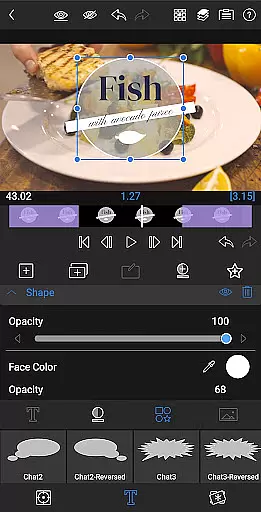
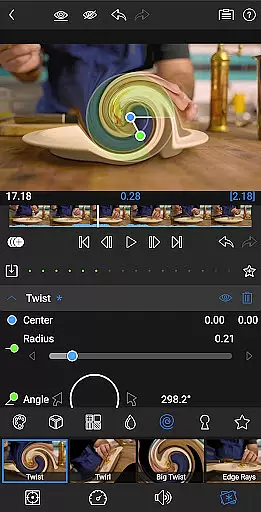
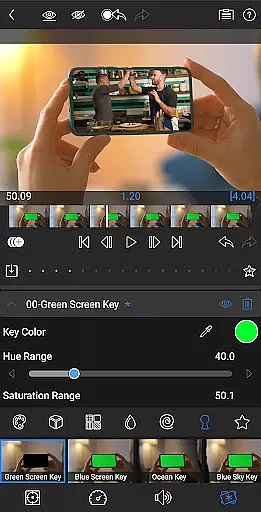
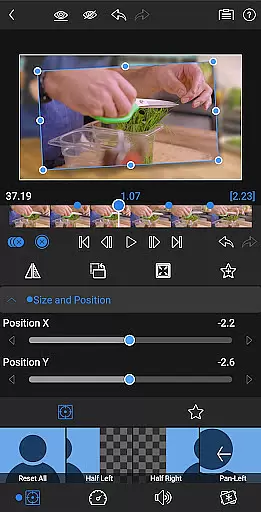

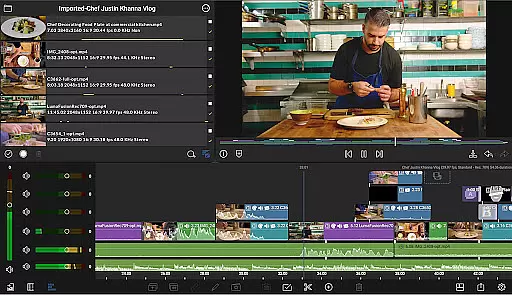
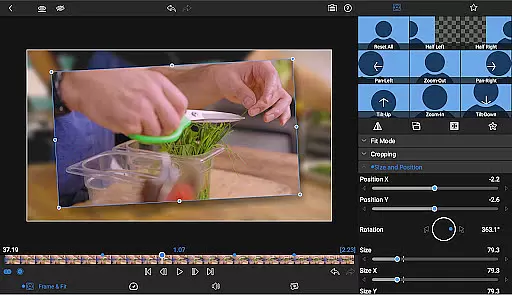
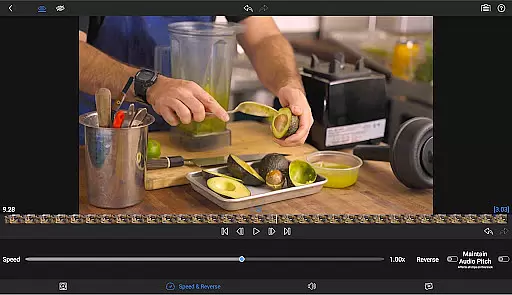
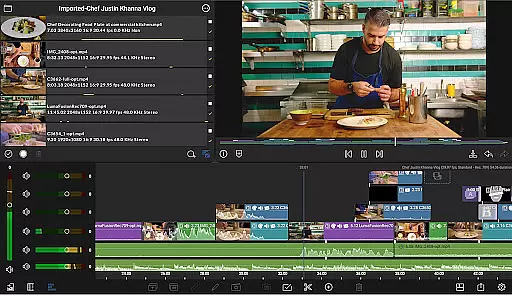
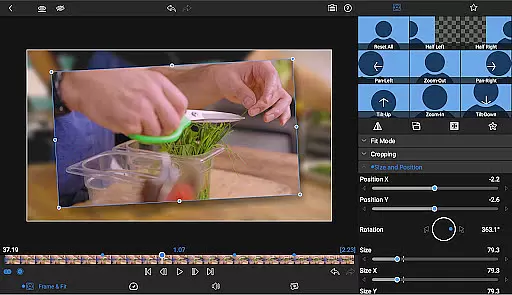
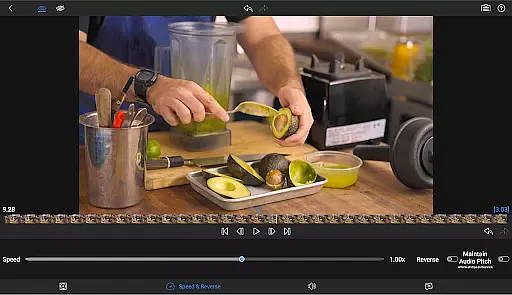
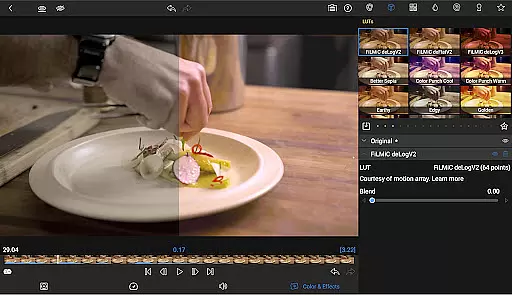
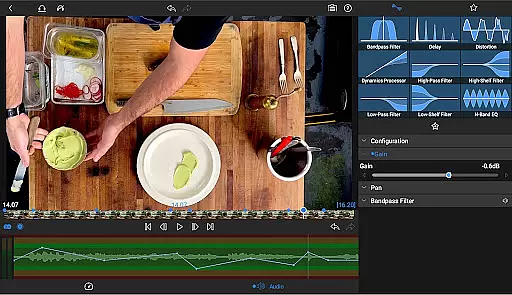
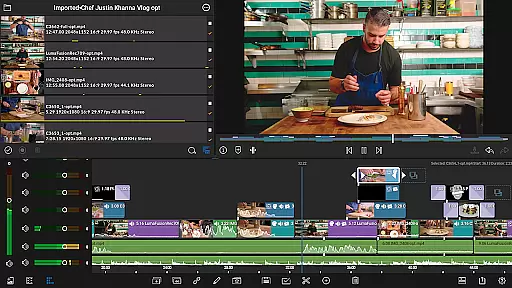
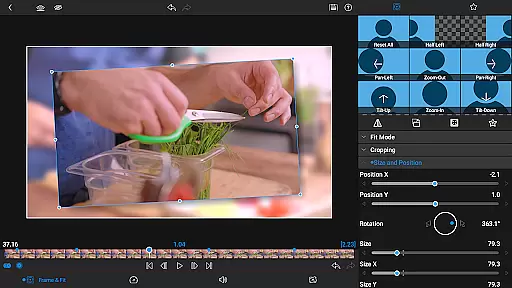

LumaFusion is the gold standard for storytellers, offering a fluid, intuitive touch-screen editing experience. With professional editing tools, it supports up to 4K media and provides six video-with-audio or graphic tracks alongside six additional audio-only tracks. Its flexible timeline, Dex Mode capabilities, and advanced audio controls make it ideal for creating high-quality video content.
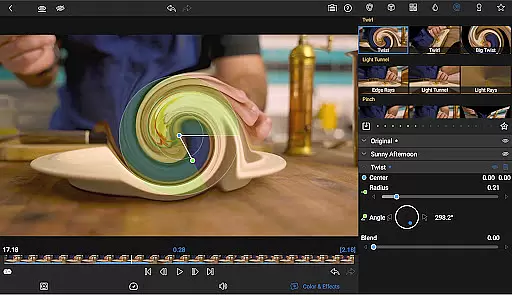
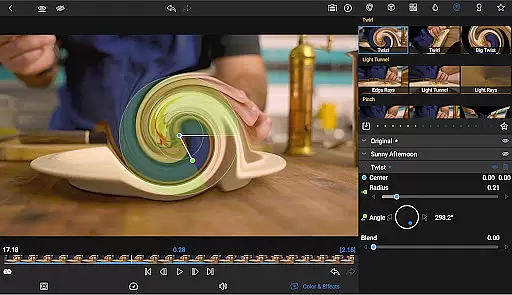
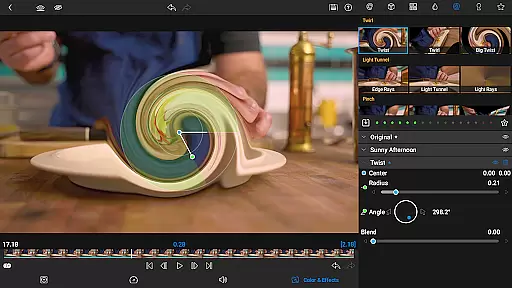
The app includes layered effects, color correction tools, and creative title options, allowing users to craft visually stunning narratives. LumaFusion also offers project flexibility, supporting various aspect ratios and frame rates, while enabling media import from cloud storage and USB-C drives. Whether you're an amateur or a professional, LumaFusion equips you with everything needed to produce and share cinematic masterpieces.
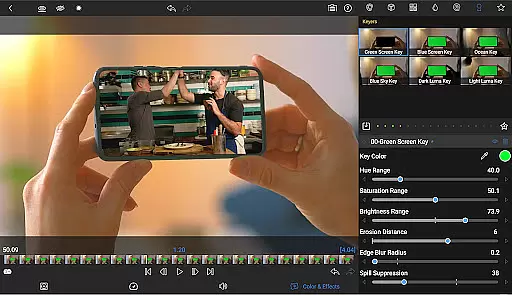
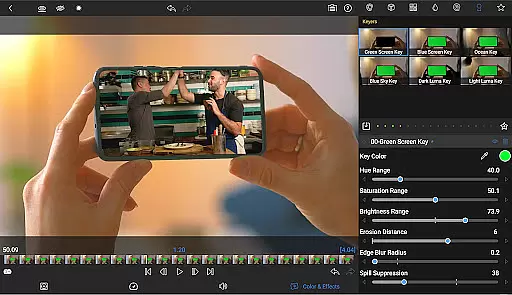
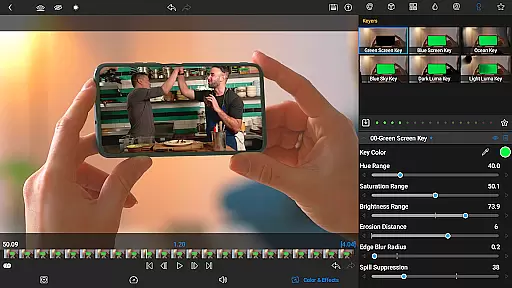
LumaFusion stands out with its comprehensive feature set tailored for video editors. The app provides a unique combination of track-based and magnetic timelines, ensuring smooth media handling and precise editing. With green screen, luma, and chroma keying, editors can create complex composites effortlessly.
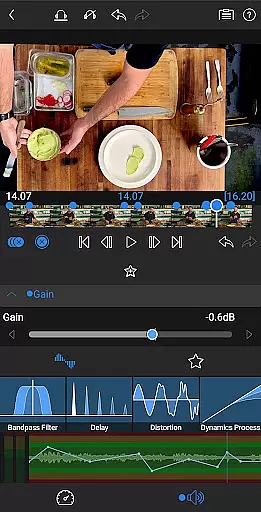
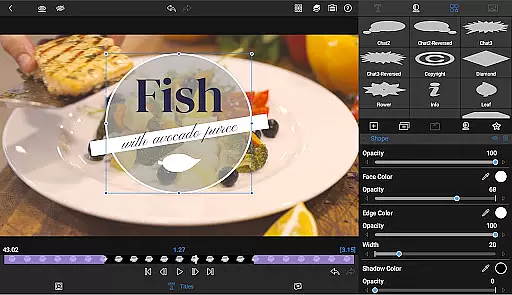
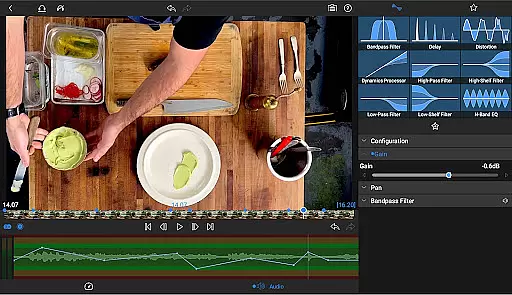
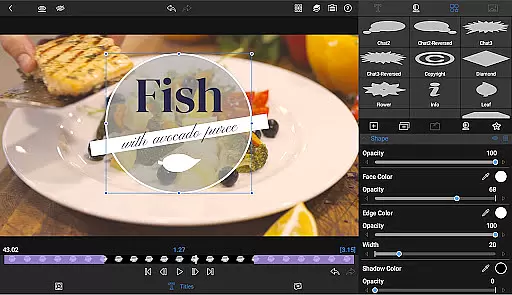
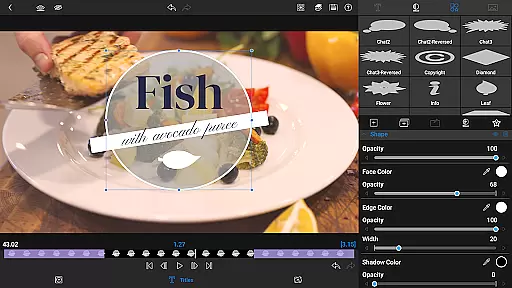
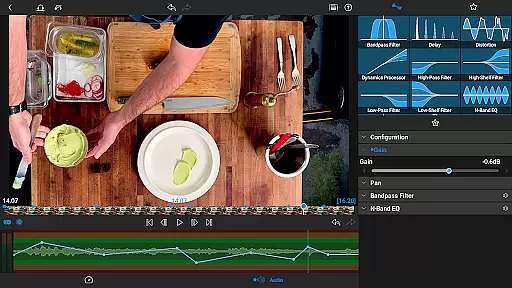
Advanced audio controls include Graphic EQ, Parametric EQ, and audio ducking, which help in crafting balanced soundscapes. The multilayer text feature allows combining shapes, images, and customizable text into graphics, enhancing visual storytelling. Additionally, the Creator Pass subscription unlocks Storyblocks access, offering royalty-free resources that enrich your projects with professional-grade assets.
Video format compatibility is a crucial feature for any video editing application, ensuring that users can work with a wide range of video files without conversion hassles. LumaFusion excels in this area by supporting multiple video formats, including high-resolution 4K media, which allows creators to import and edit videos directly from various sources.
The app's ability to handle six video-with-audio or graphic tracks provides the flexibility needed for complex, layered edits. This ensures smooth performance even when working with large media files, making it ideal for professional video editors who require both quality and efficiency in their workflow.
Additionally, LumaFusion enables users to access content from USB-C drives and cloud storage seamlessly. This versatility in media import options enhances productivity by allowing editors to start working on their projects immediately, regardless of where their files are stored.
By offering such comprehensive video format support, LumaFusion empowers creators to focus on storytelling rather than technical limitations, providing an intuitive and fluid editing experience across different types of video content.
AI-powered editing features represent the cutting edge of video editing technology, automating complex tasks and enhancing creativity. LumaFusion incorporates several advanced tools that leverage AI to streamline the editing process, making it accessible even to those new to video production.
One standout feature is the automatic audio ducking, which intelligently balances music and dialogue levels. This ensures that voiceovers remain clear and audible without manual adjustments, saving editors significant time during post-production.
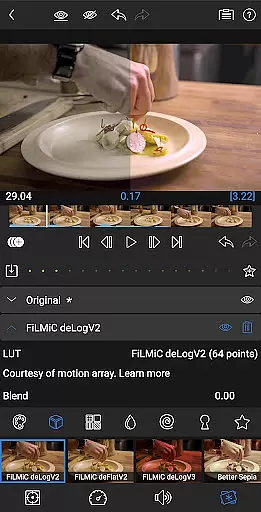
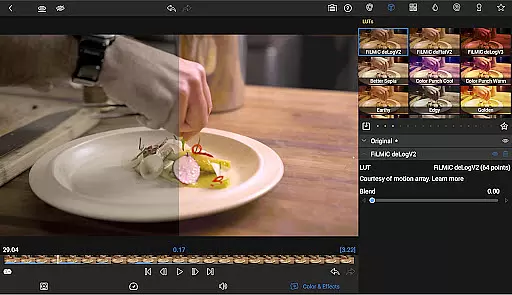
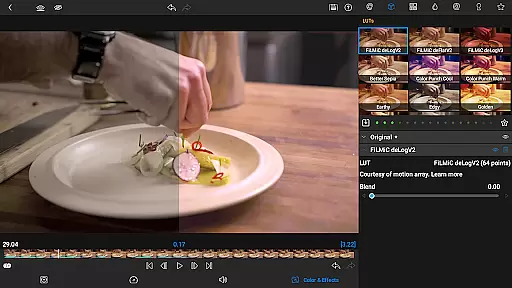
Furthermore, LumaFusion offers sophisticated color correction tools and the ability to apply LUTs (Look-Up Tables) for professional-grade color grading. These features utilize AI algorithms to analyze and adjust video parameters, helping users achieve cinematic looks effortlessly.
With these AI-driven capabilities, LumaFusion not only simplifies the editing process but also elevates the overall quality of the final product, enabling creators to produce visually stunning videos with greater ease and efficiency.
Intuitive interface
Professional-grade tools
Flexible timeline options
Advanced audio features
Comprehensive export settings
Subscription required
Complex for beginners
High system requirements
Limited free features
In-app purchases necessary

Client application for NextPVR software
 3.00
3.00
Video Player - Unlimited features, 30 days money back guarantee.
4.60
Video Downloader is an utility that can save videos and music from web sites
4.20
Snaptubè Video Downloader app allows to download videos and music in Snaptube. .
4.60
Fast video downloader & private browser. Save HD clips to watch offline.
4.40
Play ALL formats in 4K & HD. Video downloader, MP3 player, Chromecast & more.
4.80
KMPlayer Plus (Divx Codec) officially support Divx codec.
4.30
AI Video Editor:AI Music, Text to Video,Text to Speech,Auto Caption,Video Effect
4.00
Watch IPTV on your Android device
4.60
A Quick and Pro Video Editor
4.70
?100% FREE! Download & save videos? safely in this app. All formats supported.
4.60
Support 1000+ Video Format, Subtitle Download, mp3 & Background Play, Cast On TV
4.60
Powerful Video Editor & Photo Editing App —— Quick Edits & Stunning Effects!
4.30
Browser for Samsung TV to stream webvideos, online movies and livestreams in HD
4.10
All format media Player, no need video converter any more!
4.00
Capture images & record videos for USB Camera, Webcam, Microscopes, Endoscopes
3.80
Live TV, anywhere in your home
3.80
Manage your IPTV live channels and VOD playlists (no playlist included)
3.80
Browser for Sony TV to stream web videos, online movies and live tv
3.20


User Reviews